

Add a New Row to Google Spreadsheets when a New Alert Triggers in Tradingview
Log every TradingView alert in Google Sheets. Each time an alert fires, its message lands in a new spreadsheet row, giving you a running record of signals to review later.
 Tradingview
 Google Sheets
2 steps 9 downloads Setup ~5 min Used on 3.1k sites Free to import
What this workflow does
TradingView alerts tell you something happened, but they are easy to lose once you have dismissed them. If you want to look back at which signals fired, when, and at what price, you need them written down. This workflow keeps that log for you in a spreadsheet.
The TradingView trigger gives you a webhook URL. You paste it into the webhook field of an alert in TradingView, and whenever that alert fires, TradingView sends its message to FlowMattic. Write the message as JSON, for example with the ticker, price and a short note, and each value becomes a separate field you can map.
The Google Sheets step then adds a new row to the sheet you choose. Map each field to its own column, such as symbol, price, time and note. Every alert adds one row, so the sheet grows into a history you can sort, chart or share.
Review a strategy's signals
Point the alerts from one strategy at this workflow, then go through the sheet at the end of the week to see how each signal played out.
Trading journal
Every alert you act on starts as a row. Add your own columns next to it for entry, exit and comments, and the sheet becomes your journal.
Share signals with a partner
Someone you trade with can read the shared spreadsheet without a TradingView login and see each alert as it is logged.
How this workflow runs
What happens at each step once the workflow is on, and what you need before you import it.
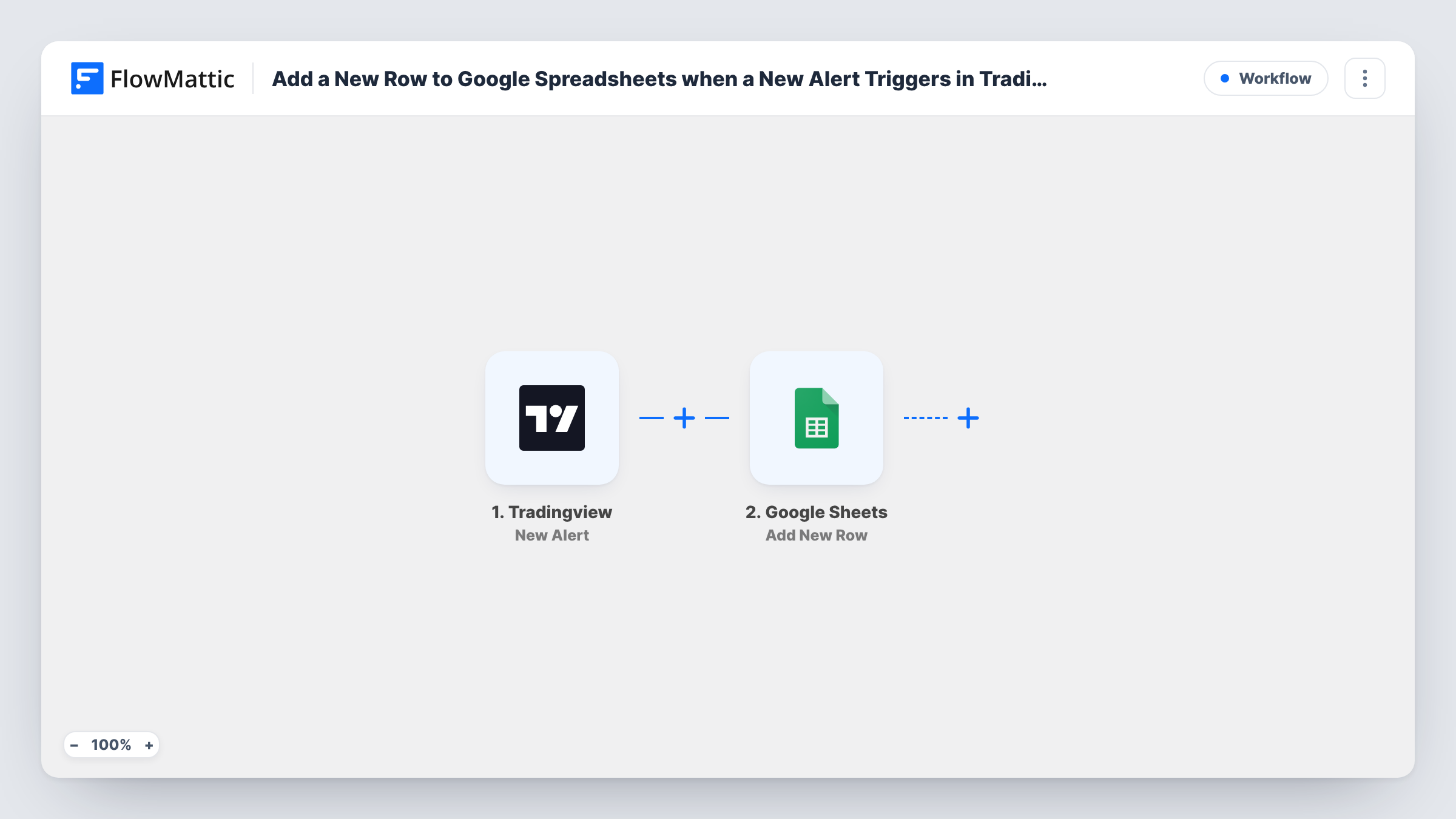
 Tradingview New Alert
Receives the alert TradingView sends to the workflow's webhook URL. Paste that URL into your alert's webhook setting; the alert message is then available to map.
- Google Sheets Add New Row
Adds a row to the Google Sheets spreadsheet and sheet you select. Connect your Google account and map each value from the alert message to a column.
What you need
- FlowMatticCore
- TradingView AccountAccount
- Google Sheets AccountAccount
After importing, map your own data. To keep the template universal, not every step is pre-filled. Open each step in the builder and connect your accounts and fields (channels, lists, sheets, recipients) before you switch the workflow on.
Make it yours
Changes worth making after you import it.
- Write the TradingView alert message as JSON with one key per value you want, such as ticker and close. Each key then maps to its own column instead of one long text cell.
- Use the same webhook URL in several alerts and include the alert's name in the message, so one sheet logs them all and you can still tell them apart.
- Add a Filter after the trigger to log only certain alerts, for example those where the message says buy, if you only care about entries.
Questions about this workflow
Where do I put the webhook URL in TradingView?
In the alert's settings, in the webhook URL field under notifications. Copy the URL from the TradingView trigger in FlowMattic after import.
What data ends up in the sheet?
Whatever you put in the alert message, mapped to the columns you choose. FlowMattic only receives what TradingView sends in that message.
Does it log alerts that fired before import?
No. Only alerts that fire after the webhook URL is set on them reach the workflow.
Can I use one sheet for many alerts?
Yes. Use the same webhook URL on every alert you want logged. Each one adds a row to the same sheet.
More Data Sync & Backup workflows
Other ready-to-import templates from the same category.






Import this workflow into your WordPress site
Download the JSON, import it from the Workflows screen and connect your accounts. Every run stays on your server, with no per-task fees.
30-day money-back guarantee Unlimited workflows and runs Self-hosted