

Automatically Add New Facebook Lead Ads Contacts to Mailpoet Subscriber Lists
Send each new Facebook Lead Ads lead to the MailPoet lists you pick, so people who answer your ads are ready for the next newsletter you send from WordPress.
 Facebook Lead Ads
 MailPoet
2 steps 6 downloads Setup ~5 min Used on 984 sites Free to import
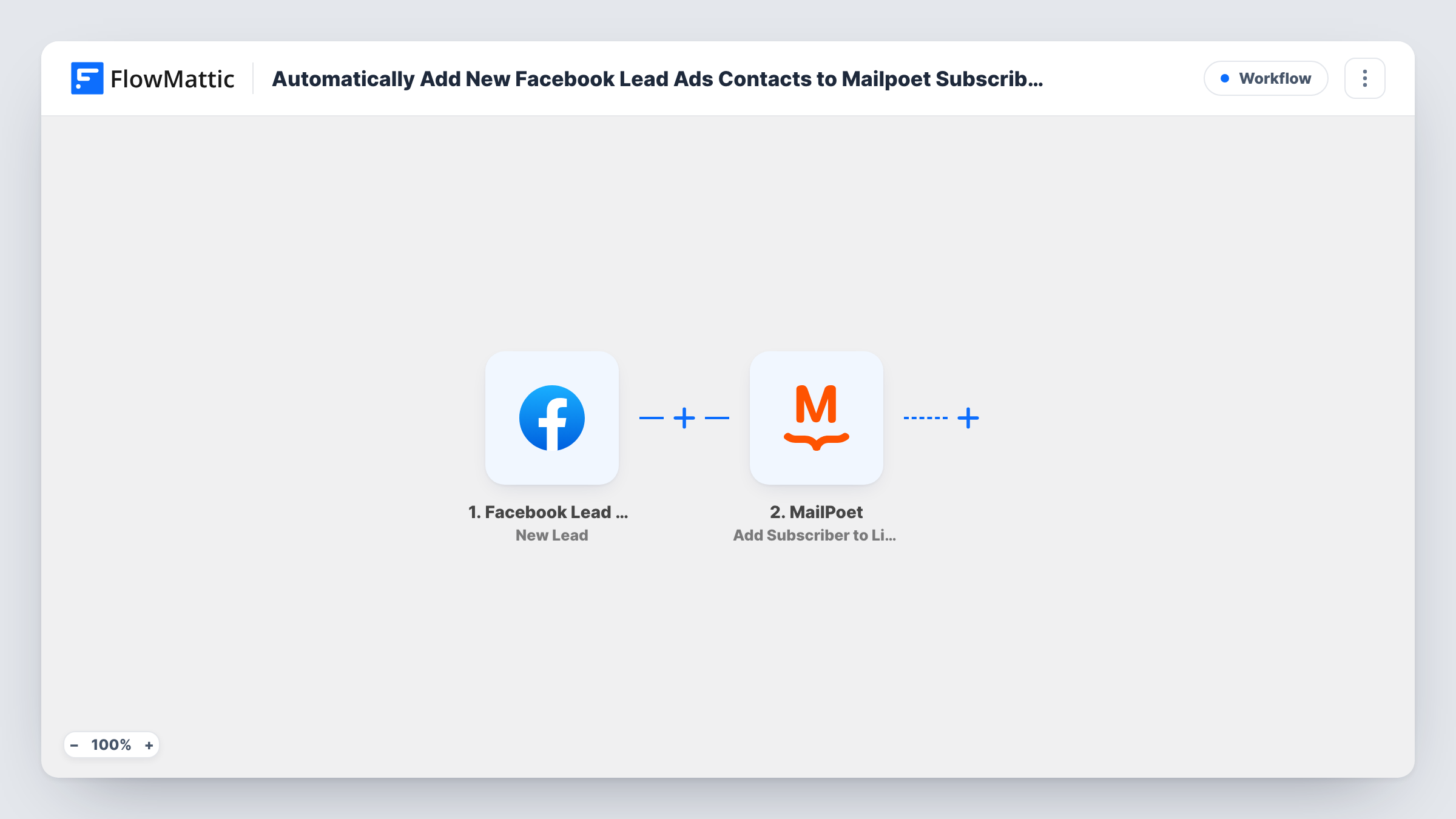
What this workflow does
MailPoet keeps your subscribers and newsletters inside WordPress. Leads from Facebook ad forms do not reach it on their own, so they often wait in a download until someone imports them. This workflow passes each new lead to MailPoet as it arrives, which keeps your email list current with your ad spend.
The Facebook Lead Ads trigger catches each new form submission and hands the answers to FlowMattic. The MailPoet step, Add Subscriber to List(s), takes the lead data you map into it and adds the person to your chosen MailPoet lists.
Since MailPoet runs on your own site, the subscriber data is kept in your WordPress database rather than in another email service. Newsletters you send to those lists from MailPoet then include the lead. Task History lists each run, so you can confirm that a given lead was passed on.
Free guide offered through an ad
People who ask for your guide in a Facebook lead form join a MailPoet list, and the next email you send to that list carries the download link.
Local shop newsletter
A bakery runs a lead ad for its weekly specials. Each sign-up goes to the Specials list, so the Friday newsletter reaches them from the first week.
Separate lists per campaign
Import the template once per lead form and point each copy at its own MailPoet list, so you can see and email each campaign's audience on its own.
How this workflow runs
What happens at each step once the workflow is on, and what you need before you import it.
 Facebook Lead Ads New Lead
Runs on each new lead from your Facebook Lead Ads form. Connect the Facebook account behind your page and the lead's email, name and other answers can be used in MailPoet.
- MailPoet Add Subscriber to List(s)
Adds the lead to your chosen MailPoet lists. Map the lead's details into the step, then send a test lead and look for the new subscriber in MailPoet.
What you need
- FlowMatticCore
- Facebook Lead Ads AccountAccount
- MailPoet PluginPlugin
After importing, map your own data. To keep the template universal, not every step is pre-filled. Open each step in the builder and connect your accounts and fields (channels, lists, sheets, recipients) before you switch the workflow on.
Make it yours
Changes worth making after you import it.
- Add a Filter after the trigger that checks a consent question in your lead form, so only people who agreed to receive emails are added to MailPoet.
- Use a Router when one ad form offers several topics, and send each topic's answer to a MailPoet step with its own list.
- Create the MailPoet lists first, then submit a test lead from your form, so FlowMattic has real answers to map and the lists already exist.
Questions about this workflow
Do I need a separate email service for this?
No. MailPoet is a WordPress plugin, so it needs to be installed on the same site as FlowMattic. The subscriber is stored there.
Can one lead join several MailPoet lists?
The action is Add Subscriber to List(s), so it is meant to handle more than one. Set the lists you want, then confirm with a test lead that the subscriber appears on each.
Are past Facebook leads added too?
No. The trigger reacts to new leads only, so leads from before you activate the workflow stay where they are.
More Email Marketing & Onboarding workflows
Other ready-to-import templates from the same category.







Import this workflow into your WordPress site
Download the JSON, import it from the Workflows screen and connect your accounts. Every run stays on your server, with no per-task fees.
30-day money-back guarantee Unlimited workflows and runs Self-hosted