

Automatically Create HubSpot CRM Deals for New Facebook Lead Ads Leads
Open a new deal in HubSpot CRM for each lead your Facebook Lead Ads forms collect, so every ad enquiry shows up in your sales pipeline the moment it comes in and nobody has to key it in.
 Facebook Lead Ads
 HubSpot CRM
2 steps 4 downloads Setup ~5 min Used on 1.9k sites Free to import
What this workflow does
If your sales team lives in the HubSpot deals board, a lead that only exists in Facebook is invisible to them. This workflow puts each Facebook ad lead straight into the pipeline as a deal, where it can be assigned, moved through stages and tracked to a close.
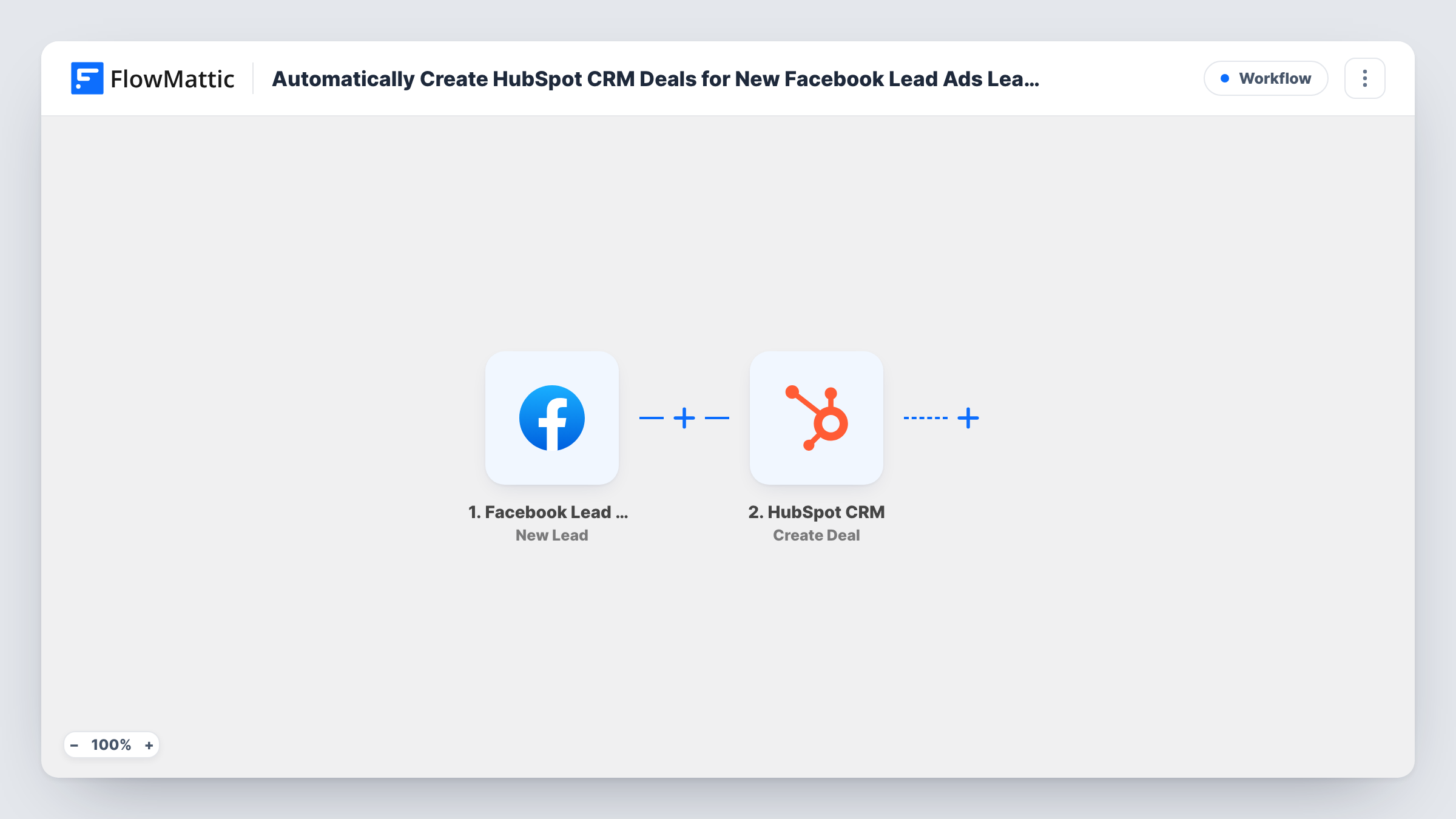
A submission on one of your Facebook Lead Ads forms starts the workflow. The person's answers are captured as data. The second step runs Create Deal in HubSpot CRM, and you map the lead's answers into the new deal. Run a test lead after import to see where in your pipeline the deal appears.
This template creates the deal only. It has no step that creates a contact, so if your team also needs a contact record for each lead, add one before the deal step. Every run is logged in Task History for checking what was sent.
Agencies selling retainers
Each prospect who requests a proposal through a Facebook lead form becomes a HubSpot deal, ready for an account manager to pick up.
Car dealers booking test drives
Test drive requests from Facebook ads open deals in HubSpot, so the sales floor sees each one alongside walk-in enquiries.
Course sellers with a sales call step
Leads asking about a high-ticket course enter HubSpot as deals, letting you see how many ad leads end in a booked call or a sale.
How this workflow runs
What happens at each step once the workflow is on, and what you need before you import it.
 Facebook Lead Ads New Lead
Fires on each new lead submitted through a Facebook Lead Ads form. The lead's answers are made available to map into the HubSpot deal.
- HubSpot CRM Create Deal
Creates a deal in HubSpot CRM. Connect your HubSpot account and map lead fields, such as the person's name or company, into the deal. A test lead shows which stage it opens in.
What you need
- FlowMatticCore
- Facebook Lead Ads AccountAccount
- HubSpot CRM AccountAccount
After importing, map your own data. To keep the template universal, not every step is pre-filled. Open each step in the builder and connect your accounts and fields (channels, lists, sheets, recipients) before you switch the workflow on.
Make it yours
Changes worth making after you import it.
- Map the lead's name together with their answer to your product question into the deal, so the deals board is easy to scan. Check the result with a test lead.
- Add HubSpot CRM's Create Contact step before Create Deal if you want a contact record for every lead as well as the deal.
- Use a Router after the trigger to handle leads from different forms on separate routes, each with its own Create Deal step.
Questions about this workflow
Is the deal linked to a contact?
Not as imported. The workflow only creates a deal. Add a contact step before it if you need the person stored as a HubSpot contact too.
Where do new deals appear in HubSpot?
Send a test lead after import and look in HubSpot to see which pipeline and stage the deal lands in. Adjust the Create Deal step if it is not where your team expects.
Does a lead create more than one deal?
One deal is created per run, and each new lead submission is one run. A person who fills in your form twice will produce two deals.
Can the deal carry a value?
Only if your form collects one. Add a budget question to the Facebook form, then check with a test lead whether that answer can be mapped into the deal.
More Lead Capture & CRM workflows
Other ready-to-import templates from the same category.





Import this workflow into your WordPress site
Download the JSON, import it from the Workflows screen and connect your accounts. Every run stays on your server, with no per-task fees.
30-day money-back guarantee Unlimited workflows and runs Self-hosted