

Create HubSpot CRM Ticket for New Facebook Lead Ads Entry
Log each new Facebook Lead Ads lead as a ticket in HubSpot CRM, so ad enquiries land in the same ticket queue your team already works through and each one is picked up, answered and closed.
 Facebook Lead Ads
 HubSpot CRM
2 steps 2 downloads Setup ~5 min Used on 743 sites Free to import
What this workflow does
Some lead forms are really requests for help: a callback, a quote, a service visit. If your team handles requests through HubSpot tickets, that is where these leads should go. This workflow opens a HubSpot ticket for every submission on your Facebook ad forms.
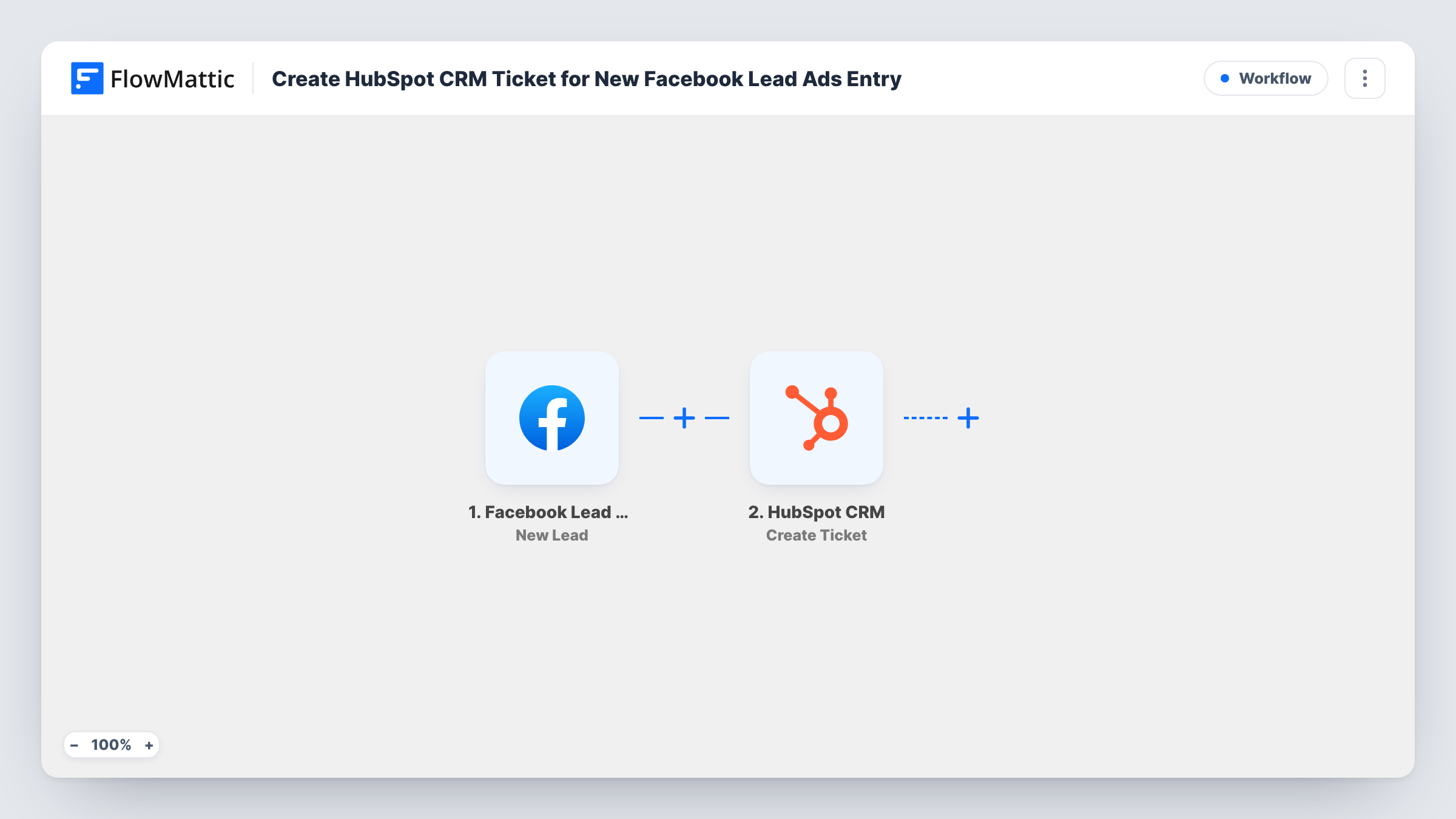
The Facebook Lead Ads trigger fires when someone completes one of your lead forms. Their answers are collected as data. Then HubSpot CRM runs Create Ticket. You map the lead's answers into the ticket, so whoever picks it up has the request in front of them. A test lead shows where in your ticket pipeline it opens.
The ticket stands on its own as imported. No contact is created, so map the lead's email and phone into the ticket if your team needs to reply. Task History keeps a record of each run and the values it passed to HubSpot.
Home repair callback requests
Homeowners asking for a repair quote through a Facebook form become HubSpot tickets, and the next free technician takes the top one.
Insurance or finance quote forms
Each quote request from an ad becomes a ticket carrying the person's answers, so an adviser can prepare before calling back.
Warranty or support campaigns
If you run ads inviting existing buyers to register a problem, each response opens a ticket that support can track to resolution.
How this workflow runs
What happens at each step once the workflow is on, and what you need before you import it.
 Facebook Lead Ads New Lead
Runs each time a person submits one of your Facebook Lead Ads forms. Their contact details and answers are passed on to map into the ticket.
- HubSpot CRM Create Ticket
Opens a ticket in HubSpot CRM. Connect your HubSpot account and map the lead's name, contact details and request into the ticket. Run a test lead to confirm where the ticket opens.
What you need
- FlowMatticCore
- Facebook Lead Ads AccountAccount
- HubSpot CRM AccountAccount
After importing, map your own data. To keep the template universal, not every step is pre-filled. Open each step in the builder and connect your accounts and fields (channels, lists, sheets, recipients) before you switch the workflow on.
Make it yours
Changes worth making after you import it.
- Map the lead's name and the service they asked for into the ticket, so the queue shows what each request is about before anyone opens it.
- Map the lead's email and phone into the ticket as well. As imported, the workflow does not create a contact, so the ticket is where your team finds them.
- Add a Router after the trigger if some forms are sales leads and others are service requests, sending only the service forms to Create Ticket.
Questions about this workflow
Why would I make a ticket from a lead instead of a contact?
Tickets suit leads that need an action from your team, such as a callback or site visit, because they have a status your team moves until the request is done.
Is a HubSpot contact created as well?
No. The workflow creates the ticket only. Add HubSpot CRM's Create Contact step if you also want the person saved as a contact.
Where will new tickets show up?
Submit a test lead once the workflow is imported and find the ticket in HubSpot to see its pipeline and status. Change the Create Ticket step if your team needs tickets elsewhere.
Are leads from before the import turned into tickets?
No. Only leads submitted after the workflow is switched on reach HubSpot. Earlier ones stay in your Facebook lead records.
More Lead Capture & CRM workflows
Other ready-to-import templates from the same category.




Import this workflow into your WordPress site
Download the JSON, import it from the Workflows screen and connect your accounts. Every run stays on your server, with no per-task fees.
30-day money-back guarantee Unlimited workflows and runs Self-hosted