

Send a Slack Channel Message When a New Lead is Captured from Facebook Lead Ads
Post a message in a Slack channel whenever your Facebook Lead Ads form gets a new lead, with the details you choose, so your team can reply while the lead still remembers your ad.
 Facebook Lead Ads
 Slack
Slack2 steps 1 downloads Setup ~5 min Used on 361 sites Free to import
What this workflow does
A lead goes cold quickly when nobody notices it. Leads waiting in Ads Manager are easy to miss when your team spends the day in Slack. This workflow puts every new lead in a Slack channel your team already reads.
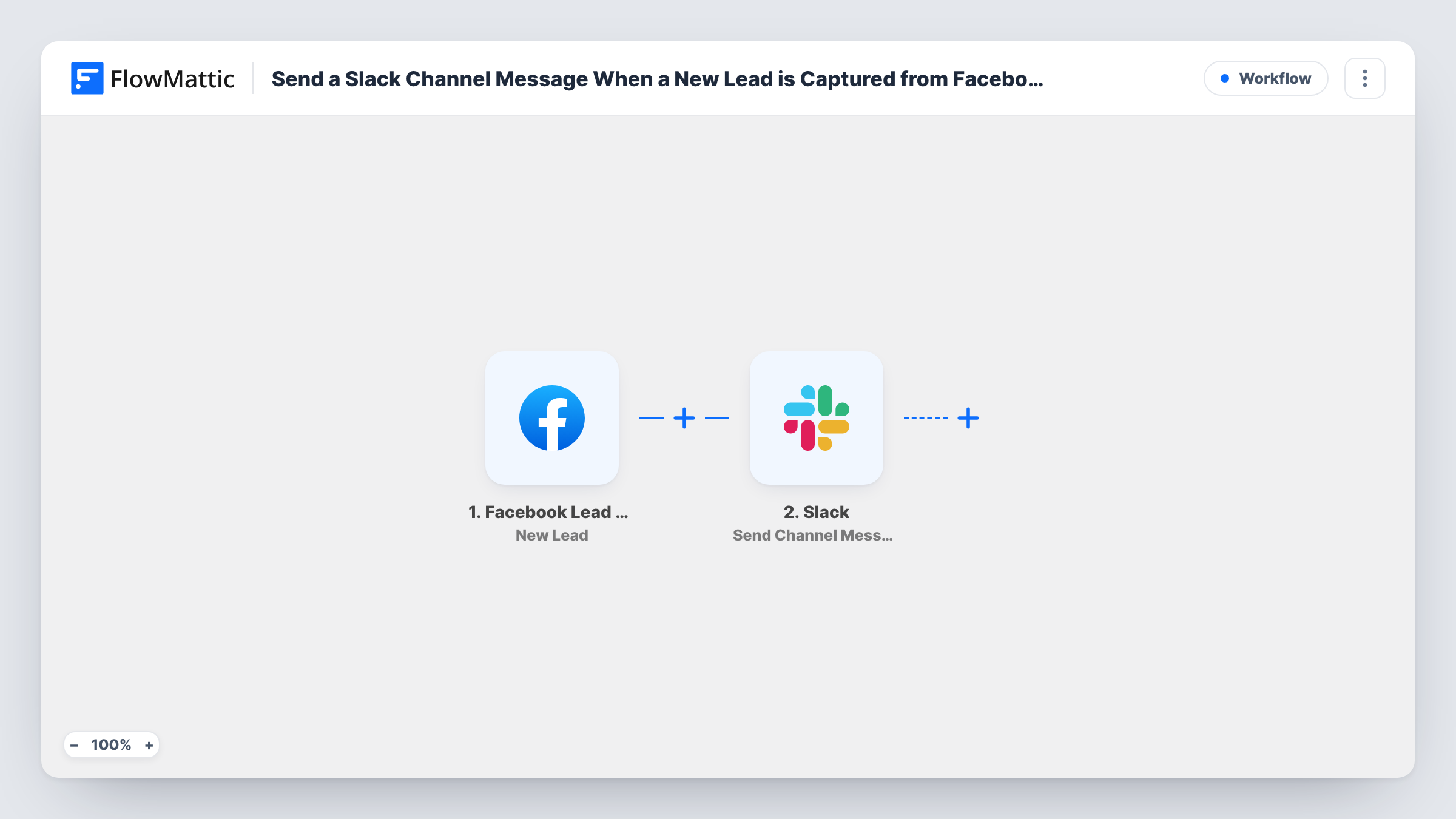
The Facebook Lead Ads trigger fires when a person submits your ad form, and FlowMattic receives their answers. The Slack step, Send Channel Message, then posts in a Slack channel. You write the message and map in lead answers, for example name, phone, and the service they asked about.
Only the message is sent to Slack. The workflow does not store the lead anywhere else, so pair it with a CRM or spreadsheet step if you also need a record. Task History logs every run, which helps if a message seems to be missing.
Sales team call-backs
A #new-leads channel gets each lead's name, phone and question, and the first rep to reply in the thread takes the call.
Agency client channels
An agency posts leads from a client's ad into the shared channel with that client, so both sides see results as they come in.
Booking requests for a clinic
Front desk staff see each appointment request from a lead ad in Slack and contact the patient while they are still free to talk.
How this workflow runs
What happens at each step once the workflow is on, and what you need before you import it.
 Facebook Lead Ads New Lead
Begins whenever your Facebook Lead Ads form collects a new lead. Connect the Facebook account for your page, and every answer becomes a field for the Slack message.
- Slack Send Channel Message
Posts a message in a Slack channel. Connect your Slack workspace and write the message with lead answers such as name, email and phone mapped in, then send a test lead to see it arrive.
What you need
- FlowMatticCore
- Facebook Lead Ads AccountAccount
- Slack AccountAccount
After importing, map your own data. To keep the template universal, not every step is pre-filled. Open each step in the builder and connect your accounts and fields (channels, lists, sheets, recipients) before you switch the workflow on.
Make it yours
Changes worth making after you import it.
- Add a Router to post leads from different form answers to different channels, for example one channel per sales region.
- Add a Google Sheets or CRM step after the Slack message so each lead is also saved somewhere your team can search later.
- Keep the message short: name, phone and the main question on separate lines are easier to act on than every field in one block.
Questions about this workflow
Which Slack channel receives the message?
The channel the Send Channel Message step is set up to post in. Every lead posts there unless you add a Router to split them.
Can I choose what the message says?
Yes. You write the message text in the Slack step and insert any lead answers from the trigger wherever you want them.
Is the lead saved anywhere besides Slack?
Not as imported. Add a step for Google Sheets, FluentCRM or another app if you need a lasting record.
What do I connect when I import it?
Your Slack workspace and the Facebook account that has access to the page running your lead ads.
More Team Notifications workflows
Other ready-to-import templates from the same category.






Import this workflow into your WordPress site
Download the JSON, import it from the Workflows screen and connect your accounts. Every run stays on your server, with no per-task fees.
30-day money-back guarantee Unlimited workflows and runs Self-hosted