

Send a Slack Private Channel Message When a New Alert Triggers in Tradingview
Post each TradingView alert into a private Slack channel, so your trading group sees every signal in one closed space and can discuss it right away, without sharing it across the wider workspace.
 Tradingview
 Slack
Slack2 steps Setup ~5 min Used on 2.7k sites Free to import
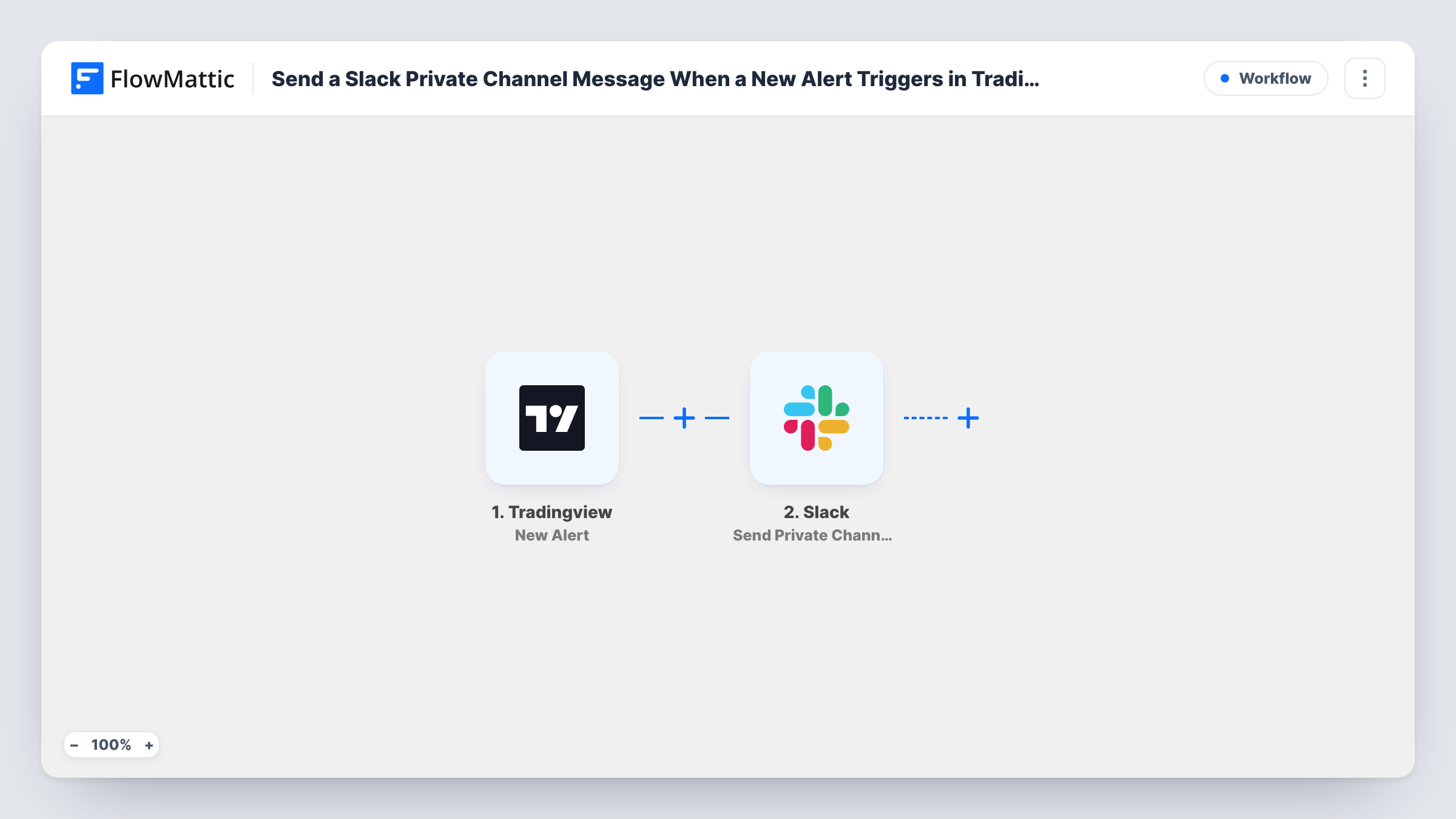
What this workflow does
TradingView can show alerts on screen or send them to your phone, but a team needs them where it already talks. A private Slack channel keeps signals visible to the people who trade on them and away from everyone else in the workspace. This workflow posts every alert there.
You add the webhook URL from the TradingView trigger to your alert in TradingView. Each time the alert fires, its message reaches FlowMattic. The next step, Send Private Channel Message in Slack, posts a message you write around the alert's content in a private channel.
What appears in Slack depends on the alert message you set in TradingView. Include the symbol, price and condition there and you can place each one in the Slack post. Task History keeps every run, which helps if you want to check what an alert sent at a given time.
Small trading desk
Everyone on the desk sees breakout and stop-level alerts in a private channel and can agree on a response in the thread under each one.
Paid signal community
Members of a private Slack channel receive your TradingView signals as they fire, without those signals leaking to free channels.
Personal trading journal
A private channel only you belong to collects every alert, creating a searchable timeline you can scroll back through when reviewing trades.
How this workflow runs
What happens at each step once the workflow is on, and what you need before you import it.
 Tradingview New Alert
Starts each time your TradingView alert fires and calls the webhook URL from this trigger. The message text configured on the alert comes through for use in Slack.
- Slack Send Private Channel Message
Posts the alert to a private Slack channel. Connect your workspace and build the message from the alert's text plus any wording of your own. A test alert confirms which channel it lands in.
What you need
- FlowMatticCore
- TradingView AccountAccount
- Slack AccountAccount
After importing, map your own data. To keep the template universal, not every step is pre-filled. Open each step in the builder and connect your accounts and fields (channels, lists, sheets, recipients) before you switch the workflow on.
Make it yours
Changes worth making after you import it.
- Add the connected Slack account or app to the private channel first. Slack won't let it post to a private channel it isn't a member of.
- Point several TradingView alerts at the same webhook and start each alert message with the ticker, so the channel shows at a glance which market moved.
- Use a Router to send alerts for different markets to different private channels, matching on a word in the alert message.
Questions about this workflow
What will the Slack message say?
Whatever you write in the Slack step, combined with the alert message TradingView sends. Set clear alert text in TradingView to get useful posts.
Can one workflow handle several alerts?
Yes. Any TradingView alert that uses this trigger's webhook URL starts the workflow, so several alerts can post to the same channel.
Why isn't anything appearing in the channel?
Check that the alert has the webhook URL set, then that the connected Slack account is a member of the private channel. Task History shows whether the alert arrived.
Does this place trades?
No. It only posts a message to Slack. Nothing is sent back to TradingView or to any broker.
More Team Notifications workflows
Other ready-to-import templates from the same category.






Import this workflow into your WordPress site
Download the JSON, import it from the Workflows screen and connect your accounts. Every run stays on your server, with no per-task fees.
30-day money-back guarantee Unlimited workflows and runs Self-hosted