

Send a Slack Private Channel Message When a New Lead Comes in From Facebook Lead Ads
Post the details of each new Facebook Lead Ads lead to a private Slack channel, so your sales team sees every enquiry together while contact details stay out of public channels.
 Facebook Lead Ads
 Slack
2 steps 4 downloads Setup ~5 min Used on 2.3k sites Free to import
What this workflow does
Lead details include phone numbers and email addresses, which you may not want in a channel the whole company can read. A private Slack channel gives the sales team one shared place to see new leads, and lets them agree who takes each one. This workflow posts there whenever a lead arrives.
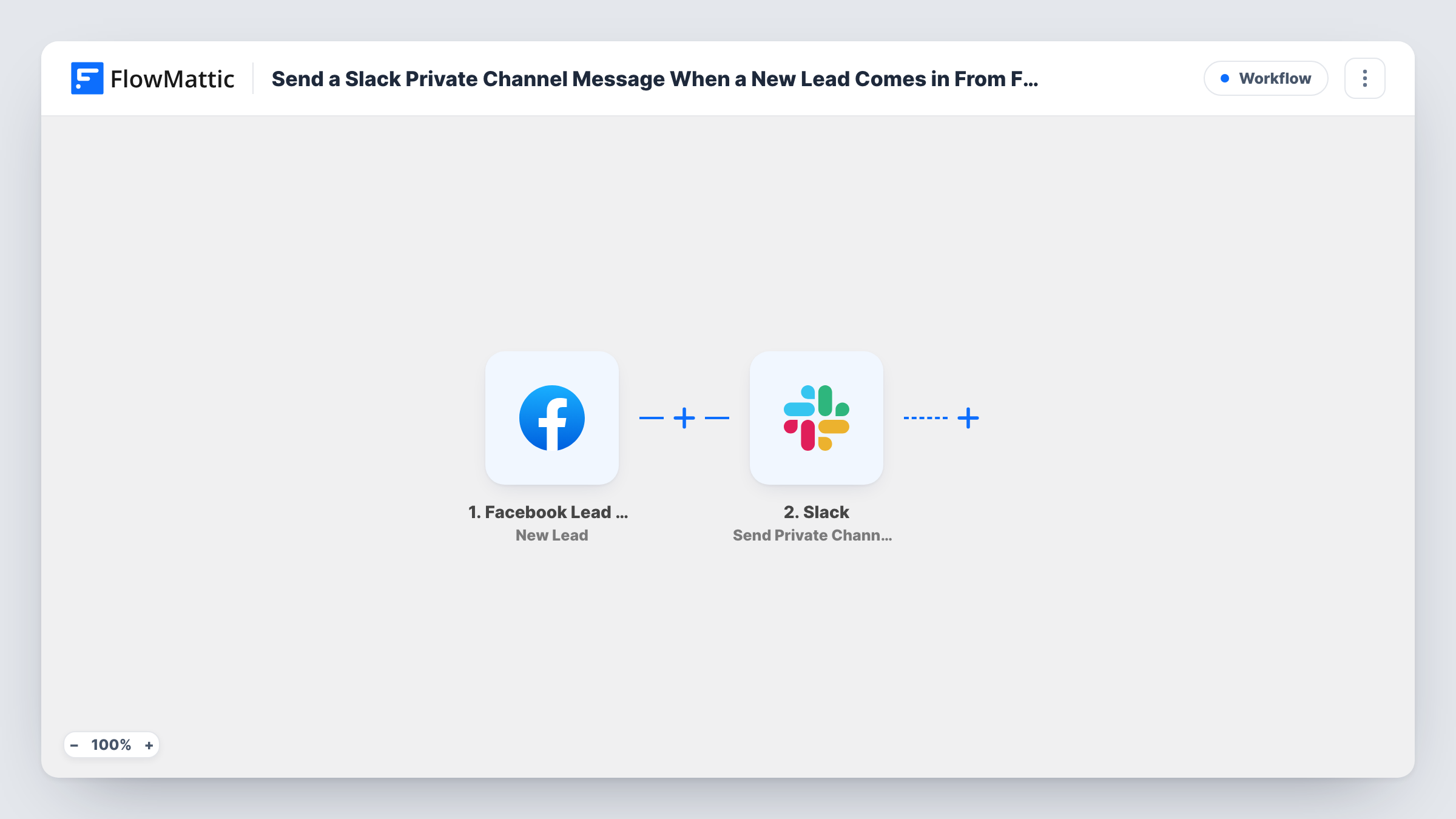
The Facebook Lead Ads trigger catches each new submission on your lead forms, including every answer. The second step runs Send Private Channel Message in Slack. You compose the post from the lead's fields, for example their name, the campaign's question answers and how to reach them, and a test lead confirms it reaches the right channel.
Team members can then reply in a thread to claim the lead or note the outcome. The workflow itself stops after posting: it doesn't save the lead anywhere else or change anything in Facebook. Each post is also recorded as a run in Task History.
Shared inbox for a sales team
Everyone in the private sales channel sees new leads as they arrive, and the first rep to reply in the thread takes the call.
Agency reporting leads to a client
A private channel shared with your client shows each lead their campaign brings in, without exposing it to the rest of your Slack.
Franchise or branch teams
Each branch has its own private channel, and leads from that branch's ad form are posted only where its staff can see them.
How this workflow runs
What happens at each step once the workflow is on, and what you need before you import it.
 Facebook Lead Ads New Lead
Captures every new lead submitted through your Facebook Lead Ads forms. Each answer, plus the lead's contact details, is ready to use in the Slack post.
- Slack Send Private Channel Message
Posts a message about the lead in a private Slack channel. Connect your workspace and write the text with the lead's name, phone, email and other answers mapped in.
What you need
- FlowMatticCore
- Facebook Lead Ads AccountAccount
- Slack AccountAccount
After importing, map your own data. To keep the template universal, not every step is pre-filled. Open each step in the builder and connect your accounts and fields (channels, lists, sheets, recipients) before you switch the workflow on.
Make it yours
Changes worth making after you import it.
- Invite the connected Slack account or app to the private channel before you test, otherwise it won't be able to post there.
- Start the message with the form or campaign name, so people in the channel know which ad brought the lead in.
- Follow the Slack step with a second action, such as adding a row to a sheet, if you want a lasting record alongside the alert.
Questions about this workflow
Why a private channel and not a public one?
Leads include personal contact details. A private channel limits who can see them to the members you add.
Why doesn't the message appear in my channel?
The most common cause is that the connected Slack account or app hasn't been added to that private channel. Add it, then send a test lead and check Task History.
Can leads from different forms go to different channels?
Yes, with a change. Add a Router after the trigger, with one route per form, and put a Send Private Channel Message step on each route.
Does the workflow store the lead anywhere?
No. It only posts to Slack. Add a CRM or spreadsheet step after it if you need the lead kept in another system.
More Team Notifications workflows
Other ready-to-import templates from the same category.



Import this workflow into your WordPress site
Download the JSON, import it from the Workflows screen and connect your accounts. Every run stays on your server, with no per-task fees.
30-day money-back guarantee Unlimited workflows and runs Self-hosted