

Submit New Facebook Lead Ads Data to External Webhook
Forward every new Facebook Lead Ads lead to any webhook URL you choose, so a CRM, script or service without a FlowMattic integration still receives your leads.
 Facebook Lead Ads
 Webhook Outgoing
2 steps 4 downloads Setup ~5 min Used on 2.3k sites Free to import
What this workflow does
Not every system your business uses has a ready-made connection to Facebook. Many of them do accept webhooks: an in-house CRM, a call-centre dialler, a serverless function, another automation tool. This workflow hands each new lead to such a system the moment it is collected.
A submission on your Facebook Lead Ads form starts the run. FlowMattic receives the lead and its answers, which you can map like any other data.
The Webhook step, Submit Data to Webhook, sends a request to the URL you enter. You decide which lead fields go in the request and what each one is called, so the receiving system gets the keys it expects, such as email, phone or full_name. You can also add fixed values, like a source label naming the ad. The response from that URL is recorded with the run in Task History, which helps when you are testing the receiving end.
Feed an in-house CRM
Your developers built a lead endpoint for your own CRM. The webhook posts each Facebook lead to it with the field names the endpoint already uses.
Trigger instant callbacks
A call-centre system that accepts webhooks queues a callback the moment the lead lands, while the person still remembers your ad.
Pass leads to a partner
A franchise sends leads from its central ads to a local partner's system through the partner's webhook URL, with a fixed field naming the region.
How this workflow runs
What happens at each step once the workflow is on, and what you need before you import it.
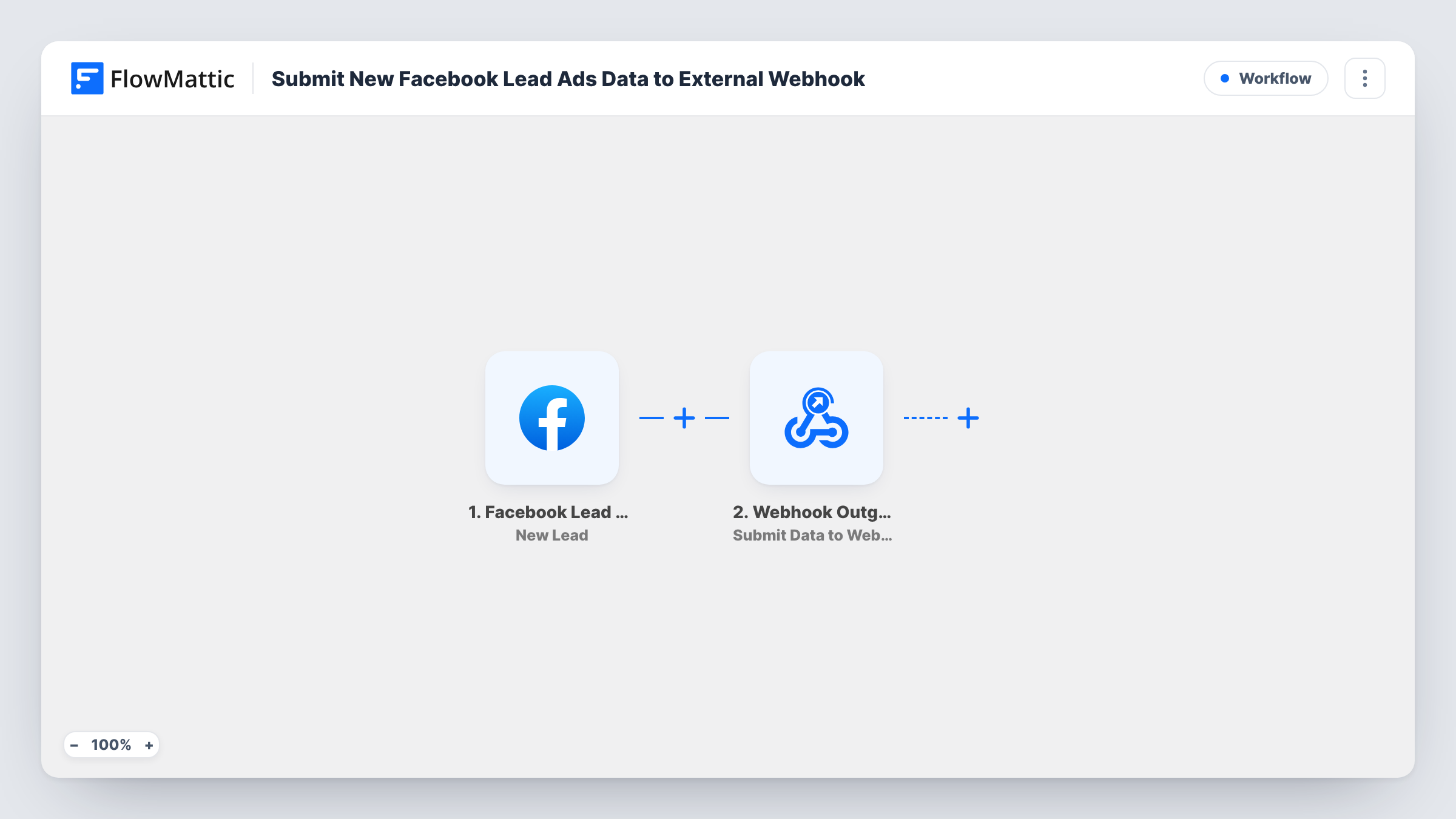
 Facebook Lead Ads New Lead
Runs for each new lead submitted on your Facebook ad's form. Connect your Facebook account and pick the Page and form whose leads you want to forward.
- Webhook Outgoing Submit Data to Webhook
Sends the lead to the webhook URL you enter. Choose the request body fields, name each key to suit the receiving system, and map the lead's answers to them.
What you need
- FlowMatticCore
- Facebook Lead Ads AccountAccount
After importing, map your own data. To keep the template universal, not every step is pre-filled. Open each step in the builder and connect your accounts and fields (channels, lists, sheets, recipients) before you switch the workflow on.
Make it yours
Changes worth making after you import it.
- Point the webhook at a request-inspection URL first and submit a test lead. Once the payload looks right, swap in the real endpoint.
- Add a fixed field such as source with the campaign name, so the receiving system knows where each lead came from when you run several ads.
- Add a Filter after the trigger to forward only leads that answered a qualifying question a certain way, such as a budget range.
Questions about this workflow
What does the receiving system get?
A request containing the fields you set up in the webhook step, filled with the lead's answers. You choose the keys and which answers go in.
Can I send to an endpoint that needs an API key?
Check the headers options in the webhook step after import. If the endpoint expects a key in a header, add it there with the value it requires.
What happens if the endpoint is down?
The step fails for that lead and Task History shows the error. The lead itself stays in Facebook, so you can resend it once the endpoint is back.
Do I need anything besides Facebook?
Only a URL that accepts incoming requests. No other app account is needed for the webhook step.
More Data Sync & Backup workflows
Other ready-to-import templates from the same category.




Import this workflow into your WordPress site
Download the JSON, import it from the Workflows screen and connect your accounts. Every run stays on your server, with no per-task fees.
30-day money-back guarantee Unlimited workflows and runs Self-hosted