

Add New Facebook Lead Ads Contacts to Funnelkit Lists Automatically
Put new Facebook Lead Ads contacts on the right FunnelKit Automations lists as they come in, so your WordPress email campaigns and automations reach every lead from your ads without manual exports.
 Facebook Lead Ads
 Autonami
2 steps 1 downloads Setup ~5 min Used on 2.5k sites Free to import
What this workflow does
Leads from Facebook forms are most valuable in the first days, while your ad is fresh in their mind. If your emails run from FunnelKit Automations on WordPress, those leads have to reach the right list before any campaign can reach them. Downloading leads and importing a file every few days leaves a gap. This workflow closes it.
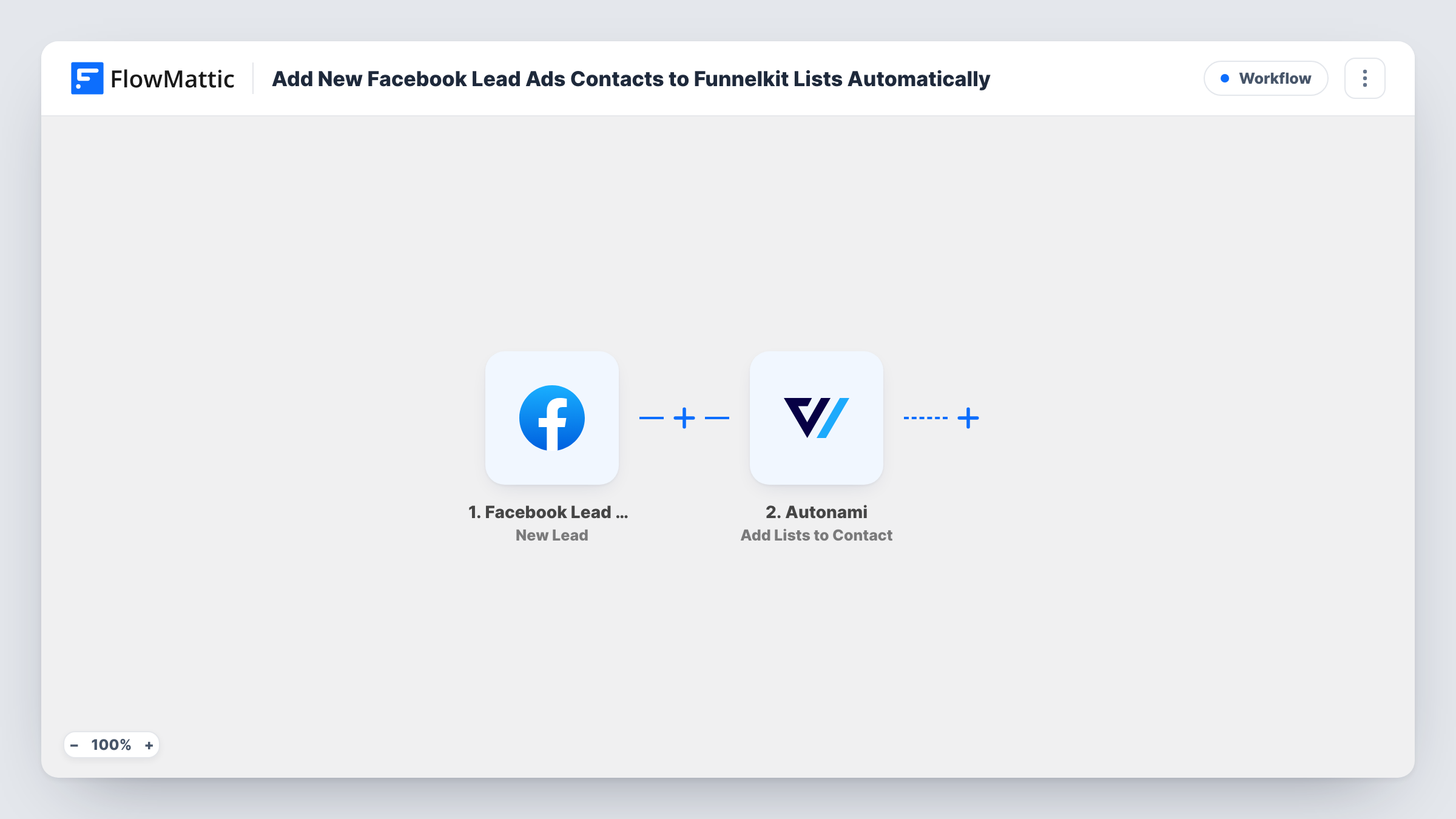
The Facebook Lead Ads trigger fires on every new submission and passes the lead's answers to FlowMattic. The Autonami step, which is FunnelKit Automations, then runs Add Lists to Contact. You map the lead's details into the step, and a test lead shows how FunnelKit matches the contact and which lists they join.
Once the lead is on a list, whatever you have built around that list in FunnelKit takes over, such as a broadcast audience or a welcome sequence. FunnelKit stores its contacts in your WordPress database, so the lead data lands on your own site. Each run shows in Task History if you need to confirm a lead was handled.
Webinar sign-ups from a Facebook ad
People who register through a lead ad join the Webinar Registrants list in FunnelKit, which you use to email the joining link and the replay.
Product interest lists for a WooCommerce store
A store running ads for a new range adds each lead to a list for that range, then emails them when the products go live.
Separating cold leads from customers
Facebook leads go on a Prospects list so your nurture emails reach them while existing customers on other lists get different campaigns.
How this workflow runs
What happens at each step once the workflow is on, and what you need before you import it.
 Facebook Lead Ads New Lead
Runs each time a person submits one of your Facebook lead ad forms. The answers, including the email address, become fields for the FunnelKit step.
- Autonami Add Lists to Contact
Adds lists to the lead's contact in FunnelKit Automations. Map the lead's details into the step, then send a test lead and check the contact's lists in FunnelKit.
What you need
- FlowMatticCore
- Facebook Lead Ads AccountAccount
- FunnelKit Automations ( Autonami ) PluginPlugin
After importing, map your own data. To keep the template universal, not every step is pre-filled. Open each step in the builder and connect your accounts and fields (channels, lists, sheets, recipients) before you switch the workflow on.
Make it yours
Changes worth making after you import it.
- Follow the list step with an Autonami Add Tags to Contact step, tagging each lead with the campaign name so you can tell which ad brought them in.
- Running several lead forms? Add a Router after the trigger and send each form's leads to a different FunnelKit list.
- Ask for an email address on your lead form, since a contact without one cannot receive the campaigns your FunnelKit lists feed.
Questions about this workflow
Does the lead need to be a FunnelKit contact already?
Send a test lead with an address that is new to FunnelKit, then check your contacts and Task History to see how the step handles it before relying on it.
What do I need installed?
FunnelKit Automations on the same WordPress site as FlowMattic, with the lists you want already created. You also connect your Facebook account for the lead ads.
Can different leads join different lists?
Not as imported, since there is one Autonami step. Add a Router after the trigger with an Add Lists to Contact step on each route to sort leads by their answers.
Will this send emails by itself?
No. The workflow only adds lists. Any email that follows comes from what you have set up in FunnelKit for those lists.
More Lead Capture & CRM workflows
Other ready-to-import templates from the same category.






Import this workflow into your WordPress site
Download the JSON, import it from the Workflows screen and connect your accounts. Every run stays on your server, with no per-task fees.
30-day money-back guarantee Unlimited workflows and runs Self-hosted