

Send a WhatsApp Message via Cloud API When a New Lead is Captured on Facebook Lead Ads
Send a WhatsApp text message through the WhatsApp Cloud API whenever a Facebook Lead Ads form brings in a new lead, with the lead’s details written into the message you compose.
 Facebook Lead Ads
 WhatsApp Cloud API
2 steps 17 downloads Setup ~5 min Used on 1.3k sites Free to import
What this workflow does
Plenty of business owners check WhatsApp far more often than email or the Facebook Ads Manager. If that's you, a WhatsApp text with each new lead's details means you see it on your phone without opening anything else. This workflow sends that text every time a lead comes in.
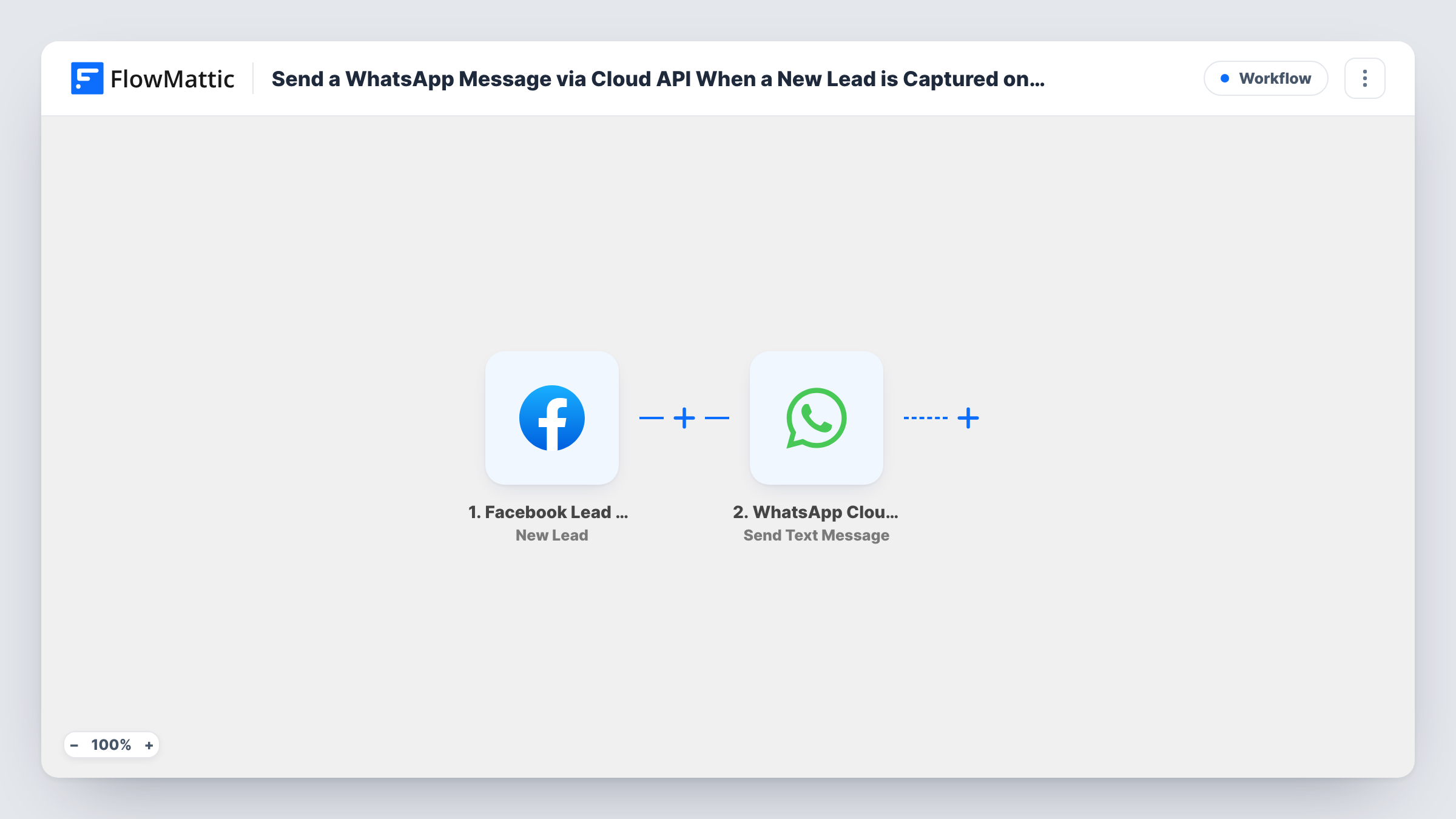
It begins with the Facebook Lead Ads trigger, which collects each new submission and the answers in it. FlowMattic then runs Send Text Message in WhatsApp Cloud API. You map in the receiving number and write the message, inserting the lead's name, phone, email and any other answers.
A plain text message is a free-form message in WhatsApp's terms. WhatsApp delivers those only to someone who has messaged your business number within the last 24 hours. That suits sending alerts to yourself or a colleague who keeps that chat active. To contact a brand-new lead who has never written to you, use an approved template message instead.
Lead alerts on the owner's phone
A shop owner gets each Facebook lead as a WhatsApp text from the business number, with a tap-to-call phone number in the message.
Field sales staff away from a desk
A rep who spends the day on site visits receives new lead details on WhatsApp and can call back between appointments.
Weekend cover for a small business
Whoever is covering the weekend has new leads texted to their WhatsApp, so enquiries don't wait until Monday.
How this workflow runs
What happens at each step once the workflow is on, and what you need before you import it.
 Facebook Lead Ads New Lead
Runs on each new lead from your Facebook Lead Ads forms. Their name, contact details and form answers become fields you can insert into the WhatsApp text.
- WhatsApp Cloud API Send Text Message
Sends a WhatsApp text message through WhatsApp Cloud API. Connect your WhatsApp Cloud API account, map in the receiving number in international format and write the message from the lead fields. Test once to confirm delivery.
What you need
- FlowMatticCore
- Facebook Lead Ads AccountAccount
- WhatsApp Cloud API AccountAccount
After importing, map your own data. To keep the template universal, not every step is pre-filled. Open each step in the builder and connect your accounts and fields (channels, lists, sheets, recipients) before you switch the workflow on.
Make it yours
Changes worth making after you import it.
- Send a message to your WhatsApp business number from the phone that receives the alerts, and keep that chat active, so free-form texts can be delivered to it.
- List the lead's phone number on its own line in the message, which makes it easy to tap and call from WhatsApp.
- Add a second Send Text Message step if two people need the alert, each with their own recipient number.
Questions about this workflow
Can this message the lead directly?
Only if that lead has messaged your WhatsApp business number in the last 24 hours, which new leads usually haven't. For a first message to a lead, use Send Template Message with an approved template.
Why didn't my alert arrive?
The most likely reason is that the receiving number hasn't messaged your business number within 24 hours. Task History confirms the request left FlowMattic, but WhatsApp decides on delivery after that.
What do I need to set up?
A WhatsApp Cloud API account connected in FlowMattic, a Facebook account with access to your lead forms, and the phone number that should receive the texts.
Can I change what the message says?
Yes. The message body is yours to write in the WhatsApp step, using any of the lead's fields alongside your own text.
More Team Notifications workflows
Other ready-to-import templates from the same category.




Import this workflow into your WordPress site
Download the JSON, import it from the Workflows screen and connect your accounts. Every run stays on your server, with no per-task fees.
30-day money-back guarantee Unlimited workflows and runs Self-hosted