

Send Email via FlowMattic when a New Alert is Triggered in Tradingview
Get an email each time a TradingView alert fires, with the alert’s message and values in the subject and body, so you have a searchable record of every signal in your inbox.
 Tradingview
 Email
Email2 steps 3 downloads Setup ~5 min Used on 389 sites Free to import
What this workflow does
Push notifications are easy to swipe away, and they leave no record you can search later. Email gives each TradingView alert a place in your inbox, where you can filter, forward or keep it. This workflow sends that email as soon as the alert reaches FlowMattic.
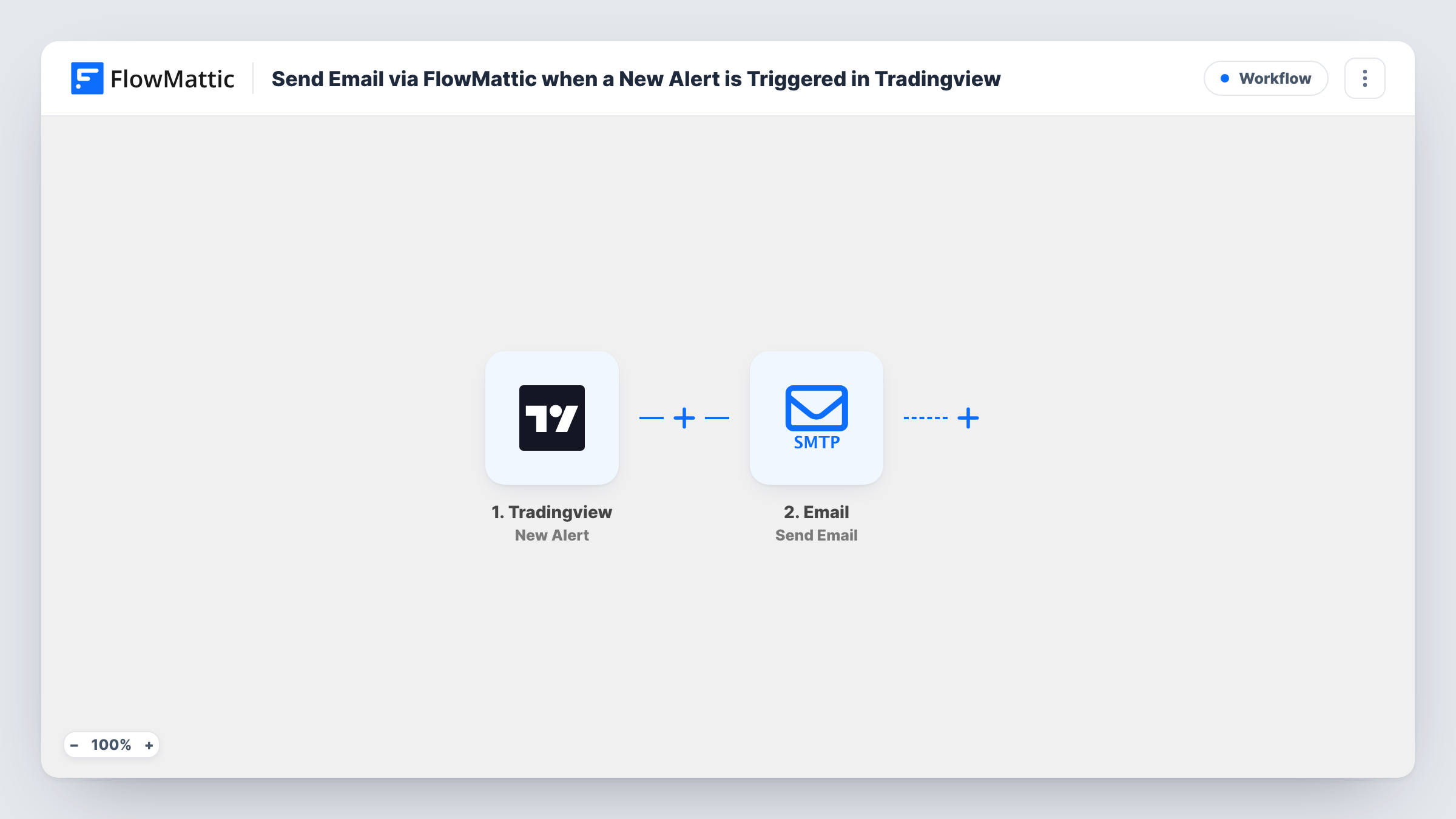
Start with the TradingView New Alert trigger. It provides a webhook URL that you add to the alerts you want emailed, and the alert's message arrives as data, whether you write it as plain text or JSON. The Email step, Send Email, then sends a message to the address you set, with alert values mapped into the subject and body.
You decide what the email says. A subject such as the symbol and direction makes alerts easy to sort, and the body can hold the price, time frame or any note from the alert. Task History keeps a record of each alert the workflow received.
A log of every signal
A swing trader sends all alerts to one inbox label and reviews them at the weekend to see which signals were worth taking.
Alerts for a trading partner
Send the email to a partner or a shared mailbox, so the people you trade with see the same alerts without access to your TradingView account.
Backup to chat alerts
Keep this workflow alongside a chat notification, so you still have a written copy if a message is missed or deleted.
How this workflow runs
What happens at each step once the workflow is on, and what you need before you import it.
 Tradingview New Alert
Runs when TradingView calls the workflow's webhook URL. Add that URL to each alert's webhook setting; the alert message, text or JSON, becomes data for the email.
 Email Send Email
Sends an email to the address you enter. Map alert values into the subject and body, for example the symbol in the subject and the price and note in the message.
What you need
- FlowMatticCore
- TradingView AccountAccount
After importing, map your own data. To keep the template universal, not every step is pre-filled. Open each step in the builder and connect your accounts and fields (channels, lists, sheets, recipients) before you switch the workflow on.
Make it yours
Changes worth making after you import it.
- Format the alert message in TradingView as JSON with keys like symbol and price, so you can place each value exactly where you want it in the email.
- Add a Filter after the trigger so only the alerts that matter most, such as those for one symbol, are emailed.
- Put the symbol and alert type at the start of the subject so your mail app can sort alerts into folders with a simple rule.
Questions about this workflow
Who receives the email?
The address you type in the Send Email step. To send different alerts to different people, use a Router with an email step on each route.
Can I email alerts from more than one chart?
Yes. Use the same webhook URL in each TradingView alert, and include the symbol in the alert message so the email shows which chart fired.
What will the email contain?
Only what you map into it. The alert message you wrote in TradingView is the data source, so plan its content with the email in mind.
Is a separate email app needed?
No. The Email step is part of FlowMattic. Set it up in the step, then send a test alert to check delivery.
More Team Notifications workflows
Other ready-to-import templates from the same category.



Import this workflow into your WordPress site
Download the JSON, import it from the Workflows screen and connect your accounts. Every run stays on your server, with no per-task fees.
30-day money-back guarantee Unlimited workflows and runs Self-hosted