

Send WhatsApp Image Message When a New Lead is Captured on Facebook Lead Ads
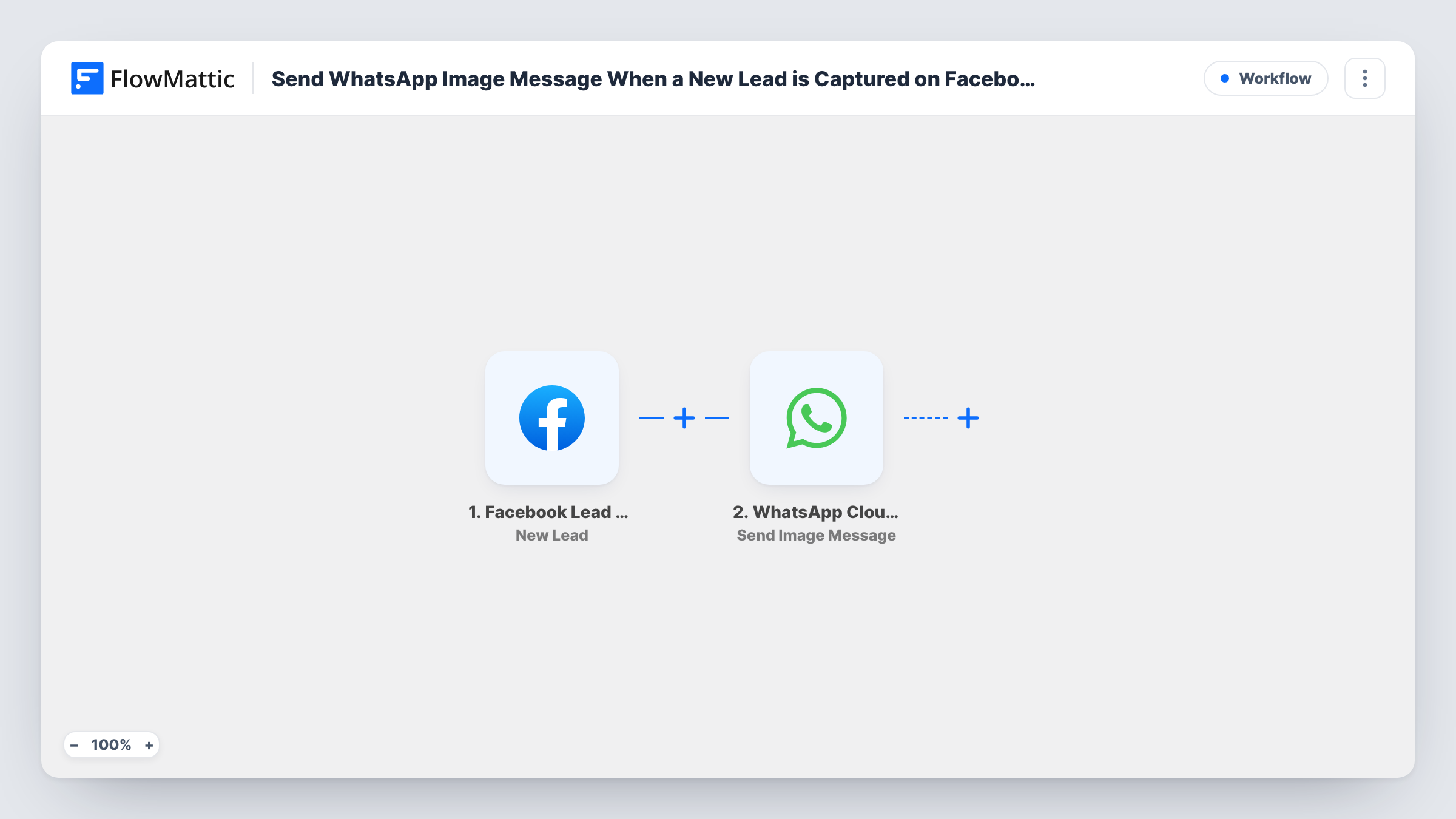
When a new lead fills in your Facebook lead ad form, this workflow sends an image message through the WhatsApp Cloud API to the number you map, such as your sales line or the lead’s own phone.
 Facebook Lead Ads
 WhatsApp Cloud API
2 steps 5 downloads Setup ~5 min Used on 367 sites Free to import
What this workflow does
A lead form submission is only useful if someone acts on it while the person still remembers your ad. Waiting for an email digest or checking Ads Manager slows that down. This workflow sends a WhatsApp image message the moment a new lead arrives, so the right phone lights up straight away.
The Facebook Lead Ads trigger runs on each new submission and passes the lead's answers to FlowMattic. The WhatsApp Cloud API step then runs Send Image Message from your WhatsApp Business number. You map in the phone number to send to, and a test run shows you what the recipient receives.
You decide who receives it. Send it to a team member's phone as an alert with a branded image, or to the lead's own number with your brochure cover or offer graphic. WhatsApp sets its own rules on when a business can message someone, so check those before messaging leads directly. Each run is logged in Task History, so you can see whether a message went out.
Instant lead alerts for a sales rep on the road
A rep who lives on their phone gets a WhatsApp image alert from the campaign each time a lead arrives, so they know to check for a new enquiry between meetings.
Sending the promised offer graphic
A lead ad promises a discount voucher. The workflow sends the voucher image to the phone number the lead entered on the form.
Property photos for a new enquiry
An estate agent sends a photo of the advertised property to the agent covering that area each time someone enquires about it through Facebook.
How this workflow runs
What happens at each step once the workflow is on, and what you need before you import it.
 Facebook Lead Ads New Lead
Runs each time someone submits one of your Facebook lead ad forms. Their answers, including any phone number field, become available to the WhatsApp step.
- WhatsApp Cloud API Send Image Message
Sends an image message from your WhatsApp Business number using the WhatsApp Cloud API. Map in the phone number to message and the image you want to send, then run a test to see the result.
What you need
- FlowMatticCore
- Facebook Lead Ads AccountAccount
- WhatsApp Cloud API AccountAccount
After importing, map your own data. To keep the template universal, not every step is pre-filled. Open each step in the builder and connect your accounts and fields (channels, lists, sheets, recipients) before you switch the workflow on.
Make it yours
Changes worth making after you import it.
- If you message leads directly, make the phone number a required question on your lead form so every run has a number to send to.
- Want both an alert and a reply? Add a second WhatsApp Cloud API step, one sending to your team's number and one to the lead's.
- Add a Delay before the WhatsApp step if you would rather the image reach the lead a few minutes after they submit instead of instantly.
Questions about this workflow
Who receives the image, me or the lead?
Whichever number you map into the WhatsApp step. Use the lead's phone answer to message them, or a team member's number to turn it into an internal alert.
What do I need to send WhatsApp messages?
A WhatsApp Business account set up on Meta's Cloud API, with a phone number connected to FlowMattic. You also connect the Facebook account that runs your lead ads.
Can I message a lead who has never contacted my number?
WhatsApp limits the messages a business can start with someone, and outside those rules it expects an approved message template. Check Meta's current policy before sending images to new leads.
Will people who submitted before I import get a message?
No. The trigger starts with new submissions, so leads collected before you turn the workflow on are not sent anything.
More Team Notifications workflows
Other ready-to-import templates from the same category.





Import this workflow into your WordPress site
Download the JSON, import it from the Workflows screen and connect your accounts. Every run stays on your server, with no per-task fees.
30-day money-back guarantee Unlimited workflows and runs Self-hosted