

Send WhatsApp Message via Cloud API When New Tradingview Alert Triggers
Turn every TradingView alert into a WhatsApp text sent through the WhatsApp Cloud API, written your way with the alert’s message inside, for a number that keeps an active chat with your business account.
 Tradingview
 WhatsApp Cloud API
2 steps 10 downloads Setup ~5 min Used on 743 sites Free to import
What this workflow does
A WhatsApp text is a simple way to see a trading signal without opening TradingView. This workflow writes one for each alert, so you can read the symbol and condition from your lock screen and decide whether to act.
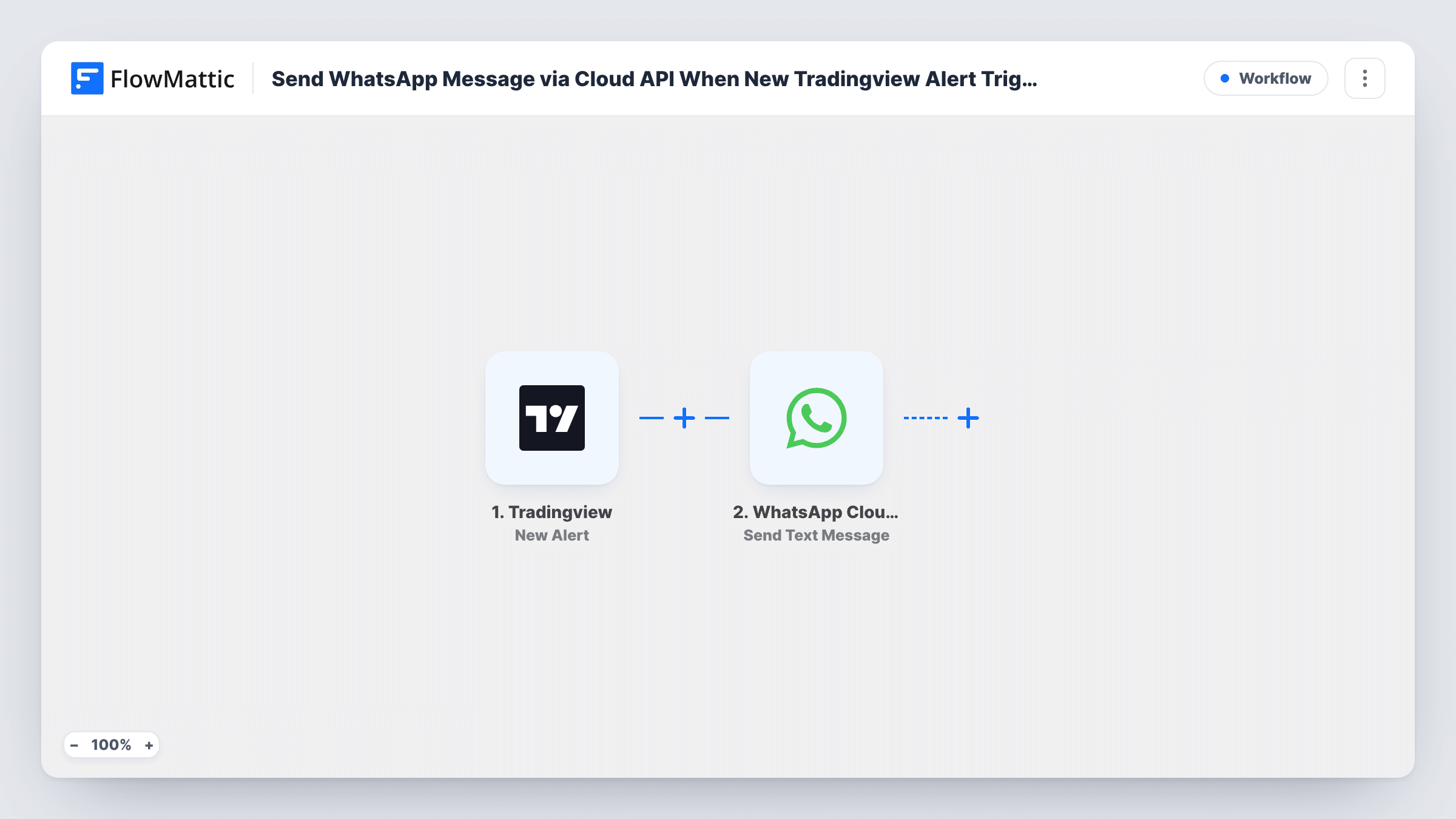
Copy the webhook URL shown on the TradingView trigger into an alert in TradingView, and each time that alert fires, its message is delivered to FlowMattic. The second step runs Send Text Message in WhatsApp Cloud API. You compose the text, mixing your own words with the alert content, and map in the number that should receive it.
There is one WhatsApp rule to plan around. Free-form text messages from a business number are delivered only if the recipient has messaged that number within the last 24 hours. If you send a quick message to your business number each day, or alerts come while you are already chatting, texts work well. For alerts that must reach you at any time, the template version of this workflow is the safer choice.
Day traders during market hours
Start the session by messaging your business number, and every alert during the trading day comes through as a readable WhatsApp text.
Quick checks while away from the screen
Stepping out for lunch, you still see when a stock crosses your level, with the alert wording you wrote in TradingView.
Testing alert wording
Before building anything bigger, use texts to see how your TradingView alert messages read on a phone and tune them.
How this workflow runs
What happens at each step once the workflow is on, and what you need before you import it.
 Tradingview New Alert
Runs when a TradingView alert that uses this trigger's webhook URL fires. The alert's message is passed to the next step as text you can insert.
- WhatsApp Cloud API Send Text Message
Sends a WhatsApp text through WhatsApp Cloud API. Connect your account, map in the receiving number in international format, and write the message with the alert content included.
What you need
- FlowMatticCore
- TradingView AccountAccount
- WhatsApp Cloud API AccountAccount
After importing, map your own data. To keep the template universal, not every step is pre-filled. Open each step in the builder and connect your accounts and fields (channels, lists, sheets, recipients) before you switch the workflow on.
Make it yours
Changes worth making after you import it.
- Message your WhatsApp business number from the receiving phone at the start of each trading day, so the 24-hour window is open for alerts.
- Begin the text with a fixed label such as TradingView alert, which makes these messages easy to search for later in the chat.
- Put a Filter after the trigger that continues only for alerts naming certain tickers, if you share one webhook across many alerts but want texts for a few.
Questions about this workflow
Why do some alerts not arrive on WhatsApp?
Most often the recipient hasn't messaged your business number in the last 24 hours, so WhatsApp won't deliver a free-form text. A run can look fine in Task History even when WhatsApp holds the text back, because delivery is settled on the WhatsApp side.
What's the difference from the template message workflow?
This one sends free text you write in FlowMattic. The template version sends a pre-approved template, which can be delivered without a recent chat.
Can I send alerts to more than one number?
Yes. Add another Send Text Message step for each extra number. Each recipient needs their own recent chat with your business number.
Which alerts start the workflow?
Any TradingView alert whose webhook option is set to this trigger's URL. Alerts without it are not sent to FlowMattic.
More Team Notifications workflows
Other ready-to-import templates from the same category.



Import this workflow into your WordPress site
Download the JSON, import it from the Workflows screen and connect your accounts. Every run stays on your server, with no per-task fees.
30-day money-back guarantee Unlimited workflows and runs Self-hosted