

Add new Facebook Lead Ad leads to Monday.com with their details in board columns
Turn every new Facebook Lead Ads submission into a Monday.com item and place the person’s answers, such as email and phone, in the board columns you map.
 Facebook Lead Ads
 Monday.com
2 steps 4 downloads Setup ~5 min Used on 3.2k sites Productivity Free to import
What this workflow does
A lead is only useful to a sales team when the contact details are where they work. If your team sorts and filters a Monday.com board by column, a lead dumped into an item name is hard to use. This workflow is set up so each answer from your Facebook form can sit in its own column.
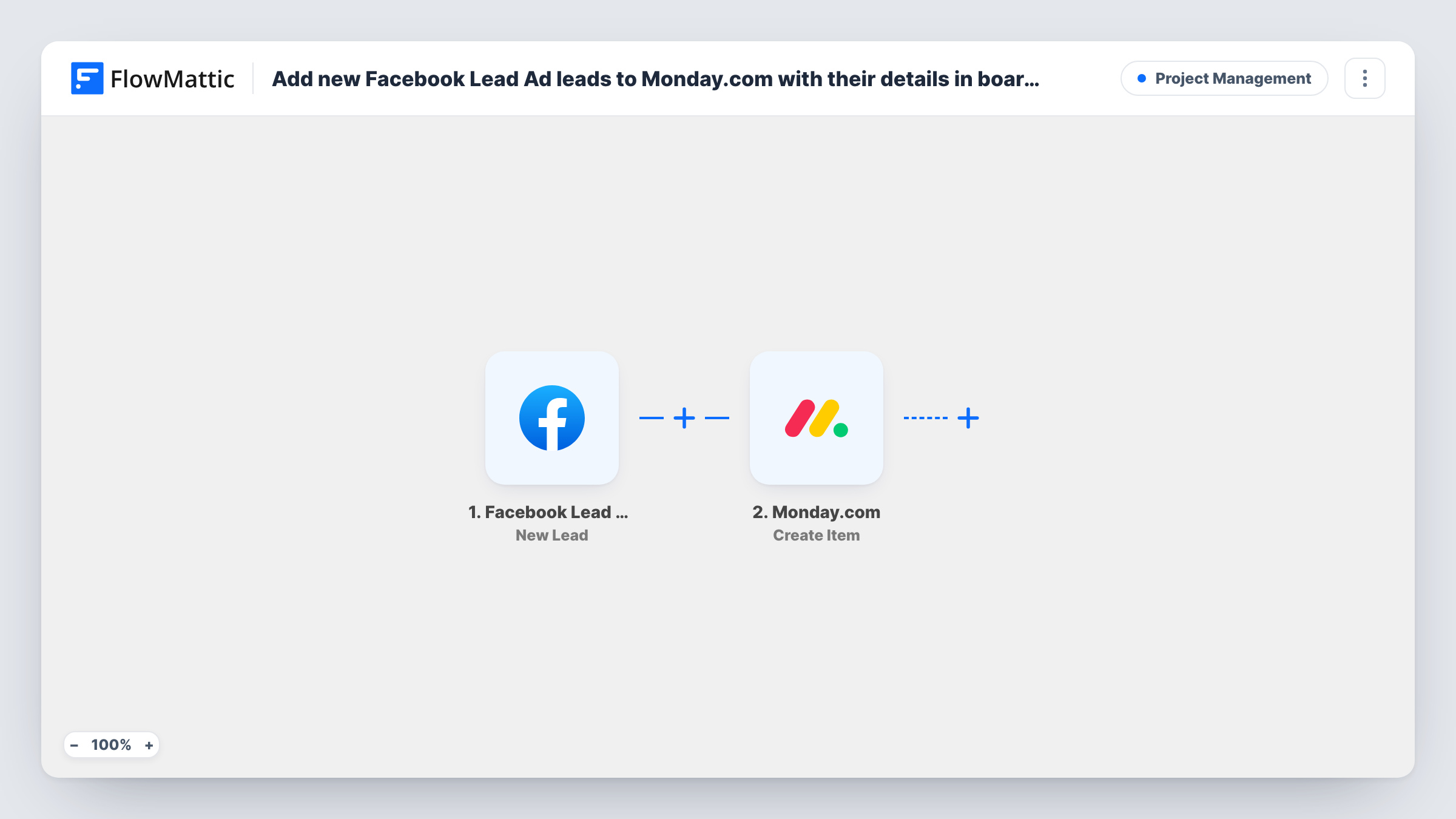
When someone submits one of your lead forms, the Facebook Lead Ads trigger fires and passes the submitted answers to FlowMattic. The Monday.com Create Item step then adds an item to the board you select.
The column mapping is up to you. Both steps arrive empty, so after import you connect each account and point the trigger at your form. In the Create Item step you choose the board and match form answers to the board's columns: the email answer to an email column, the phone answer to a phone column, and so on. Send a test lead and confirm each value landed in the column you expected; Task History shows what Monday.com returned.
Every new lead adds a fresh item. Existing items are never edited, so repeat submissions from one person create separate entries.
Sortable lead list for call-backs
A mortgage broker maps the phone and preferred call time answers into their own columns and sorts the Monday.com board each morning to plan calls.
Lead details next to status columns
A gym's sales team keeps the lead's email and membership interest in columns beside a status column they update as they work each item.
Regional routing by a column value
A solar installer's form asks for a postcode, which goes into a column the team filters by to split leads between regional reps.
How this workflow runs
What happens at each step once the workflow is on, and what you need before you import it.
 Facebook Lead Ads New Lead
Fires for each new lead created through Facebook Lead Ads. The form's answers become fields you can place into Monday.com columns. Connect your Facebook account and set the trigger up for your form.
- Monday.com Create Item
Creates an item on your chosen board. No columns are mapped in the template: pick the board, then match each lead answer to a column and send a test lead to check the values arrive where you expect.
What you need
- FlowMatticCore
- Facebook Lead Ads AccountAccount
- Monday.com AccountAccount
After importing, map your own data. To keep the template universal, not every step is pre-filled. Open each step in the builder and connect your accounts and fields (channels, lists, sheets, recipients) before you switch the workflow on.
Make it yours
Changes worth making after you import it.
- Create the board's columns, such as email, phone and source, before you set up the Create Item step, so they are ready to receive lead answers.
- Map the lead's name into the item name and keep the other answers in columns, which keeps the board readable at a glance.
- If you run several lead forms, put a Filter between the trigger and the Create Item step that continues only for the form or answer you want on this board. The value it checks is an example to edit.
Questions about this workflow
Can each Facebook form answer go into its own Monday.com column?
That is how the template is meant to be set up. After a test lead, map each answer into the board column you want in the Create Item step, then check the new item to confirm the values look right.
What if a lead's phone number doesn't fit my Monday.com column type?
Monday.com columns expect values in their own formats. If a value doesn't appear on the item, check the Create Item response in Task History and try a text column for that answer instead.
Does this update the Monday.com item when a lead submits again?
No. Each submission runs Create Item, so a repeat lead becomes a second item. Nothing in this workflow searches the board or changes items that already exist.
More Project Management workflows
Other ready-to-import templates from the same category.





Import this workflow into your WordPress site
Download the JSON, import it from the Workflows screen and connect your accounts. Every run stays on your server, with no per-task fees.
30-day money-back guarantee Unlimited workflows and runs Self-hosted