

Meet FlowMattic 7.0 — the AI-Native Automation Platform for WordPress
Prefer to watch? Here’s the entire release in four and a half minutes — the redesigned admin, Jaadu building a workflow live, the full builder suite, FlowMattic Tables, the 4,600-template Workflow Library and more, with chapters so you can jump straight to any feature:
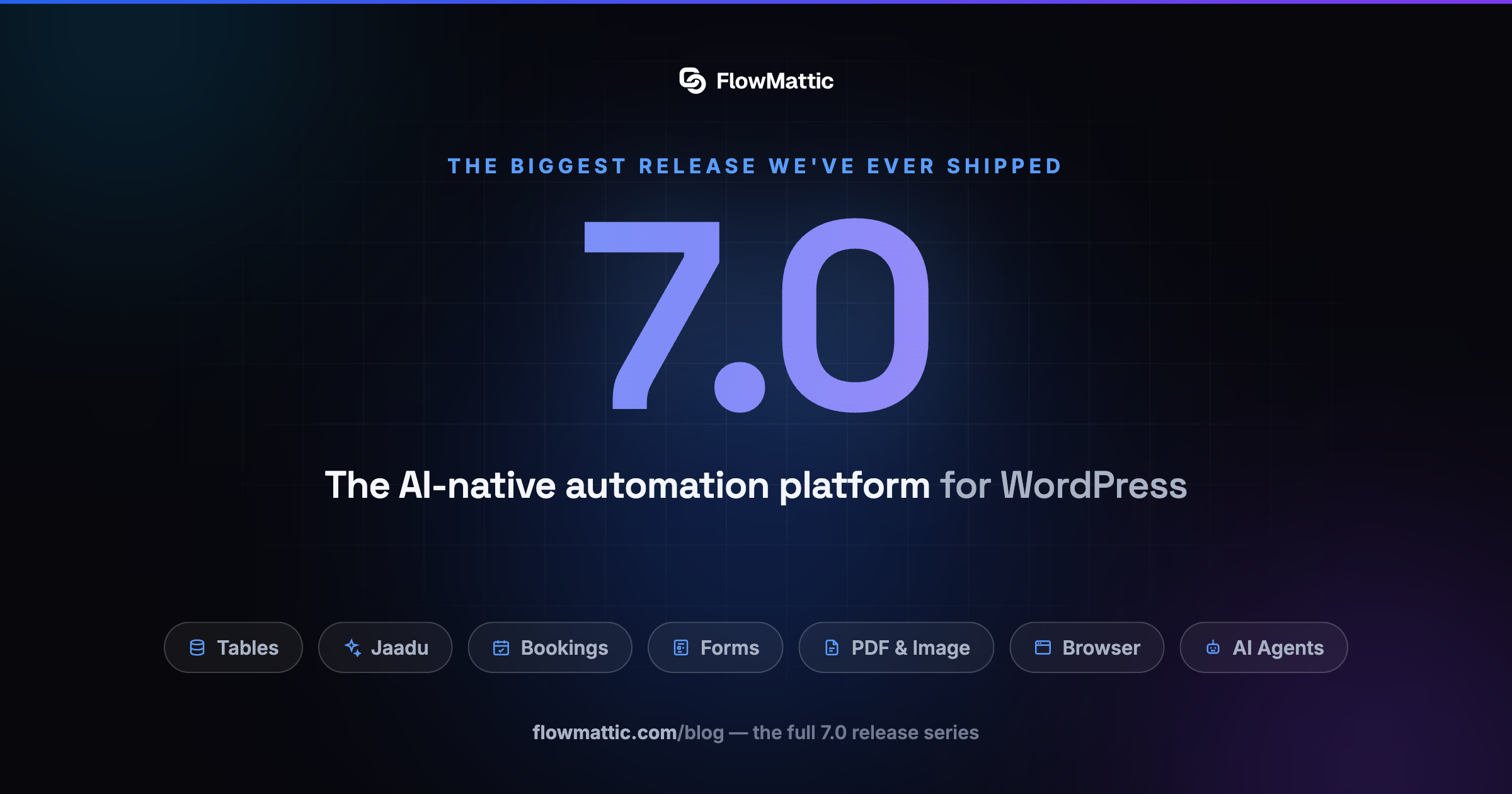
FlowMattic 7.0 is here — and it’s the biggest release we’ve ever shipped. So big, in fact, that one post can’t hold it: this is the first in a series covering everything new, with deep-dives into each major feature throughout the week.
The theme of 7.0 is simple: FlowMattic is no longer just a workflow plugin — it’s the AI-native automation platform for WordPress. Your workflows now have a real database to live in, a scheduling system to fill them, visual builders for every document they produce, a browser they can drive, and AI woven through all of it.
Everything new in 7.0, at a glance
FlowMattic Tables — a managed database for your site
The headline act. FlowMattic Tables provisions a private, managed database for your site in about a minute — isolated from your WordPress database, hosted and backed up on our infrastructure, and wired straight into your workflows. Premium column types (Person, Tags, Attachments, Currency, Calculate formulas, Relations, AI Text), saved Views, Summarize footers, and a CSV import that survives 100,000-row files. Plans start at $5/month, reads are always unlimited, and we never bill overage. Full deep-dive coming in part two of this series.
Jaadu — describe the change, watch it build
An AI agent that lives inside the builder and performs the actual edits. Say what you want — a step, a branch, a whole workflow — and Jaadu adds it, wires it and configures it on your canvas, finding the right app semantically even when you don’t know its name. It never deletes without your confirmation, every edit is backed by version history, and it runs on your own OpenAI or Anthropic key, browser-to-provider, no proxy. The same chat drawer works in the PDF, email and image builders too.
Form Builder — build the form, trigger the workflow
A full visual form builder joins the platform: conditional logic, live calculations, conversational mode, answer piping, spam protection, a built-in Responses view — and every form is a native workflow trigger that can act back on the submission with custom responses and redirects.
Bookings — scheduling, built in
Create shareable booking calendars with recurring or specific-date availability, buffers, notice windows and daily caps — then let visitors book through a shortcode, a Gutenberg block, or a shareable permalink with your branding. Every booking event (created, rescheduled, cancelled, completed, no-show) fires a workflow trigger, and even the confirmation and reminder emails are automation-driven workflows you can customize.
Image & PDF Template Builders
Two new visual, React-based designers join the builder suite. Design image templates with 19 prebuilt starters and 10 element types, or PDF templates with drag-and-drop blocks, 26+ element types, conditional visibility and per-page headers and footers. Matching workflow integrations — Image Builder and PDF Builder — generate pixel-perfect files from your templates with dynamic data, right inside a workflow.
FlowMattic Browser — give your workflows eyes
A new core integration powered by Cloudflare Browser Rendering, with nine actions for fetching and processing live web pages — plus a browse_url tool that lets your AI Agents fetch and reason over web pages entirely on their own.
Custom Apps — import any API in minutes
Paste a cURL command, upload an OpenAPI 3.x / Swagger / Postman collection, or fetch a spec from a URL — FlowMattic discovers the actions, previews them, and builds a custom app with body, query, path and header fields auto-filled.
AI, everywhere it helps
The Email Template Builder drafts a complete email — blocks, subject, pre-header and sample data — from a single prompt. AI Assistants render rich responses. MCP Server tools now publish proper input schemas to connected AI clients. And FlowMattic Tables adds AI Text columns that generate content from your own row data.
A fresh face
You’ll notice 7.0 looks different, too: a new FlowMattic logo and icon system, and all 60 core integration icons redrawn as one visual language — a 24px grid, consistent stroke, and the brand blue across every card in the builder.
Dozens of refinements under the hood
- Sticky notes on the canvas — drop titled, colored notes anywhere on the workflow builder to document your logic where it lives; they save with the workflow.
- Custom webhook slugs — give triggers a stable, human-readable URL like
/webhook/capture/orders-apithat survives workflow recreation. - Multi-feed RSS trigger — monitor several RSS feeds from one workflow.
- API response headers — capture tokens and metadata that APIs return in headers, not bodies.
- Base64 image uploads — save AI-generated images straight to the Media Library, with optional WebP/AVIF conversion.
- Reliability — a long list of fixes across OAuth callbacks, Branch-inside-Iterator logic, non-ASCII workflow names, condition persistence, and more.
The series
Over the coming days we’ll publish a deep-dive on each pillar of this release:
- Meet FlowMattic 7.0 — this post
- FlowMattic Tables — give your site its own managed database
- Bookings — scheduling that speaks workflow
- The Builder Suite — images, PDFs and AI-drafted emails
- AI & the Browser — agents that can see the web
- For developers — import any API, stable webhooks, and platform polish
- Jaadu — describe the change, watch it build
- Form Builder — build the form, trigger the workflow
- The 7.0 experience — redesigned admin, onboarding, AWS Bedrock and WP-CLI
- PDF Template Builder deep-dive — documents with live data, totals and repeating sections
- Image Template Builder deep-dive — one design, a unique image for everyone
- Email Template Builder deep-dive — build the email, let the workflow send it
FlowMattic 7.0 is a free update for all license holders — update from your dashboard or grab the latest from your account. As always: your existing workflows, connects and task history carry over untouched.
Ready to explore? Update to 7.0, then come back for part two — your workflows are about to get a real database.