

Image Template Builder Deep-Dive: One Design, a Unique Image for Everyone
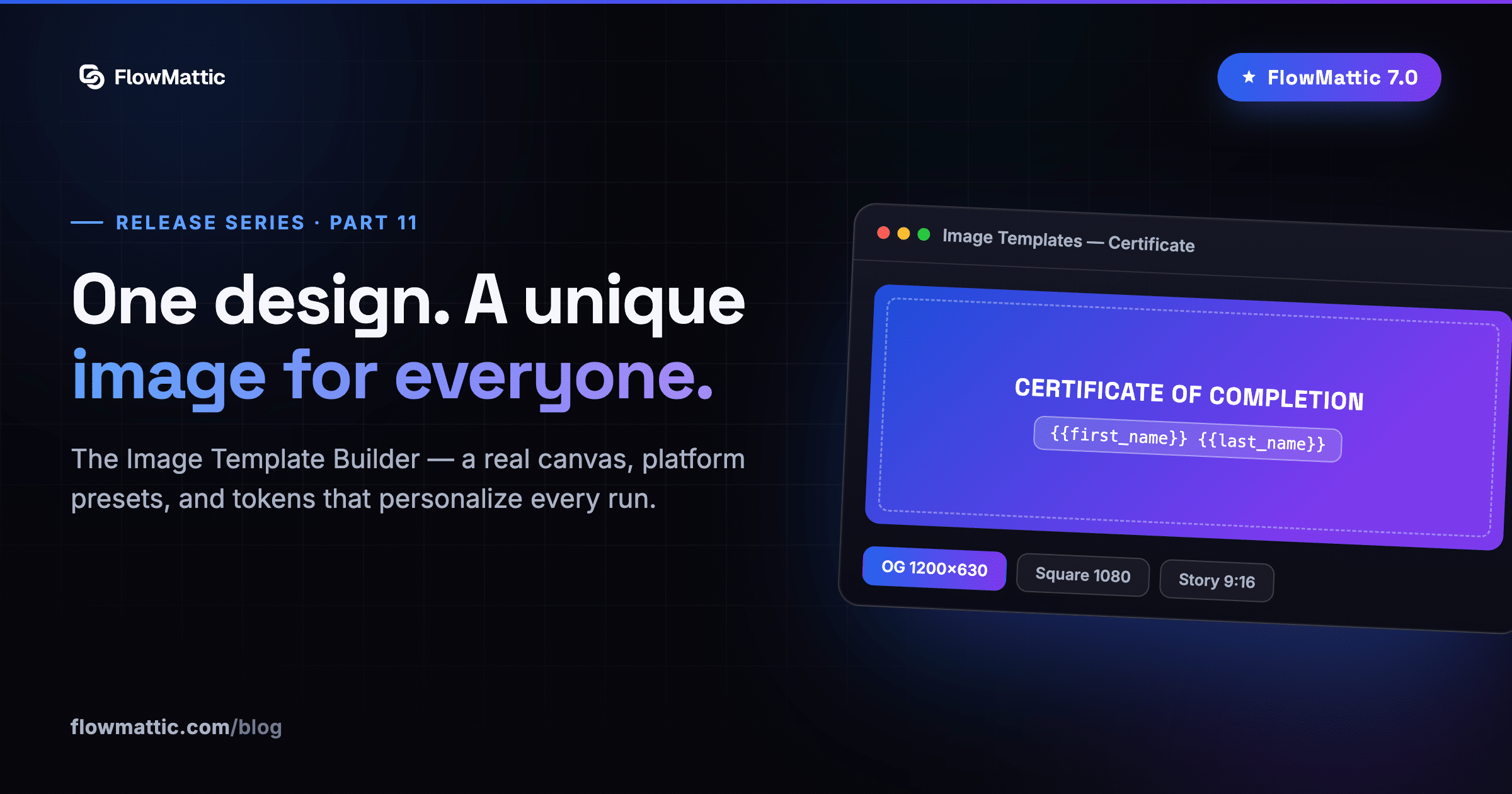
Part eleven of our FlowMattic 7.0 release series — the second builder deep-dive, following the PDF Template Builder.
See it in action — designing one image template and generating on-brand images for everyone, automatically:
Some images need to exist a thousand times with a thousand names on them: certificates, social cards, badges, coupons. Designing them once is easy; producing every copy is the grind. The 7.0 Image Template Builder ends the grind — design one template, generate a unique image for everyone.
A real design canvas, not a fill-in-the-blank form
This is a proper canvas: absolutely-positioned, z-stacked layers with opacity and rotation on every one. Stack the ten element types — Heading, Text, Image, Avatar, Button, Icon, Shape, Divider, Logo and QR code — and dress the design from a decoration library of ribbons, waves, arrows and callout lines. Start from one of 19 prebuilt starters or from scratch.
- Any background — solid color, a two-color gradient at any angle, a repeating pattern, or an image with an overlay
- Typography that ships — serif, sans, mono and script families picked to render identically in the editor and in the final image
- Presets for every platform — Open Graph (1200×630), Square (1080×1080), Portrait (4:5), Story (9:16), Twitter header (1500×500), or any custom size
The same design, a different image every run
Drop {{token}} placeholders into any text, image-source or QR field. At generation time they resolve from auto-detected parameter fields — or a single JSON blob if you prefer to pass everything at once. The name changes, the avatar changes, the QR code changes; the design holds.
Pixel-perfect output, delivered anywhere
Rendering runs on Cloudflare Browser Rendering — connect it once and every PNG comes out exactly as designed, real-browser accurate. The Image Builder workflow action sends the result to your Media Library by default, a custom subfolder, or returns the raw file, with automatic fallback if delivery fails.
Where it earns its keep
- Certificates — course completions and certifications: one design, a unique certificate per learner
- Social & OG cards — a branded Open Graph image for every post or product, generated the moment it’s published
- Badges & coupons — personalized event badges, member cards and discount coupons with per-person QR codes
Add “Generate Image from Template” after any trigger — a new customer, a completed order, a course completion — and pass the PNG URL to your email, social or CRM steps. The thousand-copy grind becomes one workflow.
Final deep-dive: the Email Template Builder — build the email, let the workflow send it.