Every Router route ended with the same three steps. Now they don’t have to.
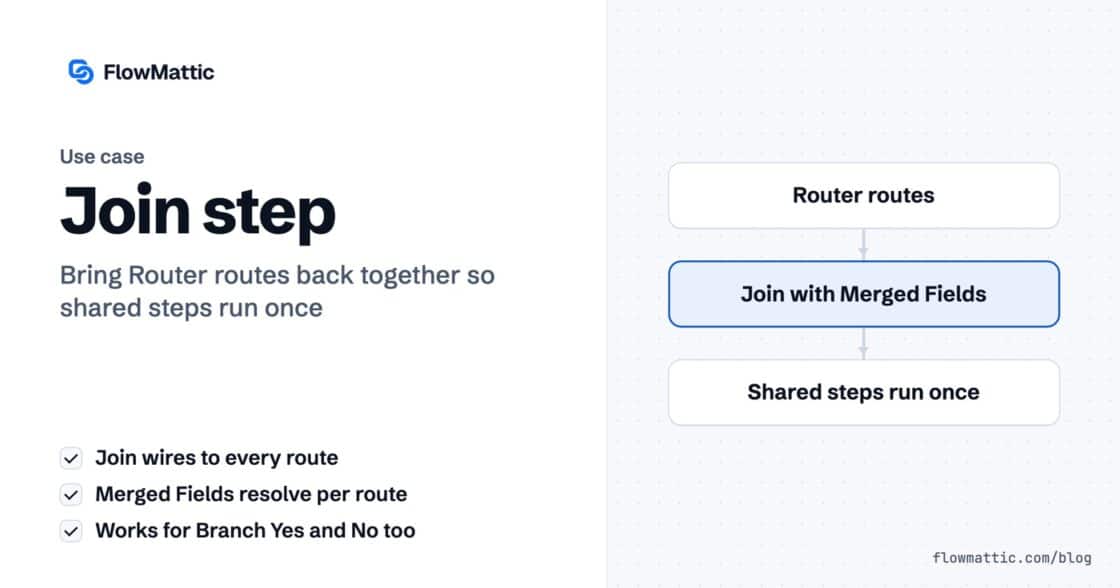
The Join step merges a Router's routes or a Branch's Yes/No back into one chain, so the steps after it run once.…


Look at the tickets that actually pile up in your inbox. Almost none of them are answered anywhere in your documentation. Where’s the invoice for my last order? Which plan am I on? Did anyone ever fix the thing I reported in March? Every one of those questions has a definite answer, and every one of those answers is sitting in your database.
This is the ceiling most support bots hit. They are trained on help articles, so they handle the questions your help articles already handled. The rest — the ones that generate real work — get forwarded to a human with an apology attached.
When people hit that ceiling, the first instinct is usually to feed the model more context: dump the customer table into the prompt, paste in the last thousand orders, and hope the model finds the right row.
It’s an understandable move and a bad one. You pay for every token on every request. The data is stale the moment it’s pasted. You’ve copied information about every customer into a request about one customer. And the model still has to guess which row you meant.
The alternative is to stop handing the agent data and start handing it doors it can open.
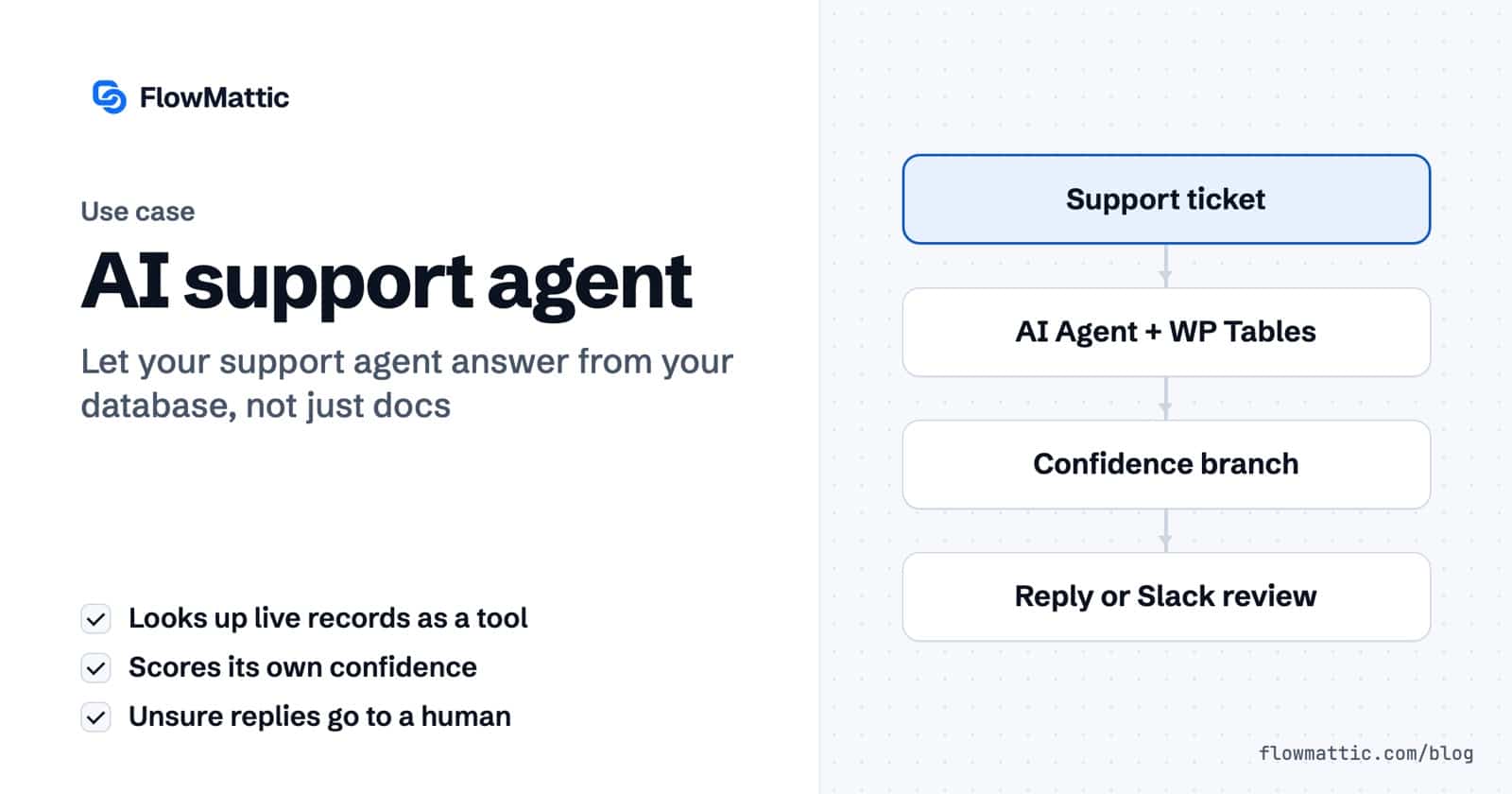
In FlowMattic, an AI Agent step isn’t a plain box on the canvas. It has three connection points of its own — Chat Model, Memory and Tools — and the third one is where this changes shape. Attach WP Tables → Find Record as a tool and you haven’t added a fourth step to the workflow. You’ve given the agent something it can decide to use.
That distinction matters more than it sounds. A step runs every time, in a fixed order, whether it’s needed or not. A tool is invoked by the agent, only when the question calls for it, with arguments it works out from the ticket. Ask it something answerable from your docs and it just answers. Ask it “where’s my invoice for order NW-4821” and it goes and looks.
The practical effect: the lookup happens at answer time, against live data, scoped to one customer. Nothing is pre-loaded, nothing goes stale, and nothing about other customers is anywhere near that request.
Two tools cover most support questions, and both read from your own site:
Both run inside your WordPress installation. The agent asks a question, your server answers it, and the reply is written from that answer. Your customer records are never copied to a third-party service to make this work — which, when the subject is billing history and account details, tends to be the part your legal team cares about most.
An agent that can query your database is genuinely useful. An agent that can query your database and is certain about everything is a liability, because a confident wrong answer about someone’s invoice is worse than no answer at all.
So the System Prompt does two jobs. The first is the obvious one — who the agent is, and to look the customer up before answering. The second is the one that gets left out:
If you are not confident, say so — and do not guess.
Pair that with a confidence score in the agent’s output and you have something you can actually branch on. Not a vague sense that the model “seems unsure” — a number the workflow can read.
Once confidence is a number, Branch → Evaluate Condition does the rest. Above your threshold, the reply goes out and the ticket is logged. Below it, the draft goes to Human in the Loop → Get Approval on Slack, and a person decides.
This is the piece that turns a demo into something you’d leave running overnight. The agent isn’t trusted because it’s good; it’s trusted within a range, and everything outside that range is somebody’s job. You can start the threshold high — only the most clear-cut answers go out unattended — and lower it as you watch what it gets right.
A customer asks where the invoice for their last order went. The agent looks up the account, finds the order, sees the invoice was issued, and replies with the details. Confidence 94. Sent and logged, in about eleven seconds, with nobody touching a keyboard.
The next ticket is a billing dispute with an edge case in it. The agent does the same lookups, drafts the same kind of reply, and returns confidence 52. That one lands in Slack for a human, with the research already done.
Same workflow, same agent, same prompt. The difference is that it knows which situation it’s in.
The full build — the trigger, the tools, the prompt, the confidence branch and the approval step — in three and a half minutes:
Pick one question you answer constantly and that has exactly one correct answer — order status is the usual candidate. Give the agent the single tool it needs to answer that one thing. Set the confidence threshold high enough that it only replies when it’s genuinely sure, and route everything else to a human.
Watch it for a week. You’ll learn more from the tickets it declined than the ones it answered, because those show you exactly where the next tool belongs.
Support automation stalled for years on bots that could only recite documentation. The thing that moves it forward isn’t a smarter model — it’s giving the model access to the answers you already have, and the good sense to hand over the ones it doesn’t.
FlowMattic is the AI-native automation platform for WordPress — visual workflows, 900+ integrations, AI agents and a full builder suite, self-hosted inside your own dashboard. Get FlowMattic.
The Join step merges a Router's routes or a Branch's Yes/No back into one chain, so the steps after it run once.…
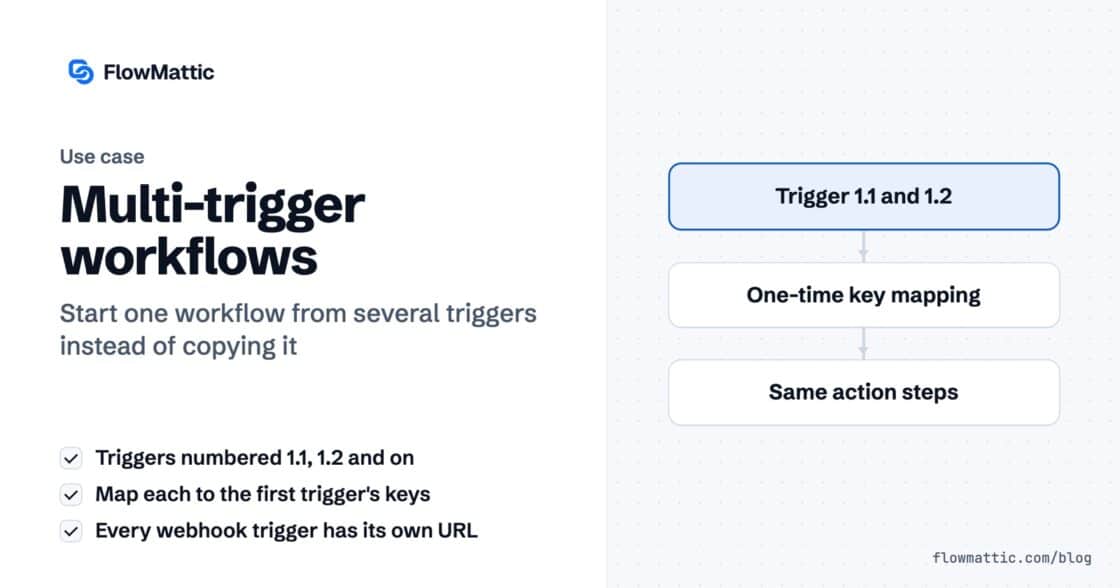
A workflow can now start from several triggers — a second webhook, a schedule, a form — all running the same steps.…
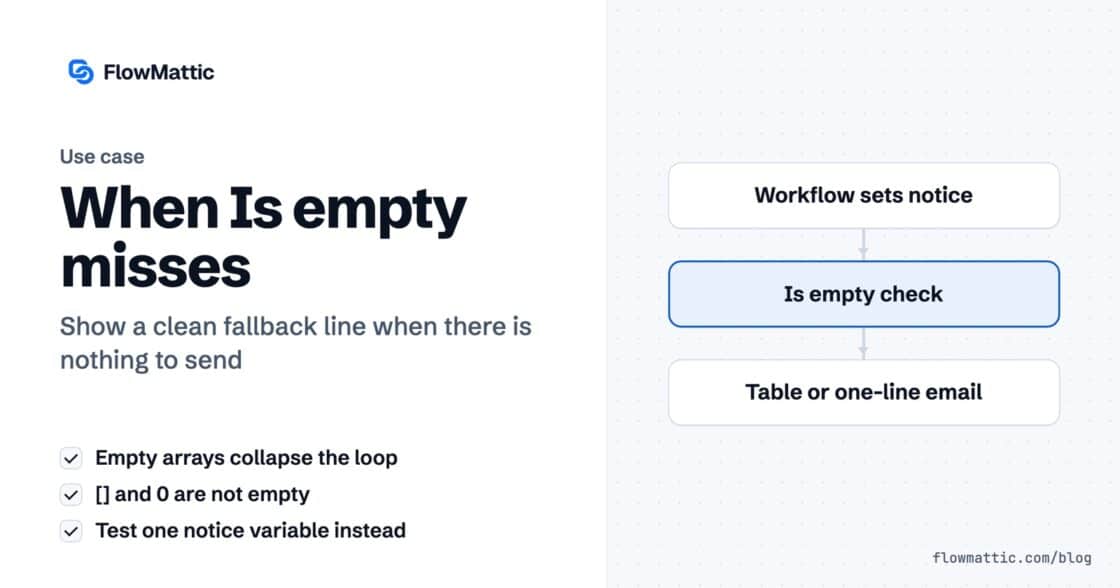
An empty array collapses the loop reliably. Your fallback message does not appear, because an empty array is two characters and zero…