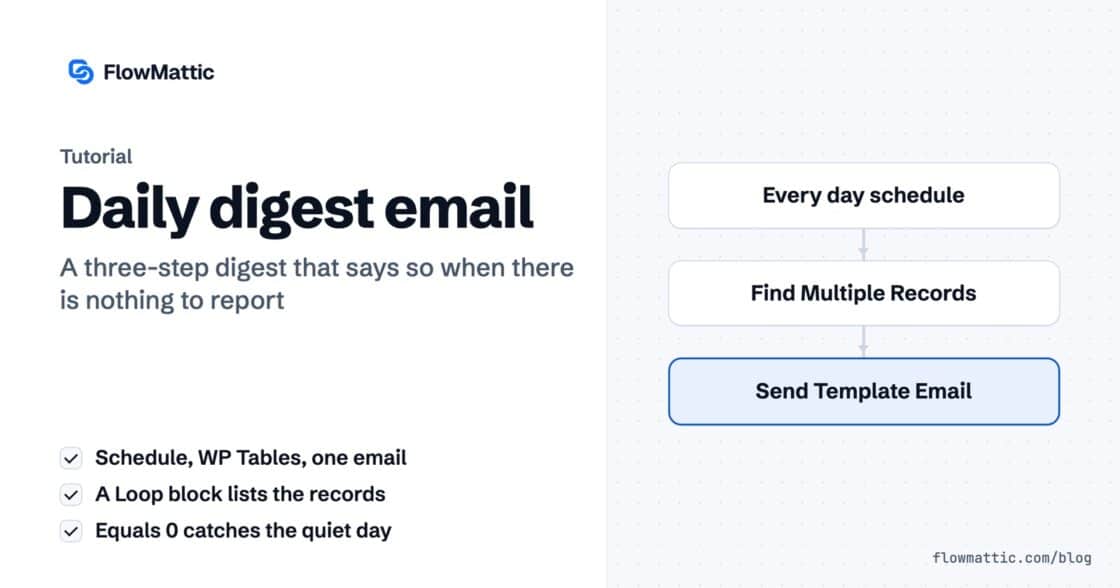
Build a daily digest email that knows when there is nothing to say
Three steps, one template. The loop handles the many, the count handles the none — and the operator choice that makes the…


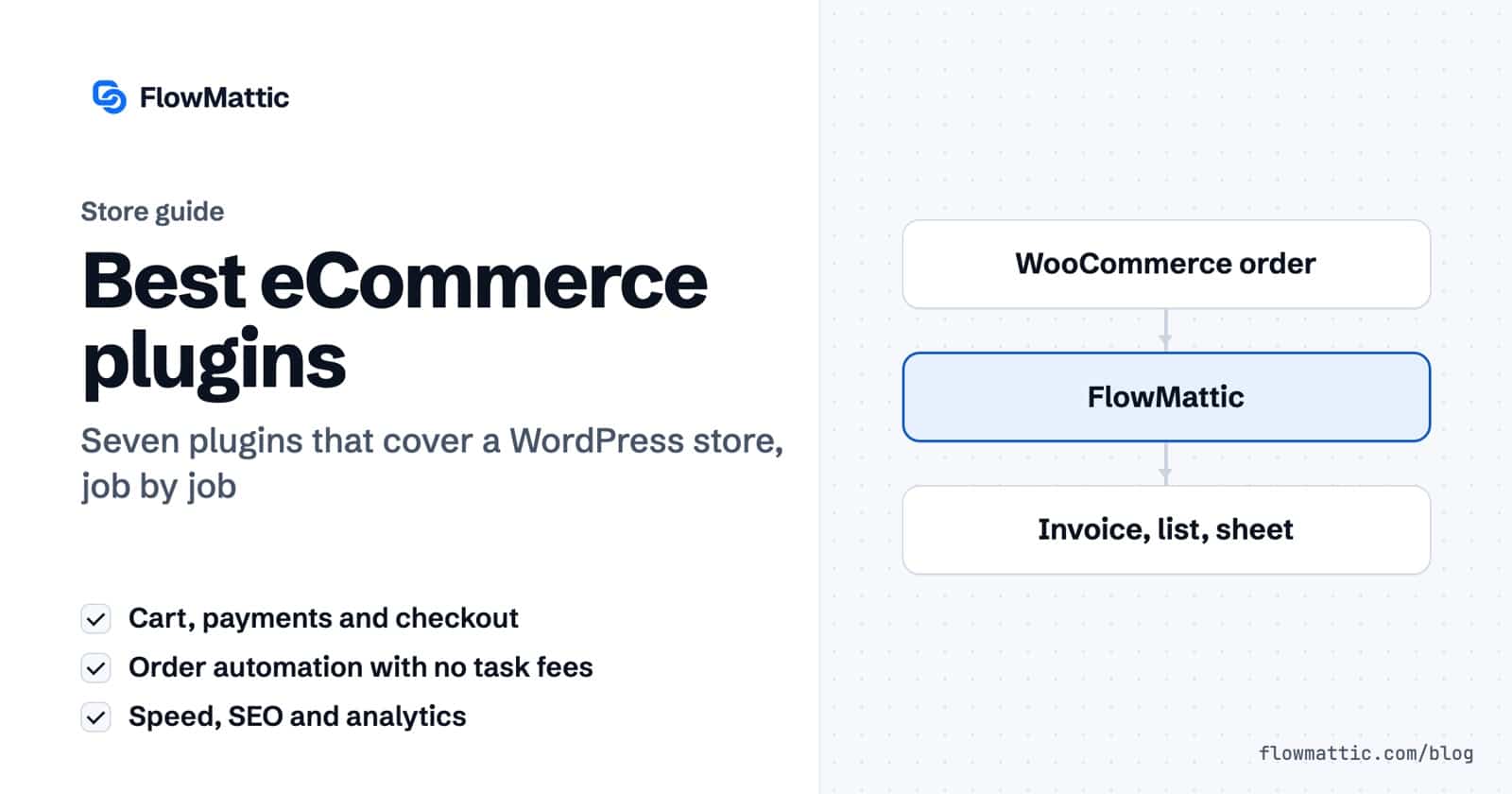
Updated October 2026. A WordPress store needs six things to run well: a cart, a way to take payments, automation for the work around each order, speed, search visibility and numbers you can trust. These are the plugins we would install first for each job, what they do and what they cost.
One disclosure: we make FlowMattic, which is on this list. We have no stake in the others; they are here because store owners keep asking us about them.
WooCommerce is still the default way to sell on WordPress. It is free, it runs on more than 7 million sites according to WordPress.org, and it handles products, variations, carts, checkout, taxes, shipping zones and orders out of the box. Subscriptions, bookings and memberships come as extensions, so the store grows with you instead of being replaced.
Choose WooCommerce when you sell physical goods, need a large catalogue or want the widest choice of extensions and payment providers. FlowMattic connects to it directly through the WooCommerce integration.
FluentCart comes from the team behind FluentCRM and Fluent Forms and has been on WordPress.org since October 2025. It is built around digital products, subscriptions and software licenses, with a fast checkout and a customer portal. It is younger and has a smaller extension ecosystem than WooCommerce, but if you sell downloads or licenses it is worth a look. Our own store at flowmattic.com runs on it.
WooCommerce needs a payment gateway. WooPayments (on more than 800,000 stores) is WooCommerce’s own option, with cards, wallets and payouts managed inside wp-admin. The WooCommerce Stripe Payment Gateway (more than 700,000) connects an existing Stripe account instead. Both are free plugins; you pay per transaction. Pick the one whose fees and supported countries suit your business.
Every order sets off a string of small jobs: send the invoice, add the buyer to your mailing list, tell the team, update the spreadsheet, follow up on the cart someone left behind. FlowMattic is an automation plugin for WordPress that does those jobs for you, inside your own site.
Start from a ready-made template in the workflow library, or build your own on the visual canvas.
FunnelKit was called WooFunnels until it rebranded. It replaces the standard WooCommerce checkout with custom checkout pages and adds order bumps and one-click upsells after purchase. The free FunnelKit Funnel Builder covers checkout pages and is used on more than 30,000 sites; upsells and the advanced features are in the paid version. FunnelKit Automations, a separate plugin, handles email follow-ups.
A slow product page costs sales. WP Rocket adds page caching, file minification, lazy-loading and database cleanup with sensible defaults, so it helps without a long setup. It is premium only, from $59.95 a year for one site at the time of writing.
If your host runs LiteSpeed servers, the free LiteSpeed Cache plugin covers much of the same ground. Use one caching plugin, not two.
Product pages need clean titles, descriptions, sitemaps and product schema so search engines show prices and stock. Rank Math (more than 4 million sites) and Yoast SEO both do this, with free versions and paid tiers that add more WooCommerce features. Both are good; pick one and stick with it, since switching later means migrating settings.
Site Kit by Google (more than 5 million sites) brings Search Console and Google Analytics into your dashboard, so you can see which products people find and where they come from. For sales figures, WooCommerce’s own Analytics screen already reports revenue, orders and top products.
WooCommerce (or FluentCart for digital products), then a payment gateway. Add speed, SEO and analytics before launch, and automation as soon as orders start arriving.
WooCommerce handles orders, shipping zones and refunds on its own. Plugins help with what happens around them: printing labels, emailing customers and keeping other tools up to date. FlowMattic can automate those steps from order events, such as emailing the customer when an order status changes.
No. A small store can start with WooCommerce, a payment gateway, an SEO plugin and caching. Add the others when the manual work or the questions they answer start to cost you time.
Three steps, one template. The loop handles the many, the count handles the none — and the operator choice that makes the…
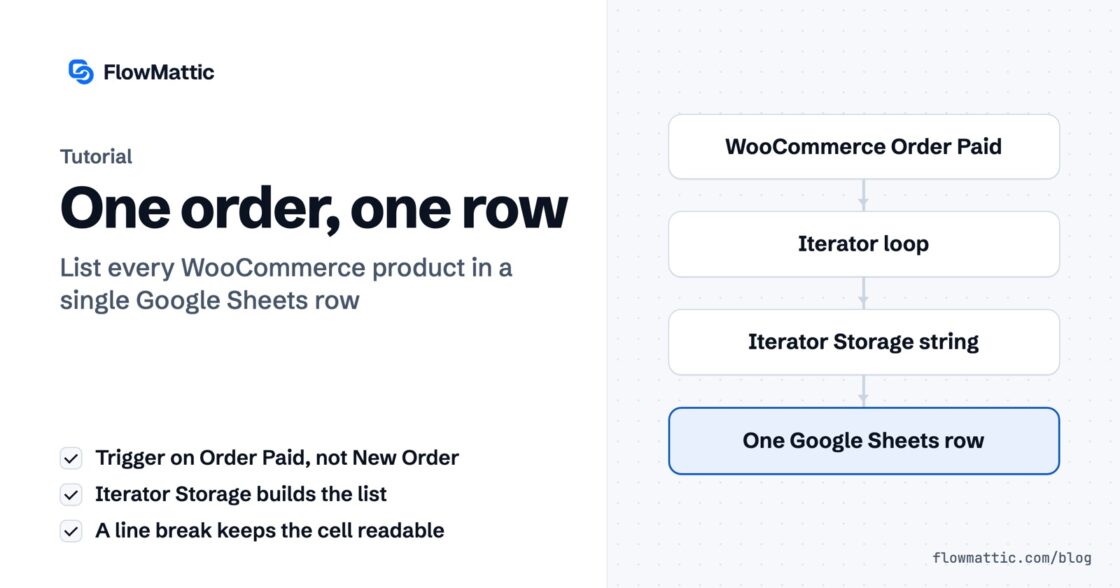
Connect WooCommerce to Google Sheets the obvious way and a three-item order writes three rows. Here is how the Iterator gives you…
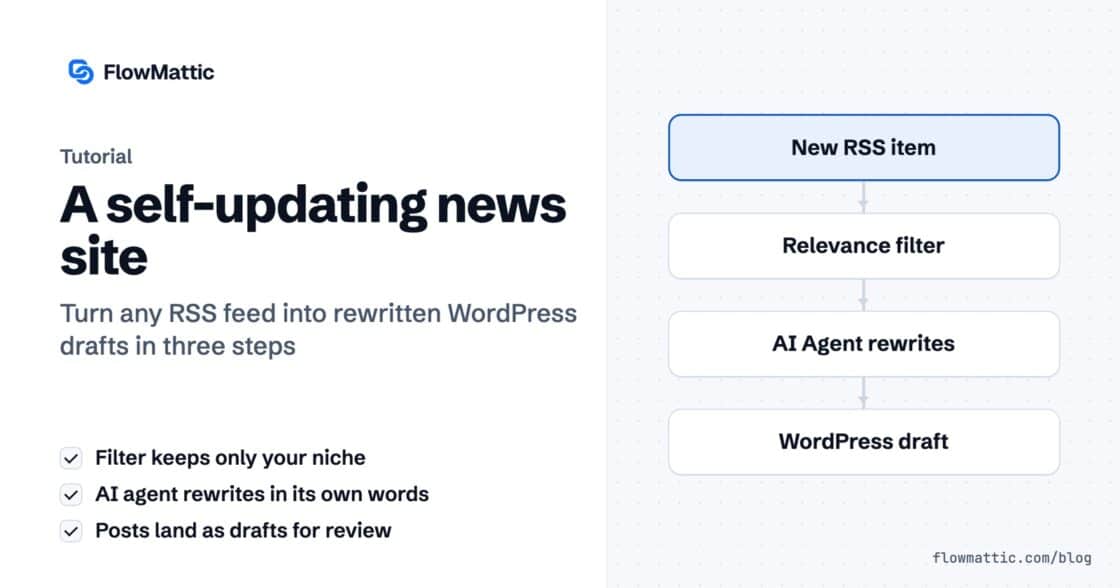
An RSS feed brings the story in, a filter throws out what you don't cover, and an AI agent rewrites it and…