

Bookings in 7.0: Scheduling That Speaks Workflow
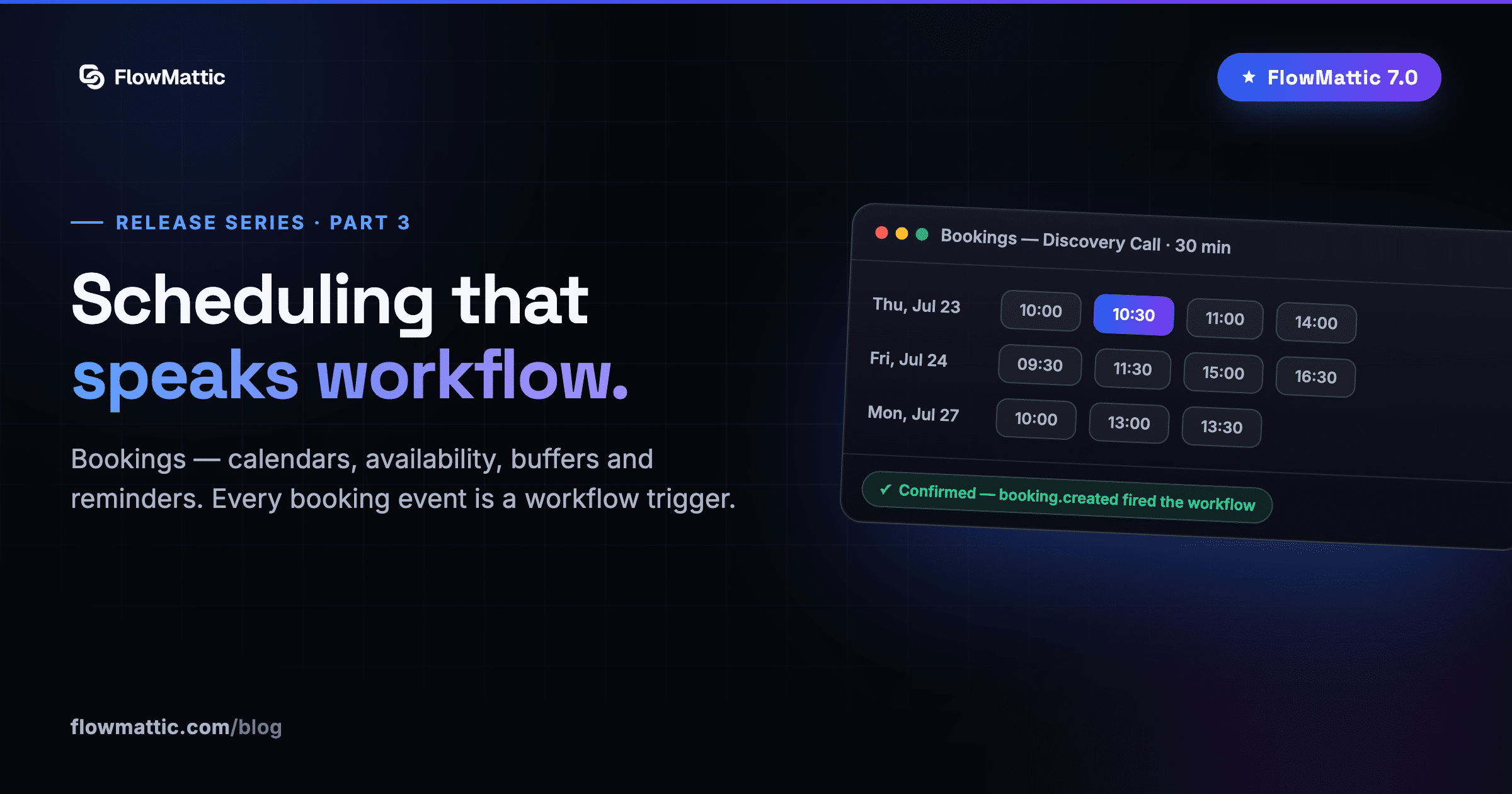
Part three of our FlowMattic 7.0 release series. Catch up: the announcement and FlowMattic Tables.
See it in action first — a booking calendar living inside WordPress, from availability to a confirmed booking:
Scheduling tools and automation platforms have always lived in separate houses. You book in one app, then wire webhooks to get the data where it’s useful. FlowMattic 7.0 moves scheduling in-house: Bookings is a native scheduling module — booking pages, availability, reminders — that fires workflows as naturally as a webhook does.
Calendars the way you actually work
Create a booking calendar (an event type) and shape it to reality:
- Recurring weekly or specific-date availability, with per-day hours
- Buffers before and after appointments, so back-to-backs don’t crush you
- Minimum notice — no more 11:58pm bookings for a 9am slot
- Booking window and max bookings per day to protect your calendar
Manage everything from a dashboard with calendar, list and board views — reschedule, cancel, complete, or mark a no-show in one click.
A booking page anywhere
Publish your calendar three ways: the [ flowmattic_booking calendar="slug" ] shortcode, a Gutenberg block, or the shareable /flowmattic-booking/your-slug/ permalink. Each calendar carries its own branding — logo, accent color, an optional “Powered by FlowMattic” toggle, and a post-booking redirect for thank-you or upsell pages.
Every booking event is a trigger
This is where living inside an automation platform pays off. The new Bookings trigger app fires on booking.created, rescheduled, cancelled, completed and no-show — each with the full booking payload. Add a note or update a booking’s status from any workflow with the bundled actions.
Even the messaging is automation-first: confirmation emails and reminders ship as default workflows, not hard-coded templates. Want a Slack ping on every new booking, an SMS reminder instead of email, or a CRM record for every no-show? Edit the workflow like any other — no settings maze, no filters, no code.
What this replaces
If you’re paying for a scheduling SaaS just to funnel bookings into your automations, 7.0 closes that loop: the booking page, the availability engine, the reminders and the automation all live on your site, under your license. Pair it with FlowMattic Tables and every booking can land in a structured table — with Person columns for attendees and a Relation to the client record — the moment it’s made.
Next in the series: the Builder Suite — images, PDFs and AI-drafted emails.