API Polling Trigger: Start Workflows When Any API Has New Data
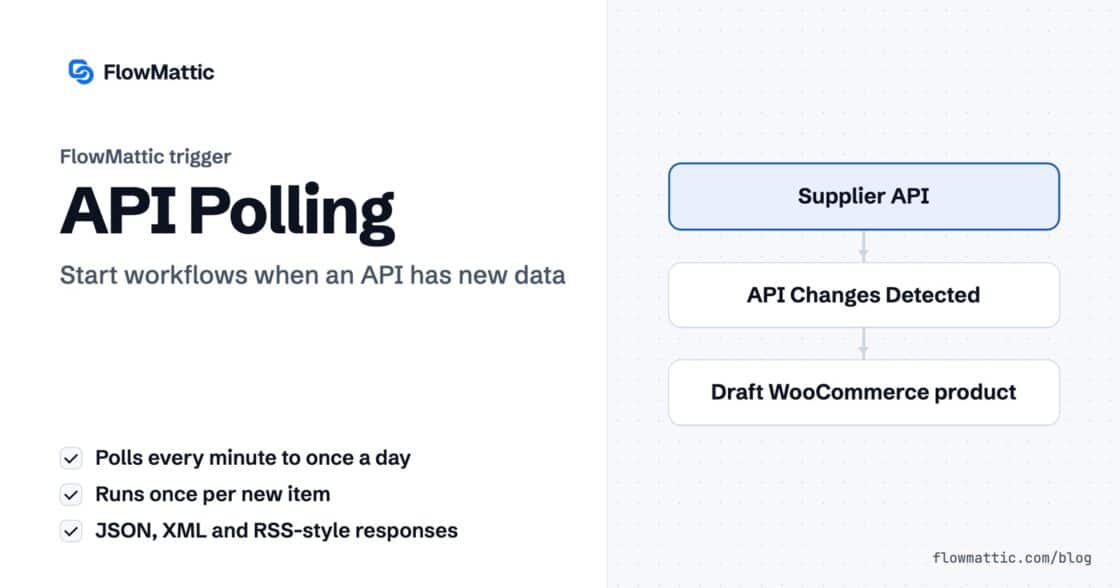
For apps without webhooks: poll any REST endpoint on a schedule, detect the items added since last time and run your workflow…


Part two of our FlowMattic 7.0 release series. New here? Start with Meet FlowMattic 7.0.
Want the full walkthrough first? This guide takes you from a fresh install to a working managed database — plans, premium columns, imports and workflow actions:
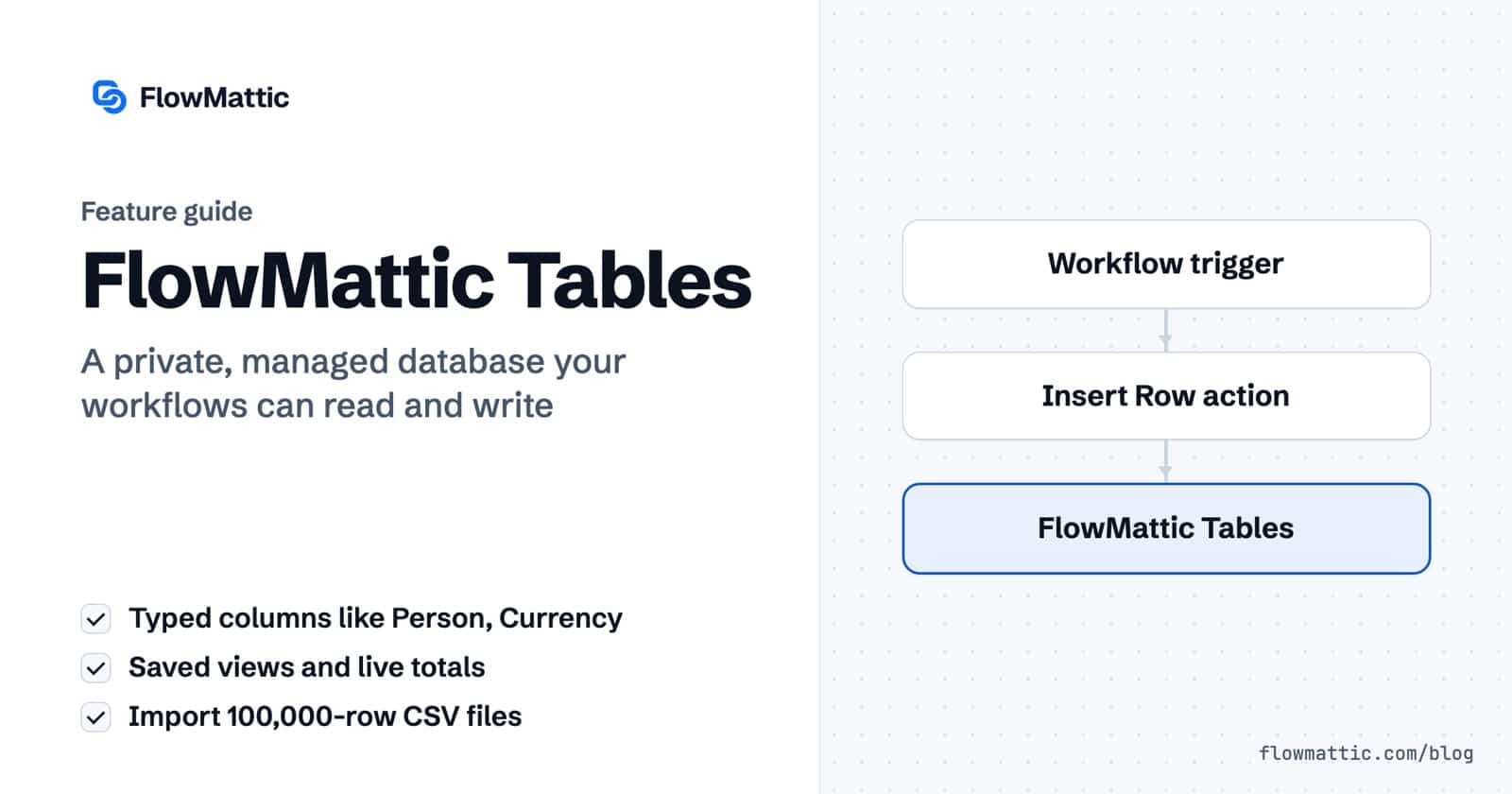
Every serious automation eventually needs a place to keep its data. A lead pipeline. An order log. A content calendar. For years the answer was either “stuff it into your WordPress database and hope” or “pay for an external tool and sync it back.” FlowMattic 7.0 ships a third answer: FlowMattic Tables — a private, managed database for your site.
Subscribe from your dashboard and FlowMattic provisions a database for your site on our infrastructure in about a minute. From then on, we run it: storage, replication, continuous backups, 30-day point-in-time recovery, monitoring and scaling. You never touch a server, and your WordPress database never carries the weight — heavy automation data stays off your hosting entirely, in a database that’s isolated to your site and never shared.
FlowMattic Tables is a spreadsheet-style grid where every column has a type, and the grid renders each one the way a modern data tool would:
ROUND({price} * {qty}, 2) that recompute live as you editSet the grid up the way you like — a filter, a sort, hidden columns, a page size — and save it as a named View. Views live with the table, so your whole team shares them: “Urgent only,” “Pipeline review,” one click each.
Summarize puts live totals in the grid footer: Sum, Average, Min, Max on numeric columns, Count on anything. Filter the grid and the totals follow. Currency columns even format their totals correctly.
Drop a CSV — even a 100,000-row one. FlowMattic auto-detects column types (checkboxes from yes/no values, dropdowns from repeating labels, decimals, dates, URLs), adapts its batch size to your connection, and retries failures with resume support — without ever duplicating a row.
Insert Row, Update Row, Upsert, Find and Delete actions show typed fields per column: a Person gets separate first/last/email inputs, Tags accept a simple comma-separated list, colors get a picker — and every field also accepts dynamic data from previous steps. Row changes can trigger workflows, so your table isn’t just storage; it’s a participant.
| Starter | Pro | Business | |
|---|---|---|---|
| Monthly | $5 | $15 | $39 |
| Annual (2 months free) | $49 | $149 | $399 |
| Records | 100,000 | 500,000 | 2,000,000 |
| Writes / month | 250,000 | 2,000,000 | 10,000,000 |
| Reads | Unlimited | Unlimited | Unlimited |
| Exports | 1 / day | On-demand | Nightly automatic |
| Recovery | 30-day PITR | 30-day PITR | Self-serve restore |
Plans differ only in capacity — premium types, Views, Summarize, CSV import and every workflow action are included on all of them. And one promise we want in writing: hit a limit and we tell you — we don’t bill you. No overage charges, ever. Reads are always unlimited.
Fair question. Your FlowMattic license pays for software that runs on your hosting. Tables is different: it’s a service that runs on ours, around the clock — storage, backups, compute and monitoring, per site, every month. Pricing it as a small subscription means only the people who use it pay for it. And if you just need a light table in your own WordPress database, WP Tables remains included free with every FlowMattic license.
Your data stays yours, too: download .sql or .csv exports any time, and if you ever cancel, your database stays intact for 30 days with a final export retained for 90 — no lock-in, no hostage data.
Open FlowMattic → FlowMattic Tables in your dashboard, pick a plan, and your database is live in about a minute. The getting-started guide walks you from a fresh install to your first automated pipeline.
Next in the series: Bookings — scheduling that speaks workflow.
For apps without webhooks: poll any REST endpoint on a schedule, detect the items added since last time and run your workflow…
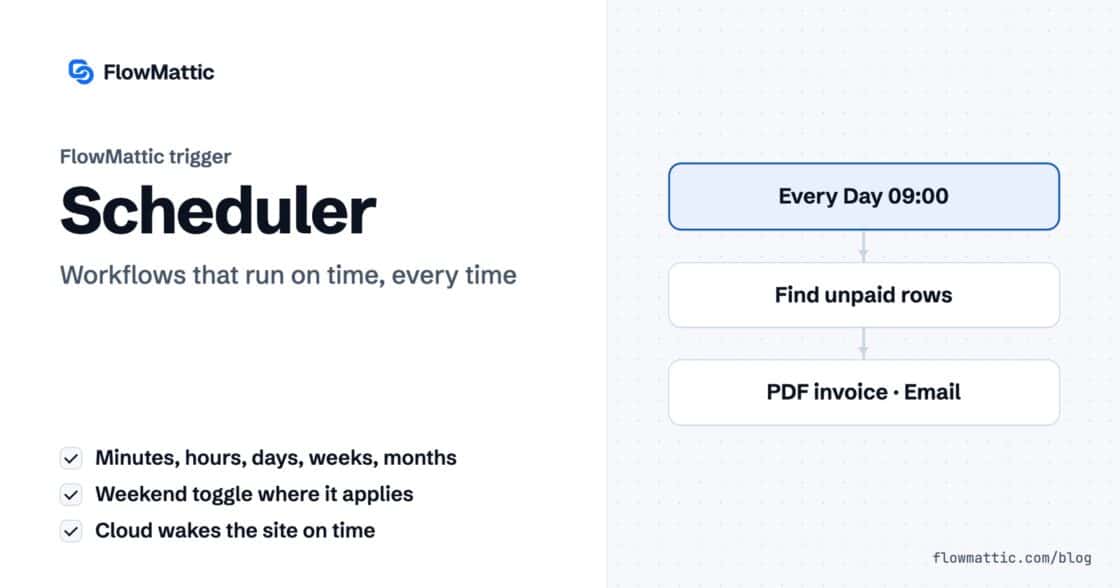
Run a workflow every few minutes, hourly, daily, weekly or monthly. Connect FlowMattic Cloud and it wakes your site the moment a…
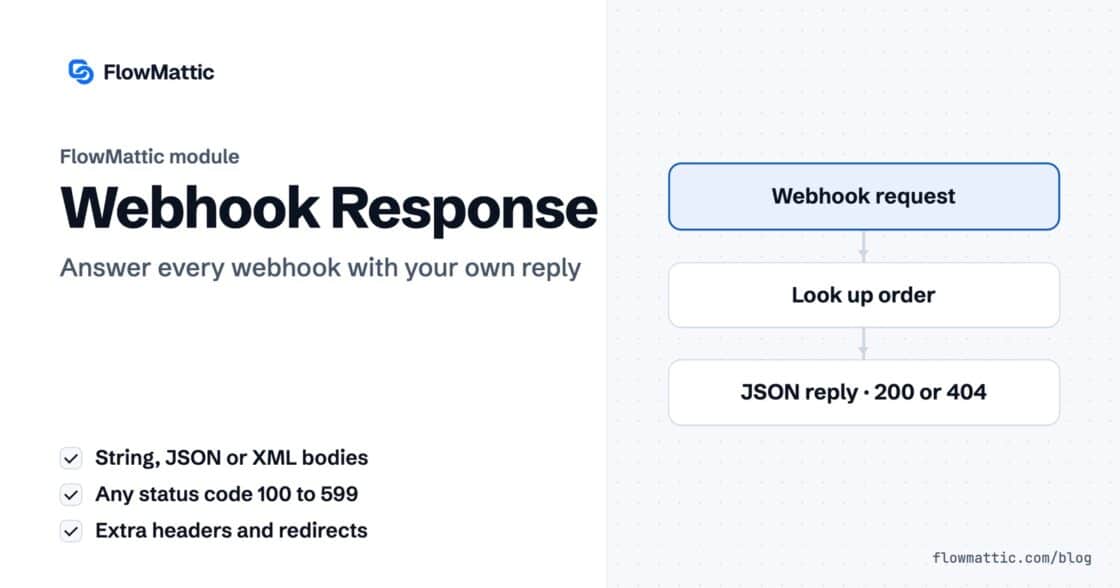
Reply to a webhook with data from the run: String, JSON or XML bodies, any HTTP status from 200 to 599, extra…