

Security in a self-hosted automation plugin for WordPress
FlowMattic runs on your WordPress server. Workflows, connections and run history are rows in your own database, and nothing leaves the server unless a step you configured sends it. This page describes what the plugin does to keep it that way; it claims no certifications.
Self-hosted on your serverOAuth through Connects, no pasted keysSigned webhooks verifiedSecrets masked in Task History

Your data stays where WordPress is
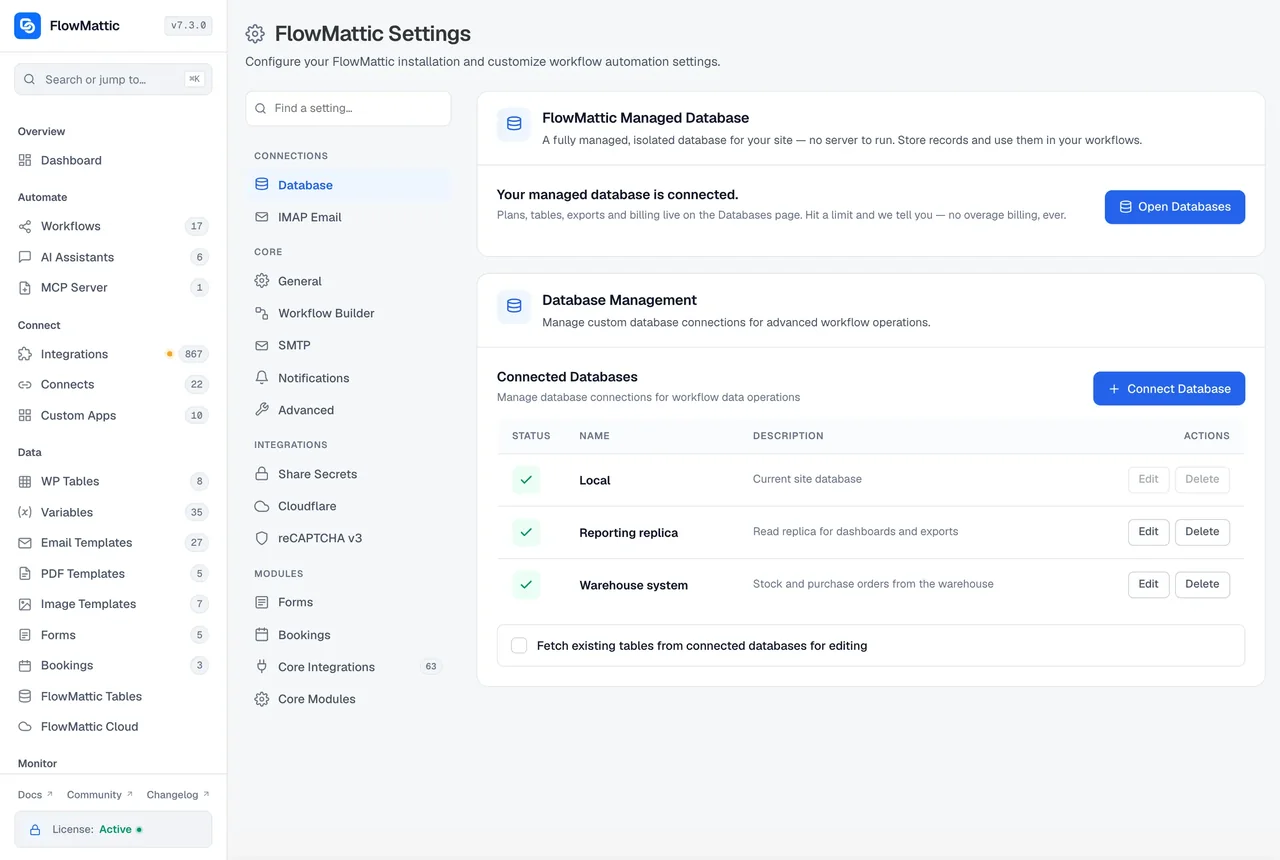
There is no FlowMattic account your workflows sync to and no server of ours in the path of a run. Triggers fire inside WordPress, steps execute there, and Task History is written to your database. The only outbound requests are the ones your steps make: a message to Slack, a prompt to the AI provider you chose, a webhook to a service. Licence and update checks contact our servers, back off during an outage and can be switched off with a constant.
- Workflows, connections, tables and Task History in your site database
- AI requests go straight to the provider with your key; FlowMattic runs no proxy
- FlowMattic Cloud is optional, and relays only webhooks and schedule timings
Credentials handled once, then never retyped
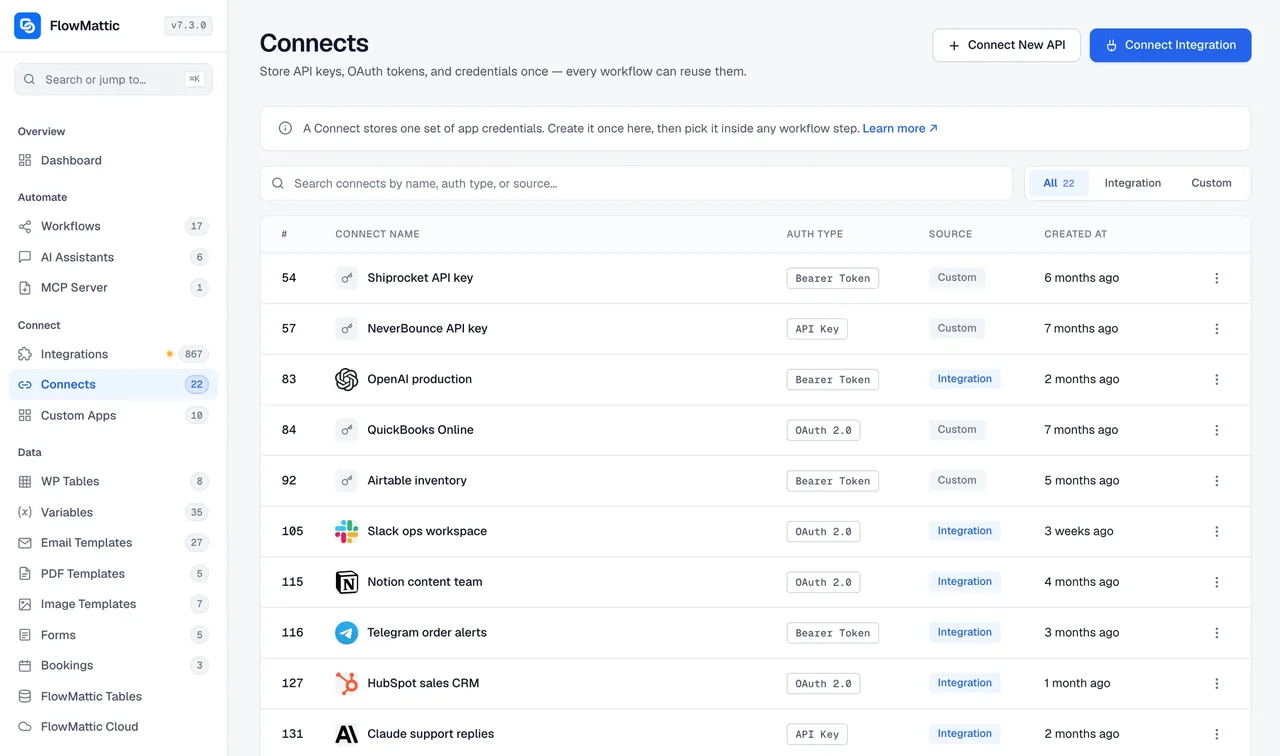
Connects holds every app authorisation. For apps that support OAuth the authorisation completes in a popup, so no API key is pasted into a workflow at all and tokens are renewed by the plugin. Keys for apps that use them are saved on the Connect, selected by name in steps, and masked wherever Task History records a step's inputs.
- OAuth, Basic, Bearer Token and API key authentication under one Connects screen
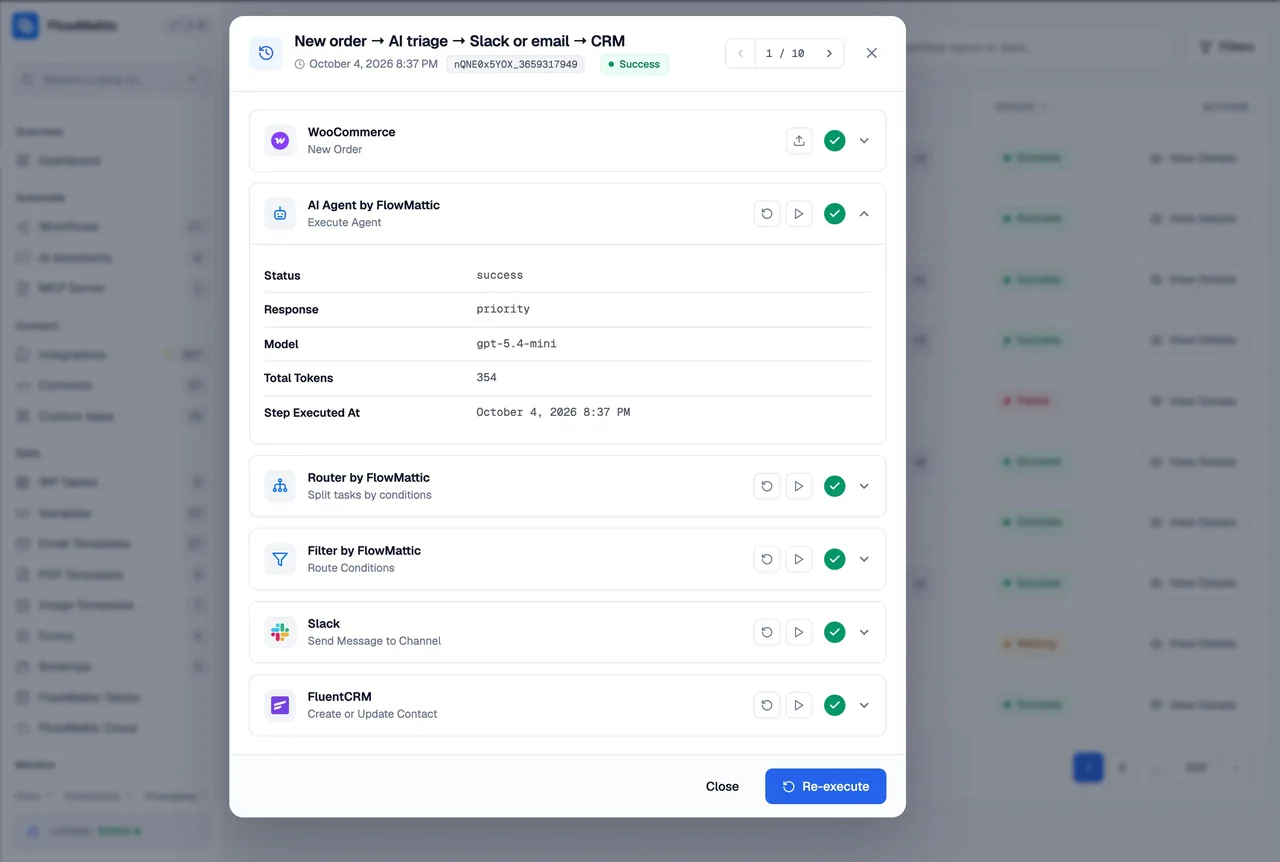
- Fields named like a password, secret, token, API key or authorisation header are recorded as asterisks
- Magic login links expire, 1 minute to 30 days, and are never issued for a user who can manage the site
What comes in is checked before it runs
A webhook trigger can verify the sender's signature before the workflow starts, with replay protection and a log-only mode for testing. A delivery relayed through FlowMattic Cloud carries a Cloud signature, and the sender's own signature is checked against the time the webhook was first received, so a retry still passes the sender's replay window.
- Signature schemes for Stripe, GitHub, Shopify, WooCommerce, Slack, Razorpay and Paddle, plus a custom option
- REST authentication allowance scoped to the MCP OAuth routes alone
- MCP tool switches off by default; workflows an AI client creates are saved switched off
- Public chat endpoints rate-limited, replies sanitised, and the assistant crawler blocked from private hosts
Access follows WordPress roles
FlowMattic adds a manage_workflows capability to Administrators and to a FlowMattic Workflow Manager role you can give to people who build automations without being site admins. Settings, FlowMattic Tables and the Cloud screen stay with administrators, and a setting decides whether workflow managers can open the Integrations page or delete apps.
- Administrator and Workflow Manager roles; everyone else sees no FlowMattic menu
- Admin-only settings, tables, billing and MCP tool management
- Nonce and capability checks on saves, not the nonce alone
Controls built into the plugin
Each of these is in the product today and documented in the changelog.
Connects
One-click OAuth for apps that support it, hosted by FlowMattic for the handshake only; the tokens land on your site.
Webhook signatures
Stripe, GitHub, Shopify, WooCommerce, Slack, Razorpay, Paddle and custom schemes, with replay protection and a log-only mode.
Masked secrets
Task History records every step's inputs with passwords, tokens and keys replaced by asterisks, in the screen and over MCP.
MCP authentication
OAuth 2.1 for Claude and ChatGPT, a header token for other clients, enforced on every transport once on, and tool management admin-only.
Magic login links
Expire after a lifetime you set, default one hour, and open on a confirmation page so an email scanner cannot consume them.
Roles
Administrator and Workflow Manager access to the admin, with settings and billing kept to administrators.
GDPR triggers and actions
Run a workflow when a user confirms an export or erase request, and create, confirm or execute one from a step.
Encrypt, sign, verify in a step
Data Transformer actions for AES-256 encrypt and decrypt, JWT create and verify, TOTP codes, UUIDs and random strings.
Status screen
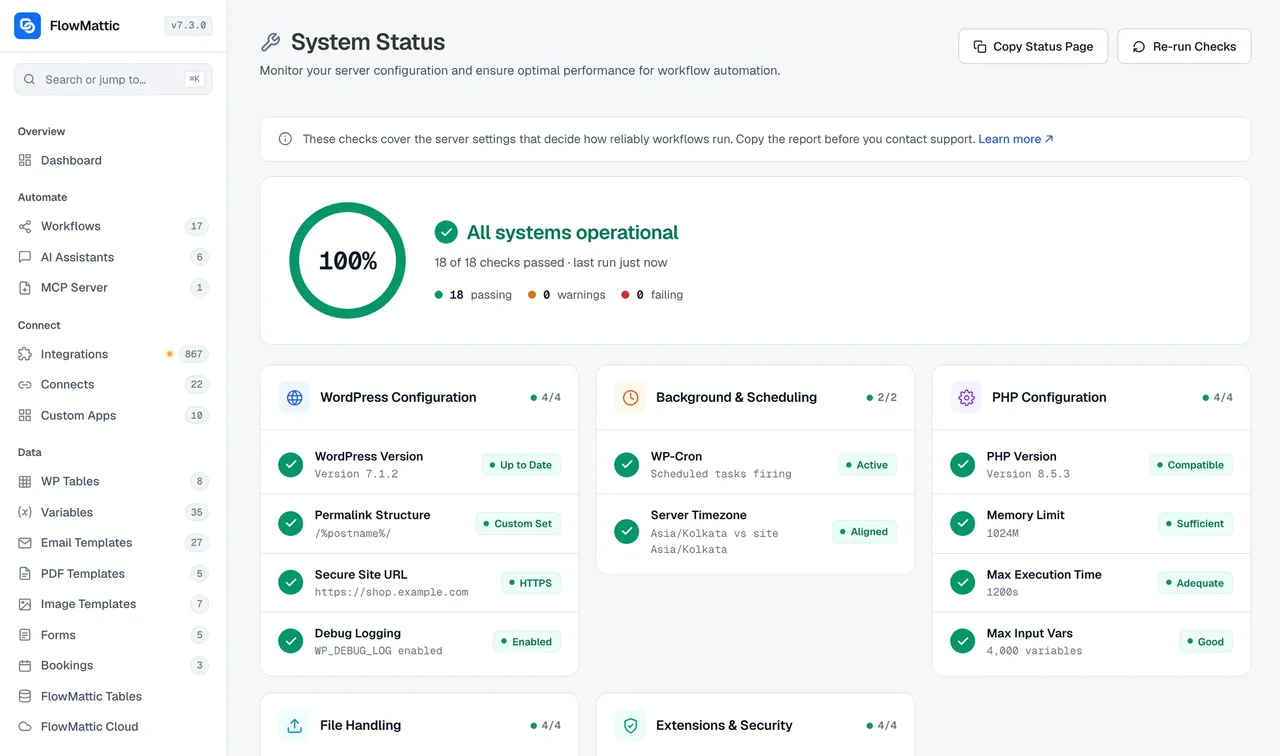
Environment checks for PHP, database, scheduler and licence so a misconfigured host shows up before a workflow fails.
What leaves your server, and when
A plain account of each kind of data, so you can answer the question before a customer asks it.
| Data | Where it lives | When it leaves |
|---|---|---|
| Workflows and Task History | Your site database | Only when you export a workflow as JSON, or an MCP client you connected reads it |
| App connections and keys | Your site database, under a Connect | Sent only to the app each one belongs to, in the request a step makes |
| Prompts to an AI step, Jaadu or an assistant | Not held by FlowMattic beyond the run's Task History | Sent to the provider you chose, with your key; never through a FlowMattic server |
| Webhooks delivered via Cloud | Relayed by hooks.flowmattic.com to your site | Delivered events are counted, not stored; failed and held events kept until replayed or expired |
| Schedules run on Cloud | Fire times on FlowMattic Cloud | Cloud calls your site at the scheduled time; the workflow data never leaves |
| Licence and update checks | Nothing stored beyond the licence key | Periodic checks to FlowMattic's servers, cached on failure, off entirely with FLOWMATTIC_DISABLE_REMOTE_CHECKS |
Questions about security and self-hosting
Does FlowMattic see my data?
No. The plugin runs on your WordPress server, and workflows, connections and Task History are rows in your own database. The only requests that leave are the ones your steps make: a message to Slack, a prompt to your AI provider, a webhook to a service. FlowMattic's own servers are contacted for licence and update checks, which a constant can switch off.
Where are my API keys and OAuth tokens kept?
In your site's database, on your server, under a Connect. For apps that support OAuth, Connects completes the authorisation in a popup so no key is pasted into a workflow at all. Task History masks any field whose name looks like a password, secret, token, API key or authorisation header.
Is FlowMattic certified, for example SOC 2 or ISO 27001?
No certification is claimed. FlowMattic is software you install and host, so the controls that apply are your host's and your own: TLS, backups, user accounts and updates. This page describes what the plugin itself does to keep data on your server and out of logs.
What does FlowMattic Cloud hold?
Cloud is optional. If you deliver a webhook through it, the event is relayed to your site: delivered events are counted, not stored, and only failed or held events are kept until you replay them or they expire. If you run schedules on Cloud, it holds the fire times. Everything else stays on your server.
Who can open FlowMattic in wp-admin?
Administrators, and any user you give the FlowMattic Workflow Manager role. Settings, FlowMattic Tables and the Cloud screen need an administrator, and a setting controls whether workflow managers can open the Integrations page or delete apps. Magic login links are never issued for a user who can manage the site.
Does an AI step send my data to FlowMattic?
No. An AI Agent, Jaadu or an AI Assistant sends its request straight to the provider you chose, with your own key, from your server or your browser. FlowMattic runs no proxy and adds no markup, and with an OpenAI-compatible local model the request never leaves your network.
Can workflows help with GDPR requests?
Yes. WordPress triggers fire when a user confirms an export or erase request, and actions can create, confirm and execute an export or erasure, so the request can be logged, acknowledged by email and carried out as a workflow.
Did not find your answer? You can browse the help center or ask us directly.
Automation that stays on your server
Install FlowMattic on a site you control, connect the apps you use, and keep every workflow, credential and run where your backups and access rules already apply.
Self-hosted 909+ integrations Running on 12,859+ sites