

WordPress webhooks: receive, send and respond
Catch any webhook in WordPress, verify who sent it, send your own and answer with the status code the caller expects. Route WordPress webhooks through FlowMattic Cloud and a site that is down for a few hours still receives every event once it is back.
Reply with any status 100 to 599Signature checks for Stripe, Slack, Paddle, GitHub and moreCloud retries for about 5 days3 outgoing body formats

From a webhook URL to a working automation in three steps
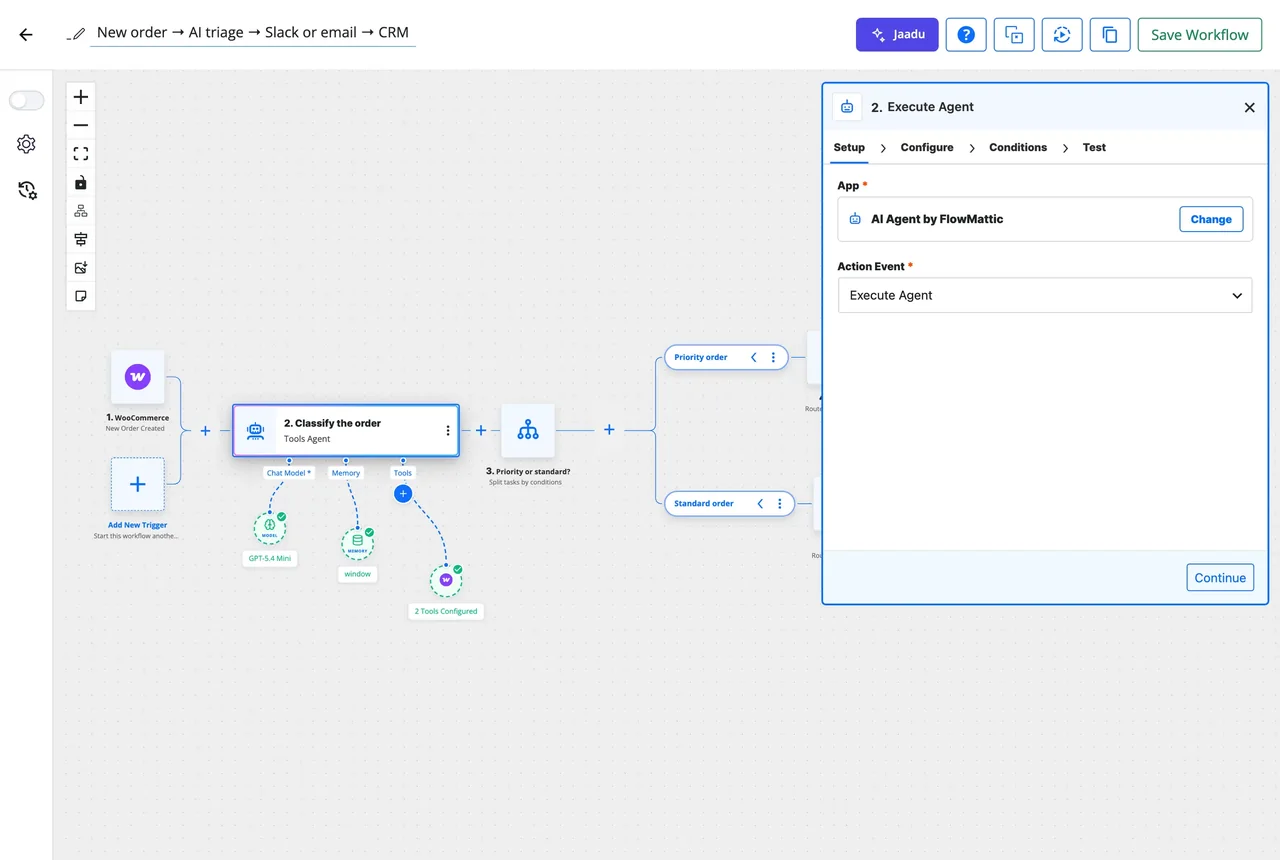
The trigger gives you a URL, learns the shape of the payload, and hands every field to the steps that follow.
-
Capture
Get the URL and a sample
Add the Webhook trigger, copy its URL (or set a custom slug) and send a test from the other app. When the app cannot fire a test, paste a sample JSON payload on the Capture tab and it is stored exactly as a live request would be.
-
Map
Use every field in the next steps
Each key in the captured payload becomes a dynamic tag you pick from a list: the customer's email into FluentCRM, the amount into WP Tables, the whole event into an AI Agent.
-
Respond
Answer the sender, if it is waiting
Add a Webhook Response step to return your own JSON, status code and headers. Slack slash commands, payment providers and your own apps get the reply they expect.
An incoming webhook trigger that checks who is calling
Every workflow can start from a webhook URL on your own site. Give it a custom slug, capture a real request and map its fields. Turn on signature verification and the trigger checks the sender's signature before the run starts: Stripe, Slack, Paddle, GitHub, Shopify, WooCommerce and Razorpay are built in, and any other HMAC-signed sender fits the custom option.
- Custom slug, so the URL reads like your process
- Capture tab: send a test or paste a sample JSON payload
- Signature verification for signed senders, with a log-only mode while you test
- Skip Duplicate Events: the same event twice runs once
Deliver via FlowMattic Cloud, and never lose a webhook
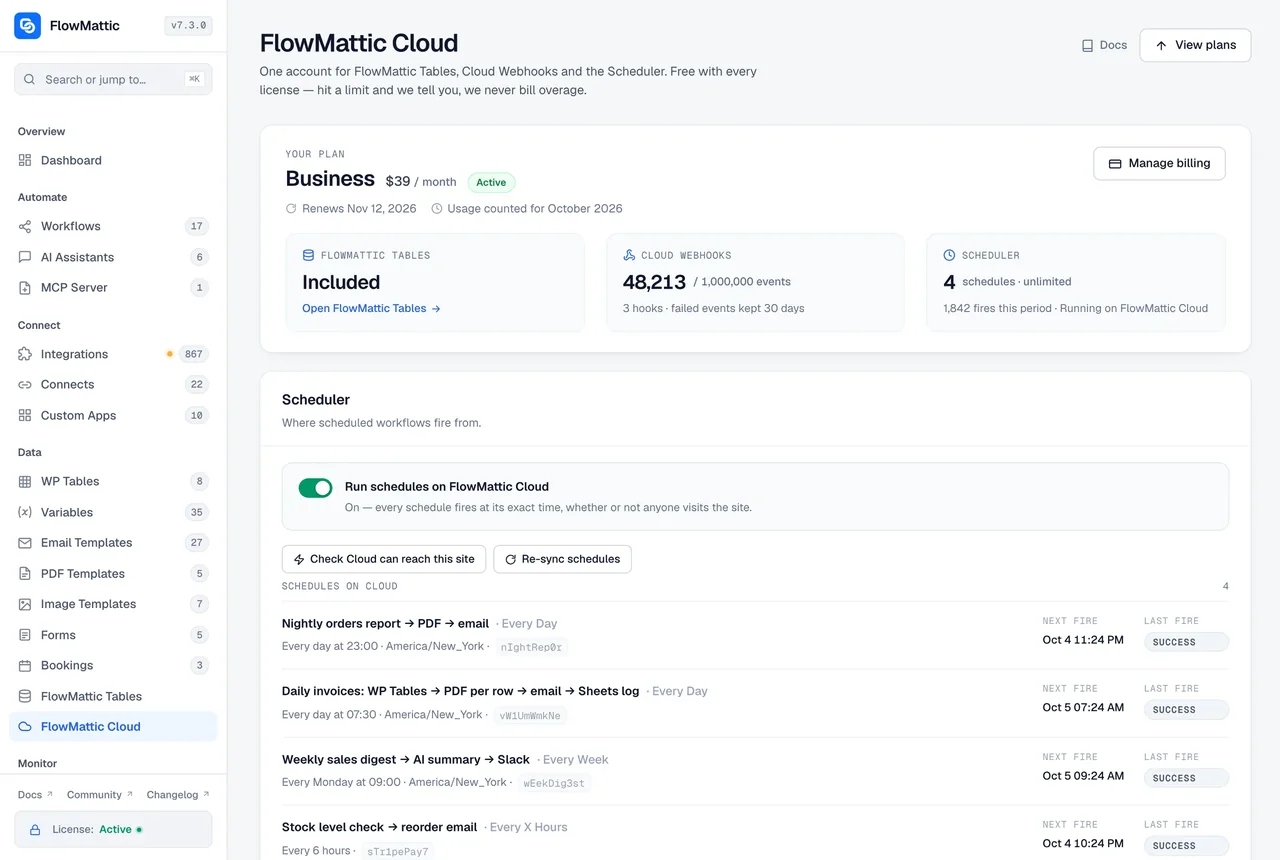
Switch a trigger to Deliver via FlowMattic Cloud and the sender posts to a hooks.flowmattic.com address instead of your server. Cloud forwards each event to your site's real webhook URL, keeping the custom slug, and retries a failed delivery for about five days. When the site comes back after an outage, the webhooks that waited are delivered straight away.
- Generate the Cloud URL in the trigger's Delivery settings before saving
- Each delivery is verified by its Cloud signature; the sender's own signature still passes after a retry
- A retry of an event your site already ran is answered as a duplicate, not run again
- Failed events replay from the Cloud screen with one click
Send webhooks out, and reply to the ones that wait
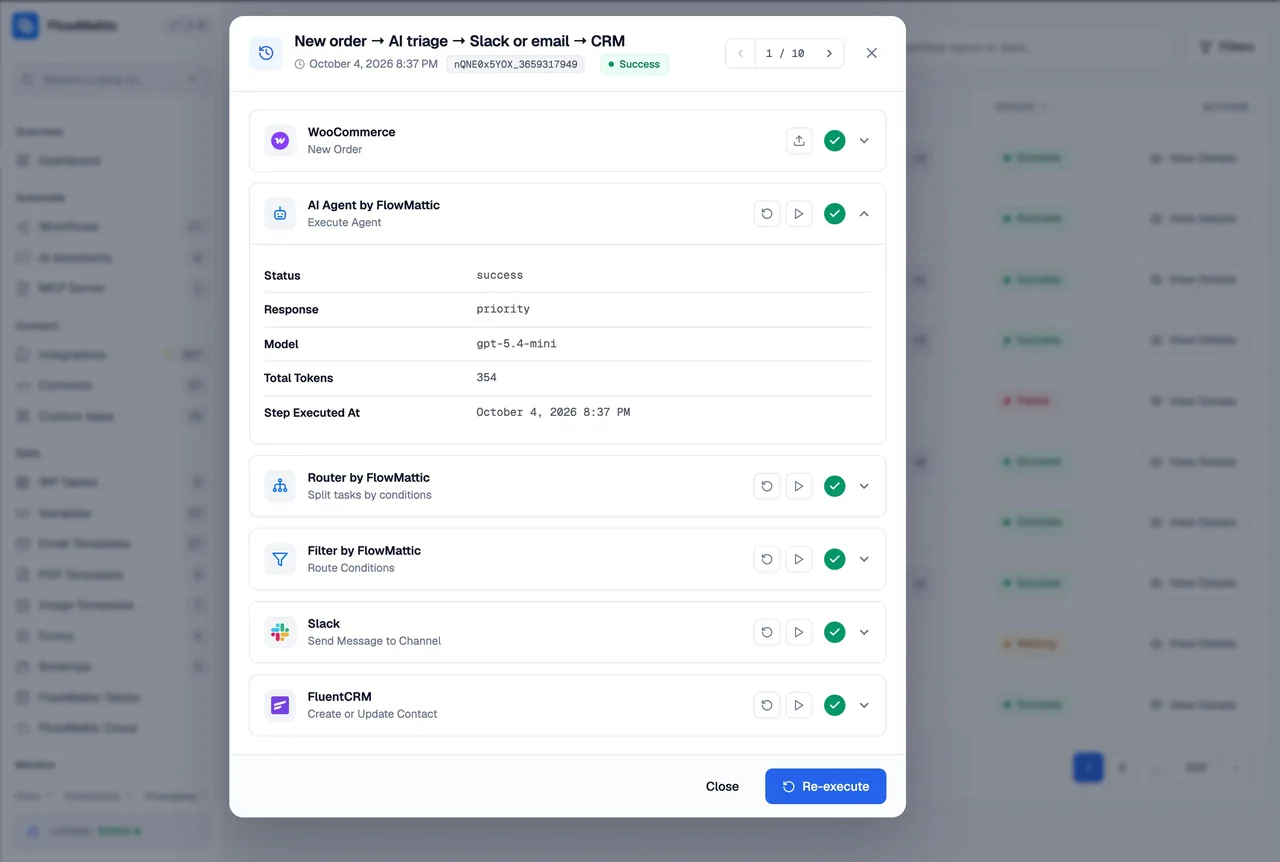
Webhook Outgoing posts to any URL from the middle of a workflow with the headers and parameters you set. Pick the body format the receiver wants: JSON, multipart form data or form-urlencoded, with nested values sent as bracket keys. Webhook Response closes the loop on the incoming side: return your own body, any HTTP status from 100 to 599 and extra headers such as Cache-Control.
- Outgoing body as JSON, multipart/form-data or x-www-form-urlencoded
- Response with any status code and custom headers, on both webhook URL styles
- Every request and its reply recorded in Task History, secrets masked
What the webhook modules cover
Three modules, one for each direction, plus the Cloud relay that keeps deliveries alive.
Incoming webhook trigger
A URL on your site, a custom slug, a captured sample and every field as a dynamic tag.
Signature verification
Stripe, Slack, Paddle, GitHub, Shopify, WooCommerce, Razorpay or a custom HMAC scheme, checked before the run starts.
Cloud delivery
A hooks.flowmattic.com address, retries for about five days, replay of failed events and queued delivery after an outage.
Webhook Outgoing
POST to any URL with your headers and parameters, as JSON, multipart or form-urlencoded.
Webhook Response
Reply with your own body, any status code from 100 to 599 and extra response headers.
Duplicates handled
Skip Duplicate Events on the trigger, and a Cloud retry of an event the site already ran is answered without running it again.
Webhook workflows people run on WordPress
Any app that can post JSON becomes a trigger, and any of the 909+ integrations can follow it.
Stripe payment, verified, logged and acknowledged
A Stripe webhook arrives with its signature checked, the payment is written to a WP Tables row, the customer gets a receipt email, and the run is skipped if Stripe sends the same event twice.
Slack slash command answered in time
Slack posts the command to a webhook trigger, a WP Tables lookup finds the record, and a Webhook Response returns the formatted answer with a 200 before Slack times out.
Form tool without a native integration
A survey tool posts each response to the trigger's URL. The fields map onto a FluentCRM contact and a Google Sheets row, with no connector plugin in between.
Notify an internal system of a WooCommerce order
A WooCommerce new order trigger feeds a Webhook Outgoing step that posts the order as form-urlencoded data to a legacy warehouse endpoint, with the reply saved in Task History.
Questions about WordPress webhooks
How do I get a webhook URL for my WordPress site?
Add the Webhook trigger to a workflow and it shows the URL straight away, with an optional custom slug. Send a test request from the other app, or paste a sample JSON payload on the Capture tab, and every field in it becomes a dynamic tag for the steps that follow.
Can FlowMattic verify that a webhook really came from Stripe or Slack?
Yes. Turn on signature verification on the trigger and pick the sender: Stripe, Slack, Paddle, GitHub, Shopify, WooCommerce and Razorpay are built in, and a custom option covers any other HMAC-signed sender. A request whose signature does not check out is logged and rejected, or only logged while you are testing.
What happens to a webhook if my site is down?
With the trigger set to Deliver via FlowMattic Cloud, the sender posts to a hooks.flowmattic.com address and Cloud retries the delivery to your site for about five days. When the site comes back, the events that waited are delivered straight away, and anything that still failed can be replayed from the Cloud screen. Without Cloud, the sender’s own retry policy applies.
Does Cloud delivery change my webhook URL or slug?
The sender gets the hooks.flowmattic.com address, but Cloud forwards each event to your site’s real webhook URL, including the custom slug. The Webhook URL shown in the trigger switches between the direct and the Cloud address as soon as you change the Deliver via setting.
Can a workflow reply to the webhook with its own status code?
Yes. Add a Webhook Response step and set the body, any HTTP status from 100 to 599 and extra headers such as Cache-Control. It works on both webhook URL styles, so a Slack slash command or a payment provider gets the reply it expects.
Which body formats can an outgoing webhook send?
Webhook Outgoing sends its parameters as JSON by default, or as multipart/form-data or x-www-form-urlencoded when the receiver needs them. Nested values are sent as bracket keys in the form formats, and the request and its reply are recorded in Task History.
Will the same event run my workflow twice?
Not if you do not want it to. Skip Duplicate Events on the trigger builds a key from the payload, such as the event ID, and a repeat within the window is recorded as Skipped. A Cloud retry of an event your site already ran is answered as a duplicate without starting the workflow again.
Did not find your answer? You can browse the help center or ask us directly.
Point a webhook at WordPress today
Create a webhook trigger on a live demo site in a minute, or install FlowMattic and keep every payload on your own server.
30-day money-back guarantee Unlimited workflows and runs Self-hosted