

WordPress automation for posts, users, plugins and media
FlowMattic listens to WordPress itself: a new post or draft, a registered user, an approved comment, an uploaded file, a plugin update or a theme switch can each start a workflow. The same workflow can write back with 70 actions on posts, users, media, meta, terms and options, with no connector plugin and no polling.
34 WordPress triggers70+ WordPress actionsAny post type, including custom onesUnlimited workflows and runs

Event, conditions, actions: the order you build in
WordPress automation in FlowMattic starts from a native hook, narrows to the content you mean, then does the work.
-
Event
Choose the WordPress trigger
New Post, New User, Comment Approved, New Media, Plugin Updated, Theme Switched, User Login and 27 more. Save a test post or register a test user and the trigger captures the real fields for mapping.
-
Conditions
Narrow it to what matters
New Post can be limited to chosen post types and to drafts, publishes or both. Update Post filters by post type and status and ignores editor autosaves. Any trigger gets a Filter, and Skip Duplicate Events keyed on the post id stops a double save from running twice.
-
Actions
Write back, or send it out
Create or update posts, set a thumbnail, add terms and meta, create users and roles, upload media from a URL or base64, or hand the data to an AI Agent, Slack, Google Sheets or any of the 909+ integrations.
Triggers that know a draft from a publish
The New Post trigger fires once when a post is first saved as a draft, when it is published, or both, for the post types you pick, and never on an autosave. Update Post ignores editor autosaves too, and takes optional Post Type and Post Status filters, so it can run only when a published post changes. Post Meta Field Updated and User Profile Field Updated watch one field by key.
- Per post type: posts, pages, products, orders or any custom type, including admin-only ones
- User Role Changed From Specific to Defined fires only on the exact move you name
- Plugin Updated runs once per plugin, with the version and the user who did it
- Every trigger's Conditions tab adds filters and Skip Duplicate Events
It runs in wp-admin, so nothing is polled
Because FlowMattic is a plugin on the same site, a WordPress event starts the workflow at once, inside the request that caused it, and the actions call WordPress functions directly. There is no connector plugin, no REST polling and no copy of your content in another company's cloud. Lookup actions such as Get User by Email or Get Post by ID can continue with found = no instead of failing the run.
- Generate Magic Login Link, valid from 1 minute to 30 days, for passwordless onboarding emails
- Send Password Reset and Create User if Not Exists for account workflows
- GDPR triggers and actions for export and erasure requests
- Works on WordPress multisite through the separate Multisite app
Every run recorded, and replayable
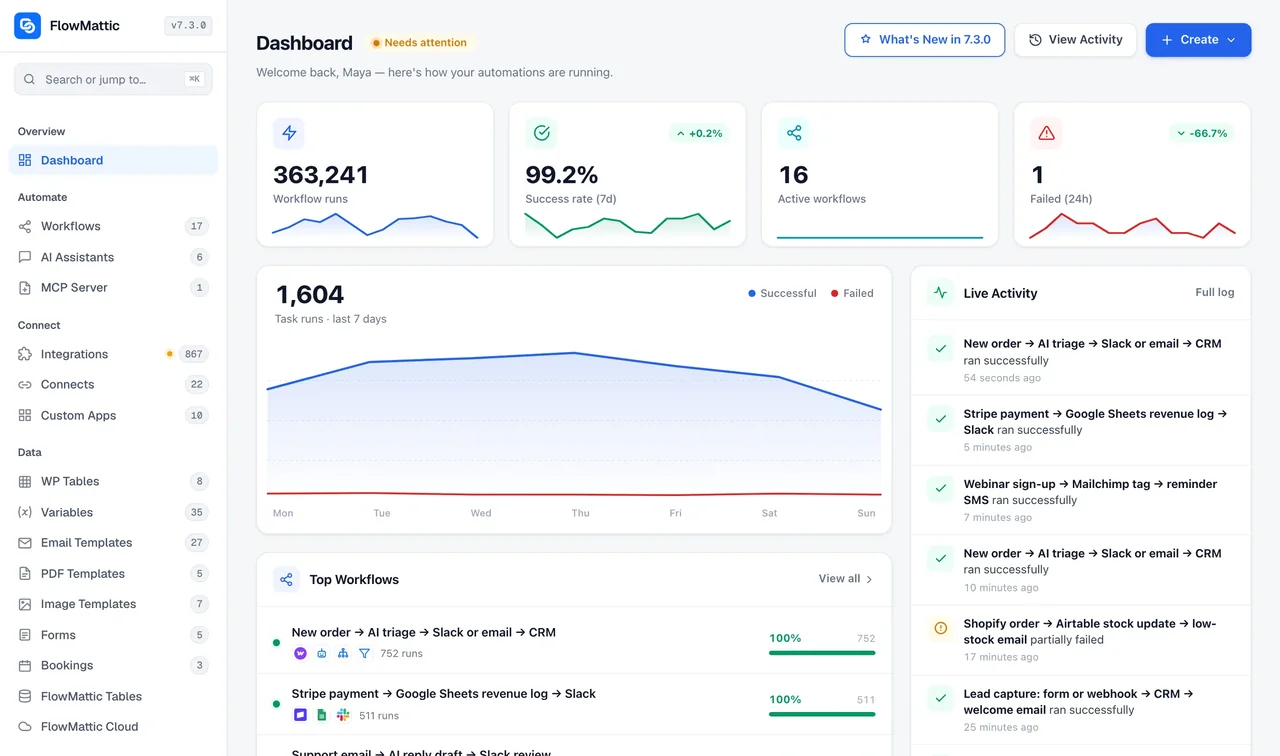
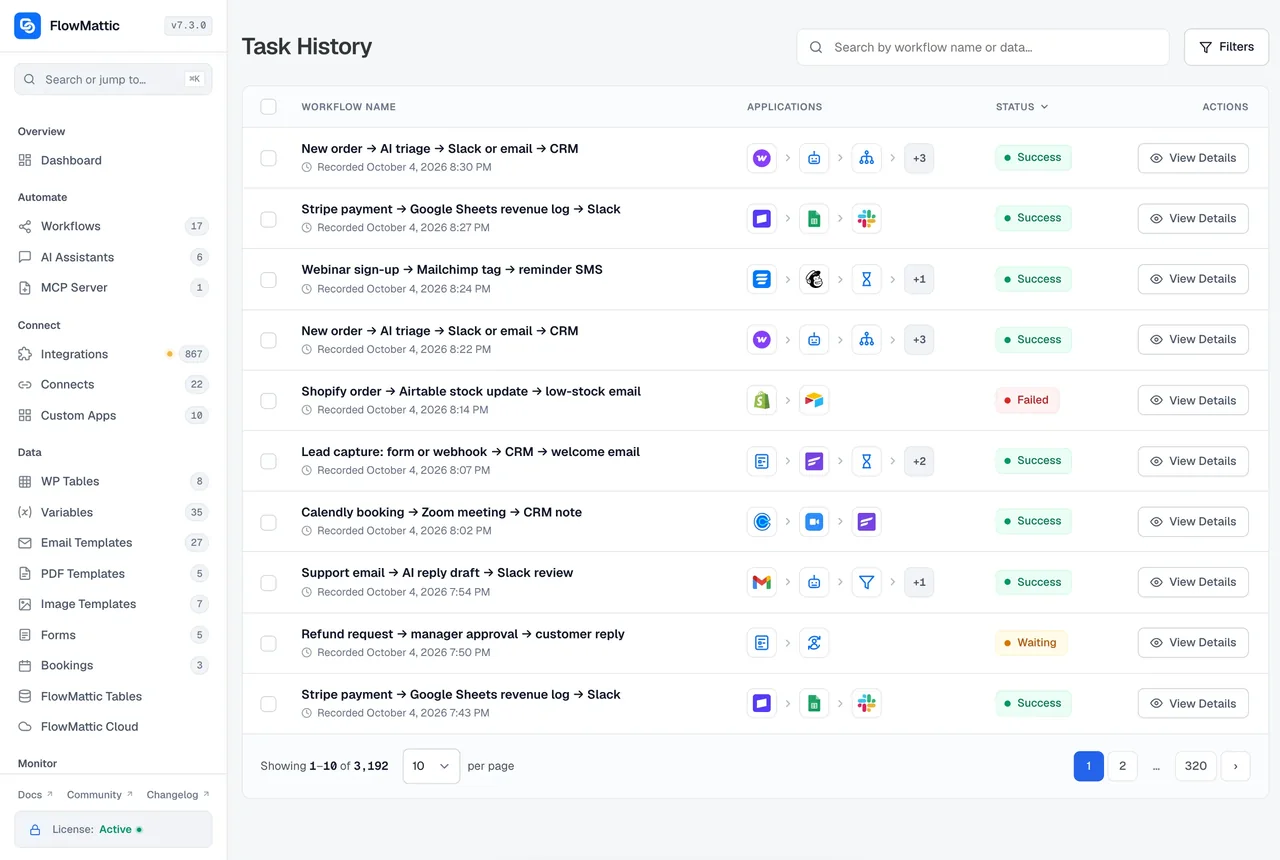
Task History keeps each run with the post, user or comment the trigger received and the request and response of every step. If a step failed because a term did not exist yet, create it and re-execute the run with its original data. A live run's trigger data can also be loaded into the builder, so new fields are mapped against a real post rather than a guess.
WordPress triggers, by object
The 34 events the built-in WordPress app can start a workflow from.
| Object | Triggers |
|---|---|
| Posts and pages | New Post (published, saved as a draft, or both, per post type), New Page, Update Post (ignores autosaves; filter by post type and status), Update Page, User Deletes a Post (any post type), Post Meta Updated, Post Meta Field Updated, User Visits a Page/Post |
| Media | New Media |
| Comments | New Comment, Comment Approved |
| Users | New User, User Login, User Profile Updated, User Profile Field Updated, User Resets Password, User Deleted |
| Roles | User Role Added, User Role Removed, User Role Changed, User Role Changed From Specific to Defined |
| Taxonomy | Category Created, Tag Created, Term Created |
| Plugins, themes and core | Plugin Activated, Plugin Deactivated, Plugin Updated (once per plugin), Plugin Deleted, Theme Switched, WordPress Core Updated |
| Privacy | GDPR Export Data Request Confirmed, GDPR Erase Data Request Confirmed |
WordPress actions, by object
The actions a workflow can take on the same site, from the WordPress app and FlowMattic Tools.
| Object | Actions |
|---|---|
| Posts | New Post, Update Post, Delete Post, Duplicate Post, Set Post Status, Set Post Thumbnail, Remove Post Thumbnail, Get Post by ID, Get Posts by Post Type, Get Posts by Metadata, Search WordPress, Add and Remove Tag, Category or Taxonomy to a Post, Get Post Taxonomies, Get Post Taxonomy Terms |
| Post meta | Add Post Meta, Update Post Meta, Delete Post Meta, Get Post Metadata |
| Media | New Media (from a URL), Upload Base64 Image, Get Media by ID, Search Media by Title, Rename Media, Rename Media File URL, Delete Media, Create Media Folder, Move Media to Folder |
| Comments | New Comment, Update Comment, Delete Comment, Get Comments |
| Users | New User, Create User if Not Exists, Update User, Delete User, Get User by ID, by Email or by Username, Get All Users by Role, Get Users by Meta, Send Password Reset, Generate Magic Login Link |
| User meta and roles | Update User Meta, Delete User Meta, Get User Metadata, Add Role to User, Change User Role, Remove User Role, Create Role |
| Taxonomy | Create, Update and Delete Category, Create, Update and Delete Tag, Create, Update and Delete Term, Get Taxonomy by Name |
| Options and plugins | Get Option, Update Option, Check Plugin Active, Activate Plugin, Redirect to URL |
| Privacy | GDPR Request Export Personal Data, GDPR Request Erase Personal Data, GDPR Execute Export Personal Data, GDPR Execute Erase Personal Data |
What the WordPress triggers pair with
The modules and builders that turn a site event into something useful.
AI Agents
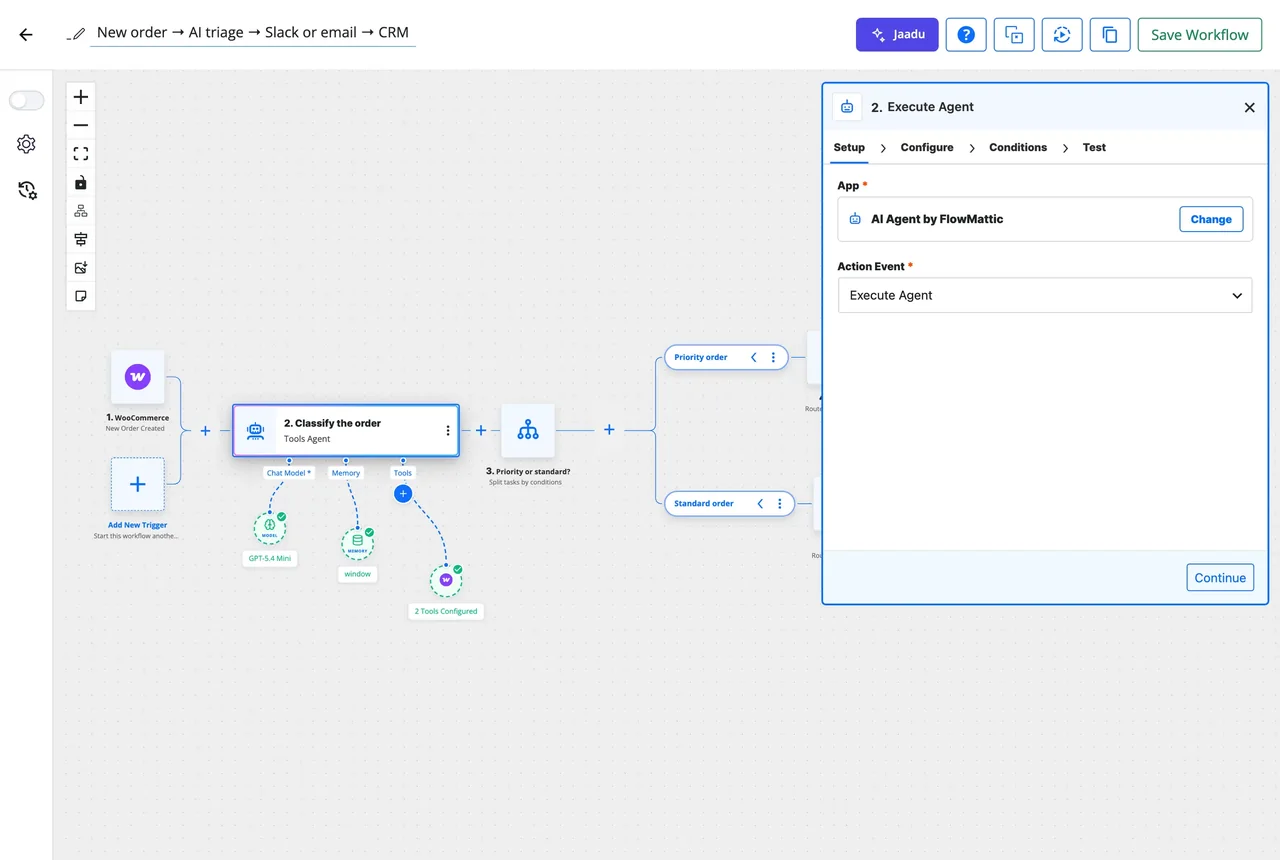
Summarise a post, draft its social copy, moderate a comment or tag content, with your own API key.
MCP Server
Expose a post-creating workflow as a tool, so Claude or ChatGPT can publish to your site on request.
Image Template Builder
Render a social card or OG image from the post title and set it as the thumbnail in the same run.
Email Template Builder
Welcome a new user with a designed email and a magic login link instead of the default notice.
Scheduler
Pull Get Posts by Post Type every morning and send the editorial digest, fired on time from Cloud.
WP Tables
Log every plugin update, login or role change to a table you can search and export.
Four WordPress workflows, step by step
Each chain uses only triggers and actions named on this page. The library has 4,686 importable workflows for more.
Published post, announced everywhere
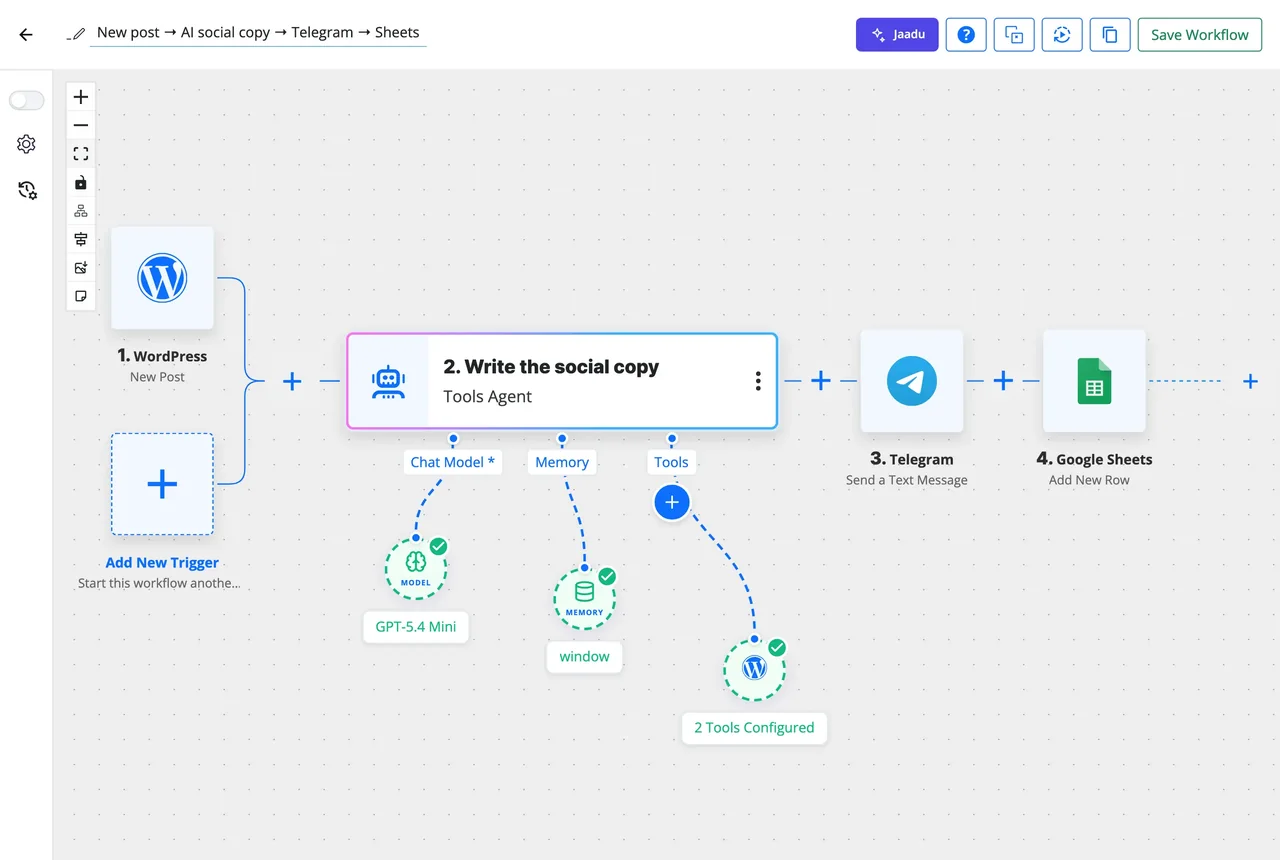
New Post on publish, then an AI Agent writes a short social post from the title and excerpt, Telegram delivers it to the team chat, and Google Sheets adds the post, link and copy to the content calendar.
New user, welcomed with a magic link
New User, then FluentCRM creates the contact with a tag, Generate Magic Login Link makes a one-click sign-in valid for 24 hours, and Send Template Email delivers the welcome with the link.
Comment moderated by AI
New Comment, then an AI Agent scores it for spam and tone, a Router sends clean comments to Update Comment with approved status, doubtful ones to Slack for a person, and spam to Delete Comment.
Site changes, logged and alerted
Plugin Updated, Plugin Activated, Theme Switched and WordPress Core Updated as triggers of one multi-trigger workflow, then WP Tables adds a row with what changed and who did it, and Slack posts the summary.
Questions about WordPress automation
Does the New Post trigger fire for drafts and custom post types?
Yes. New Post can run when a post is first saved as a draft, when it is published, or both, and can be limited to the post types you choose, including custom and admin-only types. It fires once per post and never on an editor autosave.
Will Update Post run every time the editor autosaves?
No. Update Post ignores editor autosaves from both the classic and block editors, so an open draft does not run the workflow every minute. It also takes optional Post Type and Post Status filters, so it can be limited to published posts of one type.
Can a workflow create a post with a featured image and categories?
Yes. New Post creates the post with its content, status, author and terms, Set Post Thumbnail attaches an image, and Add Category to Post or Add Taxonomy to Post assigns terms. Images can come from New Media with a URL or from Upload Base64 Image for files generated in the workflow.
Do I need a connector plugin such as Uncanny Automator or a REST polling step?
No. FlowMattic is installed on the site itself and hooks into WordPress directly, so New User, Comment Approved or Plugin Updated starts the workflow the moment it happens. Nothing is polled and no site data is copied to an external automation service.
Can I log who changed plugins, themes or roles?
Yes. Plugin Activated, Deactivated, Updated and Deleted, Theme Switched and WordPress Core Updated each include what changed and the user who did it, and User Role Added, Removed and Changed include the old and new roles. Write them to WP Tables or Google Sheets and send a Slack alert in the same workflow.
What about users and passwords?
New User, User Login, User Profile Updated, User Resets Password and User Deleted are triggers, and Create User if Not Exists, Update User, Send Password Reset and Generate Magic Login Link are actions. A magic link is valid for the period you set, from 1 minute to 30 days, and is refused for users who can manage the site.
Did not find your answer? You can browse the help center or ask us directly.
Let your site react to itself
Install FlowMattic, pick a WordPress event, and have the first workflow running before the next post goes out. Running on 12,859+ sites.
30-day money-back guarantee Unlimited workflows and runs Self-hosted