

Data tools: format, parse and transform data in WordPress workflows
Twenty-one built-in modules shape the data between a trigger and an action: format text, dates and numbers, parse JSON, XML, CSV, PDFs and web pages, generate codes and files, and encrypt or sign values. They ship with FlowMattic, run on your own server and never cost a task.
21 data modules17 Data Transformer actions13 unit categoriesRunning on 12,859+ sites

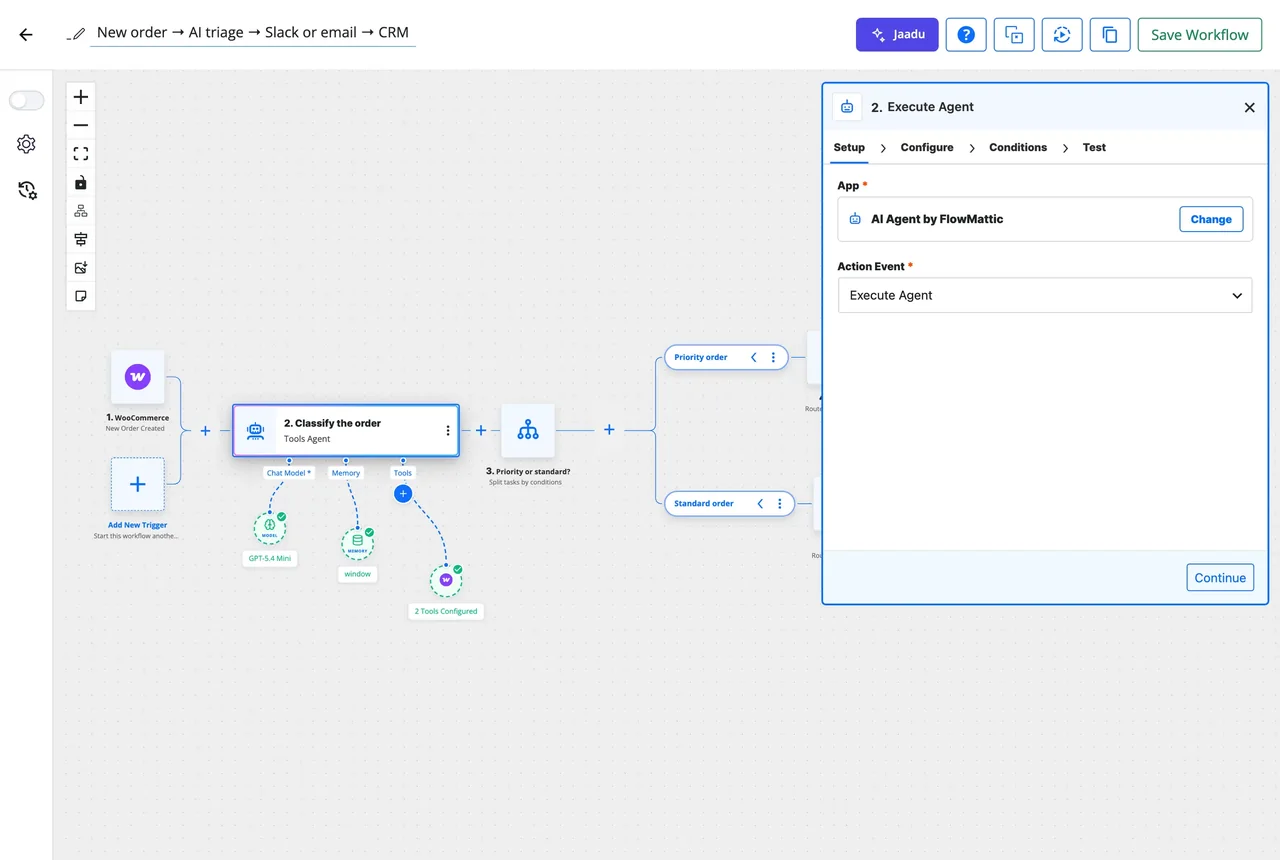
A module is a step like any other
Add one between the steps that need it; its output becomes data the next step can pick.
-
Choose
Pick the module and the action
Search the step picker for the job: Text Formatter, JSON Parser, Date/Time Formatter, Data Transformer. Each module lists its actions, from Search and replace to Create JWT.
-
Map
Feed it data from earlier steps
Fields accept dynamic tags picked from the trigger or any previous step, so a webhook body, a form field or a table cell is the input without retyping anything.
-
Test
Run it and use the result
Test the step on its own and see the exact output. From then on every field it produced is available to the steps after it, and Task History records what went in and out.
Parse anything into fields you can map
JSON Parser turns a payload into individual fields, checks that a string is valid JSON, extracts one value by dotted path, merges two objects and builds or edits objects without code. XML, CSV, PDF and web page parsers do the same for the formats apps still send.
- Build JSON Object from key and value rows, with dotted keys for nesting, and Edit JSON Fields to rename, keep or remove keys
- XML Parser and CSV Parser read a file URL into JSON
- PDF Parser extracts text with a per-page breakdown, reads metadata, searches for a phrase with page numbers, and pulls embedded images into the Media Library
- Webpage Parser turns a URL into JSON or returns its meta tags
- PHP Array gets, counts, searches, sorts, filters and de-duplicates lists
Format it the way the next app expects
Text Formatter has fourteen actions, from a regular-expression extract to a URL slug. Date/Time Formatter adds or subtracts, converts time zones, measures durations, finds the next second Tuesday and prints relative times. Number Formatter handles decimals, currencies, phone numbers and minor units, and Unit Converter covers thirteen categories of measurement.
- Capitalise, split, extract between two strings, truncate, default an empty value, join lines
- HTML to Markdown and Markdown to HTML, URL encode and decode
- Dates: reformat, shift, compare, age, time zone, holidays, recurring dates, Unix timestamps
- Length, weight, temperature, volume, area, speed, pressure, energy, power, data, angle, frequency and fuel economy
- Maths evaluates an equation built from earlier fields
Values you reuse: variables, counters and lookup tables
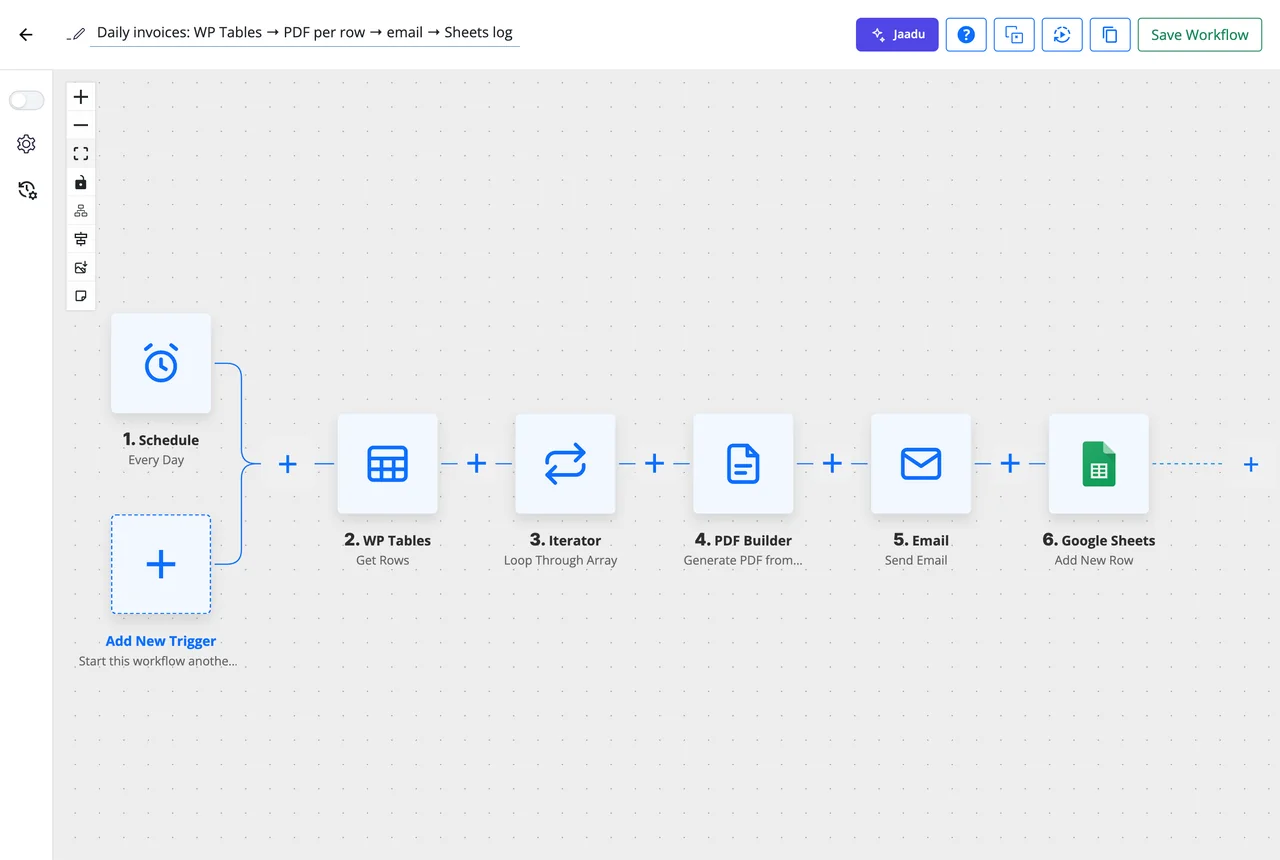
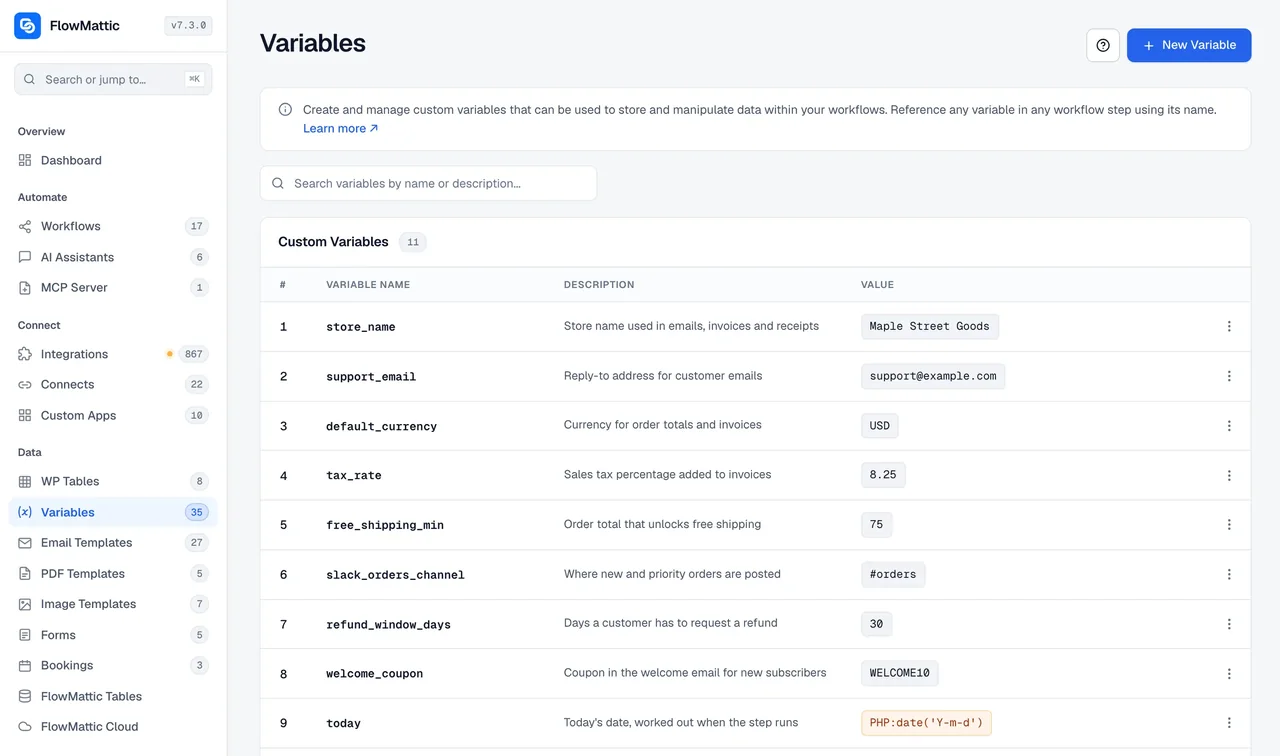
Not every value arrives with the trigger. Variables hold the ones you set once, such as a base URL or a signature, and a step can read or change them with FlowMattic Tools. Counter increases or decreases a number every run, and Lookup Table maps one value to another from a table you define in the step.
- {{variable_name}} works in any field; 24 system variables cover dates, times, spacing, booleans and random values
- Get the value of a variable and Set the value of a variable, plus local variables for one run
- Counter: increment or decrement on every execution
- Lookup Table: country code to country name, plan ID to plan name, and the like
Every data module, by job
All twenty-one are core modules in the plugin. Action counts come from the plugin source.
| Module | What it does | Actions |
|---|---|---|
| Format | ||
| Text Formatter | Regex extract, search, search and replace, case and word count, split, between, default, truncate, URL encode and decode, join lines, HTML to Markdown, Markdown to HTML, slug | 14 |
| Date/Time Formatter | Add or subtract, current date, duration, reformat, age, time zone, components, checks, relative time, to and from Unix timestamp, holidays, recurring dates | 13 |
| Number Formatter | Number style, phone number, currency, decimal format, minor unit | 5 |
| Unit Converter | Length, weight, temperature, volume, area, speed, pressure, energy, power, data, angle, frequency, fuel economy | 13 |
| Maths | Evaluate an equation built from earlier fields | 1 |
| Parse | ||
| JSON Parser | Parse to fields, validate, stringify, minify, prettify, extract by path, Build JSON Object, Edit JSON Fields, merge, to query string, save as .json | 11 |
| XML Parser | Read an XML file URL into JSON | 1 |
| CSV Parser | Read a CSV file URL into JSON | 1 |
| PDF Parser | Extract text, read metadata, search text with page numbers, extract images | 4 |
| Webpage Parser | Page to JSON, meta tags | 2 |
| PHP Array | Get by index, count, search, list to array and back, insert, lines to array, JSON to items, find by key, filter, remove, sort, de-duplicate | 16 |
| Generate | ||
| CSV Creator | A CSV file in the Media Library from table data, JSON or an array | 3 |
| Barcode Generator | A 1D barcode PNG in 29 symbologies, to the Media Library or a data URI | 1 |
| QR Generator | A QR code image with options, saved to the Media Library | 1 |
| Link Shortener | A short fmtk.in link for a long URL | 1 |
| ZIP Archive | Create, extract, list, add to and remove from a ZIP in the Media Library | 5 |
| Image Compressor | Compress an image and save it to the Media Library | 1 |
| Counter | Increment or decrement a number every run | 2 |
| Lookup Table | Map a value to another from a table defined in the step | 1 |
| Protect and control | ||
| Data Transformer | HTML and Base64 encode and decode, SHA-1, SHA-256, SHA-512, MD5, HMAC-SHA256, strip tags, UUID, random string, AES-256 encrypt and decrypt, JWT create and verify, TOTP code | 17 |
| FlowMattic Tools | Get and set variables, local variables, turn a workflow on or off, workflow status, redirect, magic login link, custom task title, Stop and Error | 13 |
Generate, protect, and stop when you must
The modules most people discover second, once the formatting is done.
Encrypt, sign, verify
AES-256 encrypt with a secret and decrypt later with the same key, create and verify HS256 JSON Web Tokens, make HMAC-SHA256 signatures and the usual hashes.
IDs, codes and one-time passwords
Version 4 UUIDs, random strings for tokens and coupon codes, and the current TOTP code for an authenticator-app secret.
Barcodes and QR codes
Code 128, Code 39, EAN, UPC, ISBN and 24 more symbologies as PNGs on your own server, plus QR codes with their own options.
Files in the Media Library
Write a CSV or a .json file, zip several files together, extract a ZIP, and compress an image before it goes to the next step.
Magic login links
FlowMattic Tools generates a login link for a user, valid from one minute to thirty days, and says why when no link can be made.
Stop and Error
End the run as Failed with your own message. Task History, the failure email and the Workflow Failed trigger all carry it.
Questions about the data tools
Do the data modules cost anything per run?
No. They are core modules in the plugin and run on your own server, so a workflow can parse, format and transform as many times as it likes. The only external call in the set is the Link Shortener, which uses the fmtk.in service.
Can I build the JSON body for an API call without code?
Yes. Build JSON Object takes key and value rows, nests with dotted keys such as customer.address.city, and can convert types. Edit JSON Fields renames, keeps or removes keys from an object you already have, and Merge JSON combines two objects.
Can PDF Parser read a scanned PDF?
Not the text, because a scanned PDF has no text layer and OCR is not included. It can still read the metadata and extract the page images to the Media Library, and those images can be sent to an AI vision step that reads them.
Can I encrypt a value in one workflow and decrypt it in another?
Yes. Encrypt (AES-256) takes the text and a secret key; Decrypt returns the text when given the same key. Store the key as a variable so both workflows read the same value.
Which time zone do dates use?
Whatever you choose. Date/Time Formatter converts a date between any two time zones and reformats it, the Delay module reads a date in a time zone you set, and schedules follow the site time zone across daylight-saving changes.
What if no module covers my transformation?
The PHP Function module runs your own code on the step’s input and hands the result to the next step. For an API with its own data shape, a Custom App maps the fields once and reuses them everywhere.
Did not find your answer? You can browse the help center or ask us directly.
Shape the data once, inside the workflow
Twenty-one data modules, 909+ integrations and unlimited runs, all on your own server.
30-day money-back guarantee Unlimited workflows and runs Self-hosted