Workflow logs in WordPress: Task History, re-execute and debug
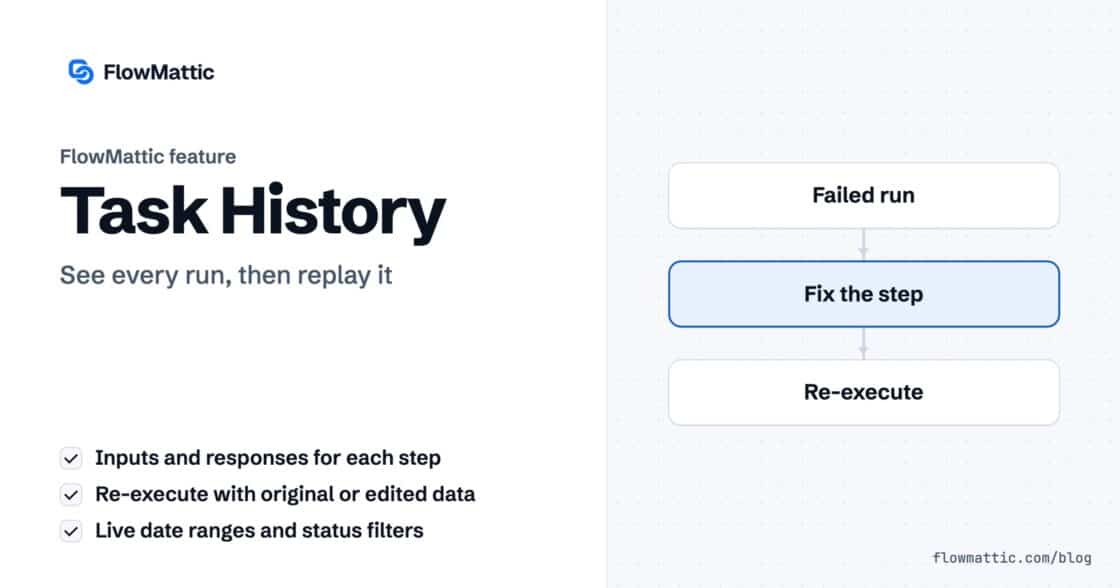
Task History records every run and every step, with inputs and responses, and lets you re-execute a run, a single step or…


DNS lookup automation means your workflows check domains for you: whether an email domain can receive mail, when a certificate expires, which server a domain points to, whether a port is open. FlowMattic, the automation plugin for WordPress, does this with its built-in DNS / Domain Tools app, seven actions that run in plain PHP on your own server with no API key and no external service.
It is a small app that earns its place quickly: lead forms that weed out dead domains, agencies watching client certificates, SaaS teams verifying custom domains. Below you will find what each action returns, how to wire it into a workflow, and the edge cases to plan for.
DNS / Domain Tools is a core app in the workflow builder. It has no trigger and needs no Connect. You add it as a step, pick one of its actions, and map a domain, email address, URL, IP address or host from earlier data. Every answer comes from your own server: DNS queries go through its resolver, and SSL, header and port checks are made from it directly.
The seven actions are DNS Lookup, Reverse DNS Lookup, MX Lookup, Verify Email Domain, SSL Certificate Info, HTTP Headers and Check Port.
can_receive_email or days_remaining.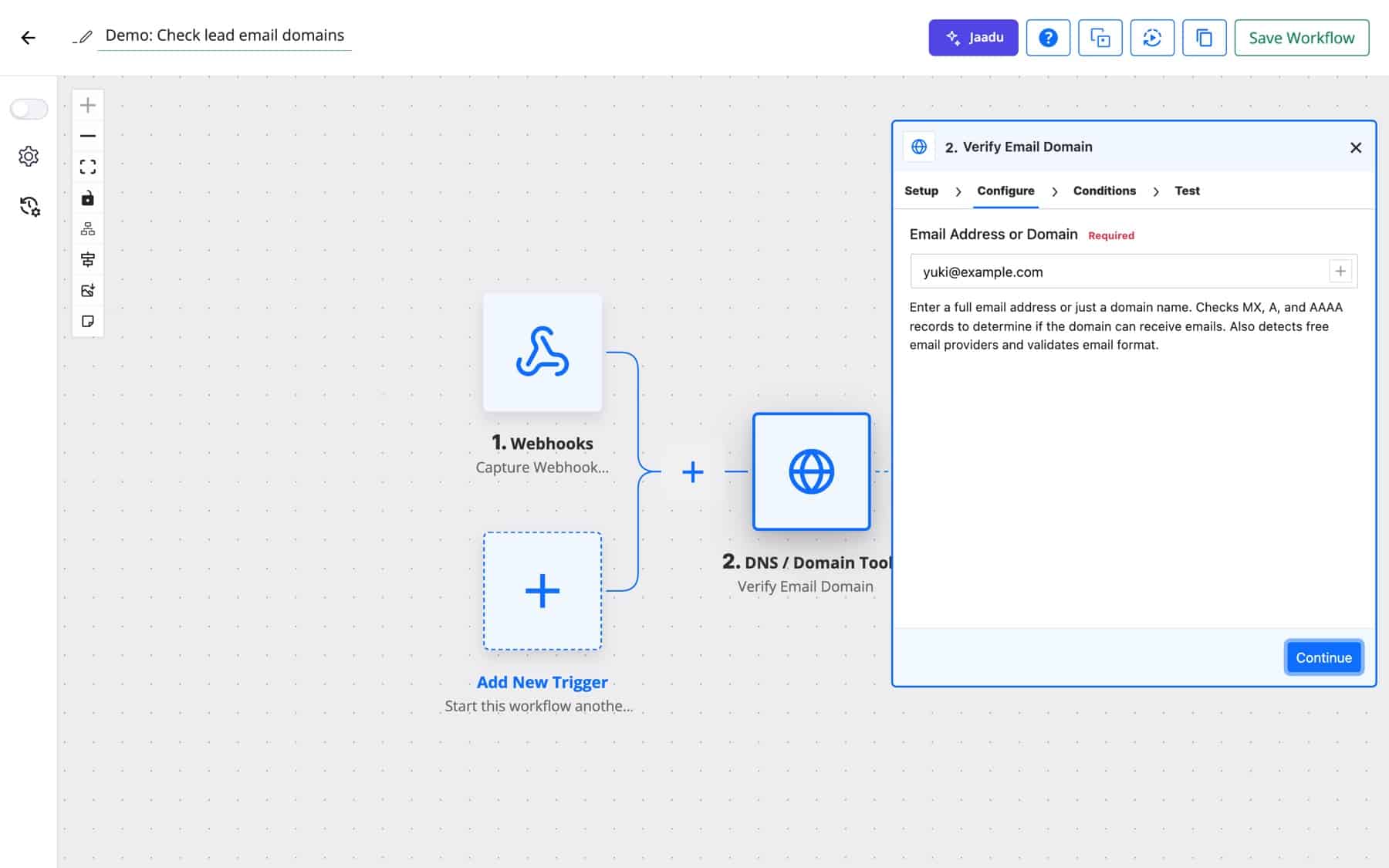
| Action | Input | Key outputs |
|---|---|---|
| DNS Lookup | Domain; Record Type: All Records, A, AAAA, MX, NS, TXT, CNAME, SOA or SRV | record_count, records, ipv4_addresses |
| Reverse DNS Lookup | IP Address (IPv4 or IPv6) | hostname, resolved, ip_version, ptr_records |
| MX Lookup | Domain | has_mx, mx_count, mx_records (host, priority, ip), sorted by priority |
| Verify Email Domain | Email Address or Domain | can_receive_email, has_mx_records, has_a_record, has_aaaa_record, is_free_provider, mx_records, and is_valid_format for an email |
| SSL Certificate Info | Domain; Port (Optional, default 443) | subject, issuer, valid_from, valid_to, is_valid, days_remaining, serial_number, signature_algorithm, san |
| HTTP Headers | URL; Method: HEAD or GET | status_code, status_message, content_type, server, headers |
| Check Port | Host; Port (1 to 65535); Timeout (seconds), 1 to 30, default 5 | is_open, service, response_time_ms, error_message |
Verify Email Domain follows the mail rule that a domain with no MX record can still take mail at its A record, so can_receive_email is true when either exists. is_free_provider is true for a fixed list of twelve consumer domains, including gmail.com, yahoo.com, outlook.com and icloud.com. Check Port names common ports in service, such as 22 as SSH/SFTP, 443 as HTTPS and 3306 as MySQL.
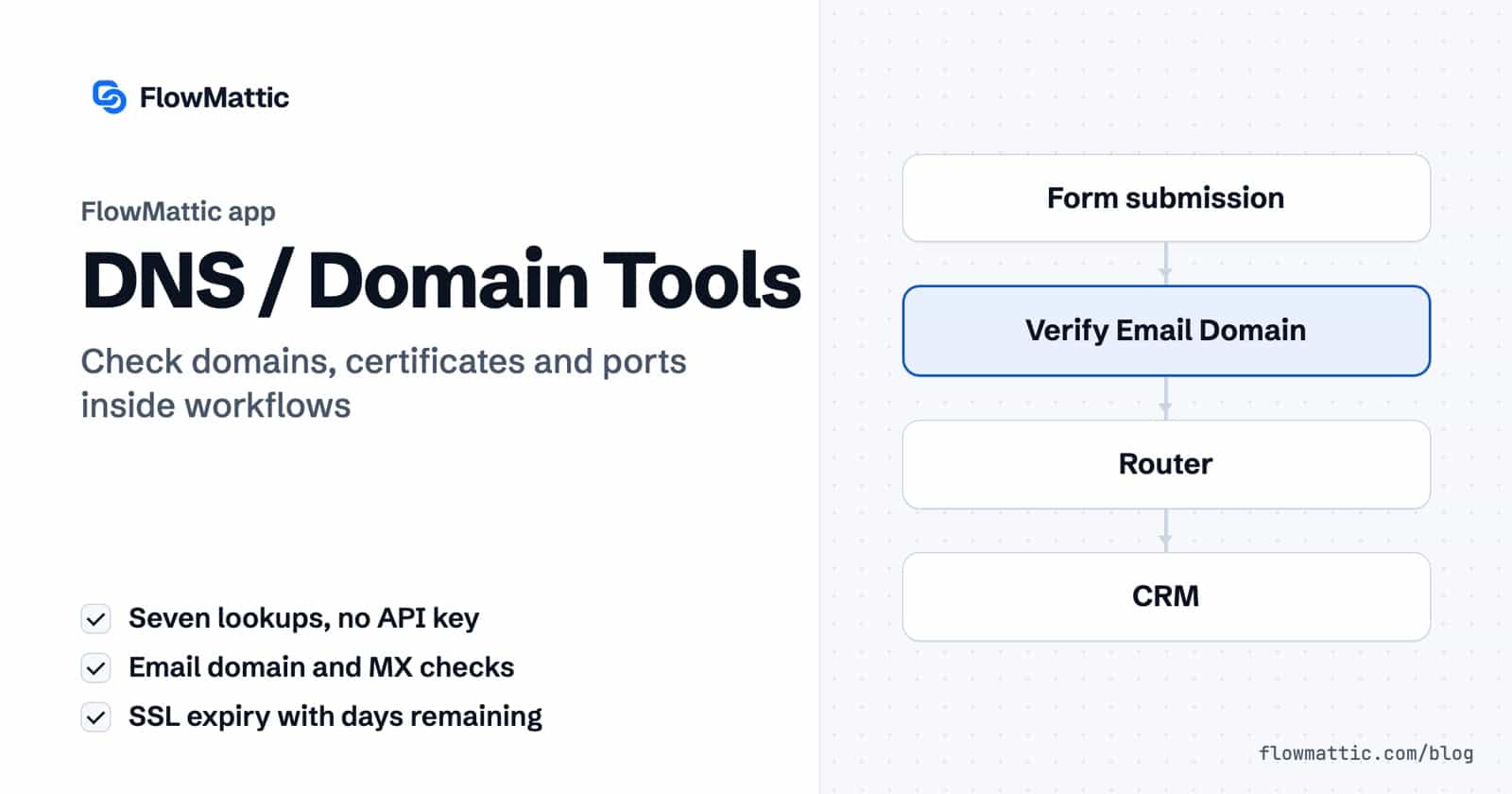
A lead form checks the email domain before anything is saved. Domains that cannot receive mail are tagged for review, free-mail addresses go to a nurture list, and company domains go straight to sales.
Flow: Form submission → Verify Email Domain → Router (can_receive_email / is_free_provider) → CRM
An agency keeps its client domains in a WP Tables table. Every morning each one is checked, and any certificate with two weeks or less left is posted to the team channel with the issuer and expiry date.
Flow: Schedule (Every Day) → WP Tables Get Rows → Iterator → SSL Certificate Info → Filter (days_remaining ≤ 14) → Slack
Internal ops checks that a database, mail or SFTP port on a partner server is still reachable, and emails the on-call person when it is not, with the connection error.
Flow: Schedule (Every X Minutes) → Check Port → Filter (is_open is false) → Send Email
A SaaS product lets customers point their own domain at it. After a customer submits their domain, the workflow looks up the CNAME record and either confirms the setup or emails the exact record they still need to add.
Flow: Webhooks by FlowMattic → DNS Lookup (CNAME) → Router → Send Email
A store checks the billing email on every new order. An order from a domain with no mail records is flagged to the team before it is fulfilled.
Flow: WooCommerce order → Verify Email Domain → Filter (can_receive_email is false) → Slack
Once a week the workflow fetches the response headers of each site you manage and asks an AI Agent which common security headers are missing, then emails the summary.
Flow: Schedule (Every Week) → HTTP Headers → AI Agent → Send Email
More modules that shape and check data inside a workflow are on the data tools page.
No. DNS / Domain Tools uses PHP’s own DNS functions and cURL on your server. There is no Connect to set up and nothing is sent to a third-party lookup service.
Add Verify Email Domain after your form trigger and map the email field. It reports whether the domain has MX, A or AAAA records, whether it can receive email, whether the address format is valid, and whether it is a common free provider.
Run SSL Certificate Info on a daily schedule and follow it with a Filter on days_remaining. Pass the run on to an email or Slack step only when the number drops below your threshold.
No. The app covers DNS records, reverse DNS, MX, email domain checks, SSL certificates, HTTP headers and ports. For registrar data, call a WHOIS or RDAP service with the API step.
Add DNS lookup automation to your next workflow. See FlowMattic plans to get started.
Task History records every run and every step, with inputs and responses, and lets you re-execute a run, a single step or…
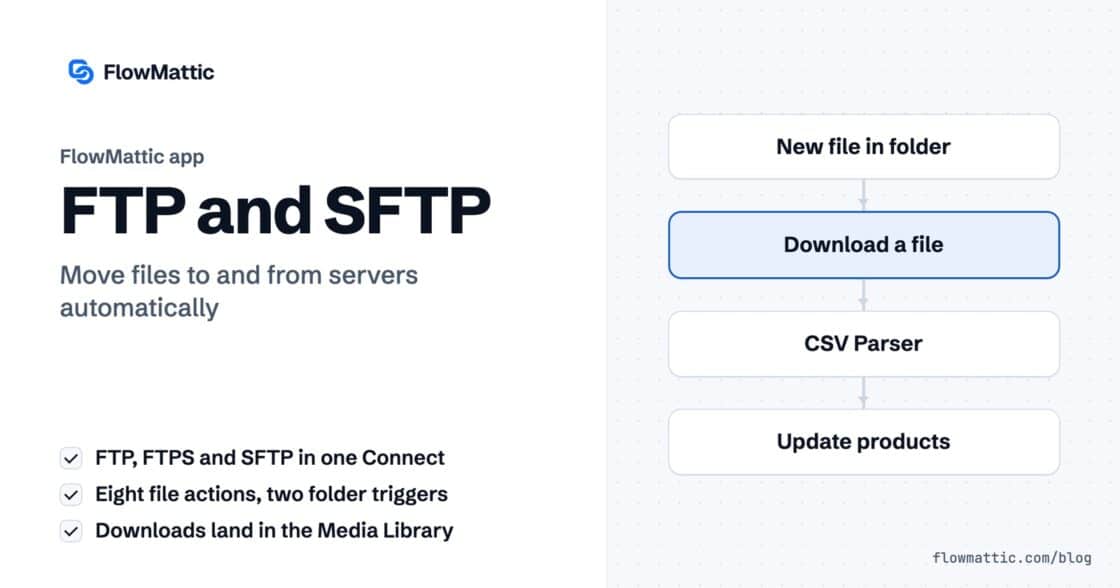
The FTP app uploads, downloads, moves and deletes files on FTP, FTPS and SFTP servers from any workflow, and starts workflows when…
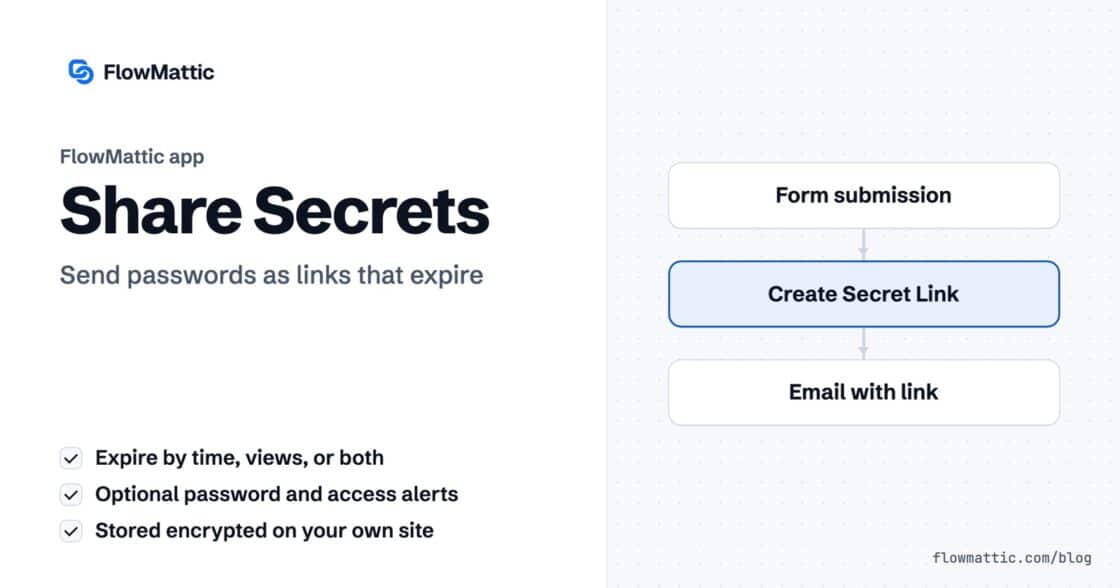
Share Secrets turns a password or API key into a link that expires after a set time, a set number of views,…