

PDF Template Builder Deep-Dive: Documents Generated With Live Data
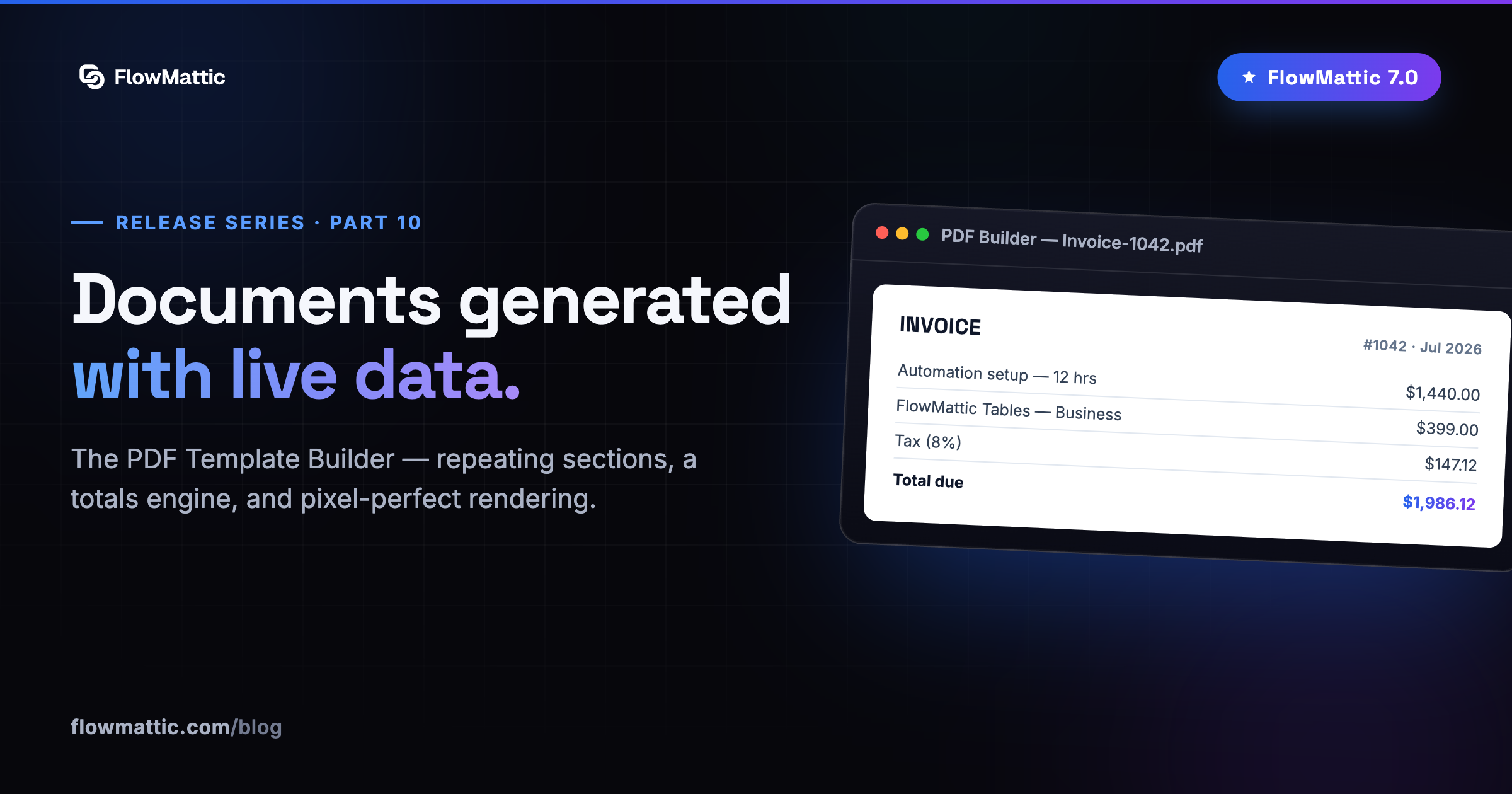
Part ten of our FlowMattic 7.0 release series — the first of three builder deep-dives following the Builder Suite overview.
Watch the builder in action — designing a PDF template step by step, with a hand from AI:
Invoices, contracts, certificates, reports — the documents your business runs on are usually the last thing anyone automates, because designing them programmatically is miserable. The 7.0 PDF Template Builder fixes the miserable part: one visual designer, every kind of document, generated with live data by any workflow.
A designer that thinks in documents
The editor works the way documents do: lay out pages → rows → cells, then drop in the element each document type needs — headings, text, tables, images, and the specialist pieces like QR codes, barcodes and signature fields, from a set of 26+ element types. Per-page headers and footers keep multi-page documents professional, and conditional visibility shows a block only when it applies — a discount row only when there’s a discount.
Typography is handled per role — heading, body, table, totals — with size, weight, color, line-height and spacing set from a library of self-hosted Google fonts. No external font calls, no GDPR surprises.
Repeating sections and a totals engine
The two features that make invoices possible:
- Repeating sections — bind a table, list or graph element to an array from your workflow and it renders a row per item. Line items, exactly how they should work.
- Built-in totals & formula engine — line items, tax and totals calculated automatically from the order data you pass in. No pre-computing sums in a workflow step.
Zero setup, scales to pixel-perfect
Rendering is two-tier. The built-in renderer works out of the box — no accounts, no configuration, your first PDF generates minutes after you design it. For complex layouts where you want true-browser fidelity, flip one toggle to render through Cloudflare Browser Rendering and get pixel-accurate, real-Chrome output.
Generated by workflows, delivered anywhere
The matching PDF Builder action turns any saved template into a file mid-workflow. Feed it data as JSON or as named parameters — it auto-detects your template’s parameters and presents them as fields. Output goes to the Media Library by default, a custom subfolder, or comes back as a raw file — with automatic fallback so a run never dead-ends on delivery.
Order placed → invoice rendered → attached to the confirmation email → archived to storage. One workflow, no human in the loop — unless you add the Human in the Loop step on purpose.
Next deep-dive: the Image Template Builder — one design, a unique image for everyone.