API Polling Trigger: Start Workflows When Any API Has New Data
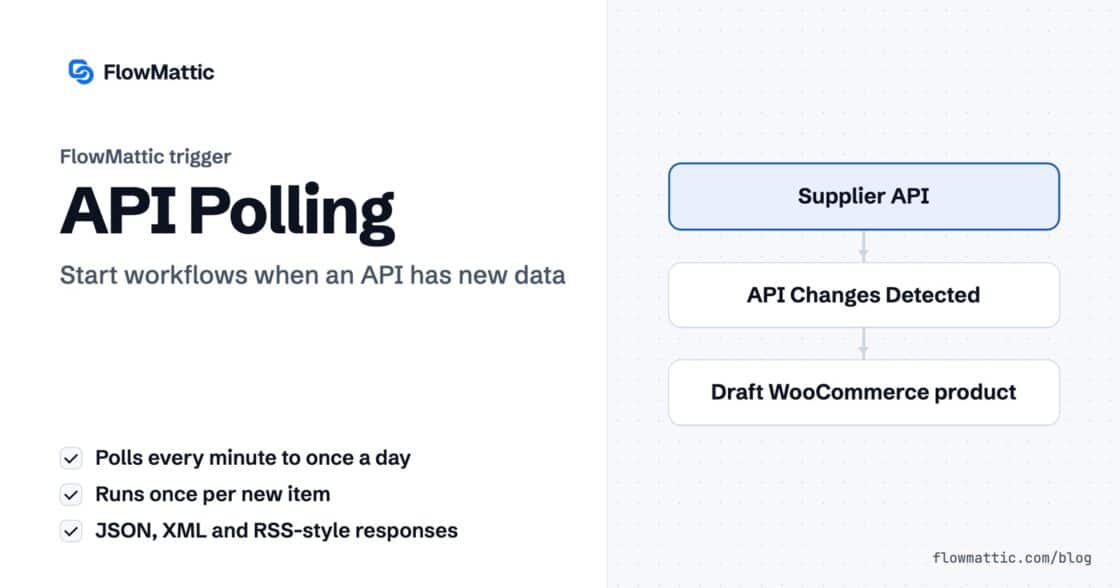
For apps without webhooks: poll any REST endpoint on a schedule, detect the items added since last time and run your workflow…


Part four of our FlowMattic 7.0 release series. Previously: the announcement, FlowMattic Tables, and Bookings.
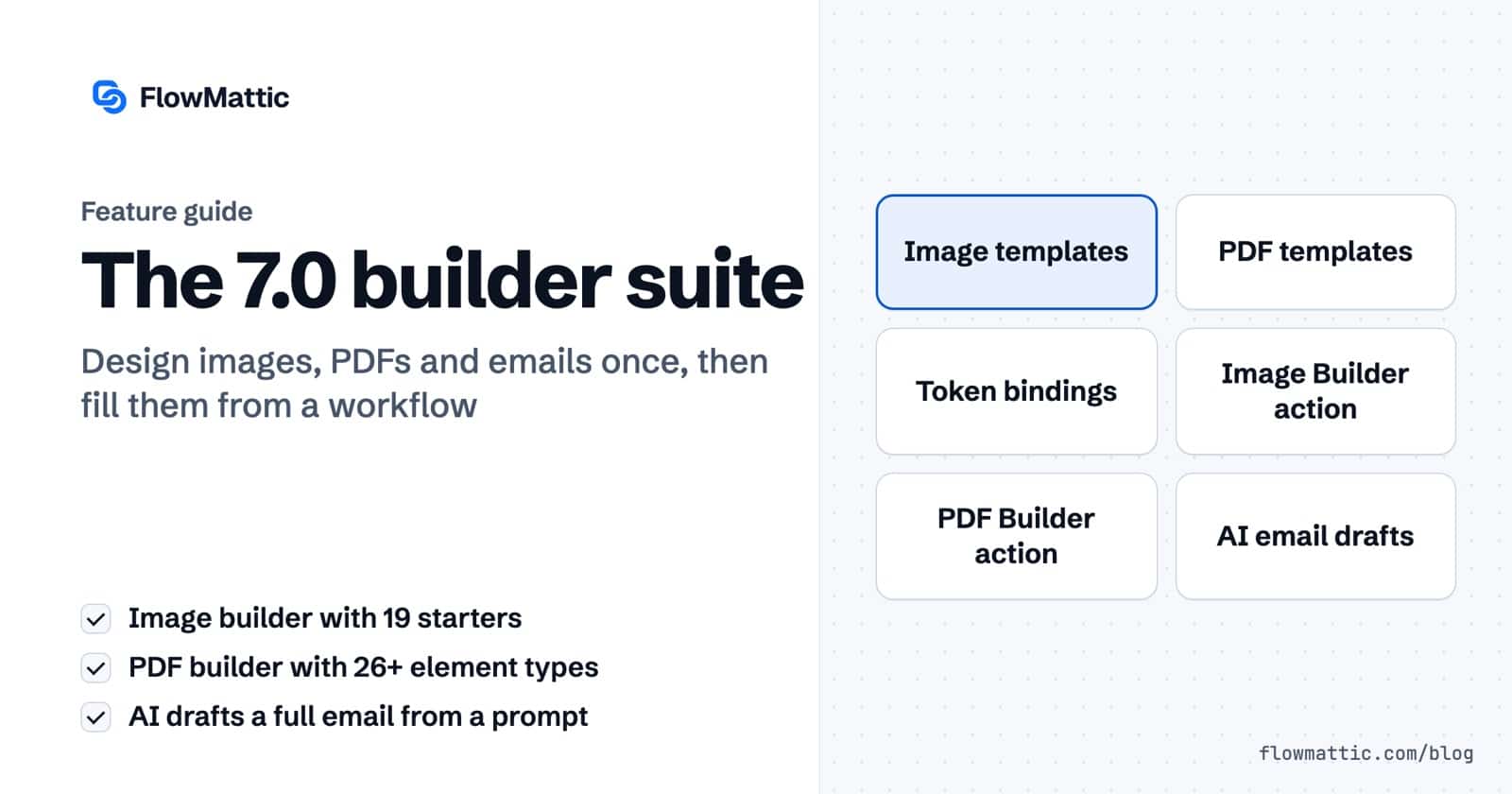
Automations don’t just move data — they produce things. Invoices. Social cards. Certificates. Confirmation emails. FlowMattic 7.0 rounds out the builder suite so the documents your workflows produce are designed visually, bound to dynamic data, and generated on demand: two brand-new template builders and an AI email designer.
A visual, React-based image designer, right in your dashboard. Start from one of 19 prebuilt starters or a blank canvas, then compose with 10 element types — heading, text, image, avatar, button, icon, shape, divider, logo and QR code — over solid or gradient backgrounds, dragging everything into position on the canvas.
The magic is in the {{token}} bindings: drop a token anywhere text or images go, and the template becomes a machine for personalized output — social share cards with the post title, OG images with the author’s avatar, certificates with the student’s name.
The same visual philosophy, applied to documents: drag-and-drop blocks, 26+ element types, dynamic data bindings, conditional visibility (show the discount row only when there’s a discount), and per-page headers and footers for proper multi-page documents. Invoices, quotes, contracts, reports — designed once, filled forever.
Both builders ship with matching core integrations — Image Builder and PDF Builder — that turn saved templates into files inside a workflow:
Order placed → invoice PDF → attached to the confirmation email. Post published → share card PNG → posted to socials. One workflow each.
The block-based Email Template Builder learns a new trick in 7.0: describe the email you need, and AI drafts the whole thing — the block layout, the subject line, the pre-header, even sample dynamic data so you can preview it realistically. It’s available from the builder sidebar, the template picker, and the templates listing page. Generate, then tweak like any other template.
Forms, emails, PDFs, images — every builder in FlowMattic now follows the same shape: design visually, bind dynamic data, produce from a workflow. Your automations don’t just notify people anymore; they ship finished artifacts. This post is the overview — each builder gets its own dedicated deep-dive later in the series.
Next in the series: AI & the Browser — agents that can see the web.
For apps without webhooks: poll any REST endpoint on a schedule, detect the items added since last time and run your workflow…
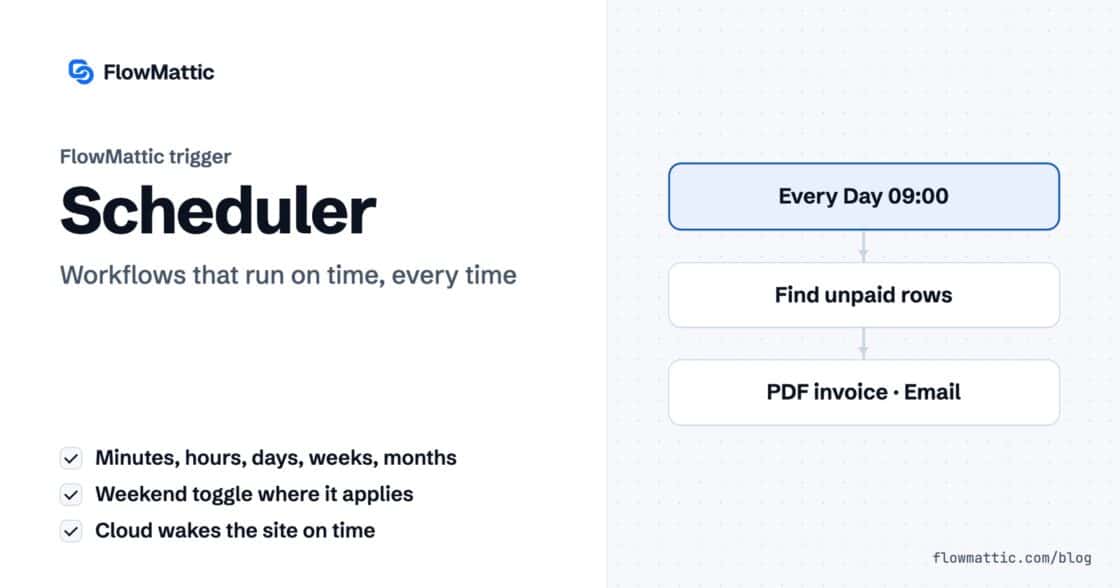
Run a workflow every few minutes, hourly, daily, weekly or monthly. Connect FlowMattic Cloud and it wakes your site the moment a…
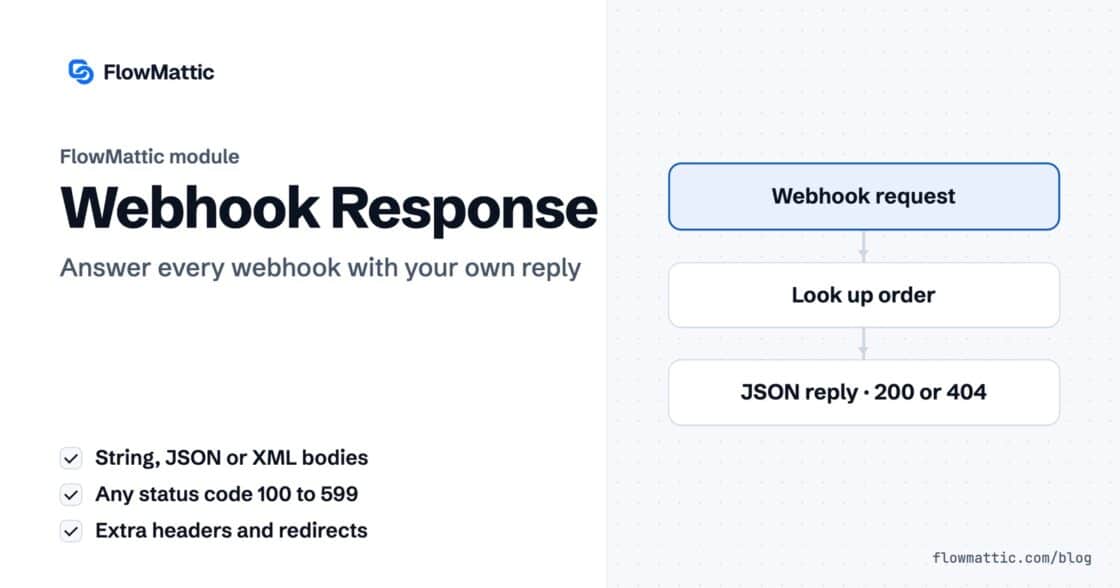
Reply to a webhook with data from the run: String, JSON or XML bodies, any HTTP status from 200 to 599, extra…