WordPress automation templates: import ready-made workflows
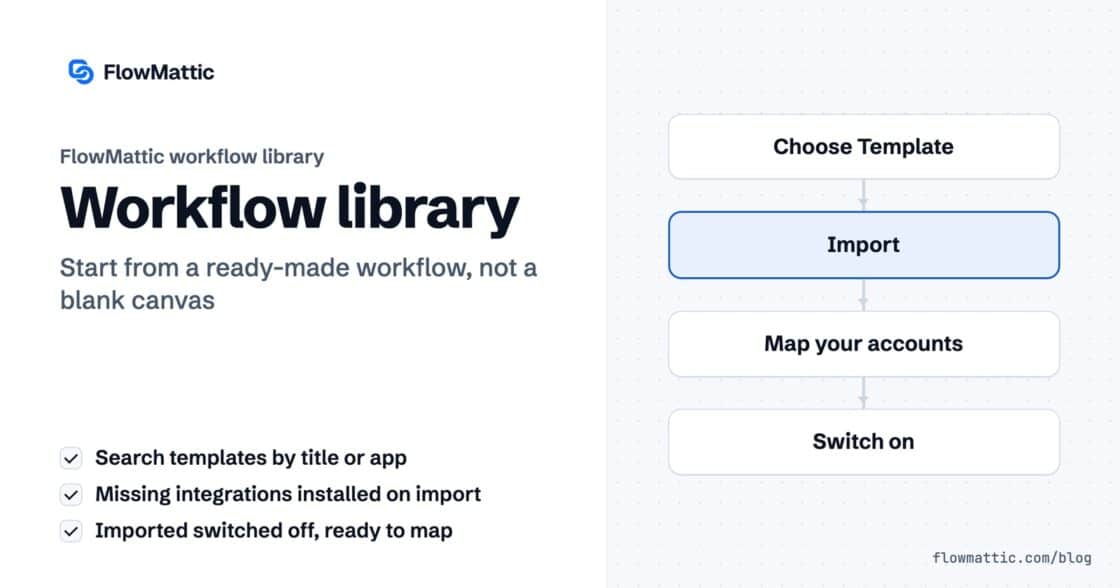
Import ready-made workflows from the FlowMattic library, from a JSON file or from a shared link. Missing integrations install themselves; you map…


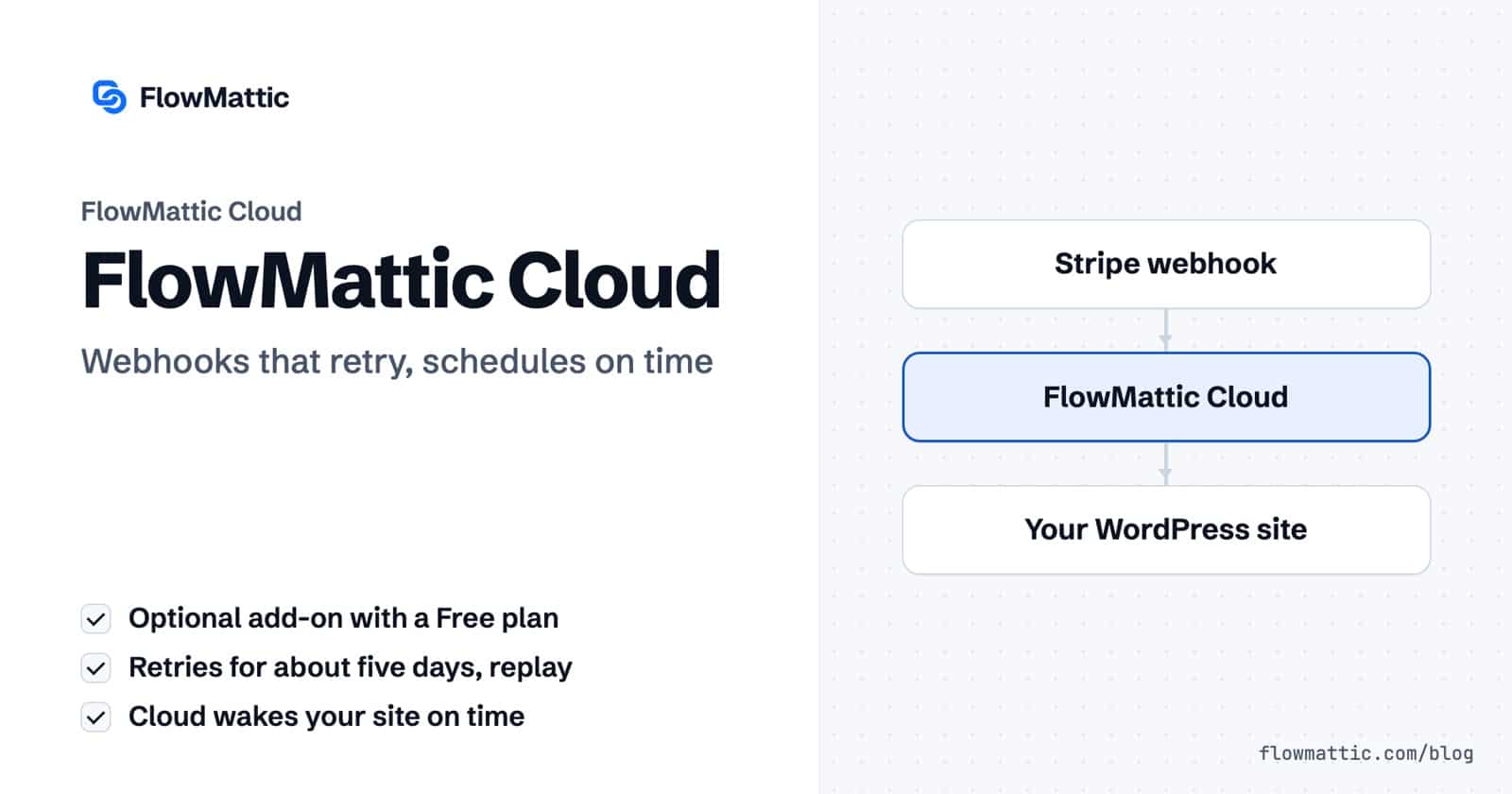
FlowMattic Cloud is the service that stays awake when your WordPress site cannot. It receives webhooks for your site and keeps retrying for about five days if the site is down, wakes your site the moment a schedule, delay or other timing is due, whether or not anyone visits, and hosts managed FlowMattic Tables. It is an optional add-on with a Free plan to start, and you can set up FlowMattic Cloud in one click from wp-admin.
Your workflows do not move. FlowMattic, the automation plugin for WordPress, still runs every workflow on your own server; FlowMattic Cloud only delivers the events and wakes the site when a timing is due, and without it FlowMattic works as it always has. This guide covers connecting the account, Cloud Webhooks with retry and replay, the Scheduler, downtime alerts, plans and usage, and the details that matter in production.
FlowMattic Cloud is one account for three services: Cloud Webhooks, the Scheduler and FlowMattic Tables. You manage it from FlowMattic → FlowMattic Cloud in wp-admin, a screen only administrators can open. The screen sums it up: an optional add-on that you can start on the Free plan, and when you hit a limit you are told, never billed for overage.
It solves two problems a self-hosted site has on its own. A webhook sent while your site is slow, updating or offline is lost unless the sender retries. And WordPress cron only runs when someone loads a page, so a schedule on a quiet site fires late. Cloud handles the always-on part, and the work still happens on your server.
Open the FlowMattic Cloud screen and press Connect for free. The site starts on the Free plan, registered with your FlowMattic license, and no card is needed. Connecting switches on the Scheduler; Cloud Webhooks stay off until you choose them on a Webhook trigger. Reconnecting later updates the site address Cloud has on file, so a site moved to a new domain keeps receiving webhooks.
Open a workflow’s Webhook trigger and find the Delivery section. Change Deliver via from “This site (direct)” to “FlowMattic Cloud — retries for about 5 days, replay failed events”. Press Generate Cloud webhook URL to create the hooks.flowmattic.com address before you save, so you can copy it into the sending app and capture a test request. The panel also shows where Cloud forwards each event: your site’s real webhook URL, custom slug included.
From then on, senders post to Cloud. Cloud stores each event and delivers it to your site, retrying for about five days if the site does not answer. When the site comes back after an outage, the events that waited are delivered straight away instead of at their next retry. Each delivery is signed by Cloud and verified by your site. A sender’s own signature, from Stripe, Slack or Paddle, is checked against the time the webhook first reached Cloud, so a retried delivery still passes the sender’s replay window. If Cloud retries an event your site already ran, the site answers it as a duplicate and does not run the workflow twice.
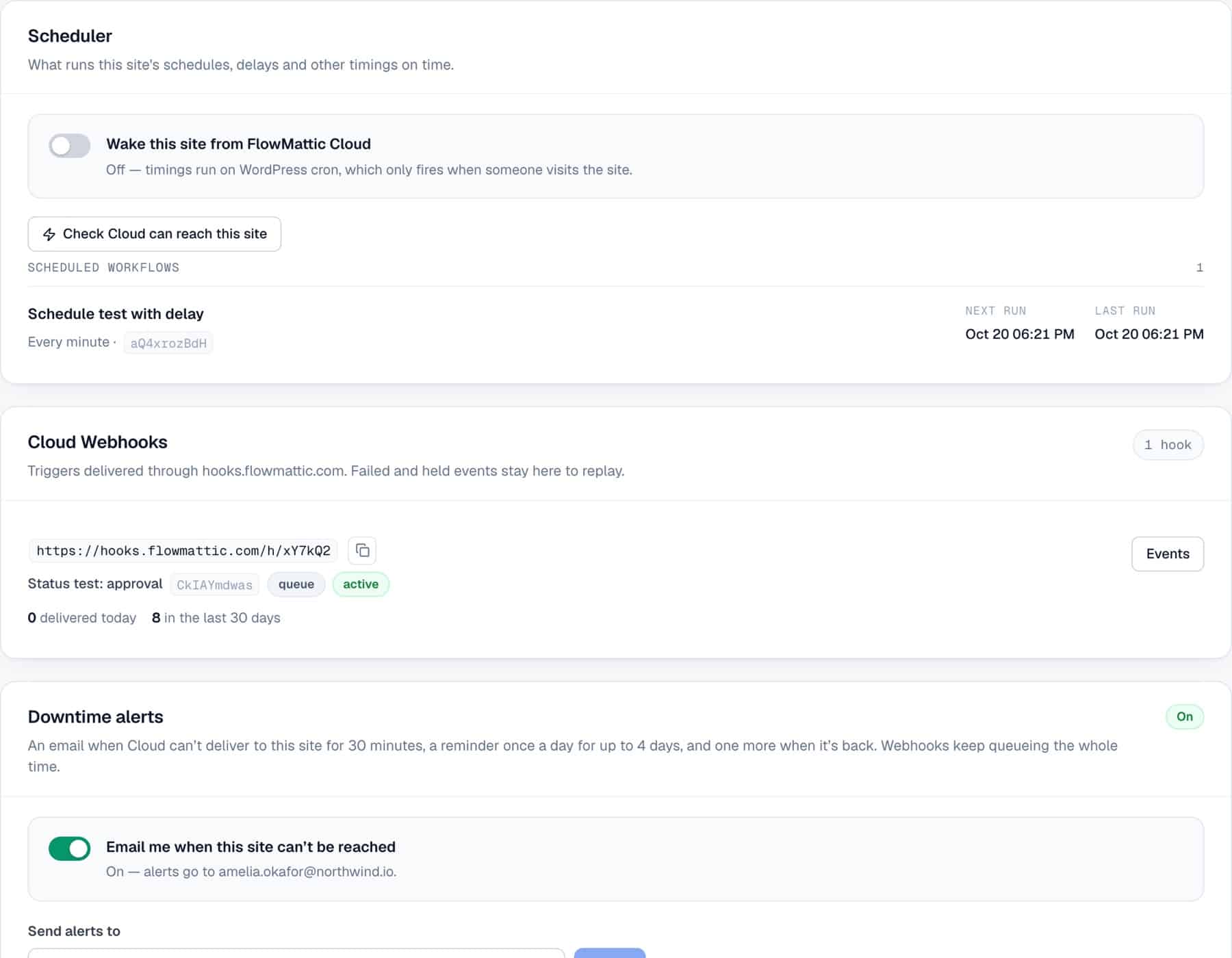
The Cloud Webhooks card on the Cloud screen lists every hook with its URL, its workflow, deliveries in the last 30 days, and counts of queued, retrying, failed and held events. Events opens a table with each event’s status (Queued, Delivered, Retrying, Failed, Held or Dropped), when it was received and how many attempts it took. A failed event has a Replay button that queues it for delivery again, for as long as your plan’s replay window allows. Load older events pages back through the list. Delivered events are counted, not stored; failed and held events stay until they are replayed or expire.
The Scheduler is on as soon as the site is connected. Your schedules, Delays, API Polling, booking reminders and follow-ups, approval timeouts, connection token refreshes and clean-ups stay on your site, in FlowMattic’s own job table. Whenever that list changes, the site tells Cloud when the next timing is due, and at that moment Cloud sends a signed request that wakes the site to run everything due. Only the time of the next timing goes to Cloud, never the workflow. Timings run on the minute on the Free plan and to the second on paid plans, with no limit on schedules on any plan.
The switch on the Scheduler card is Wake this site from FlowMattic Cloud; the same choice is in Settings as Wake This Site For Timings. Switched off, or on a site without Cloud, the timings run through WordPress cron as before, which also checks the same list every minute as a backup. The card lists your Scheduled workflows with each timing, its Next run and Last run. Check Cloud can reach this site tests the connection, and Re-sync with Cloud registers the site again straight away. Each scheduled run carries fire_id, scheduled_for, fired_at, timezone and source (cloud or wp_cron) in its trigger data, so Task History shows when it was due and what started it.
If Cloud stops waking the site for 10 minutes, you see a notice in wp-admin and get an email, the timings keep running through WordPress cron, and a second email follows once Cloud reaches the site again. With or without Cloud, weekly and monthly schedules run on the chosen day only, and times follow the site time zone across daylight-saving changes.
With Email me when this site can’t be reached on, Cloud emails you when it cannot deliver to your site for 30 minutes, reminds you once a day for up to four days, and emails once more when deliveries go through again. Alerts go to your account email, or to the Send alerts to address. Send a test email checks the route. The Scheduler’s wakes count too, so a site that only uses the Scheduler is covered. Webhooks keep queuing the whole time, whether alerts are on or off.
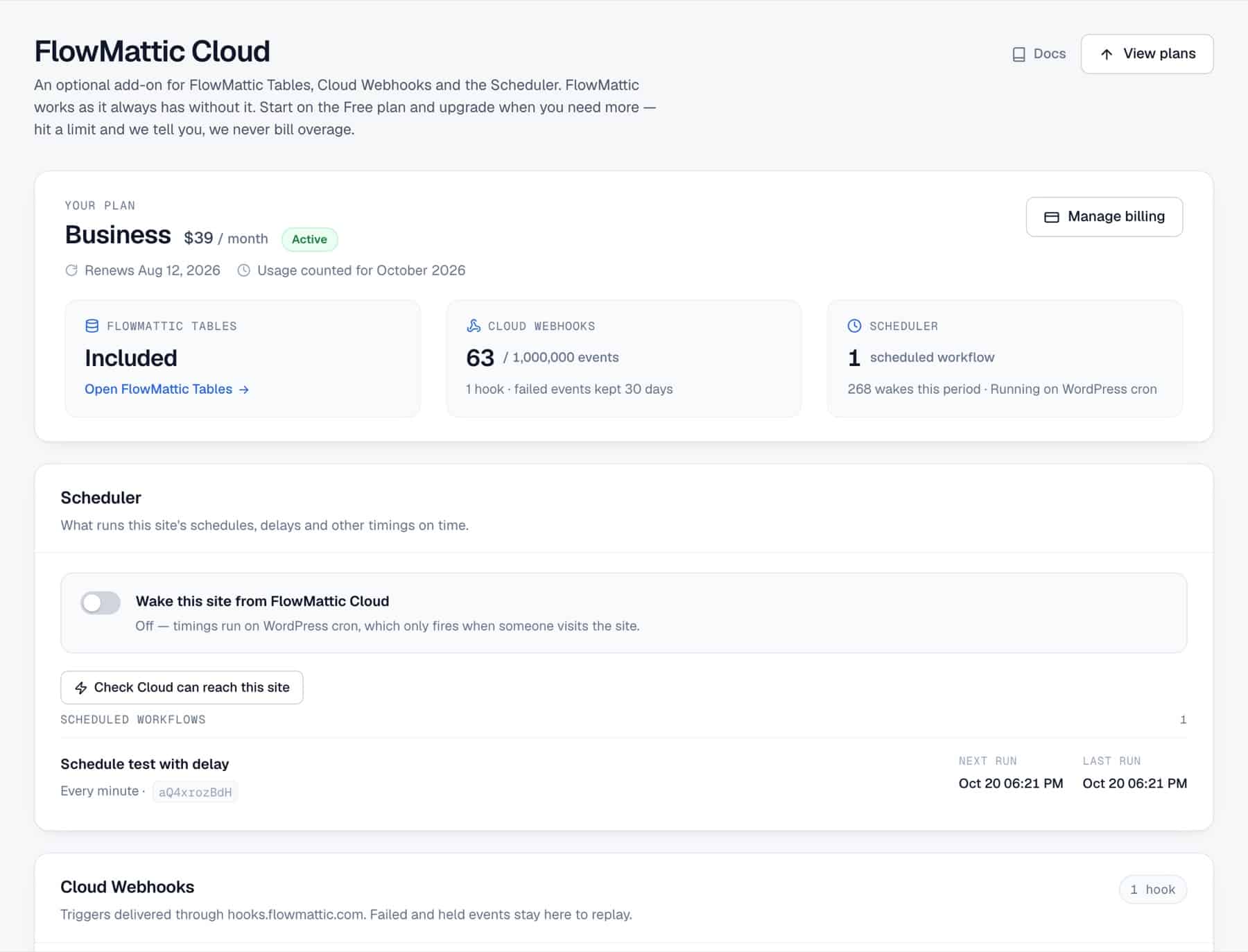
The top of the Cloud screen shows your plan (Free, Starter, Pro or Business) and three service tiles. Cloud Webhooks shows events used this period against your plan’s allowance, the number of hooks and how long failed events are kept. Scheduler shows how many workflows run on a schedule, how many times Cloud woke the site this period, and whether timings are woken by FlowMattic Cloud or running on WordPress cron. FlowMattic Tables shows whether a managed database is included in your plan; Tables comes with the paid plans, from Starter, and its records and writes are shown on the FlowMattic Tables screen.
One subscription covers all three services on the site. Upgrade plan (Change plan on a paid plan) opens the plan cards, upgrades apply straight away with a prorated charge, and Manage billing opens the billing portal. When your account is eligible, paid plans start with a 7-day free trial, and choosing one lets you pick the data region (United States, Europe or India) where your Tables database lives. More on each plan is on the FlowMattic Cloud page.
| Plan | Price | Cloud Webhooks | Replay failed events | Scheduler | FlowMattic Tables |
|---|---|---|---|---|---|
| Free | Free | 1,000 events a month | 1 day | Unlimited schedules, on the minute | Not included |
| Starter | $5 a month or $49 a year | 25,000 events a month | 4 days | Unlimited schedules, to the second | 100,000 records, 250,000 writes a month |
| Pro | $15 a month or $149 a year | 250,000 events a month | 15 days | Unlimited schedules, to the second | 500,000 records, 2,000,000 writes a month |
| Business | $39 a month or $399 a year | 1,000,000 events a month | 30 days | Unlimited schedules, to the second | 2,000,000 records, 10,000,000 writes a month |
| Setting | Where | What it does |
|---|---|---|
| Connect for free | Cloud screen | Creates the Free account for this site, tied to your license. |
| Deliver via | Webhook trigger, Delivery | This site (direct) or Cloud, with retries and replay. |
| Generate Cloud webhook URL | Webhook trigger, Delivery | Creates the hooks.flowmattic.com address before you save. |
| Wake this site from FlowMattic Cloud | Cloud screen, or Settings as Wake This Site For Timings | Turn it on and Cloud wakes the site when a timing is due. Off, timings run on WordPress cron. |
| Email me when this site can’t be reached | Cloud screen, Downtime alerts | Turns downtime emails on or off; Send alerts to sets the address. |
| Release held events | Cloud screen notice | Delivers events held at your plan’s cap against the remaining allowance. |
A store or SaaS site points its Stripe webhook at the Cloud URL. When the site is down for an update, the payment events wait in Cloud and arrive as soon as it is back, each passing Stripe’s signature check.
Flow: Stripe → Cloud → Webhook trigger → update the order or account → Send Email
An agency’s weekly client reports run from small, quiet sites where WordPress cron used to run them late. With Cloud waking the site, the Every Week schedule runs at 9:00 in the site’s time zone.
Flow: Schedule (Every Week, Monday 9:00, Cloud wakes the site) → collect figures → PDF Template Builder → Send Email
A marketing team’s form and ad tools post leads to a Cloud URL. During a hosting move the leads queue in Cloud; after the move, Reconnect updates the address and the queued leads are delivered.
Flow: Lead form webhook → Cloud → Webhook trigger → CRM → Slack
Internal ops sets Send alerts to the on-call inbox. If Cloud cannot reach the site for 30 minutes, the alert arrives, and a second email confirms when deliveries resume.
Flow: Delivery fails for 30 minutes → downtime alert email → site back → recovery email
Support finds a helpdesk event that failed because the site rejected it during a plugin conflict. After the fix, they open the hook’s Events on the Cloud screen and press Replay.
Flow: Helpdesk webhook → Cloud (Failed) → Replay → Webhook trigger → ticket workflow
A developer registers a tunnel address with the flowmattic_cloud_site_url filter, so Cloud forwards events to a local copy of the site while the workflow is being built.
Flow: Sending app → Cloud → tunnel → local Webhook trigger
FlowMattic Cloud is an optional add-on with a Free plan, and every license can start on it: 1,000 Cloud Webhooks events a month and the Scheduler with unlimited schedules, on the minute. Paid plans, from $5 a month, add capacity, to-the-second timings and FlowMattic Tables. Plan details are on the FlowMattic Cloud page.
No. Workflows, credentials and run logs stay on your WordPress site. Cloud receives webhooks and wakes your site when a timing is due, and the workflow runs there.
With Deliver via set to FlowMattic Cloud, Cloud keeps each event and retries delivery for about five days. When the site is back, waiting events are delivered straight away, and anything that still failed can be replayed from the Cloud screen.
WordPress cron only runs when someone loads a page, so on a quiet site a schedule waits for the next visit. Connect FlowMattic Cloud and turn on Wake this site from FlowMattic Cloud, and Cloud wakes your site when each timing is due: on the minute on the Free plan, to the second on paid plans.
Every FlowMattic license can start on the Free Cloud plan. Choose a FlowMattic plan, then set up FlowMattic Cloud from its screen in wp-admin.
Import ready-made workflows from the FlowMattic library, from a JSON file or from a shared link. Missing integrations install themselves; you map…
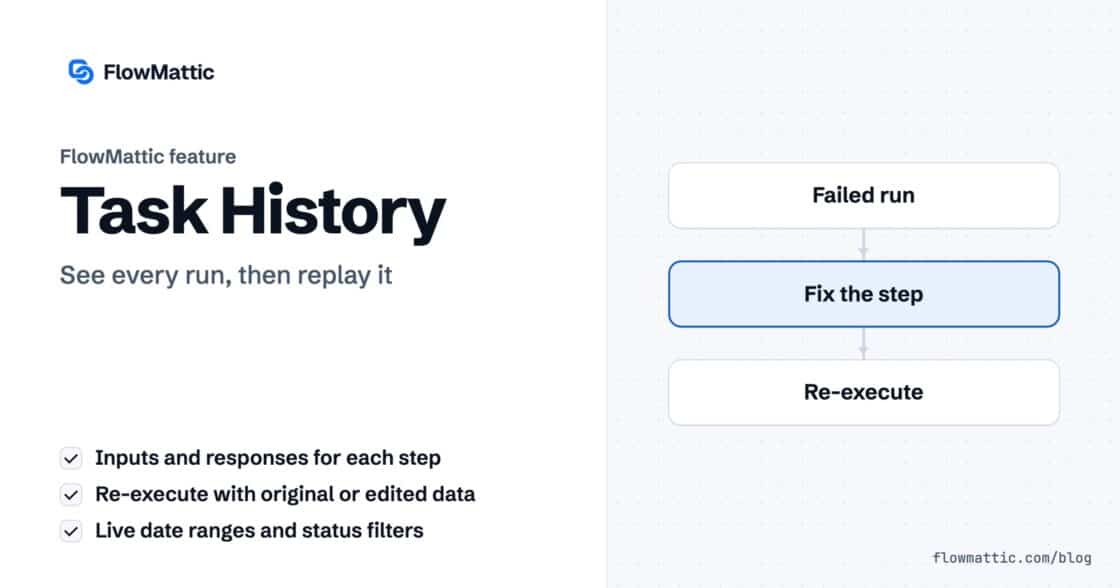
Task History records every run and every step, with inputs and responses, and lets you re-execute a run, a single step or…
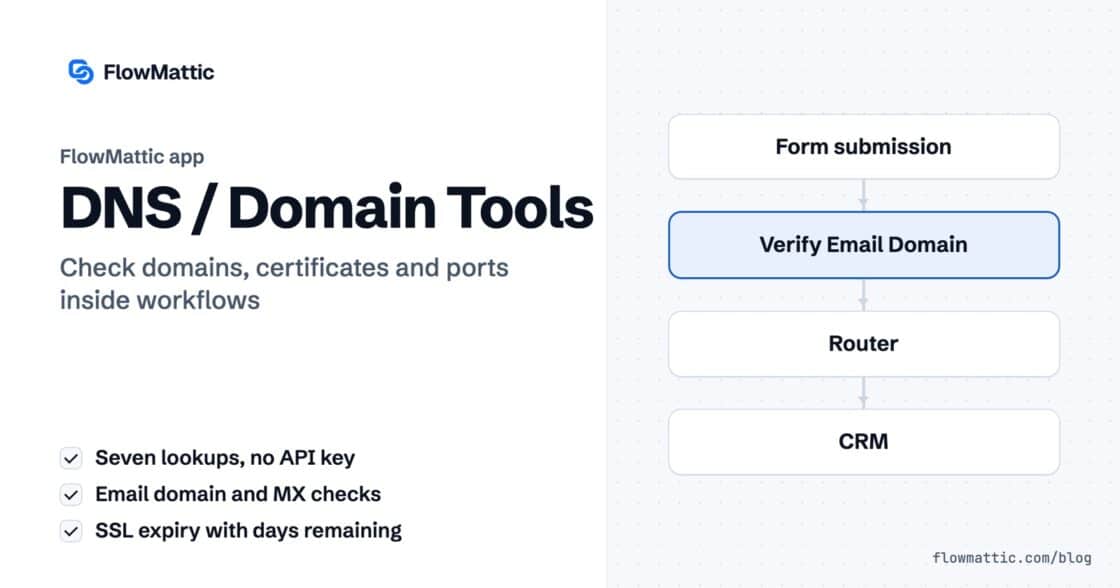
DNS / Domain Tools adds seven checks to any workflow: DNS, reverse DNS, MX, email domain, SSL certificate, HTTP headers and open…