

AI & the Browser: FlowMattic Agents Can Now See the Web
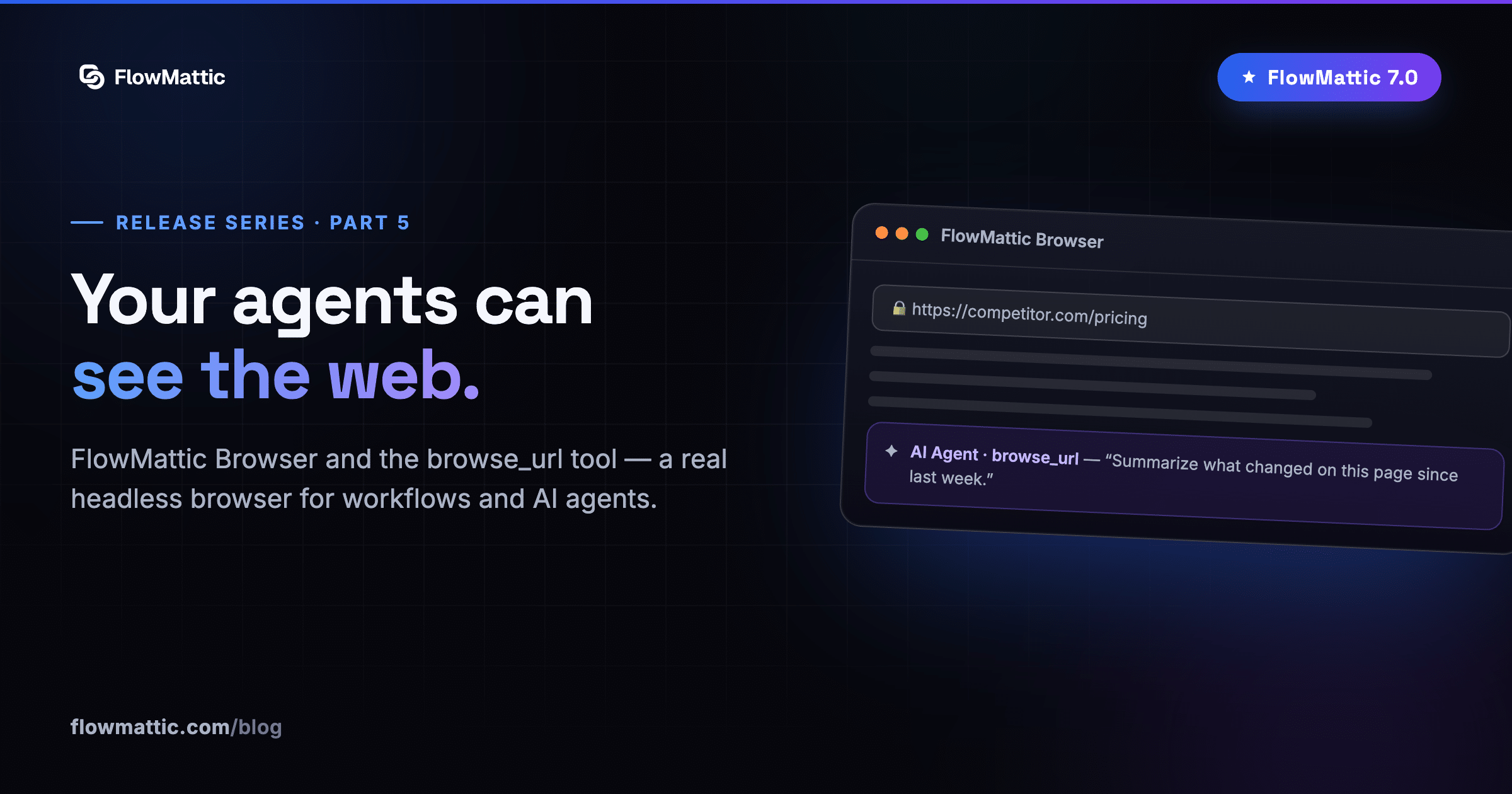
Part five of our FlowMattic 7.0 release series. Previously: the announcement, FlowMattic Tables, Bookings, and the Builder Suite.
An AI agent is only as useful as what it can reach. In 7.0, FlowMattic’s AI stack gains something agents have been missing: a browser. Plus sharper MCP tooling, richer assistant responses, and AI that reaches all the way into your data columns.
FlowMattic Browser
A new core integration powered by the Cloudflare Browser Rendering API — a real headless browser your workflows can drive, with nine actions for fetching and processing live web pages. No scraping libraries to maintain, no headless Chrome on your server; the heavy lifting happens at Cloudflare’s edge.
And because it lives next to the AI stack, agents get it as a native tool: the new browse_url tool lets an AI Agent fetch a page and reason over its contents on its own — mid-conversation, mid-task, no workflow steps required. “Check the competitor’s pricing page and summarize what changed” is now a sentence, not a project.
MCP Server: real schemas for real tools
Your FlowMattic site can act as an MCP server — exposing tools that AI assistants like Claude can call. In 7.0, integration tools now publish their full input schemas to connected AI clients instead of empty ones, so assistants know exactly what fields each tool takes and fill them correctly. (If you had integration tools added before the update, re-add them once to refresh their schemas.)
AI Assistants, more readable
The embeddable AI Assistant chatbot now renders rich formatting in its responses — bold, lists, links and more — and the iframe embed expands to the full width of its container. Small changes, dramatically better conversations.
AI in your data
Two more places AI quietly showed up in this release:
- AI Text columns in FlowMattic Tables — a per-column prompt template that references other fields (
Summarize this feedback: {feedback}) and generates content one click per cell - Generate with AI in the Email Template Builder — a full email drafted from a prompt, blocks and subject line included
Add the existing AI Agent app — ten providers, tool-calling, now with eyes on the web — and 7.0 makes FlowMattic the most complete AI automation stack you can run on WordPress.
Next in the series: For developers — import any API, stable webhooks, and platform polish.