

FlowMattic 7.0 for Developers: Import Any API, Stable Webhooks, Platform Polish
Part six of our FlowMattic 7.0 release series. Previously: the announcement, FlowMattic Tables, Bookings, the Builder Suite, and AI & the Browser.
Watch the API import in action — a complete custom app built straight from an API spec, no waiting for an official integration (and see Part 1 for building one by hand):
The flashy features get the headlines, but releases are won in the plumbing. 7.0 ships a set of changes squarely aimed at the people who wire FlowMattic into everything else — and a long tail of reliability work that makes every workflow steadier.
Custom Apps: import any API in minutes
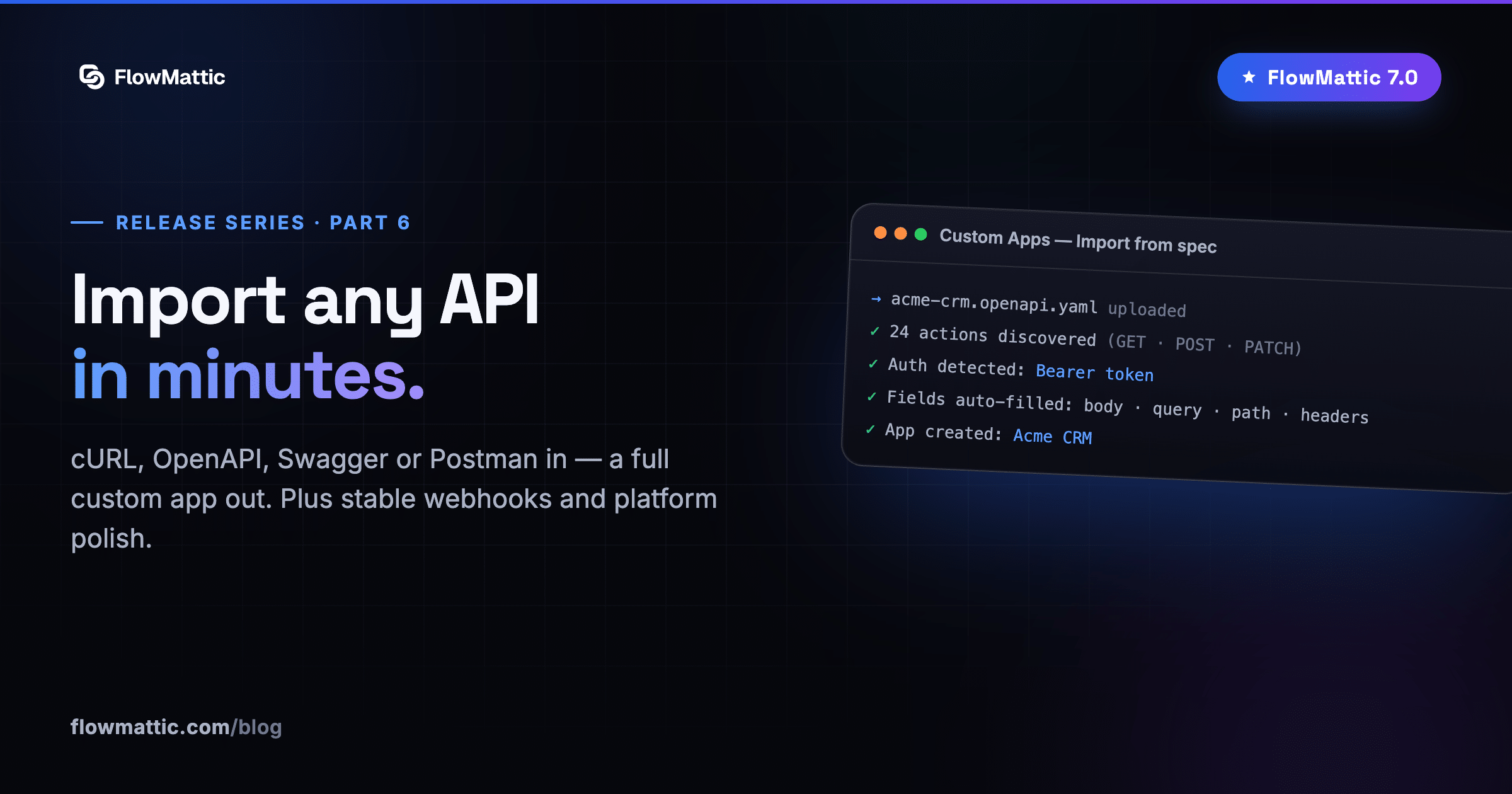
Custom Apps have always let you connect any REST API. In 7.0, you barely have to type: import actions straight from a cURL command, an OpenAPI 3.x or Swagger 2.0 spec, or a Postman 2.1 collection — paste it, upload the JSON/YAML, or fetch it from a URL.
FlowMattic discovers the actions, shows you a preview, and builds the app — either a new one or appended into an existing app with sensible skip/duplicate handling. Body, query, path and header fields are auto-filled from the spec. A vendor’s entire API surface becomes a FlowMattic app in the time it takes to find their docs page.
Webhooks with stable, readable URLs
Webhook triggers gain an optional custom slug: instead of a numeric workflow ID, your endpoint can be /webhook/capture/orders-api — human-readable, and stable even if you recreate the workflow. The auto-generated URL keeps working in parallel, so nothing breaks while you migrate senders over.
Smaller, sharper tools
- API response headers — flip on “Show Response Headers” and header tokens/metadata arrive under a
response_headerskey, ready for the next step - Multi-feed RSS trigger — one workflow watching many feeds, instead of many workflows watching one each
- Sticky notes — annotate the workflow canvas with titled, colored notes that save with the workflow; the documentation lives where the logic does
- Upload Base64 Image — a WordPress action that lands base64 image data in the Media Library, with optional conversion to WebP, AVIF, JPG, PNG or GIF
The reliability ledger
A release this size comes with receipts. Among the fixes shipping in 7.0:
- OAuth callbacks hardened — JSON request bodies are now read correctly, underscore-containing auth URLs route properly, and stray POSTs can no longer pollute your options table
- Branch inside Iterator — no longer runs both Yes and No paths
- Conditions persist — empty-value conditions (Is Empty, Is True…) survive saves at every level
- Non-ASCII everywhere — workflow names, folders and step names with accented characters save and reload correctly
- PHP 8 correctness — dynamic-tag replacement no longer fatals on numeric/boolean/null values (the WooCommerce Subscriptions checkout 500), and Tables lookups populate on PHP 8+
- REST + ACF recursion fixed — authenticated REST requests no longer 500/503 with ACF active
Update, and go build
FlowMattic 7.0 is a free update for license holders — one click from your dashboard, and integration updates never touch your workflows, connects or task history. And we’re not done: the next post covers the feature that changes how workflows get built in the first place.
Next in the series: Jaadu — describe the change, watch it build.