

The New Form Builder: Build the Form, Trigger the Workflow
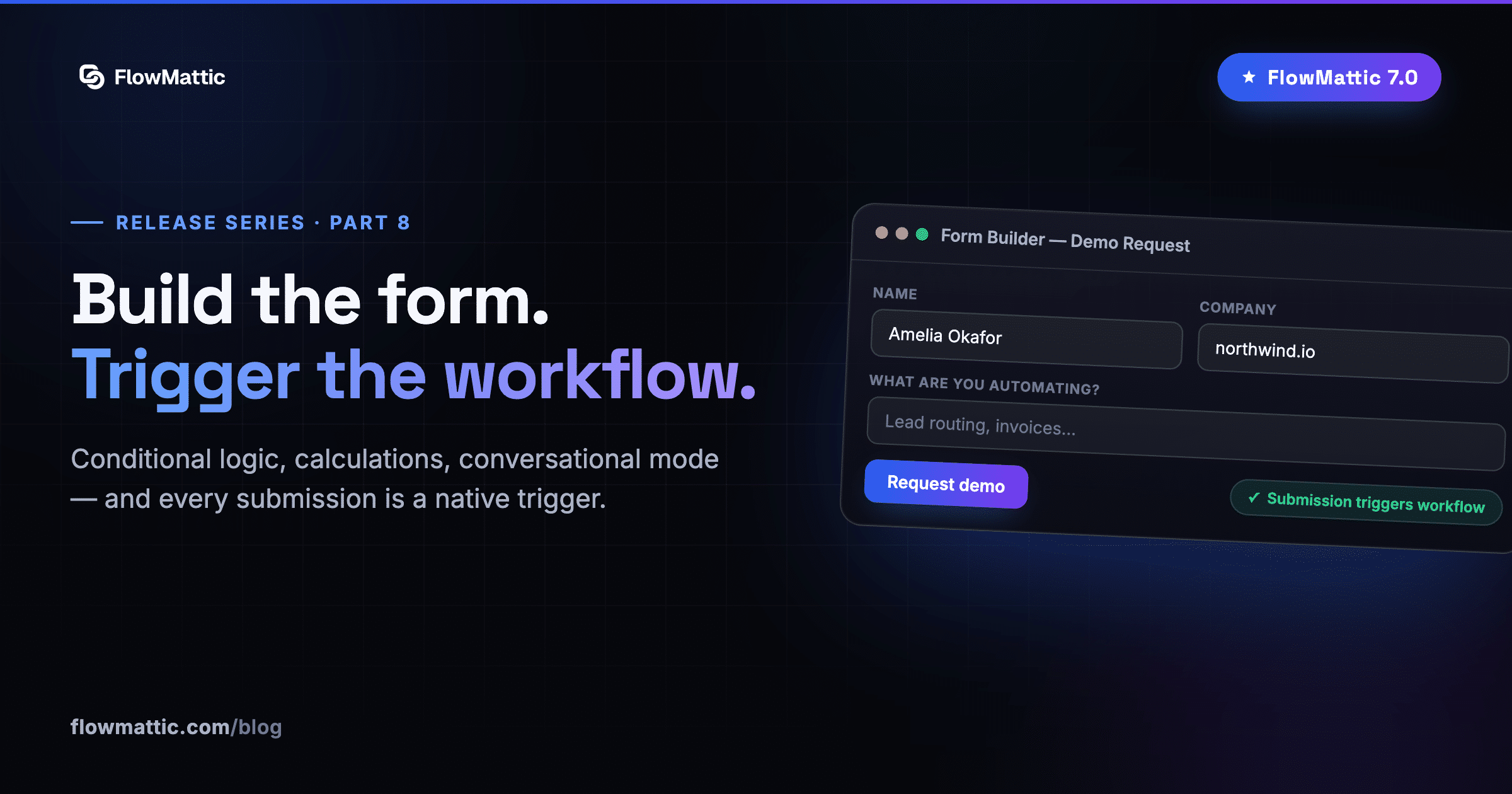
Part eight of our FlowMattic 7.0 release series. Start from Meet FlowMattic 7.0.
Here’s the Form Builder in action — building a form that triggers a workflow the moment someone hits submit:
Forms are where most automations begin — and where most WordPress stacks pick up yet another plugin, another license, and another integration to babysit. FlowMattic 7.0 closes that gap: a full visual Form Builder is now part of the platform, and every form is a first-class workflow trigger from the moment you save it.
A real builder, not a field list
The editor is a modern, React-based workspace with dedicated Build, Design, Logic and Settings views — drag fields on the canvas, then shape behavior and appearance without touching a line of code. Start from a library of prebuilt templates or a blank form.
- Conditional logic — show, hide or require fields based on earlier answers
- Calculations — compute totals, scores and quotes live as the visitor types
- Conversational mode — present one question at a time, Typeform-style, from the same form definition
- Answer piping — reference earlier answers in later questions for forms that feel personal
- Submission gates & spam protection — keep the junk out before it ever reaches a workflow
- Embed anywhere — place any form on any page or post
Every submission lands in a built-in Responses view — no separate entries plugin, no CSV gymnastics to see what came in.
The moment someone hits submit, the workflow already knows
This is the part no standalone form plugin can offer. The Form Builder ships with a workflow integration that triggers on submission with the full response payload — and it can act back on the form, too: set a custom response message for the visitor, redirect them based on what the workflow decided, or attach a note to the submission.
That two-way link changes what a form can be. Score a lead in the workflow and redirect hot prospects to a booking page. Validate an order against your inventory and answer with a personalized confirmation. Route a support request and tell the visitor who picked it up — all in the seconds between submit and the thank-you screen.
Better together
The Form Builder slots straight into the rest of 7.0: store submissions as structured rows in FlowMattic Tables (Person columns for the submitter, Tags for routing), generate a PDF from the answers, or let Jaadu build the follow-up workflow for you. And if you’d rather book a meeting than collect a message, Bookings is one tab over.
One license, no per-form pricing, no submission caps from us — it’s your site.
Next in the series: the 7.0 experience — a redesigned admin, a guided first run, and tools for the terminal.