Custom Webhook Response: Send Your Own Status, Headers and Data
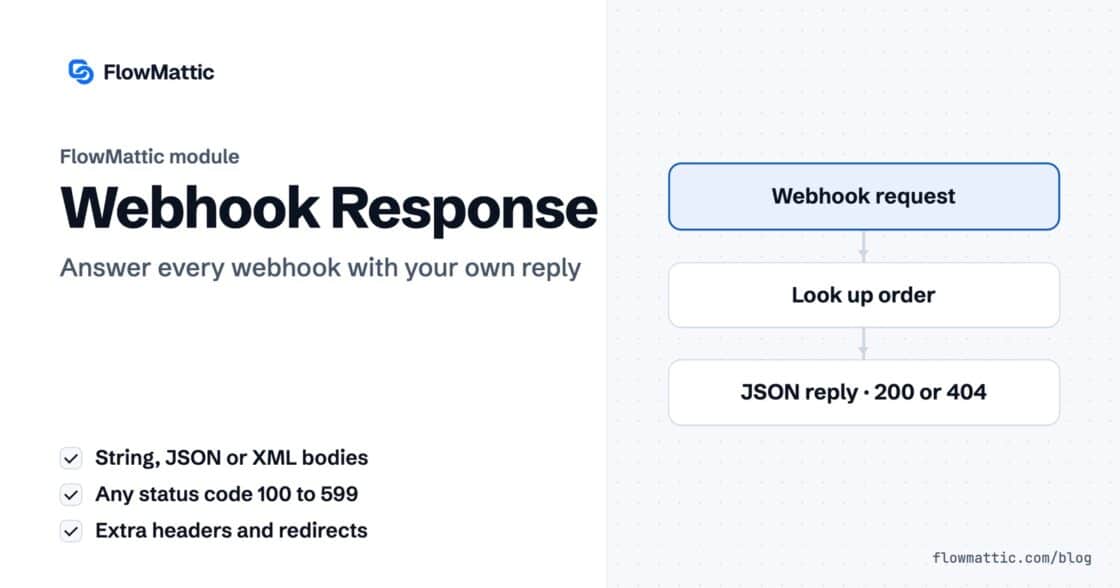
Reply to a webhook with data from the run: String, JSON or XML bodies, any HTTP status from 200 to 599, extra…


Part seven of our FlowMattic 7.0 release series. Start from Meet FlowMattic 7.0.
Don’t take our word for it — watch Jaadu build a complete workflow from a single sentence:
Every automation tool now has an AI story. Most of them end the same way: the AI writes a draft, drops it on your canvas, and walks away — leaving you to fix the wiring. FlowMattic 7.0 ships something different. Jaadu is an agent that lives inside the builder and performs the actual edits — adding steps, wiring branches, configuring fields — while you talk to it.
The name means “magic” in Hindi. The experience earns it.
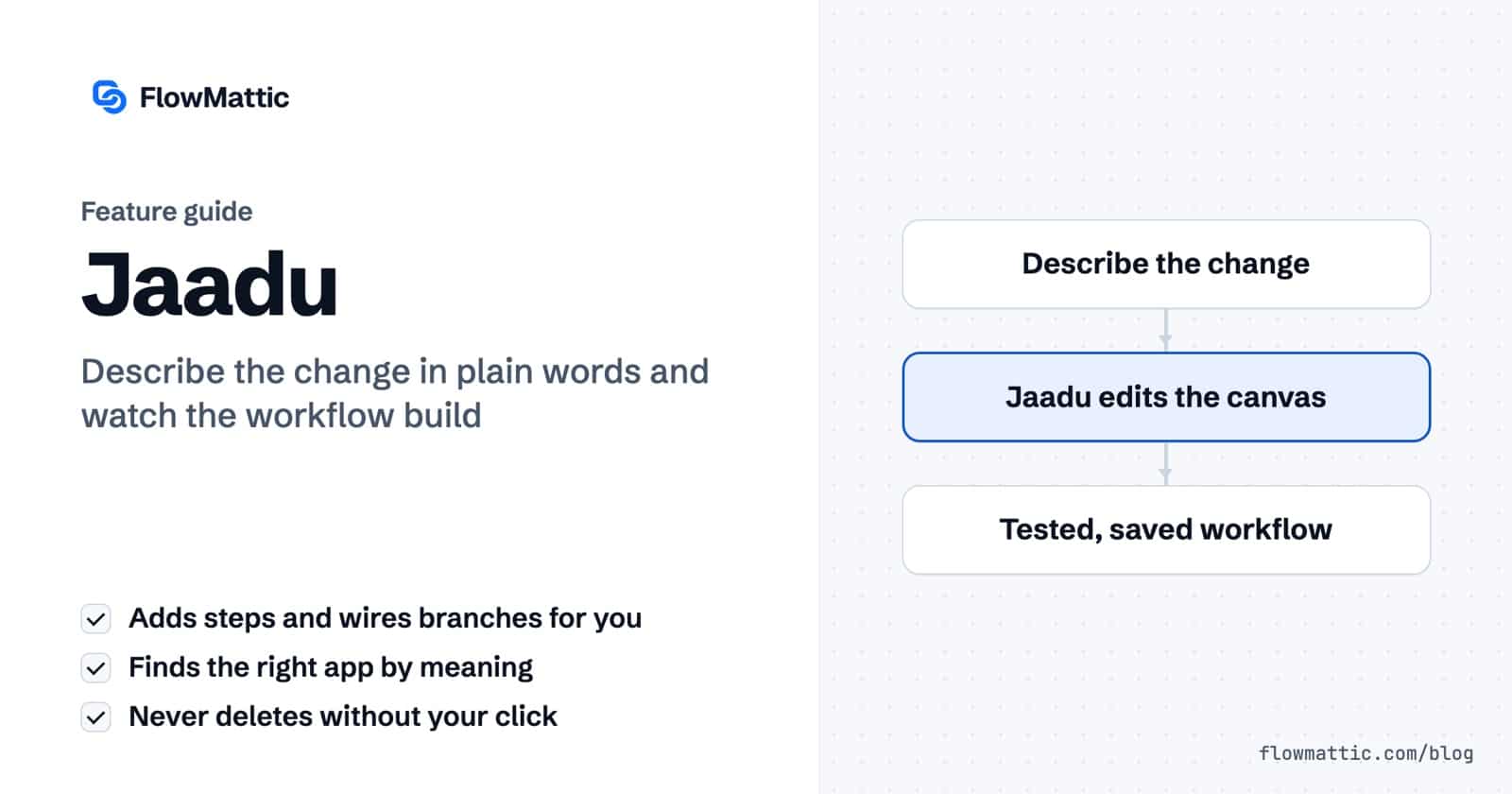
Click the Jaadu icon inside the workflow canvas and a chat drawer opens next to your work. Say what you want in plain language — a trigger, a step, or a whole workflow — and Jaadu performs the edit right on your canvas: it can add, configure, insert or delete steps, wire up routers and branches with conditions, run a test, and save. No template gallery, no manual dragging.
Ask for “a condition that routes VIP orders to Slack and everything else to email,” and you don’t get advice — you get the router, the condition, and both branches, wired in correctly.
You shouldn’t need to memorize an integration catalog. Describe what you want to happen and Jaadu searches the full catalog semantically — it finds the matching app and the exact trigger or action event, even if you don’t know its name. Under the hood, every trigger and action in the catalog is embedded into a vector index; your description is ranked against all of them and only the best candidates reach the agent. That’s why it’s fast, and why it doesn’t hallucinate apps you don’t have.
Nothing is final after the first reply. Keep chatting — adjust a field, swap an app, rework a step. Jaadu edits what’s already there instead of regenerating from scratch, so your refinements accumulate the way they would with a colleague at the keyboard.
Jaadu isn’t limited to workflows. The same chat drawer opens inside the PDF, email and image builders: add or move blocks, set text and fields, adjust theme, typography and layout, bind sample data, and save — conversationally. It’s even vision-capable: paste a reference image into the chat and Jaadu composes a matching template. (It composes with the builder’s elements — it doesn’t generate raster images itself.)
Connect an OpenAI or Anthropic key under Connects (the 7.0 onboarding wizard will offer to set this up), open any workflow, and click the Jaadu icon. Describe the change. Watch it build.
Next in the series: the new Form Builder — build the form, trigger the workflow.
Reply to a webhook with data from the run: String, JSON or XML bodies, any HTTP status from 200 to 599, extra…
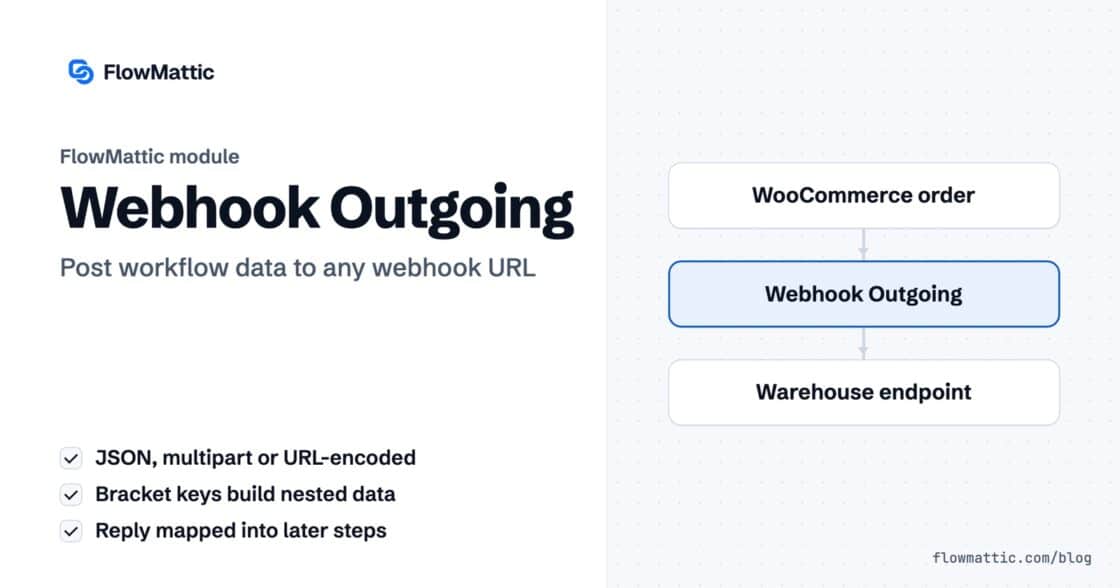
Post workflow data to any webhook URL as JSON, multipart form data or URL-encoded fields, with nested bracket keys and the receiver's…
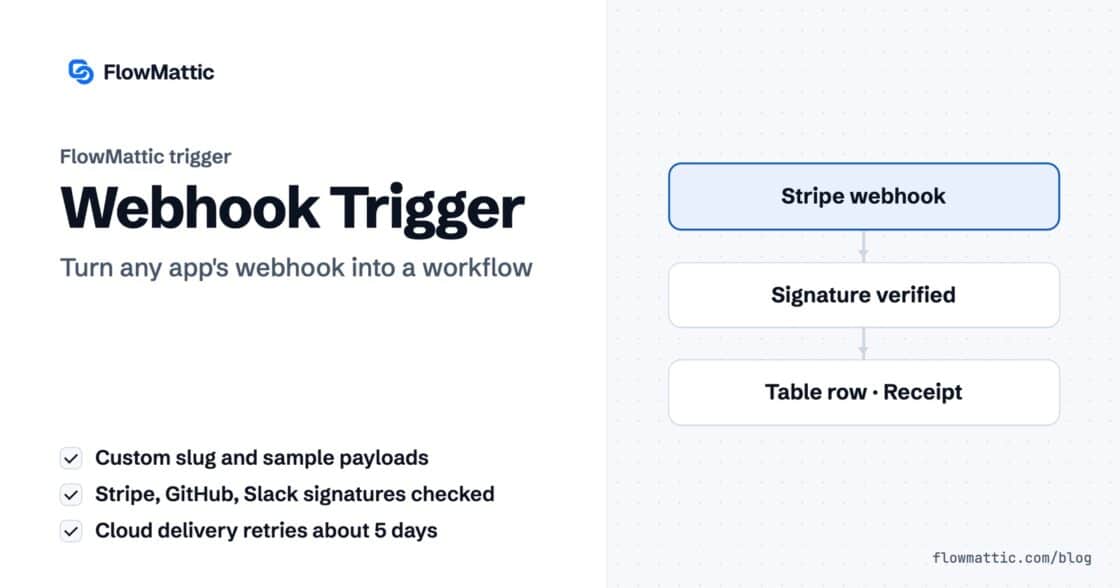
Give any app a URL on your WordPress site and turn each request into a workflow run, with signature checks, sample payloads…