

When a new lead is generated in Marquiz, add it to a Google Sheets record
Each new lead from a Marquiz quiz is written to a new row in Google Sheets, so every contact and quiz answer you collect ends up in one spreadsheet you can sort, filter and share.
 Marquiz
 Google Sheets
2 steps Setup ~5 min Used on 1.2k sites Free to import
What this workflow does
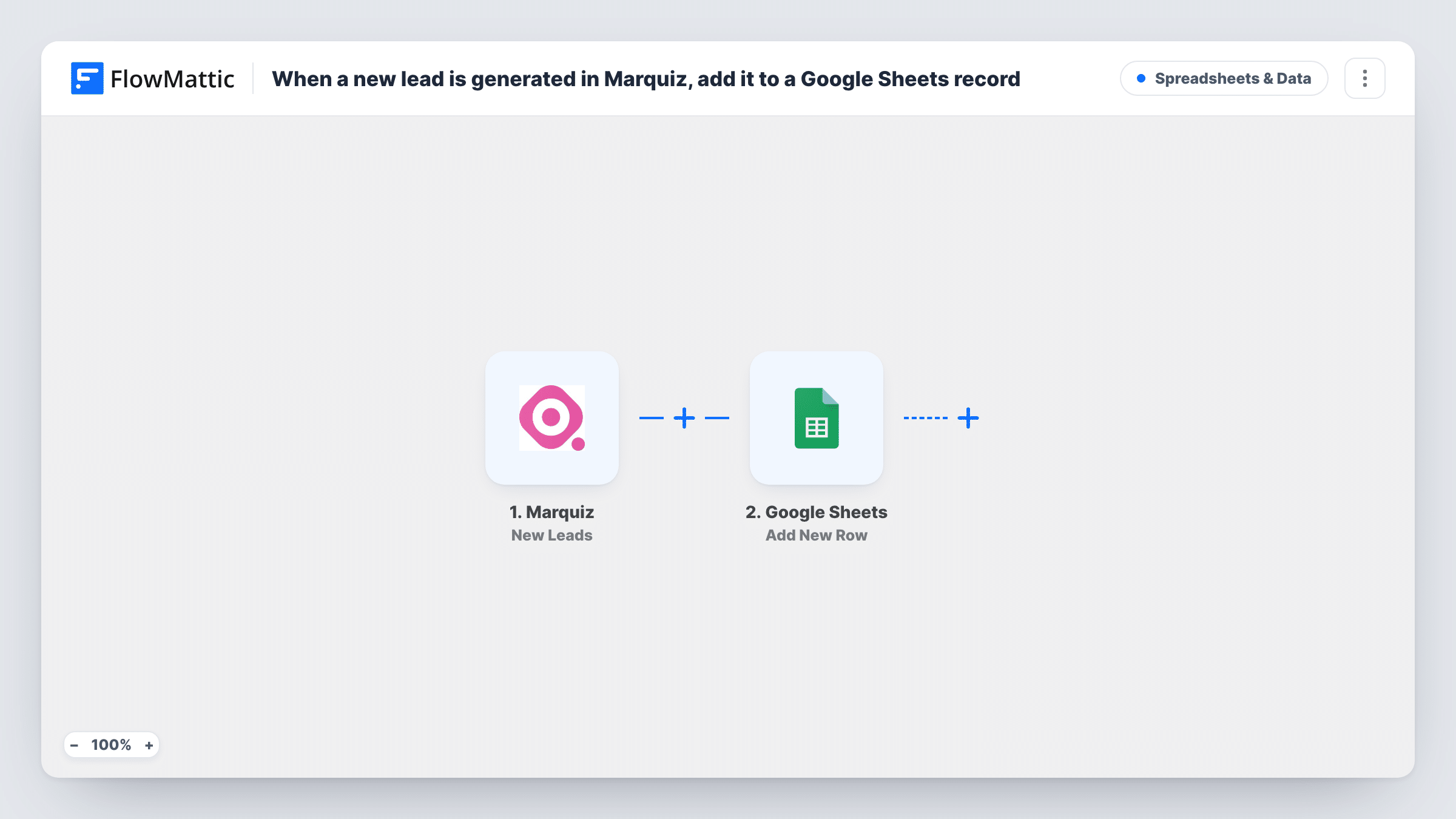
Marquiz quizzes collect contact details along with the answers people give. Reviewing those leads inside Marquiz works for one person, but a sales team or a client often wants them in a spreadsheet. This workflow copies each new lead into Google Sheets as it comes in.
The Marquiz trigger runs on the New Leads event. FlowMattic receives the lead data Marquiz sends and passes it to Google Sheets, where Add New Row appends a row to the sheet you pick. You map lead values to columns, so the sheet holds whichever contact details and answers matter to you.
Every lead gets its own row, including repeat entries from the same person. The sheet is a log of what came in, not a deduplicated contact list. Task History keeps a record of each run, useful for checking that a lead reached the sheet.
Quote calculator quizzes
A renovation business uses a Marquiz quiz to estimate project scope. Each lead's answers land in a sheet the estimator works through each morning.
Sharing leads with a client
A marketer runs Marquiz campaigns for a client and shares the Google Sheet, so the client sees new leads without a Marquiz login.
Comparing quiz answers over time
With every lead in rows, you can sort or chart the answers in Google Sheets to see which options people pick most.
How this workflow runs
What happens at each step once the workflow is on, and what you need before you import it.
 Marquiz New Leads
Runs when Marquiz records a new lead from one of your quizzes. The lead's contact details and answers are available to map into the sheet.
- Google Sheets Add New Row
Appends a row to the Google Sheets spreadsheet you choose. Map each Marquiz value to a column header and connect your Google account.
What you need
- FlowMatticCore
- Marquiz AccountAccount
- Google Sheets AccountAccount
After importing, map your own data. To keep the template universal, not every step is pre-filled. Open each step in the builder and connect your accounts and fields (channels, lists, sheets, recipients) before you switch the workflow on.
Make it yours
Changes worth making after you import it.
- Set up the column headers in your sheet first, then complete a quiz yourself so FlowMattic captures a real Marquiz lead to map from.
- Add a Filter after the trigger if only leads from one quiz, or with a certain answer, belong in this sheet.
- Add a Slack or email step after the row is written if someone should be told about each new Marquiz lead as well.
Questions about this workflow
Will older Marquiz leads be added to the Google Sheet?
No. The New Leads trigger only picks up leads that arrive after the workflow is turned on. Export earlier leads from Marquiz if you need them in the sheet.
Can different Marquiz quizzes go to different sheets?
Yes, with a change. Add a Router after the trigger with a route per quiz, each checking a different quiz, and give each route its own Google Sheets step.
What happens if the same person takes the Marquiz quiz twice?
Each lead is a new run, so the sheet gets a second row. Remove duplicates in Google Sheets, or add a lookup step before writing if you need one row per person.
More Spreadsheets & Data workflows
Other ready-to-import templates from the same category.



Import this workflow into your WordPress site
Download the JSON, import it from the Workflows screen and connect your accounts. Every run stays on your server, with no per-task fees.
30-day money-back guarantee Unlimited workflows and runs Self-hosted