

Send a Slack alert for every new Qualtrics mention or case
Whenever a new mention or case comes in on Qualtrics, this workflow posts a message to the Slack channel you pick, so your team sees fresh customer feedback where they already talk.
 Qualtrics
 Slack
2 steps Setup ~5 min Used on 2.0k sites Free to import
What this workflow does
Customer feedback that sits in Qualtrics waits until someone logs in to look. By then the moment to answer a complaint or thank a happy customer may have passed. This workflow puts each new mention or case in front of your team in Slack as it arrives.
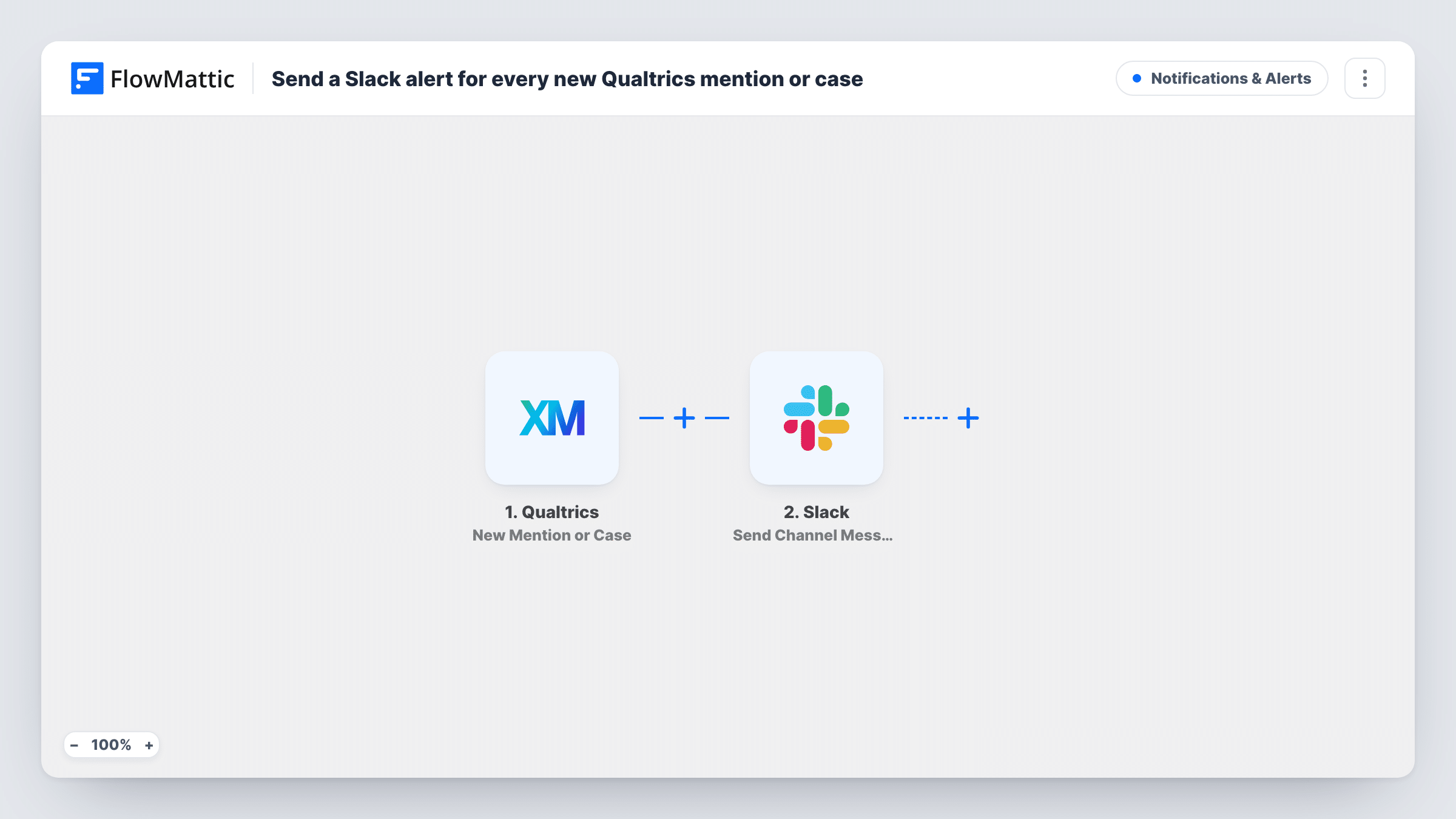
The Qualtrics trigger fires when a new mention or case comes in. FlowMattic receives the data Qualtrics sends with it and hands it to the Slack step. Send Channel Message then posts to the public channel you choose, with a message you write and fill with values from the Qualtrics event.
Every mention or case gets its own Slack post, since the template has no conditions. If that is too much for a busy channel, add a Filter so only some reach Slack. Each run is listed in Task History with the data Qualtrics sent.
Support team triage channel
New Qualtrics cases land in a #cx-cases channel, and whoever is on duty claims one with a thread reply before opening it in Qualtrics.
Brand mentions for a marketing team
Marketing watches a Slack channel where each new Qualtrics mention appears, so they can react to public comments about the brand the same day.
Keeping leadership close to feedback
A channel that managers follow shows each incoming mention or case, giving them a live view of what customers are raising without running reports.
How this workflow runs
What happens at each step once the workflow is on, and what you need before you import it.
 Qualtrics New Mention or Case
Runs when a new mention or case comes in on Qualtrics. The data sent with the event is available for mapping in the Slack message.
- Slack Send Channel Message
Sends one Slack post per Qualtrics event to the #channel you set. Connect your Slack workspace, set the channel and write the message text, mapping in values from the Qualtrics event.
What you need
- FlowMatticCore
- Qualtrics AccountAccount
- Slack AccountAccount
After importing, map your own data. To keep the template universal, not every step is pre-filled. Open each step in the builder and connect your accounts and fields (channels, lists, sheets, recipients) before you switch the workflow on.
Make it yours
Changes worth making after you import it.
- Create a test mention or case after import so FlowMattic receives real Qualtrics data, then build the Slack message from the values it captured.
- Add a Filter between the two steps to post only some events. Base its condition on a value you saw in the test data, such as a type or source field, so only matching events reach Slack.
- If the alerts must go to a private channel, swap the step for Slack's Send Private Channel Message action. For one person, use Send Direct Message instead.
Questions about this workflow
Will every new Qualtrics mention or case reach Slack?
Yes, as imported. There is no Filter, so each new mention or case that Qualtrics sends starts a run and posts one message.
Can the Qualtrics alerts go to a private Slack channel?
Not with this step. Slack has a separate Send Private Channel Message action in FlowMattic, so replace Send Channel Message with it if the alerts belong in a private channel.
Which Qualtrics details appear in the Slack post?
The ones you put there. You compose the text and insert values from the Qualtrics event. Run a test first to see which values the trigger provides.
Are mentions or cases from before I turned the workflow on posted?
No. The trigger only reacts to new mentions and cases that come in while the workflow is active.
More Notifications & Alerts workflows
Other ready-to-import templates from the same category.



Import this workflow into your WordPress site
Download the JSON, import it from the Workflows screen and connect your accounts. Every run stays on your server, with no per-task fees.
30-day money-back guarantee Unlimited workflows and runs Self-hosted