

Create Google Sheets records from published events in Modern Event Calendar
Each time you publish an event in Modern Event Calendar, this workflow adds a row about it to Google Sheets, building a spreadsheet of your published events that people without a WordPress login can open.
 Modern Event Calendar
 Google Sheets
2 steps Setup ~5 min Used on 3.4k sites Free to import
What this workflow does
Modern Event Calendar is where your events live on the site, but planning often happens elsewhere. Staff who book rooms, order catering or count volunteers may not have a WordPress login, and a spreadsheet is easier to share with them. This workflow adds each published event to a Google Sheet so that list builds itself.
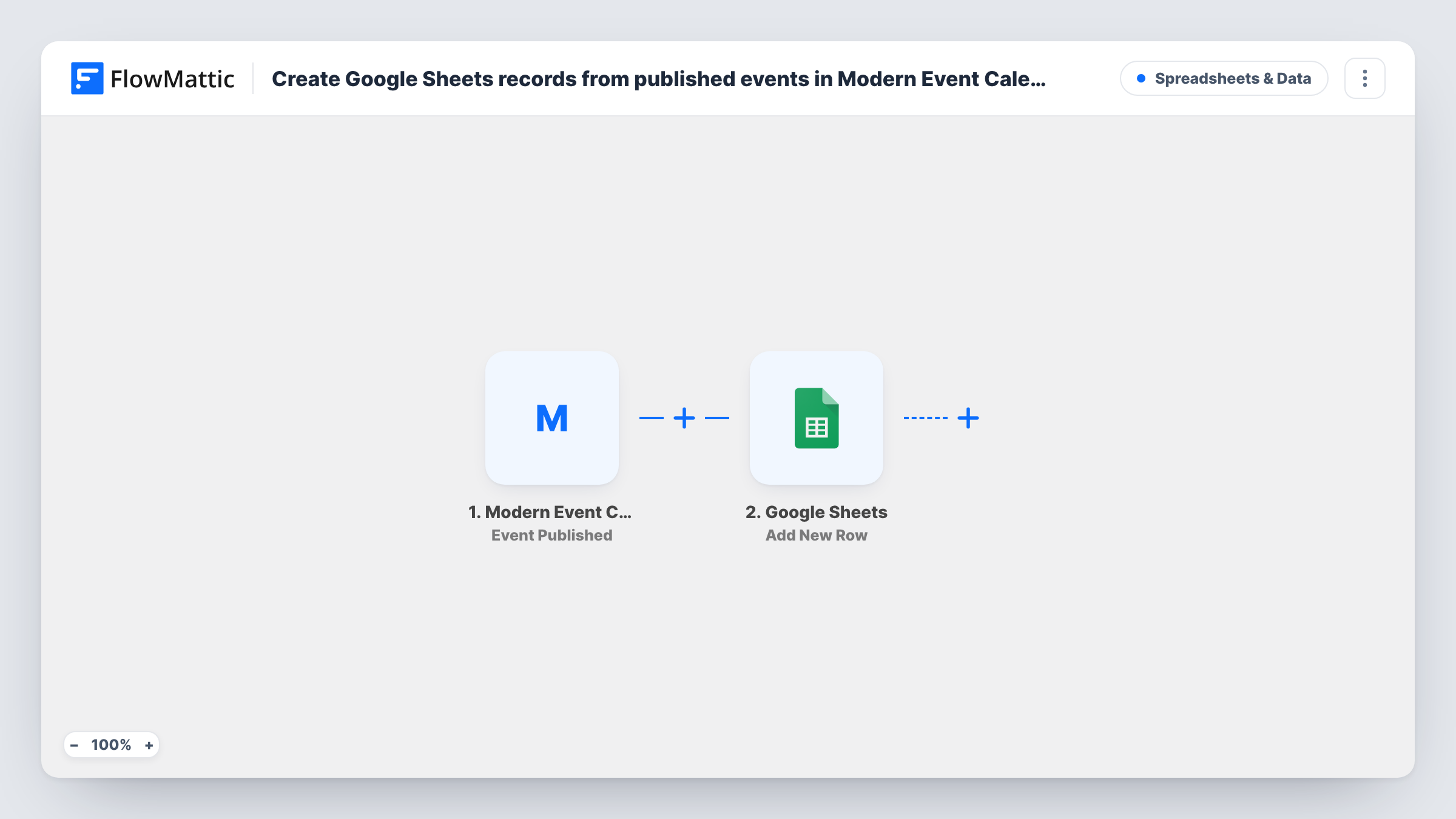
The Modern Event Calendar trigger fires when a new event is published on your WordPress site. FlowMattic takes the event's data and sends it to Google Sheets, where Add New Row appends one row to the spreadsheet you select. You pick which event details fill which columns.
Only the moment of publishing starts a run, so drafts you are still working on stay out of the sheet. The row is a snapshot: later edits to the event are not copied across. Task History lists every run if you need to check what was written.
Venue booking for a community centre
Each event the centre publishes on its calendar lands in a sheet the facilities manager uses to reserve rooms and equipment.
Marketing calendar for a music venue
New gigs published in Modern Event Calendar appear in a shared sheet where the marketing team plans posts and ads for each date.
Reporting on a training programme
A row for every published course session gives managers a running record they can count and filter at the end of each quarter.
How this workflow runs
What happens at each step once the workflow is on, and what you need before you import it.
 Modern Event Calendar Event Published
Runs when a new event is published in Modern Event Calendar on your site. The event's data is handed to the next step for mapping.
- Google Sheets Add New Row
Adds one row to your chosen Google Sheets spreadsheet for the published event. Connect your Google account and map the event data to the columns you want.
What you need
- FlowMatticCore
- Modern Event Calendar PluginPlugin
- Google Sheets AccountAccount
After importing, map your own data. To keep the template universal, not every step is pre-filled. Open each step in the builder and connect your accounts and fields (channels, lists, sheets, recipients) before you switch the workflow on.
Make it yours
Changes worth making after you import it.
- Publish a test event after import so FlowMattic captures the event data, then map it to your columns and delete the test row and event.
- Add a Filter after the trigger if you only want certain events in the sheet, for example ones whose title contains a word your team uses for paid sessions.
- Add a Slack step after Google Sheets if the team that works from the sheet also wants a message when a new event is published.
Questions about this workflow
Does updating a published Modern Event Calendar event change its row?
No. The workflow runs when an event is published and only adds rows. Edit the sheet yourself if an event's details change afterwards.
Are events I published before importing included?
No. Only events published while the workflow is on start a run. Add older events to the sheet by hand if you need a full list.
Which Modern Event Calendar details can go into Google Sheets?
Whatever data the Event Published trigger sends. Publish a test event and look at the captured data in FlowMattic to see what you can map.
More Spreadsheets & Data workflows
Other ready-to-import templates from the same category.




Import this workflow into your WordPress site
Download the JSON, import it from the Workflows screen and connect your accounts. Every run stays on your server, with no per-task fees.
30-day money-back guarantee Unlimited workflows and runs Self-hosted