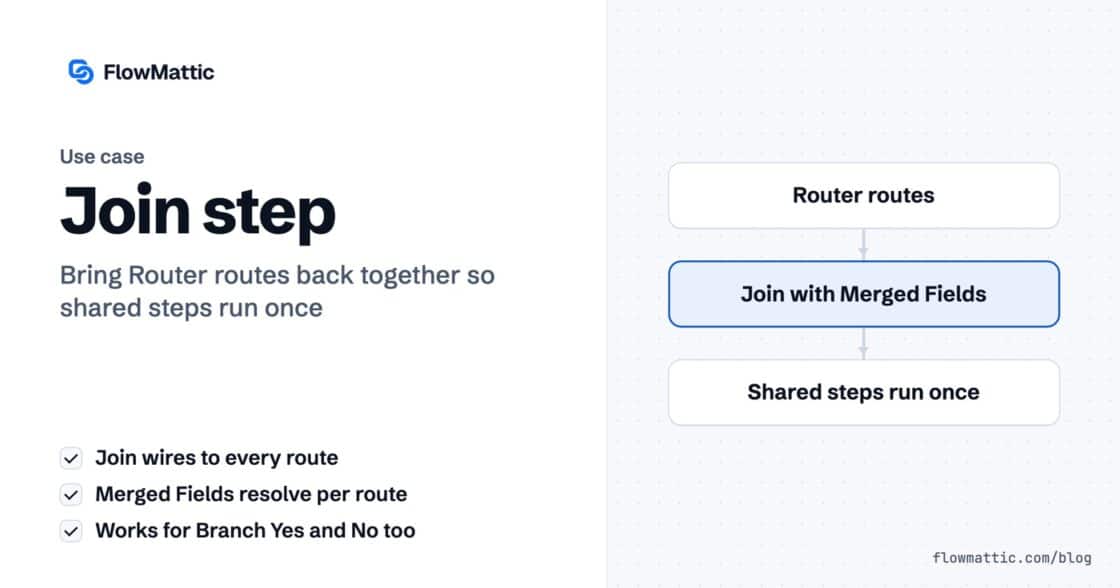
Every Router route ended with the same three steps. Now they don’t have to.
The Join step merges a Router's routes or a Branch's Yes/No back into one chain, so the steps after it run once.…


You pull fifty records from an API. You run the workflow. It goes green — no errors, no warnings, nothing red anywhere.
One row lands in your table. Not fifty. One.
The bug isn’t in your mapping, and it isn’t the API. It’s a position: the write step is sitting after Iterator End instead of inside the loop, so it ran once — with whatever the last pass left behind.
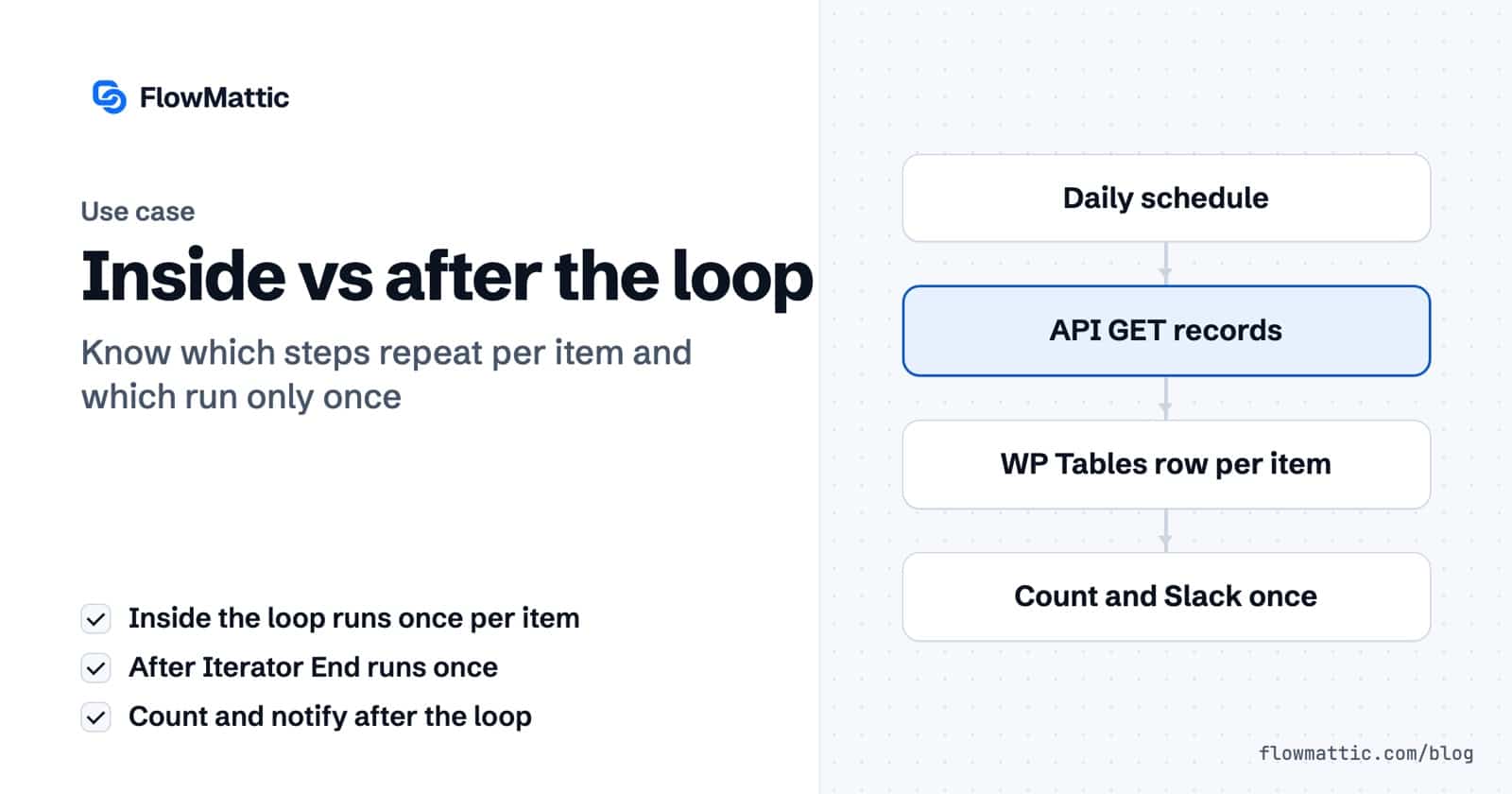
Everything between the Iterator and Iterator End repeats, once per item. Everything after Iterator End happens once. That’s it — and it’s the whole difference between fifty rows and one.
Steps six and seven aren’t filler. They’re the proof: the same rule that breaks step four is exactly what makes those two correct.
An array is the thing the Iterator eats. If your API hands you one, you’re already most of the way there — point Iteration Array at the response from the API step and everything down to Iterator End runs once per record.
Leave Simple Response on so each item’s fields are flattened into the picker, and leave Iteration Processing Method on Direct — one pass, straight through. Batch is for the day you’re looping hundreds of items and the server needs room to breathe.
In the WP Tables step, pick the database and table, then map each column to the item you’re on right now — not the whole array:
Name    {iterator3.name}
Email   {iterator3.email}
Ticket  {iterator3.ticket}
The 3 is the Iterator’s step number. Tokens follow the app slug and the step it came from, which is why the same field looks different if you move steps around.
The whole workflow, the config screens, and a run of fifty in under four minutes:
Iterator End spells it out in its own warning box: “This action will end the iterator execution at this step. Next steps will be executed after the iterator is fully executed.”
Read that before you place a step, and you’ll never have to debug this one. Above it repeats. Below it runs once.
Get Row Count wants to know how many rows exist now — one answer, after everything is written. Slack wants to tell your team the import finished — one message.
Put Get Row Count inside the loop and you’ll count the table fifty times. Put Slack inside it and you’ll be extremely unpopular by lunchtime. Same rule, opposite side.
Per-item work goes inside the loop. Once-only work goes after it. Get that right and the Iterator stops being confusing. Get it wrong and everything still runs — quietly, incorrectly, with a green tick on top.
New to FlowMattic? It’s the AI-native automation platform for WordPress — visual workflows, 900+ integrations, AI agents and a full builder suite, self-hosted inside your own dashboard. Get FlowMattic.
The Join step merges a Router's routes or a Branch's Yes/No back into one chain, so the steps after it run once.…
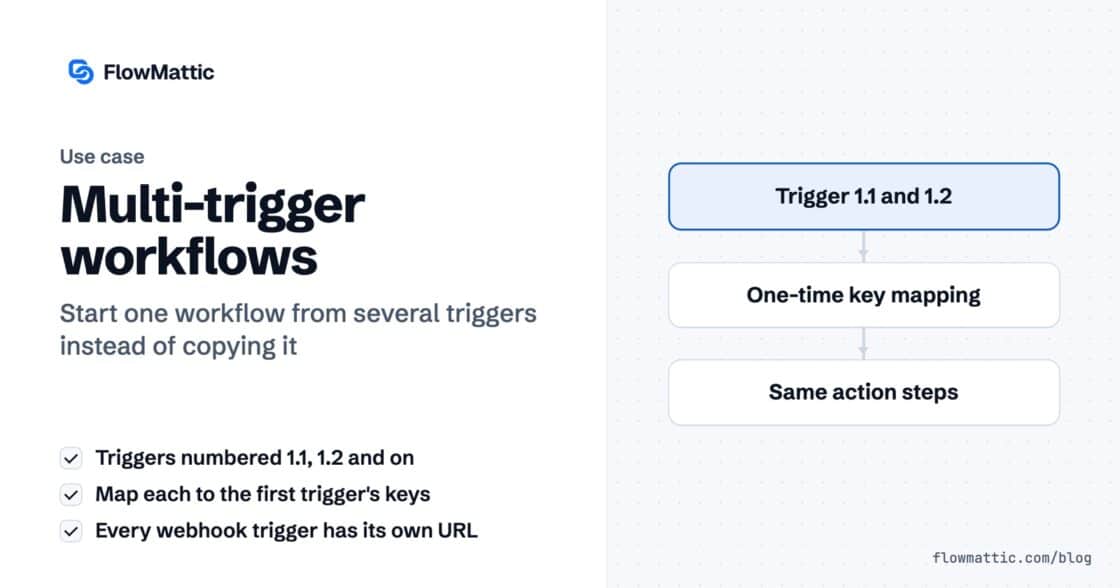
A workflow can now start from several triggers — a second webhook, a schedule, a form — all running the same steps.…
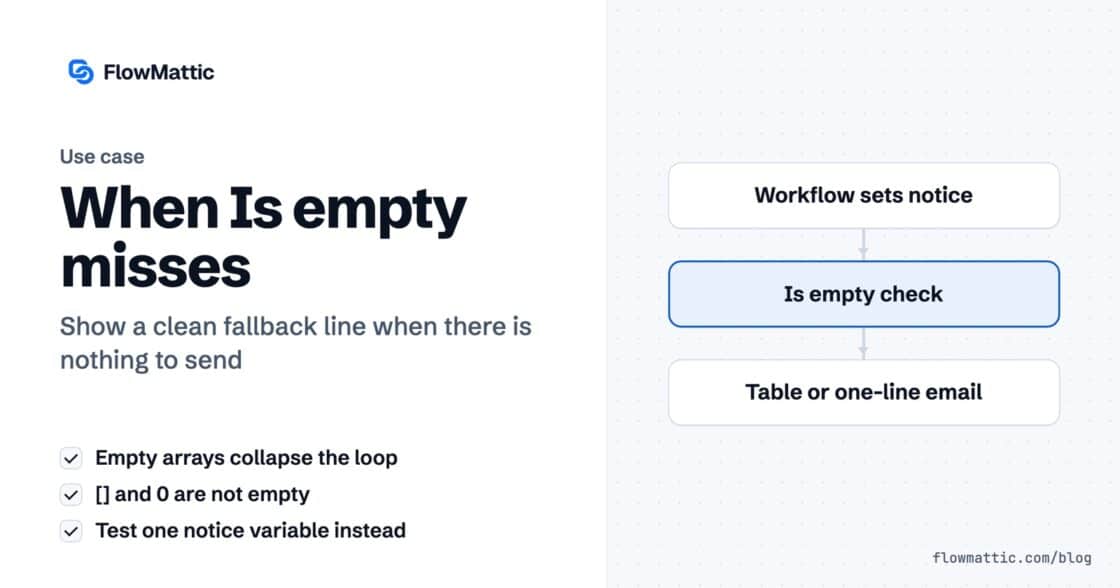
An empty array collapses the loop reliably. Your fallback message does not appear, because an empty array is two characters and zero…