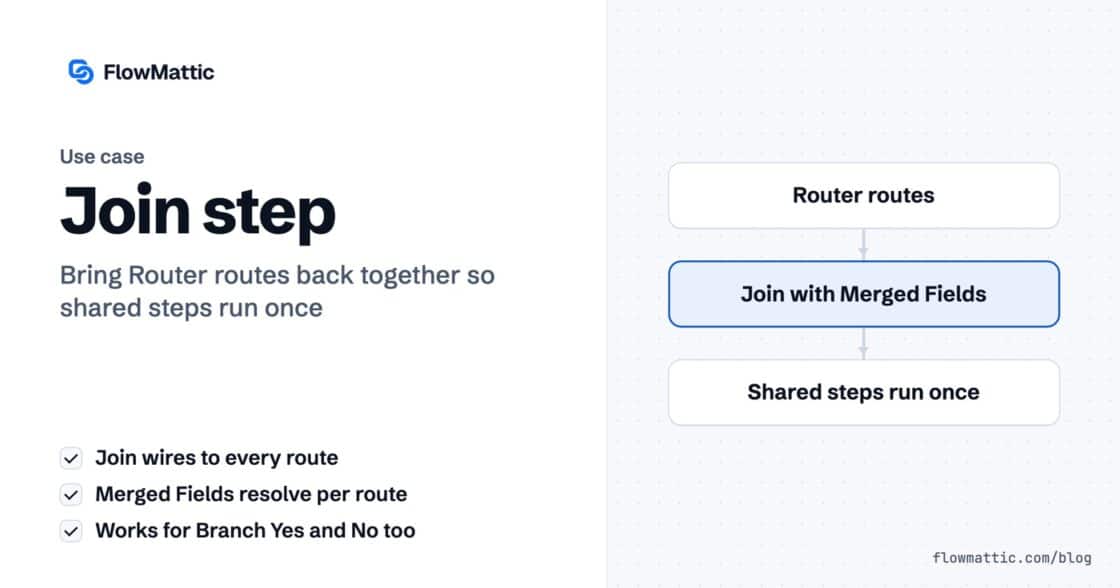
Every Router route ended with the same three steps. Now they don’t have to.
The Join step merges a Router's routes or a Branch's Yes/No back into one chain, so the steps after it run once.…


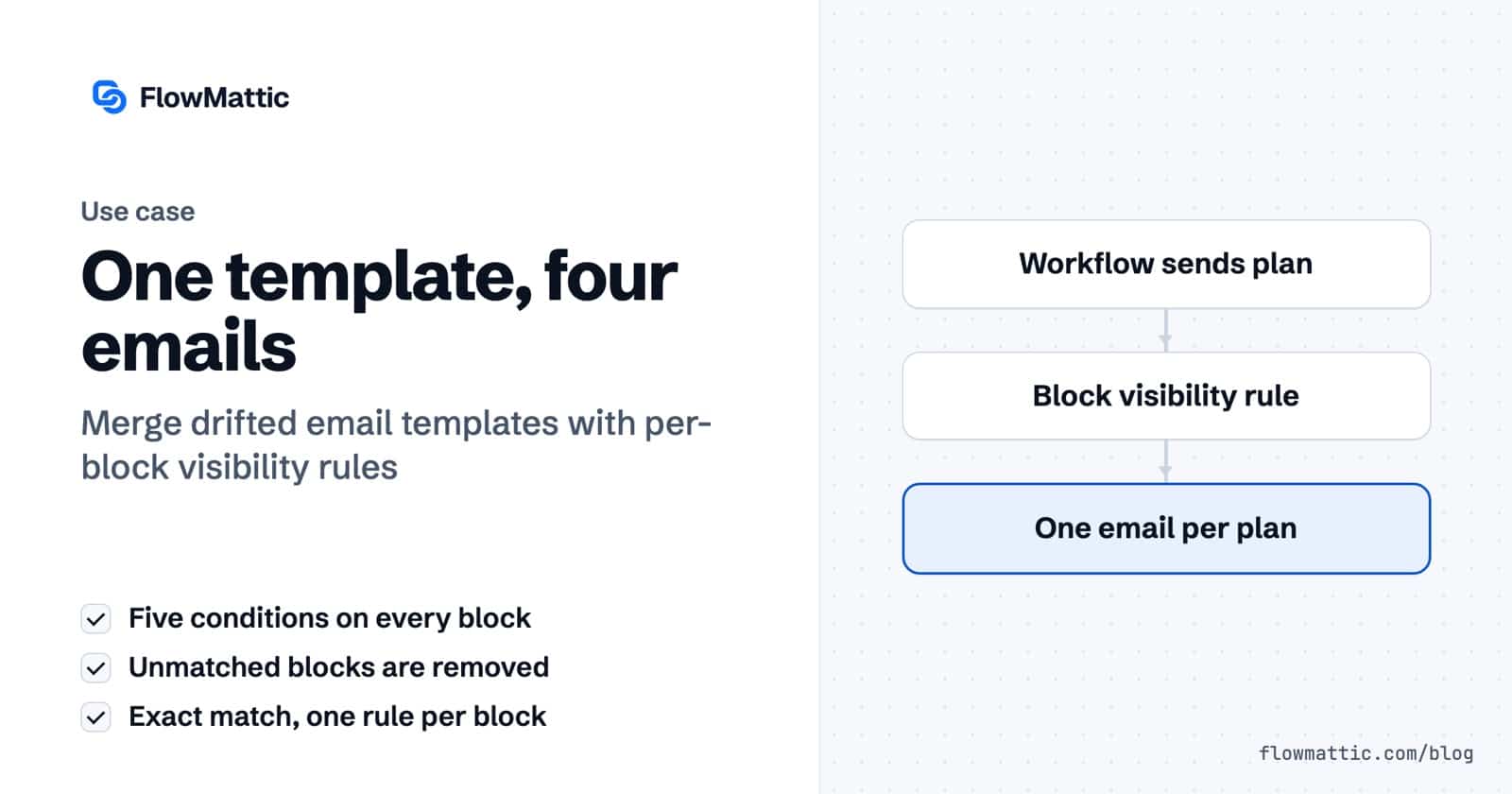
Welcome free. Welcome pro. Welcome with a coupon. Welcome back.
Four templates that started identical. Then somebody fixed a typo in one of them.
That is how templates drift — quietly, and only in three of the four. So let’s put them back together, into one.
Open the template, click any block, and scroll the configuration panel all the way down. Past the colours, past the padding, to the thing most people never open: Visibility.
Two fields and a list.
Five operators. That is all of them. The last three reveal a Value field to compare against; the first two don’t need one.
Take the Upgrade button and give it a rule: variable plan, condition Equals, value free.
The panel header was grey and said Visibility. Now it’s blue and says Conditional visibility. And up on the canvas the block picks up a badge: if plan.
Note what the badge shows. The variable, not the rule — so at a glance you can see which blocks in a template are conditional, and on what.
Two more and you’re done. The roadmap link gets plan Equals pro. The coupon banner gets coupon_code Is not empty — because you don’t care what the code is, only whether there is one.
Three blocks. Three rules. One template.
The panel, the rules, both traps and two sends — in three minutes:
This distinction is the whole reason conditional blocks are worth using. Hiding leaves a hole — an empty row, a gap where the button used to be, the tell-tale sign of an email assembled by a machine that didn’t quite finish.
When you set a rule, FlowMattic wraps that block in a pair of invisible markers, and those markers carry a condition:
<!-- invisible marker block -->
{% if plan == "free" %}
    <!-- your button, untouched -->
{% endif %}
<!-- invisible marker block -->
Is empty writes {% unless %}. The other four write {% if %}. And at send time the whole block between the markers is either kept, or removed from the email completely.
Pro with a capital P is not pro. Spaces around the value are trimmed; the letters are not touched. Whatever your workflow sends, match it character for character.
This one is nasty because nothing errors. The block is simply removed, on every single send, until somebody notices the email is missing a button.
There is no and. There is no second rule underneath the first. A block carries exactly one condition.
And the answer is not to nest blocks inside blocks and hope the two rules resolve in the right order. It is to decide upstream: work out the one thing you are actually asking, earlier in the workflow, and send it in as a single variable.
show_upgrade Equals yesOne variable, one rule, done — and the logic now lives somewhere you can test it.
Same workflow. Same template.
Two emails. Neither one has a gap in it.
And there is still only one template to fix when you find the next typo. Which was the whole point.
New to FlowMattic? It’s the AI-native automation platform for WordPress — visual workflows, 900+ integrations, AI agents and a full builder suite, self-hosted inside your own dashboard. Get FlowMattic.
The Join step merges a Router's routes or a Branch's Yes/No back into one chain, so the steps after it run once.…
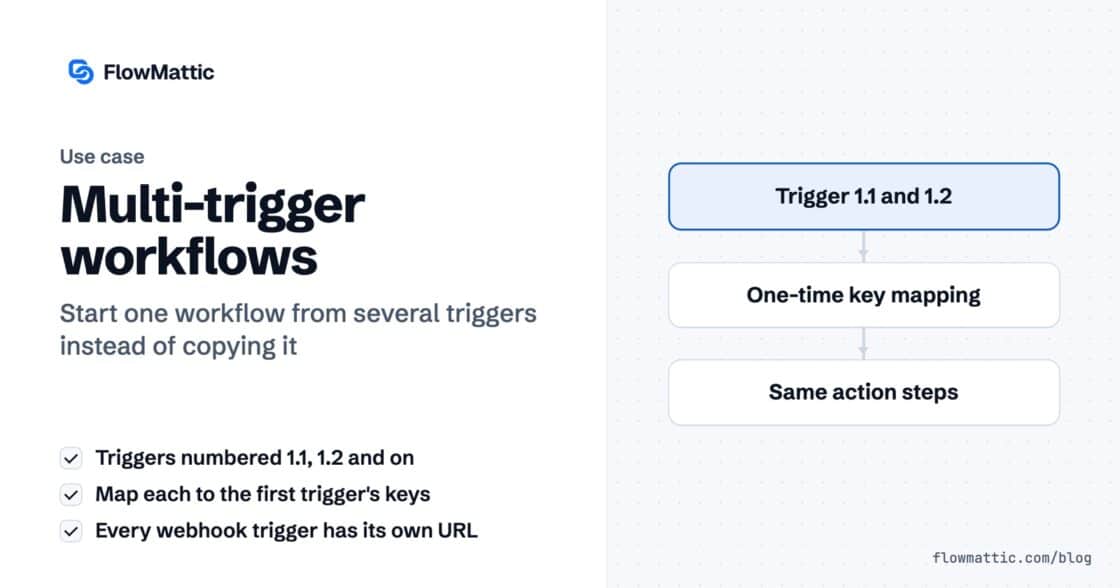
A workflow can now start from several triggers — a second webhook, a schedule, a form — all running the same steps.…
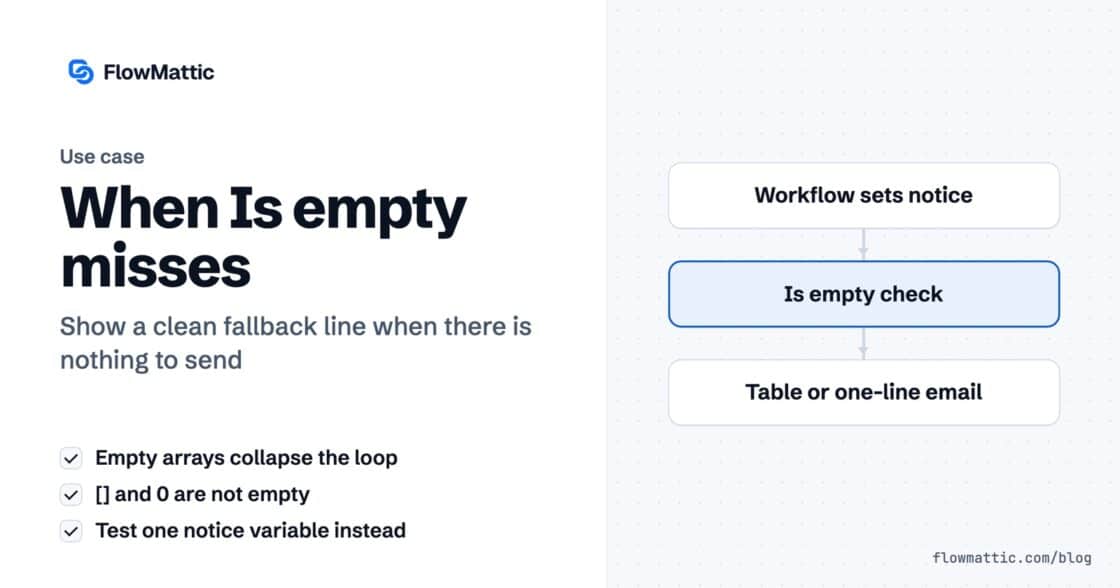
An empty array collapses the loop reliably. Your fallback message does not appear, because an empty array is two characters and zero…