One order shouldn’t be three rows: FlowMattic’s Iterator explained
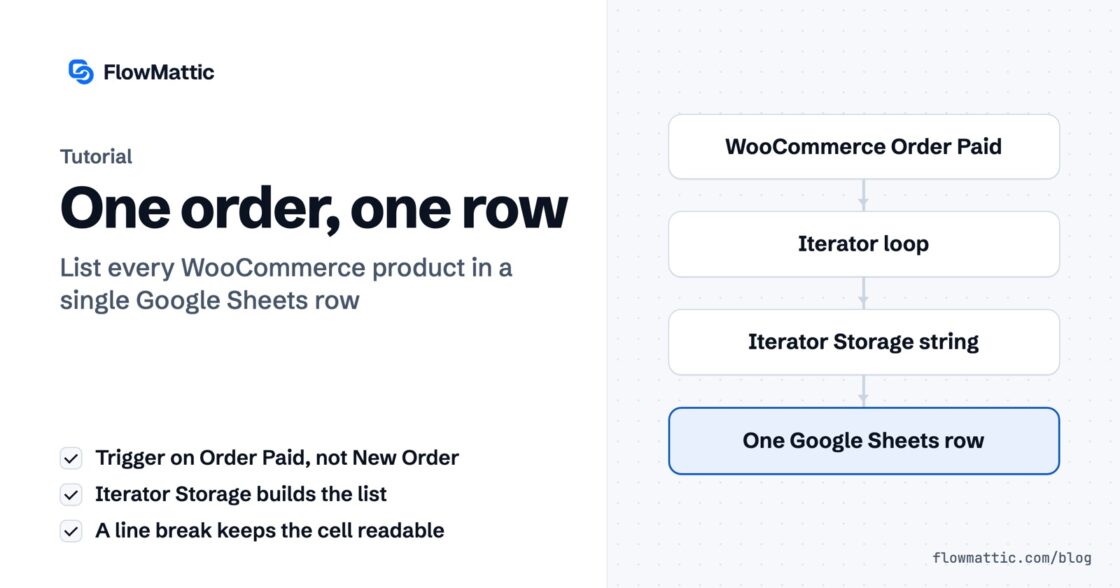
Connect WooCommerce to Google Sheets the obvious way and a three-item order writes three rows. Here is how the Iterator gives you…


Every morning at eight, the same email. Yesterday at Northwind, a table, a total.
Except on the mornings when nothing happened — and then it arrives anyway, with a heading, a header row, and nothing underneath.
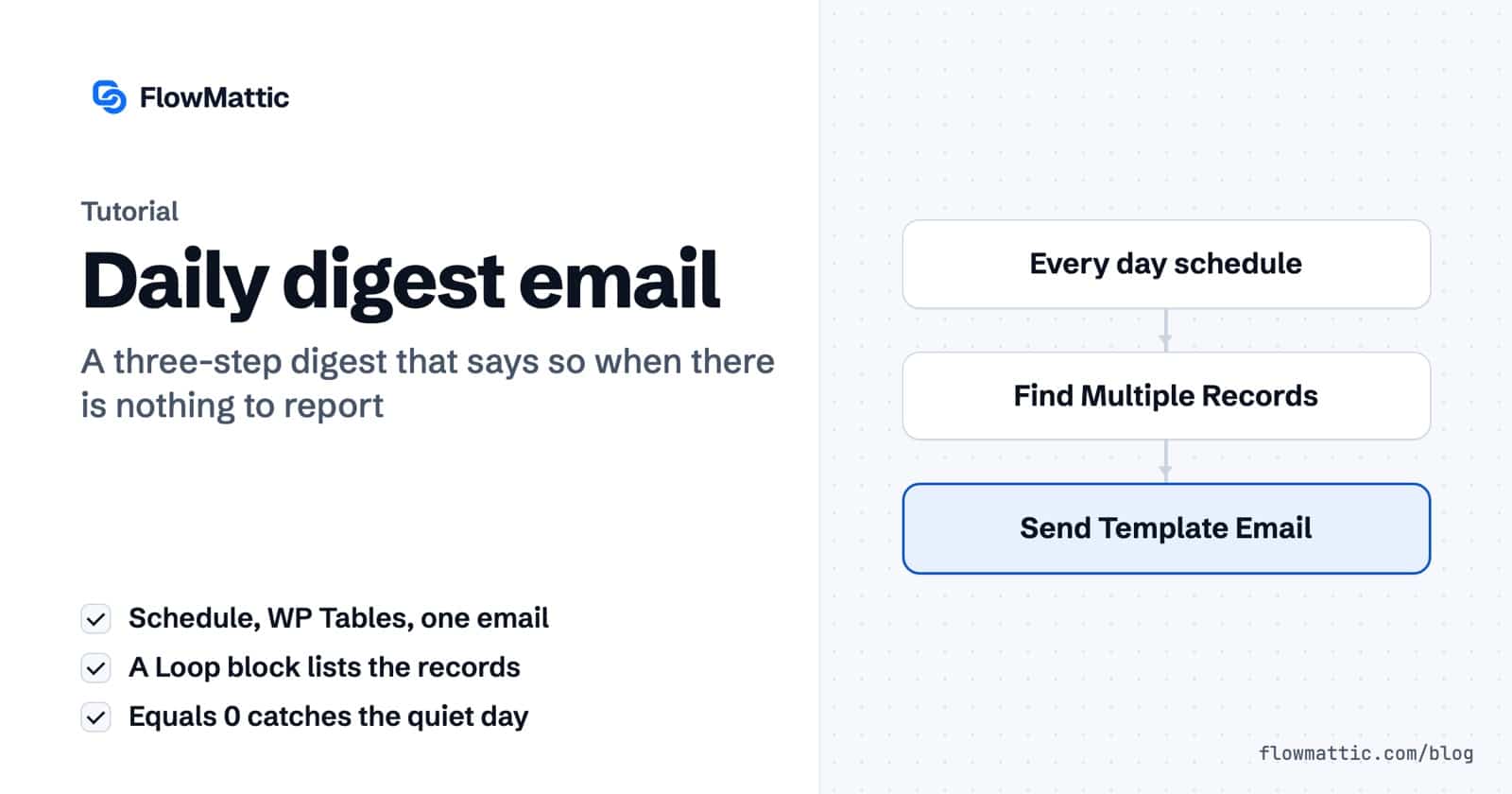
So let’s build the one that knows the difference. It’s three steps.
No Iterator. No parser. No branch.
Find Multiple Records hands you back two things:
records — your array. It arrives as JSON, and the loop decodes it for you (exactly like WooCommerce’s line items in the first post in this series).count — a number. Zero, on a quiet day.Most people use the records and ignore the count. The count is the one that saves you.
A Loop block, Data Source records, Loop Variable item. Build one row; the editor fills in the rest.
And if the array is empty, the whole loop collapses on its own. You never have to do anything about the rows.
And the header row. And the total. Those are separate blocks, sitting outside the loop, and they will happily render over nothing.
So all three get the same rule — and the line you actually want on a quiet morning gets the exact opposite:
heading, header row, total   record_count  Not equals  0
the quiet line record_count Equals 0This is the part that ties the series together, and we proved it last time.
Is empty asks whether a value is an empty string. Zero is not an empty string — zero is a character. So point Is empty at a count and it will never fire. Not once.
Equals 0 asks the question you actually meant, and it matches exactly.
Same panel. Same five operators. You just have to pick the one that’s true.
Tuesday. Fourteen orders. Heading, header row, fourteen rows, total. The quiet line, gone.
Sunday. Nothing at all. One sentence. No heading over an empty table, no total of nothing, no gap.
One template. One workflow. Three steps. The loop handles the many; the count handles the none.
New to FlowMattic? It’s the AI-native automation platform for WordPress — visual workflows, 900+ integrations, AI agents and a full builder suite, self-hosted inside your own dashboard. Get FlowMattic.
Connect WooCommerce to Google Sheets the obvious way and a three-item order writes three rows. Here is how the Iterator gives you…
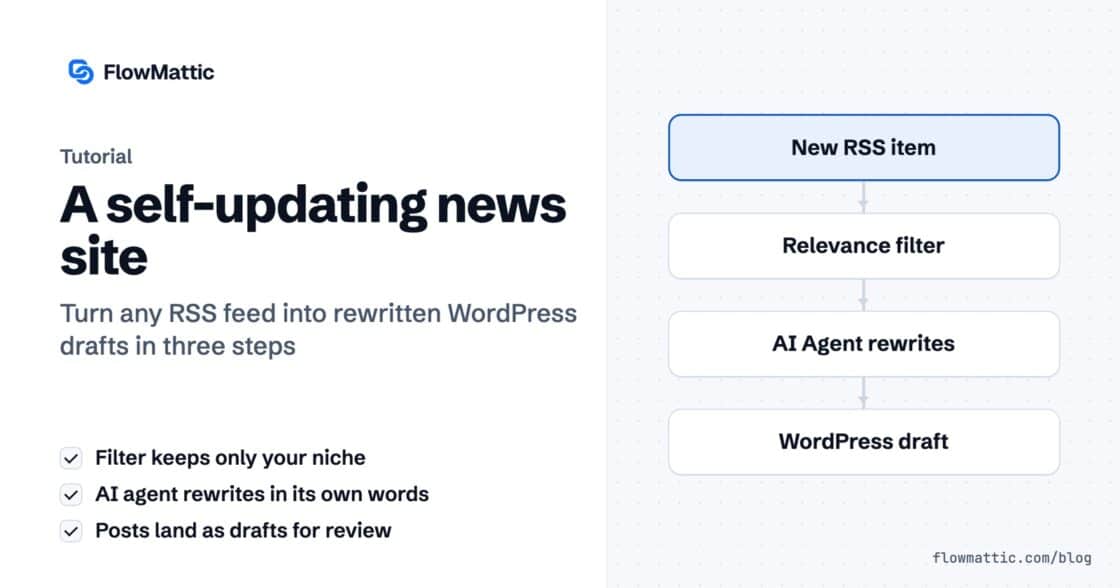
An RSS feed brings the story in, a filter throws out what you don't cover, and an AI agent rewrites it and…
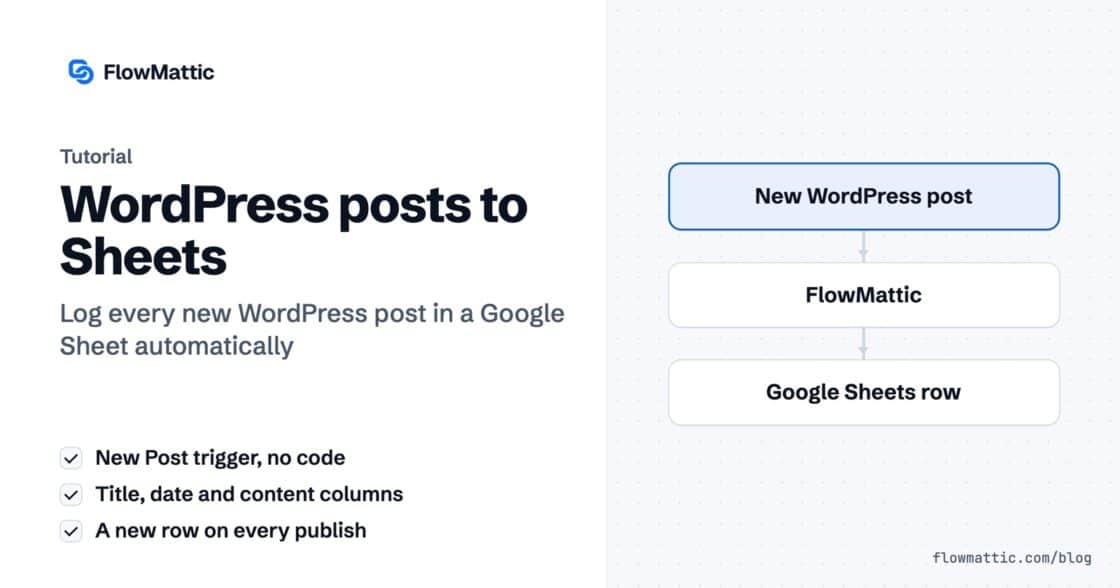
Send WordPress new post to Google Sheet automatically to keep track of your content strategy and stay organized.