

Every FlowMattic feature: automation, AI and builders for WordPress
FlowMattic is one plugin with a visual workflow builder, AI agents, an MCP server, webhooks, a scheduler, and form, PDF, image and email template builders, plus tables and bookings. This page lists every feature with a link to its own page, and every one of them ships on every plan.
918+ integrations60+ built-in modulesUnlimited workflows and runsRunning on 12,887+ sites

Automate
The builder, the logic modules and the ways a workflow starts, waits and gets recorded.
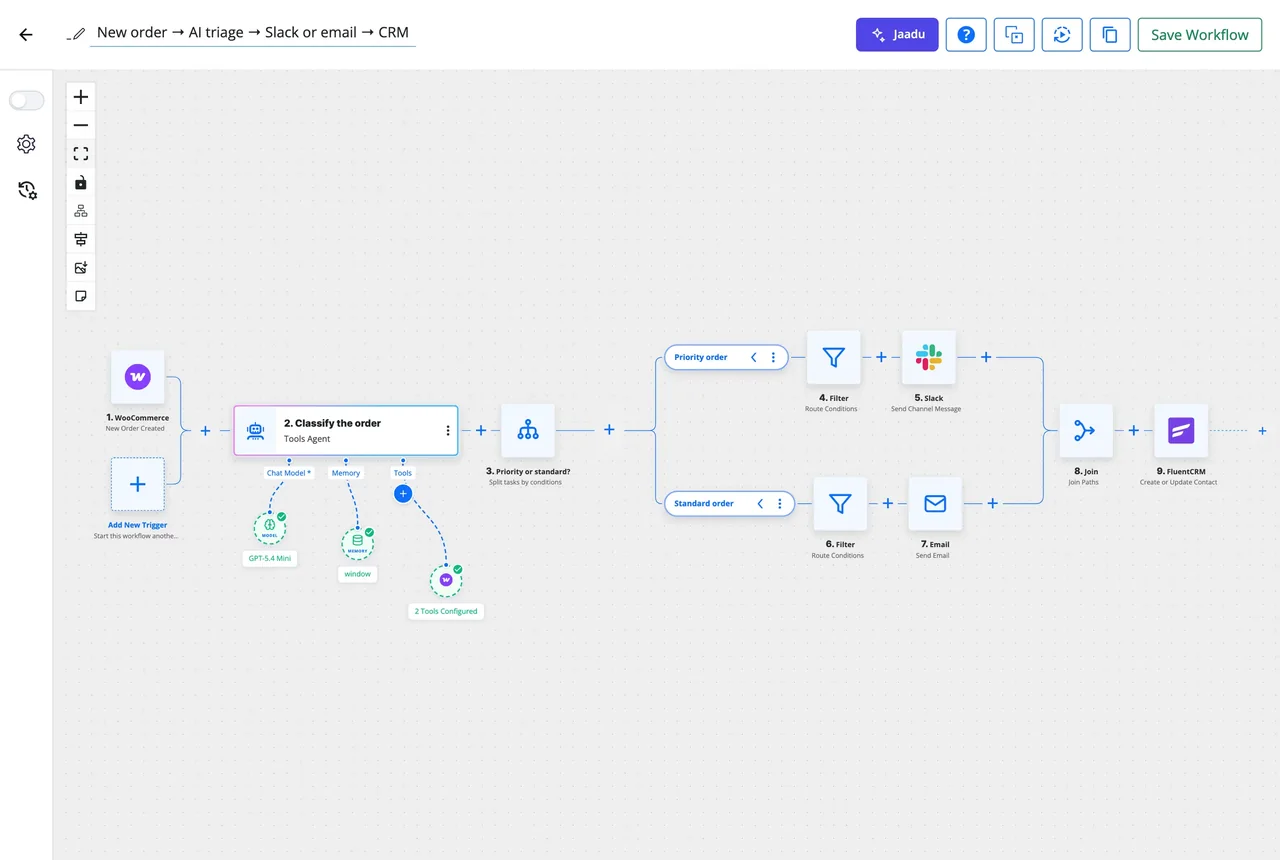
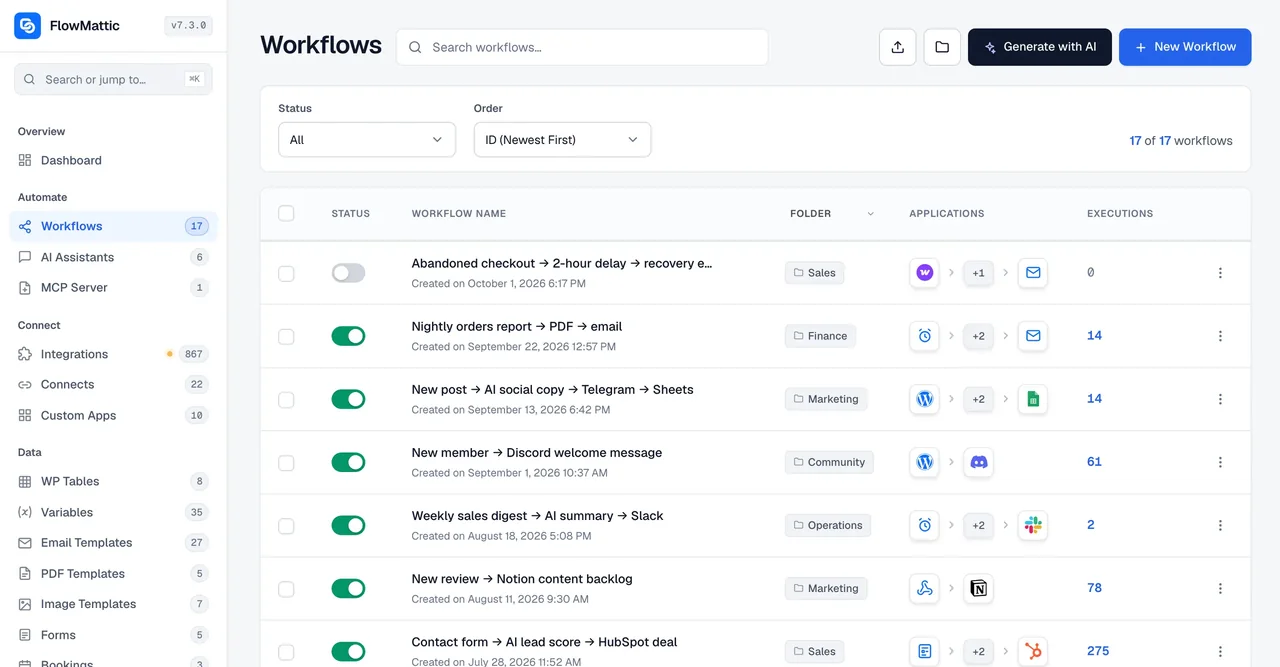
Visual workflow builder
Chain a trigger, apps and logic on one canvas, test each step against captured data, then switch it on.
Workflow logic
Router, Branch, Filter, Join, Iterator, Delay, Sub-workflow, API call and PHP Function.
Webhooks
Catch any webhook with signature checks, send outgoing ones, and reply with any status code.
Scheduler
Every few minutes, hourly, daily, weekly or monthly, on time even on a quiet site when FlowMattic Cloud wakes it.
Multi-trigger workflows
One workflow with several starts; a trigger map renames each trigger's fields onto the first one's.
Human in the Loop
Pause until someone approves or rejects by email or Slack, then continue on the answer.
Task History
Every run, every step, data in and out with secrets masked, and re-execution with original or edited data.
FlowMattic Cloud
Optional relay for webhooks and schedule timings, with retries, replay and downtime alerts. A free account comes with every licence.
AI
Agents inside workflows, a copilot inside the builder, a chat widget on the site, and MCP in both directions. Your own API key, no markup on tokens.
AI Agents
Give a step a goal and the tools it may call; it reasons, calls them and iterates until done, on any of 11 providers.
Jaadu
Describe the workflow in plain language and the copilot builds it on the canvas, then fixes what you ask.
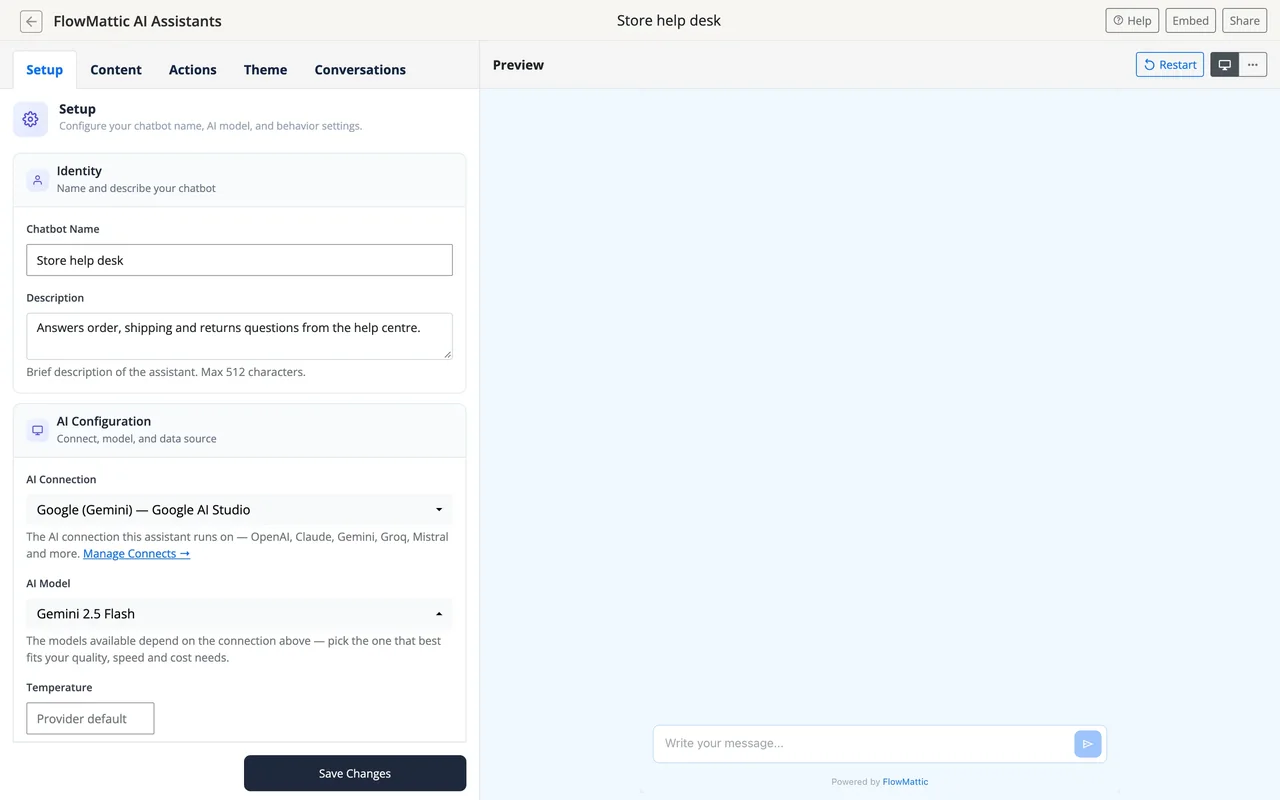
AI Assistants and chatbot
An embeddable chat that answers from your content and can run a workflow from the conversation.
MCP Server
Expose your workflows and tools to Claude, ChatGPT, Codex CLI, Cursor and any MCP client, from your own domain.
MCP Client
Call tools hosted on any external MCP server from a step or hand them to an agent.
Security
Credentials encrypted in your database, OAuth through Connects, signed webhooks, masked secrets, role-based access.
Build and data
The builders that make the things a workflow sends, the tables that hold its data, and the ways it reaches any API.
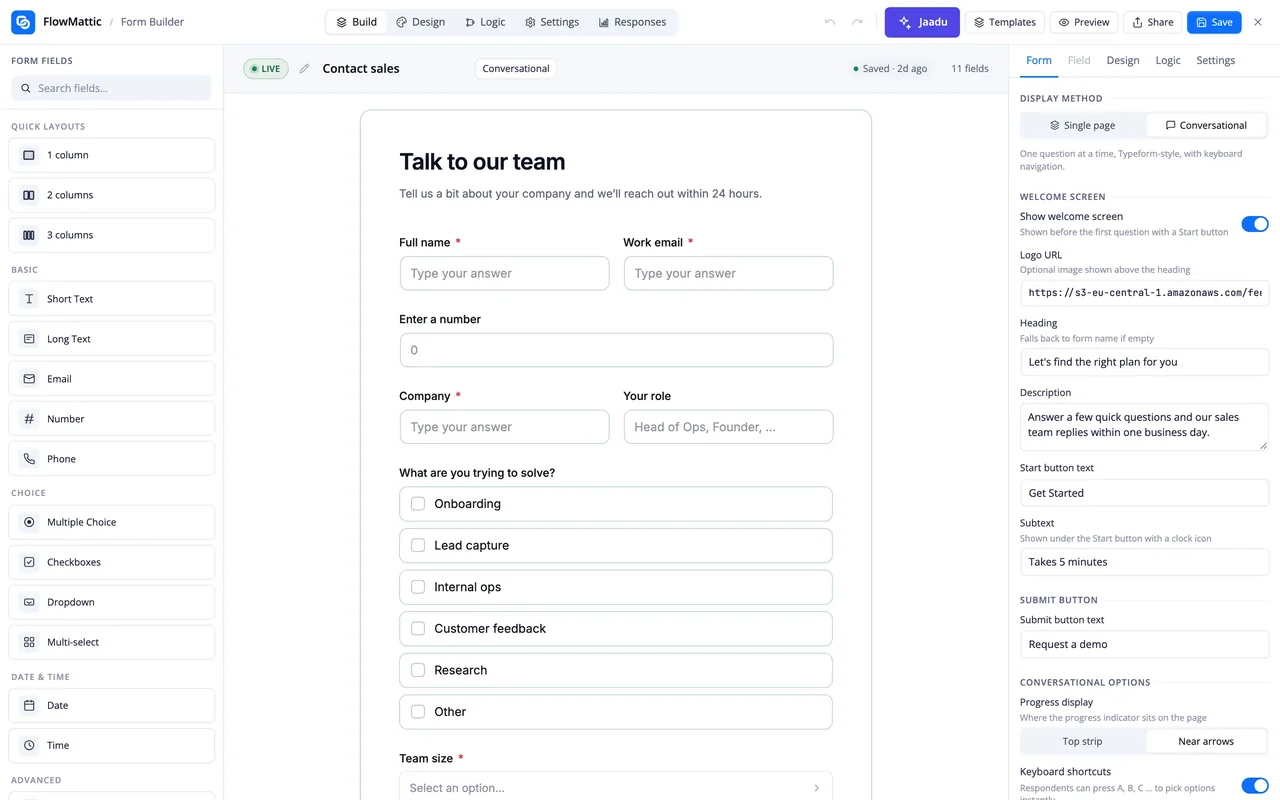
Form Builder
Multi-step and conversational forms whose every submission is a native trigger.
PDF Template Builder
Invoices, certificates, contracts and reports designed once and filled from the run.
Image Template Builder
Social cards, certificates, badges and OG images from a template plus live data.
Email Template Builder
Block-based responsive emails with dynamic fields, Loop blocks and conditional blocks, sent from any step.
Bookings
Availability, booking pages and confirmations, with every booking event as a trigger or action.
WP Tables
Relational tables in your own database with lookups, workflow Button columns and record triggers.
FlowMattic Tables
A managed database off your WordPress database, with views, card layouts, shared links and point-in-time restore.
Data tools
Format text, dates and numbers, parse JSON, XML, CSV and PDFs, do maths, encrypt, sign and generate codes.
Variables
Named values defined once and reused across workflows, readable and writable from a step.
Custom Apps
Build a private integration without plugin code, or import OpenAPI, Swagger or Postman and get its actions generated.
FlowMattic Connects
Hosted OAuth, so an app is authorised in one click instead of with API keys.
Solutions and libraries
The same features applied to the jobs most sites automate first, and the libraries you can import from.
WooCommerce automation
40+ order, product, customer and cart triggers, AI order triage, PDF invoices, CRM sync and cart recovery.
WordPress automation
Posts, users, comments, media, plugins, themes and core as triggers, with 70 actions that write back.
Email automation
Designed sends from any step, incoming mail as a trigger, delays, approvals and list sync.
918+ integrations
CRMs, email, e-commerce, payments, communication and the WordPress plugins you already run, with new apps most weeks.
4,609 workflows to import
Prebuilt workflows from the FlowMattic team, imported in a click and edited on the canvas.
What ships with every plan
A plan changes how many sites you can activate FlowMattic on. It does not change what the plugin can do or how often it can run.
- Unlimited workflows and unlimited runs, with no per-task fee
- Self-hosted: workflows, credentials and run data stay on your WordPress server
- Every feature on this page, on every plan, including the builders and AI
- A free FlowMattic Cloud account for webhook relay and on-time schedules
- 30-day money-back guarantee
Questions about the features
Are any features limited to a higher plan?
No. Every feature on this page, including the AI agents, the MCP server and all four template builders, is included on every plan. Plans differ only in the number of sites you can activate the plugin on.
Is there a limit on workflows or runs?
No. FlowMattic runs on your own server and never counts tasks, so a workflow can run as often as your site needs it to. The only metered service is the optional managed FlowMattic Tables database, and a free tier of that comes with every licence.
Do the AI features need a FlowMattic subscription for tokens?
No. AI Agents, Jaadu and the AI Assistants use your own API key with the provider you choose, and requests go straight from your server to that provider with no markup. An OpenAI-compatible provider option lets you point at a local model through LM Studio, Ollama or vLLM.
What does FlowMattic Cloud add, and is it required?
It is optional. Cloud relays incoming webhooks through a hooks.flowmattic.com address with retries and replay, can wake the site the moment a schedule is due even when nobody visits, and hosts the managed Tables database. Workflows themselves still run on your server, and a free Cloud account comes with every licence.
What if the app I need is not in the integrations library?
Call it from the API module with any method, headers, auth and body, or build a Custom App from its OpenAPI, Swagger or Postman definition and get reusable triggers and actions. New integrations are also added to the library most weeks.
Did not find your answer? You can browse the help center or ask us directly.
All of it, in the WordPress site you already own
Try the builder on a live demo site, or install FlowMattic on your own and keep every run on your server.
30-day money-back guarantee Unlimited workflows and runs Self-hosted