Custom Webhook Response: Send Your Own Status, Headers and Data
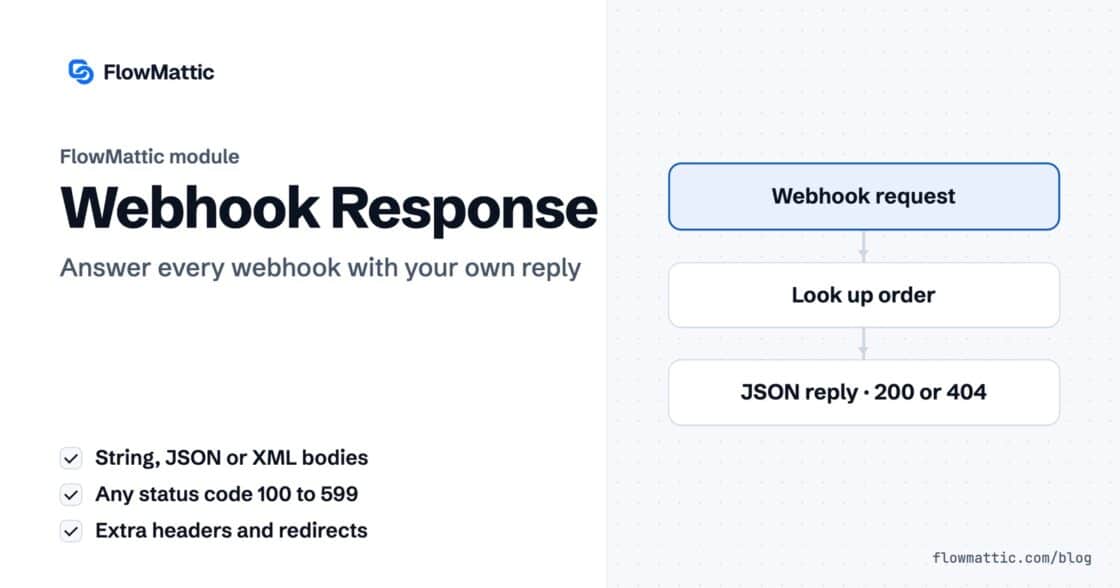
Reply to a webhook with data from the run: String, JSON or XML bodies, any HTTP status from 200 to 599, extra…


Part eleven of our FlowMattic 7.0 release series — the second builder deep-dive, following the PDF Template Builder.
See it in action — designing one image template and generating on-brand images for everyone, automatically:
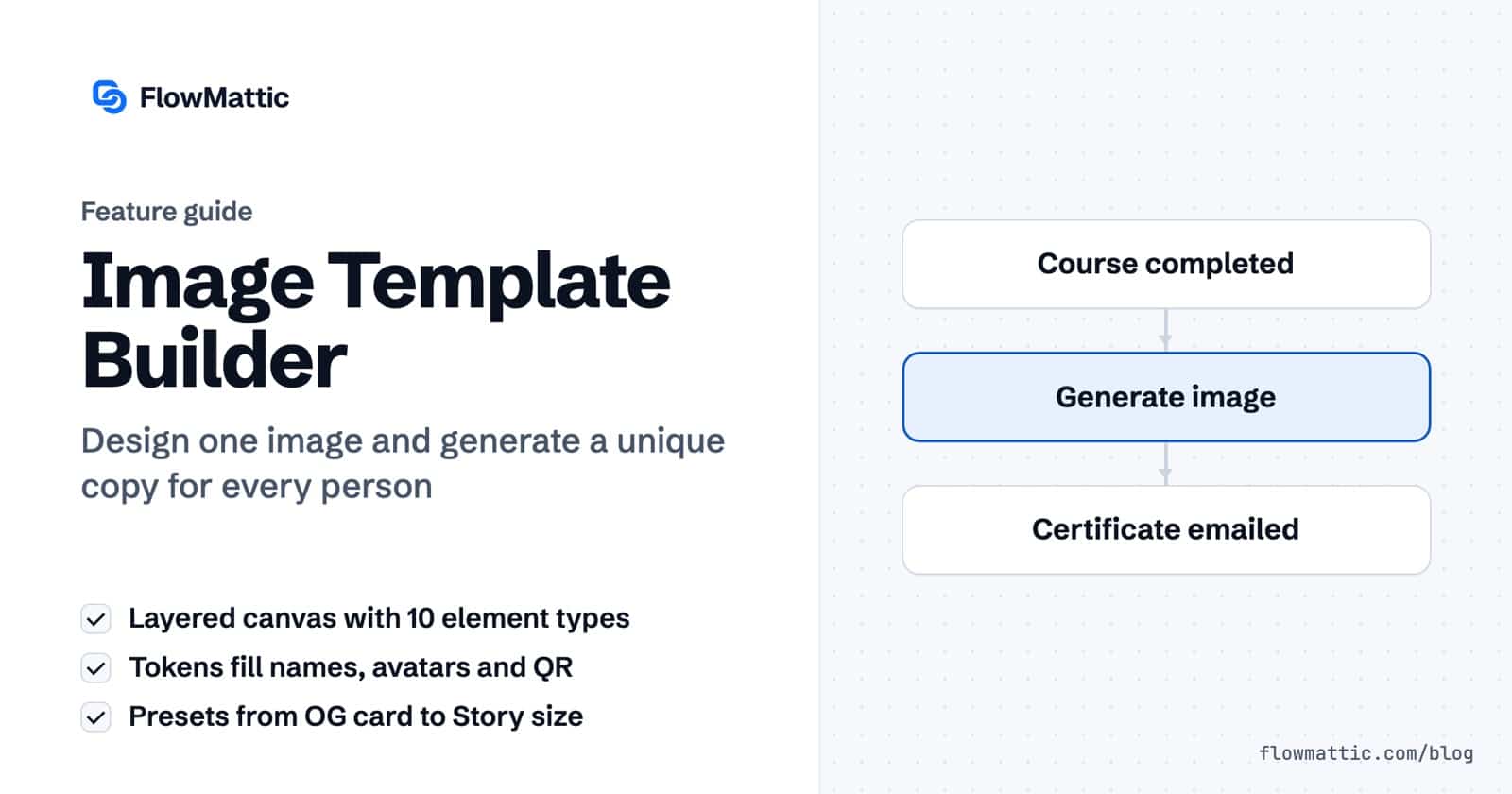
Some images need to exist a thousand times with a thousand names on them: certificates, social cards, badges, coupons. Designing them once is easy; producing every copy is the grind. The 7.0 Image Template Builder ends the grind — design one template, generate a unique image for everyone.
This is a proper canvas: absolutely-positioned, z-stacked layers with opacity and rotation on every one. Stack the ten element types — Heading, Text, Image, Avatar, Button, Icon, Shape, Divider, Logo and QR code — and dress the design from a decoration library of ribbons, waves, arrows and callout lines. Start from one of 19 prebuilt starters or from scratch.
Drop {{token}} placeholders into any text, image-source or QR field. At generation time they resolve from auto-detected parameter fields — or a single JSON blob if you prefer to pass everything at once. The name changes, the avatar changes, the QR code changes; the design holds.
Rendering runs on Cloudflare Browser Rendering — connect it once and every PNG comes out exactly as designed, real-browser accurate. The Image Builder workflow action sends the result to your Media Library by default, a custom subfolder, or returns the raw file, with automatic fallback if delivery fails.
Add “Generate Image from Template” after any trigger — a new customer, a completed order, a course completion — and pass the PNG URL to your email, social or CRM steps. The thousand-copy grind becomes one workflow.
Final deep-dive: the Email Template Builder — build the email, let the workflow send it.
Reply to a webhook with data from the run: String, JSON or XML bodies, any HTTP status from 200 to 599, extra…
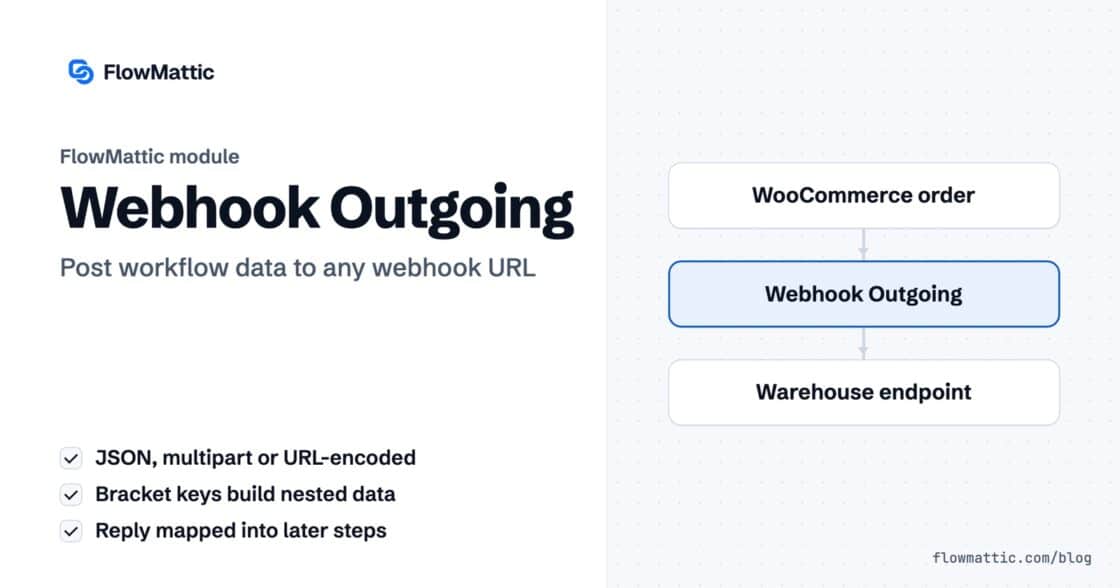
Post workflow data to any webhook URL as JSON, multipart form data or URL-encoded fields, with nested bracket keys and the receiver's…
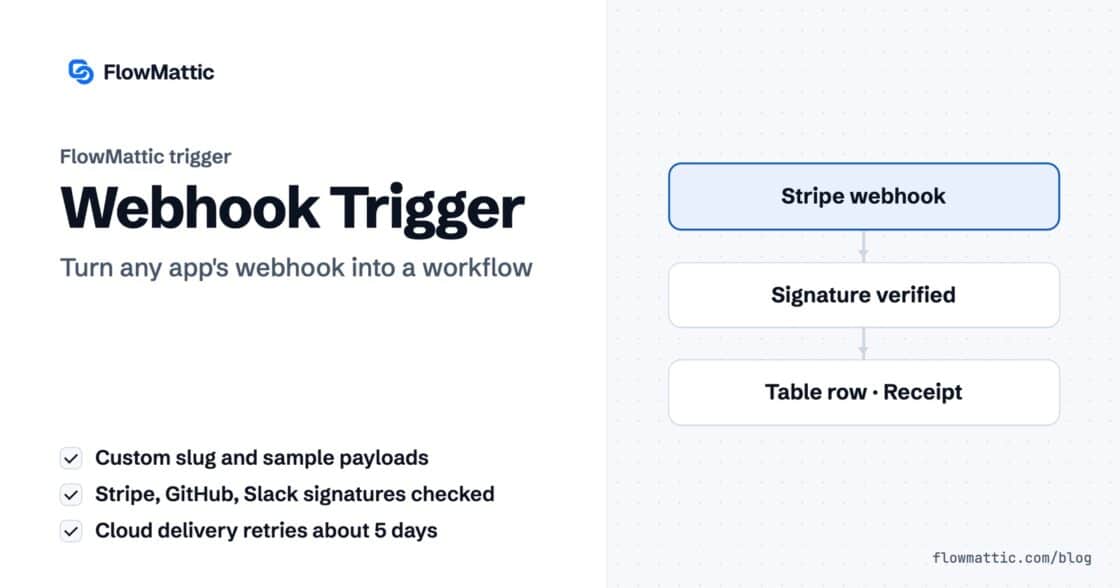
Give any app a URL on your WordPress site and turn each request into a workflow run, with signature checks, sample payloads…