

Upsert new contacts into Grist and prevent duplicates
Send contact details to a FlowMattic webhook and this workflow upserts them into Grist, matching on email so an existing contact is updated instead of added twice.
 Webhook
 Grist
Grist2 steps Setup ~5 min Used on 2.9k sites Databases & Sync Free to import
What this workflow does
When contacts reach a table from several sources, the same person tends to appear more than once. Grist's upsert solves that by looking for a matching record first. This workflow puts that behaviour behind a webhook URL, so any app or script that can send an HTTP request can keep your Grist contact table tidy.
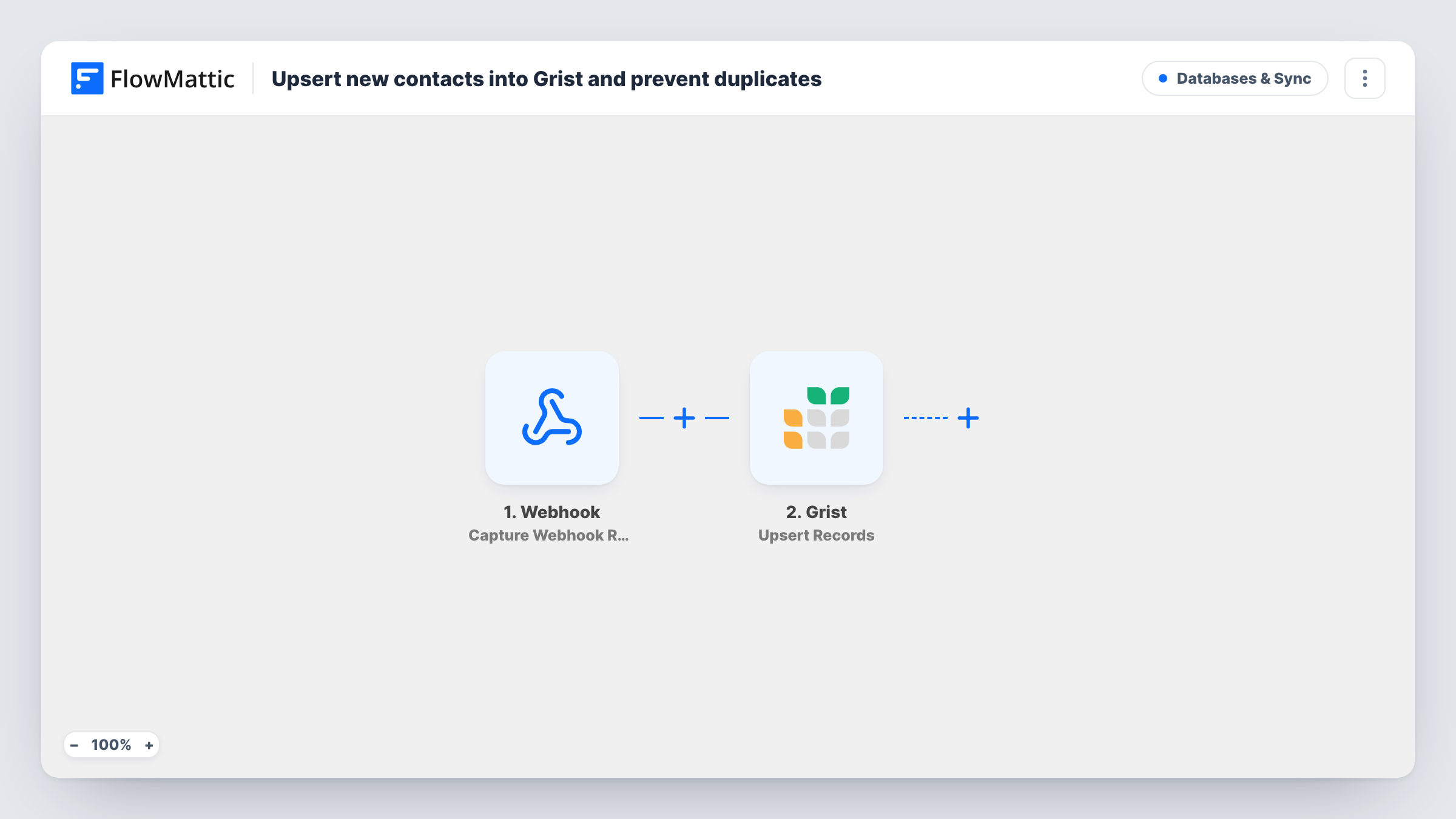
The Webhook trigger provides the address your other tools post contacts to. Whatever posts to it, such as a CRM, a form tool or your own code, sends the contact's email, name and phone. FlowMattic then runs Upsert Records in Grist. The step uses the Email column as the match. If a record with that email exists, its Name and Phone are updated. If not, a new record is added with all three values.
Your table needs Email, Name and Phone columns, or you adjust the step to your own column names. The match depends on the email being identical, so a typo or different capitalisation can still create a second record. Task History records every request the webhook receives.
One contact table fed by several tools
Your CRM, a newsletter tool and a booking app each post new contacts to the webhook. Grist keeps one row per email address, with the latest name and phone.
Refreshing details from an export script
A nightly script sends each customer to the webhook. People already in Grist get their phone and name refreshed, and new ones are added.
Event registrations without repeats
Someone registers twice through your event tool. The second request updates their existing Grist record instead of adding another one.
How this workflow runs
What happens at each step once the workflow is on, and what you need before you import it.
 Webhook Capture Webhook Response
Gives you a webhook URL that waits for incoming requests. Send the contact's email, name and phone in each request; the template reads them as email, name and phone.
- Grist Upsert Records
Upserts a record in your Grist table, matching on the Email column. A match gets its Name and Phone updated; no match adds a new record with the email, name and phone.
What you need
- FlowMatticCore
- Grist AccountAccount
After importing, map your own data. To keep the template universal, not every step is pre-filled. Open each step in the builder and connect your accounts and fields (channels, lists, sheets, recipients) before you switch the workflow on.
Make it yours
Changes worth making after you import it.
- Send one sample request to the webhook URL after import, so FlowMattic captures the payload. Check the field names match email, name and phone, or remap them in the Grist step.
- Turn on the webhook's "Require authentication on incoming requests" setting and give the sender the key, so only your own tools can write to the Grist table.
- If your tools may send the same address with different capital letters, have each sender lower-case the email first, so the Email match in Grist finds the existing row.
Questions about this workflow
How does the Grist step decide whether a contact already exists?
It looks for a record whose Email column equals the email in the request. If it finds one, it updates Name and Phone on that record. Otherwise it adds a new record.
Which apps can send contacts to this Grist webhook?
Anything able to make an HTTP request can feed this Grist table: a CRM, a form tool or a short script. Point it at the webhook URL and include email, name and phone in the data it sends.
Can someone else post fake contacts to my webhook URL?
Anyone with the URL can send a request unless authentication is on. Turn on the webhook's authentication setting so requests without your key are refused.
What if the request has no email?
The upsert has nothing to match on, so Grist may add a record with an empty email or reject the request. Task History shows Grist's response for that run.
More Databases & Sync workflows
Other ready-to-import templates from the same category.





Import this workflow into your WordPress site
Download the JSON, import it from the Workflows screen and connect your accounts. Every run stays on your server, with no per-task fees.
30-day money-back guarantee Unlimited workflows and runs Self-hosted