

Add each Dux-Soup profile visit as a row in Google Sheets
Log the LinkedIn profiles Dux-Soup visits in Google Sheets. When Dux-Soup opens and recognizes a profile, FlowMattic adds a row with the visit details you map, so your outreach has a record outside the extension.
 Dux-Soup
 Google Sheets
2 steps Setup ~5 min Used on 1.1k sites Free to import
What this workflow does
Dux-Soup visits LinkedIn profiles for you, but the list of who was visited isn't always easy to sort, share or combine with other data. A spreadsheet row per visit gives you that list in a form your whole team can use. This workflow writes the rows.
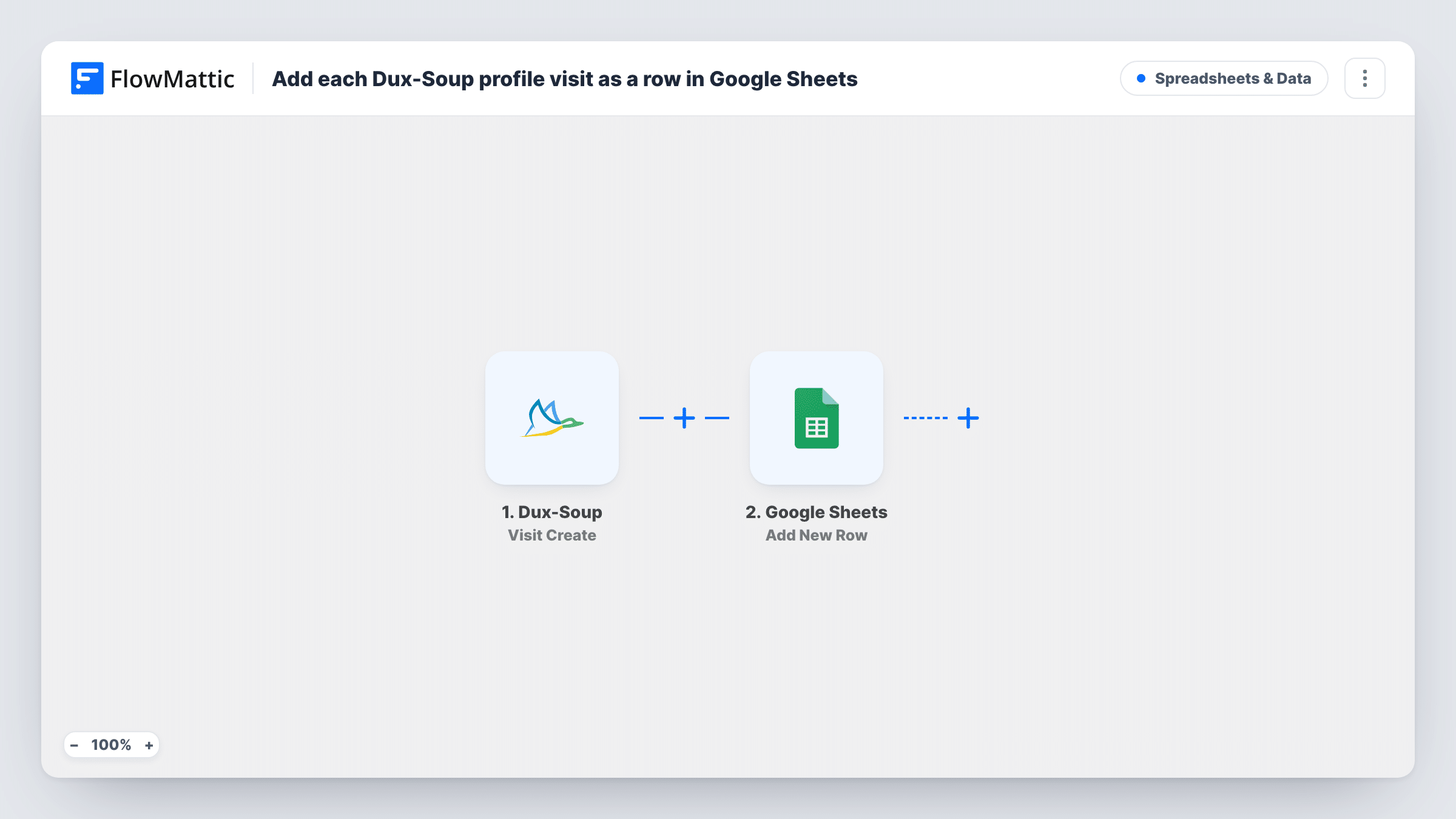
The Dux-Soup Visit Create trigger fires when a profile is first opened and recognized by Dux-Soup. FlowMattic passes the visit data to the Google Sheets Add New Row action, where you map each column to a value from the profile.
Dux-Soup has a separate Visit Update event for extra profile information that arrives after the first event. This template doesn't use it, so a row holds what Dux-Soup knew at the first moment of the visit. Task History keeps each run, so you can compare the data that came in with the row that was written.
Weekly outreach count
A sales rep runs Dux-Soup on a search list. Counting rows for the week shows how many profiles were visited without opening the extension.
Sharing prospects with a manager
A manager reviews the sheet of visited profiles and marks the ones worth a connection request in an extra column.
Combining visits with other lead data
The sheet becomes a source you can match against your CRM export or event list to see which prospects you have already looked at.
How this workflow runs
What happens at each step once the workflow is on, and what you need before you import it.
 Dux-Soup Visit Create
Fires when a LinkedIn profile is first opened and recognized by Dux-Soup. The visit data is passed on for mapping. Let Dux-Soup visit one profile to see which values arrive.
- Google Sheets Add New Row
Adds a row to the spreadsheet you choose for each recognized visit. Connect your Google account, pick the sheet and map each column to a value from the Dux-Soup visit.
What you need
- FlowMatticCore
- Dux-Soup AccountAccount
- Google Sheets AccountAccount
After importing, map your own data. To keep the template universal, not every step is pre-filled. Open each step in the builder and connect your accounts and fields (channels, lists, sheets, recipients) before you switch the workflow on.
Make it yours
Changes worth making after you import it.
- Add columns of your own, such as status or notes, to the right of the mapped ones. The workflow leaves them empty, so your team can fill them in.
- If you want fuller profile details, build a second workflow on Dux-Soup's Visit Update trigger that logs the extra information to another sheet tab.
- To log only some visits, add a Filter after the trigger on a profile value, such as a job title that contains a word you target.
Questions about this workflow
Does each Dux-Soup visit add a row?
Each Visit Create event adds one row. The template has no condition, so every recognized profile visit that Dux-Soup reports is logged.
Why is some profile information missing from the sheet?
Visit Create sends what Dux-Soup has at the first moment of the visit. Details that arrive later come through Dux-Soup's Visit Update event, which this template doesn't use.
Are profiles Dux-Soup visited before I imported this logged?
No. Only visits after the workflow is turned on create rows.
Does the Google Sheets step remove duplicate profiles?
No. Add New Row adds a row for every visit it receives. Use your sheet's own tools if you want to spot repeated profiles.
More Spreadsheets & Data workflows
Other ready-to-import templates from the same category.



Import this workflow into your WordPress site
Download the JSON, import it from the Workflows screen and connect your accounts. Every run stays on your server, with no per-task fees.
30-day money-back guarantee Unlimited workflows and runs Self-hosted