

Create a HubSpot CRM contact from an FG Funnels appointment status event
Each appointment status event from FG Funnels creates a contact in HubSpot CRM from the lead details you map, so people who book through your funnel are in HubSpot for your sales team.
 FG Funnels
 HubSpot CRM
2 steps Setup ~5 min Used on 1.1k sites Free to import
What this workflow does
Funnels built in FG Funnels collect bookings, but your sales follow-up may happen in HubSpot. Copying each person who books into the CRM by hand is slow and easy to skip. This workflow creates the HubSpot contact for you whenever FG Funnels reports an appointment status.
The FG Funnels trigger fires for a new appointment status. That can happen more than once for the same appointment, for example when it's booked and later changes, and each one starts a run. Check a test event to see which lead and appointment details arrive.
The HubSpot CRM contact step arrives with nothing mapped. After import you connect HubSpot and map the lead's email, name and phone from the FG Funnels data, plus the appointment status if you want to see it on the contact.
Create Contact makes a new record every time it runs and doesn't update existing ones. When the same person's appointment reports a second status, HubSpot receives another create request for an email it already has and may refuse it. Task History shows HubSpot's response, so you can confirm the first contact was created.
Strategy call bookings into the CRM
A coaching business books discovery calls through an FG Funnels page, and every person who books lands in HubSpot for the sales rep.
Consultation leads for a clinic
A med spa's consultation funnel creates HubSpot contacts, so front-desk staff can see who is coming in and send follow-up emails.
How this workflow runs
What happens at each step once the workflow is on, and what you need before you import it.
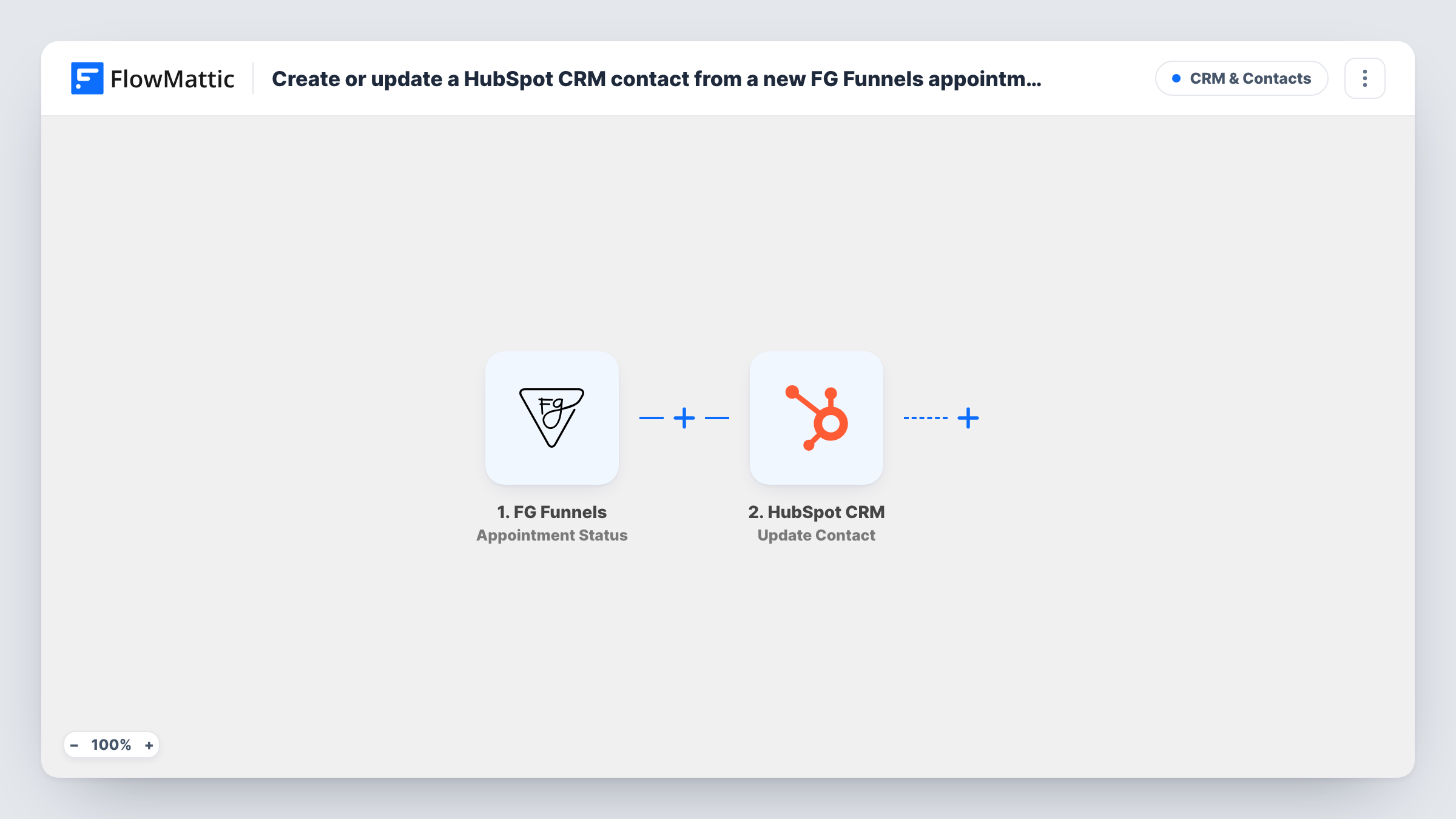
 FG Funnels Appointment Status
Fires when FG Funnels reports a new appointment status. One appointment can report several statuses over time, and each starts a run with the lead and appointment details.
- HubSpot CRM Create Contact
Creates a contact in HubSpot CRM from the FG Funnels data. The step ships unmapped: connect HubSpot and map lead details such as the email, name and phone into it.
What you need
- FlowMatticCore
- FG Funnels AccountAccount
- HubSpot CRM AccountAccount
After importing, map your own data. To keep the template universal, not every step is pre-filled. Open each step in the builder and connect your accounts and fields (channels, lists, sheets, recipients) before you switch the workflow on.
Make it yours
Changes worth making after you import it.
- Put a Filter between the FG Funnels trigger and the Create Contact step that continues only for the status you treat as a new booking. Check a test event for the exact status text.
- Map the appointment status and date into HubSpot contact properties, so your team can see which booking created each contact.
- Map the phone number as well as the email, so a rep can call the lead straight from the HubSpot record.
Questions about this workflow
Will one FG Funnels appointment create several HubSpot contacts?
Each status event sends a create request. HubSpot may refuse a second contact with the same email, and Task History shows that response, but leads with no email could end up duplicated.
Can I add contacts only when an appointment is booked?
Yes. Add a Filter between the FG Funnels trigger and the HubSpot step on the status field, set to the status your funnel sends for a booking.
Does this update the HubSpot contact when the status changes?
No. The template only creates contacts, so any status you map stays as it was on the run that created the contact. Later status events don't change it.
More CRM & Contacts workflows
Other ready-to-import templates from the same category.





Import this workflow into your WordPress site
Download the JSON, import it from the Workflows screen and connect your accounts. Every run stays on your server, with no per-task fees.
30-day money-back guarantee Unlimited workflows and runs Self-hosted