

Save a Nationalize ethnicity prediction as a note on each new Mailchimp subscriber
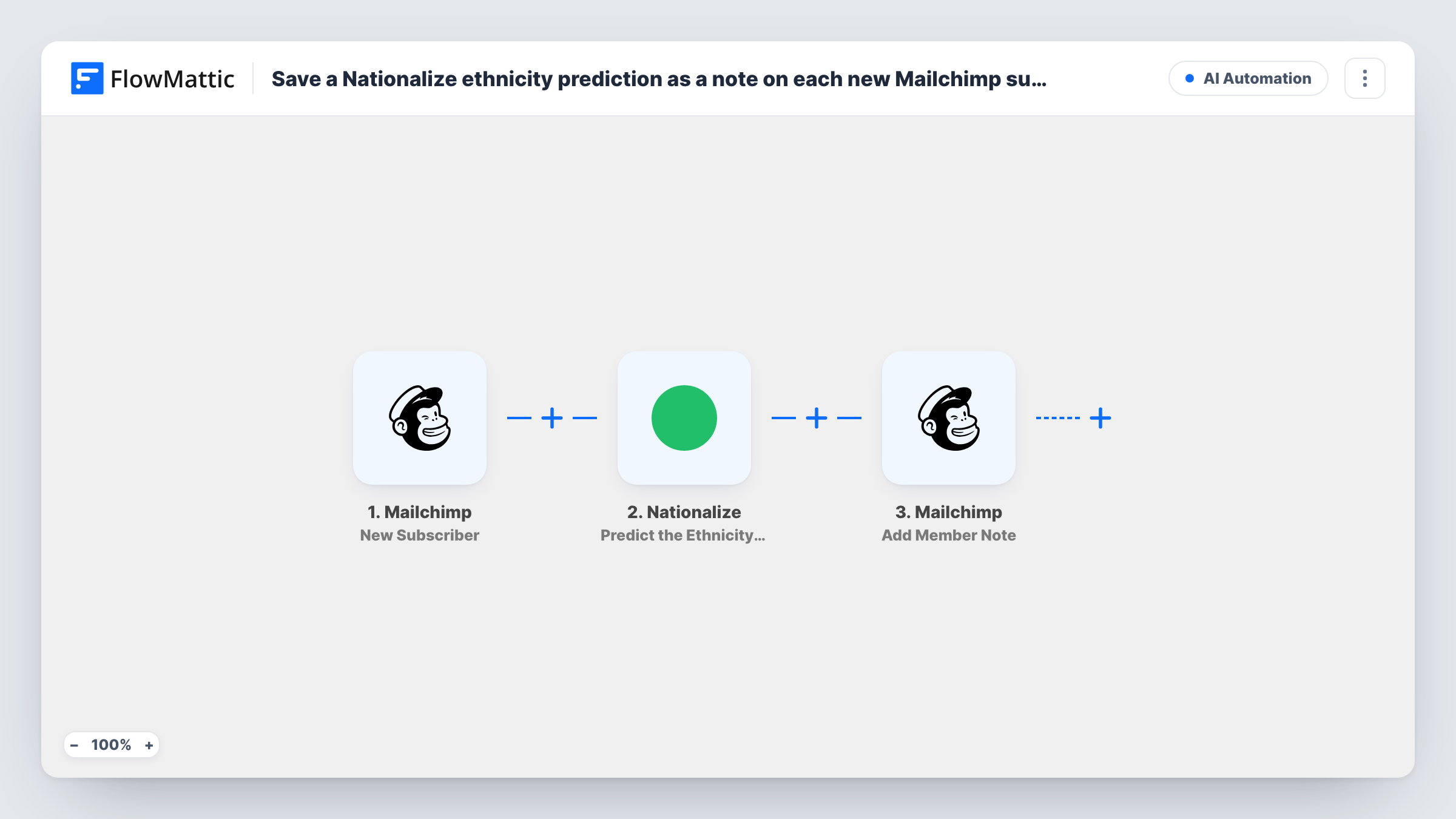
For each new Mailchimp subscriber, Nationalize guesses from their name which countries they may be from, and FlowMattic saves that guess as a note on the subscriber’s Mailchimp profile.
 Mailchimp
 Nationalize
3 steps Setup ~5 min Used on 1.7k sites Free to import
What this workflow does
Mailchimp sign-up forms usually ask for little beyond a name and an email, so you know almost nothing about where new subscribers might be. Nationalize can offer a rough guess from the name. This workflow asks it for one and keeps the answer on the subscriber's record, where you can read it when reviewing your audience.
The Mailchimp New Subscriber trigger fires when a subscriber is added to your list. The Nationalize step then predicts nationality from the name. It ships unmapped, so after import you connect Nationalize and map the subscriber's name; FlowMattic describes the action as working from a last or full name.
The last step, Mailchimp Add Member Note, adds a note to that existing member. Its text is already set to Nationalize prediction: followed by the country value from the Nationalize step. Run a test and look at the note: depending on what Nationalize returns, that value may hold the full list of guessed countries rather than one code. Remap it to the field you want once you've seen the output in Task History.
A note is for people to read, not for segmenting. The guess comes from the name alone, so treat it as a hint about a subscriber, never as a fact.
Context when replying to subscribers
A newsletter writer who answers reader emails glances at the note on the Mailchimp profile to guess whether a reply in Spanish or English would suit better.
Sense-checking a new audience
A brand launching in a new country reads notes on recent sign-ups to see whether its ads are reaching names common in that market.
Trying Nationalize on real sign-ups
A marketer runs the workflow for a week to see how useful the predictions are before building any tagging on top of them.
How this workflow runs
What happens at each step once the workflow is on, and what you need before you import it.
 Mailchimp New Subscriber
Runs each time Mailchimp records a fresh subscriber on your list. That person's email and name fields pass to Nationalize and to the note step.
- Nationalize Predict the Ethnicity of a Name
Sends the subscriber's name to Nationalize, which returns the countries where the name is most common. The step ships unmapped, so map the full or last name from Mailchimp after import.
- Mailchimp Add Member Note
Adds a note to the existing Mailchimp member. The note text is pre-filled as Nationalize prediction followed by the country value from step 2. Make sure the step targets the new subscriber, and check a test note.
What you need
- FlowMatticCore
- Mailchimp AccountAccount
- Nationalize AccountAccount
After importing, map your own data. To keep the template universal, not every step is pre-filled. Open each step in the builder and connect your accounts and fields (channels, lists, sheets, recipients) before you switch the workflow on.
Make it yours
Changes worth making after you import it.
- If the note shows a raw list of countries, swap the mapped value for the top country code that Nationalize returns, which a test run shows in Task History.
- For segments, add Mailchimp's Add Member Tag action after the note step and tag the member with the predicted country code instead of relying on the note.
- Put a Filter between the Mailchimp trigger and the Nationalize step that continues only when the name is not empty, since sign-ups without a name give Nationalize nothing to work from.
Questions about this workflow
Where can I see the Nationalize note in Mailchimp?
On the subscriber's profile in your Mailchimp audience, with the member's other notes. Each run adds one note for the new subscriber.
Can I segment Mailchimp subscribers by the note?
Notes are meant for reading, so for segments tag the member instead. Add Mailchimp's Add Member Tag step after the note and map the predicted country code as the tag.
How accurate is the Nationalize prediction?
It is a guess from the name, based on how common it is in each country. Many names are shared across countries, so expect wrong guesses and don't treat the note as a fact about the person.
More AI Automation workflows
Other ready-to-import templates from the same category.






Import this workflow into your WordPress site
Download the JSON, import it from the Workflows screen and connect your accounts. Every run stays on your server, with no per-task fees.
30-day money-back guarantee Unlimited workflows and runs Self-hosted