

Log each new Helpjuice article in a Google Sheets content tracker
Every article created in Helpjuice gets its own row in a Google Sheets content tracker, so you build a running list of knowledge base work without copying titles across by hand.
 Helpjuice
 Google Sheets
2 steps Setup ~5 min Used on 2.7k sites Free to import
What this workflow does
Content leads often plan and review help articles in a spreadsheet: who wrote what, when, and what still needs a second look. Keeping that tracker filled in by hand is the part that slips. This workflow writes the row for you each time a new article appears in Helpjuice.
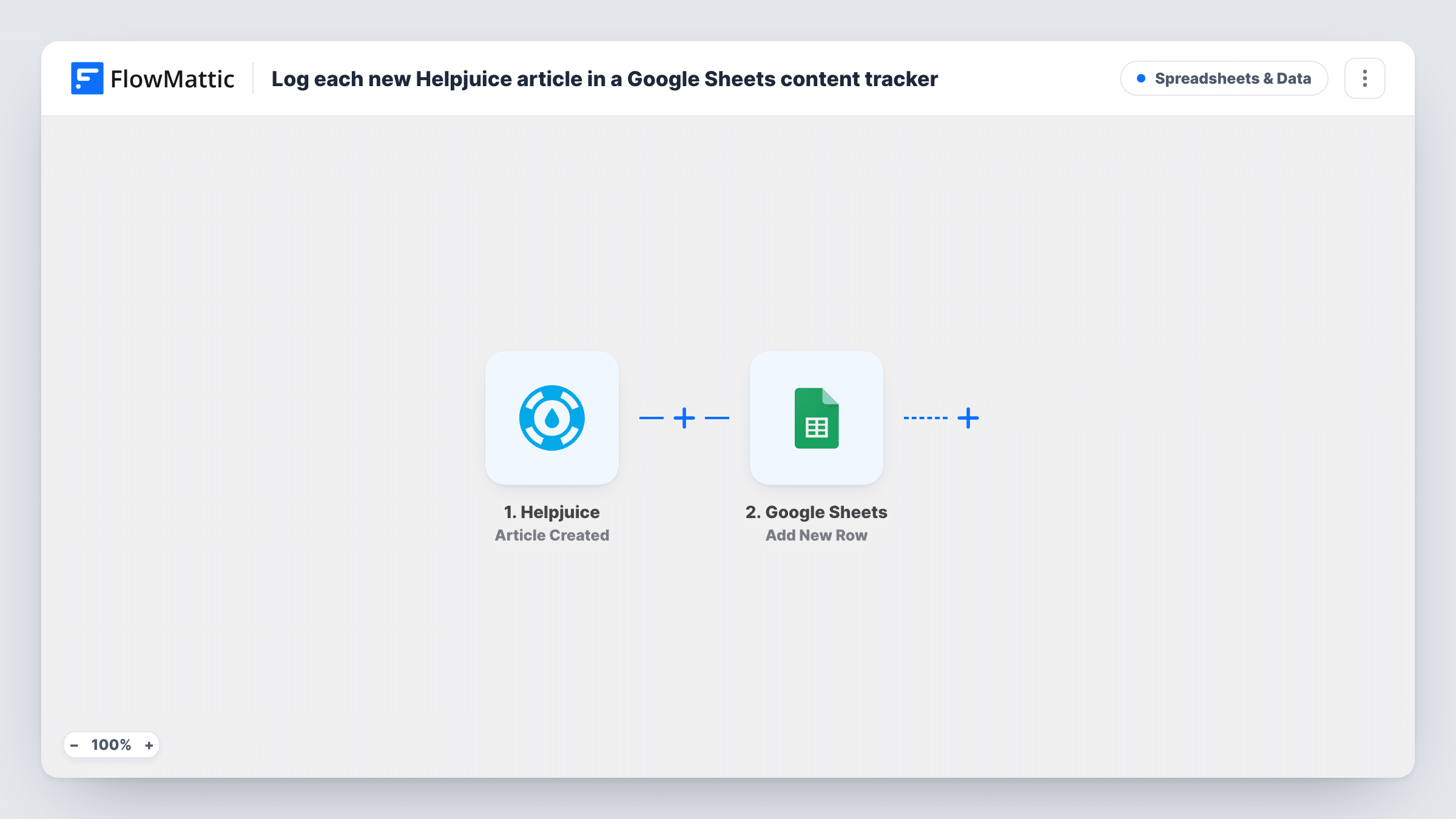
The Helpjuice trigger, Article Created, fires when an article is created. FlowMattic sends the article's data to the Google Sheets step, Add New Row, which appends a row to the spreadsheet you choose. You map article details such as the title and whatever else the event returns to your tracker's columns.
Because the trigger is creation, an article is logged when it is first made, which may be before it is published. Later edits or publishing don't change the row. Each new article adds one row, and Task History shows what was written on every run.
Editorial calendar for a docs team
Writers create articles in Helpjuice, and the editor's sheet fills up with one row per article, ready for columns like reviewer and target publish date.
Monthly content report
At month end, filter the sheet by creation date to count how many help articles the team started and who wrote them.
Audit before a product rename
A list of article titles in Google Sheets makes it quicker to spot the articles whose titles still use an old product name.
How this workflow runs
What happens at each step once the workflow is on, and what you need before you import it.
 Helpjuice Article Created
Fires when an article is created in Helpjuice. The article's details are passed on so you can map them into the sheet.
- Google Sheets Add New Row
Writes one row per new article into the Google Sheets tracker you select. Map Helpjuice fields such as the article title to the matching columns and connect your Google account.
What you need
- FlowMatticCore
- Helpjuice AccountAccount
- Google Sheets AccountAccount
After importing, map your own data. To keep the template universal, not every step is pre-filled. Open each step in the builder and connect your accounts and fields (channels, lists, sheets, recipients) before you switch the workflow on.
Make it yours
Changes worth making after you import it.
- Add header columns to your sheet before mapping, such as Title, Author and Created, so the Google Sheets step shows them as fields to fill.
- If you only want live articles in the tracker, swap the trigger for Helpjuice's Article Published trigger.
- Create a test article in Helpjuice after import so FlowMattic captures the trigger data, then map the columns and delete the test row from the sheet.
Questions about this workflow
Are Helpjuice drafts added to the Google Sheets tracker?
They can be. The trigger fires when an article is created, which may be before it is published. Use the Article Published trigger instead if the sheet should hold only live articles.
Does the sheet row update when the Helpjuice article changes?
No. The workflow adds a row once, when the article is created. Edits, publishing and archiving are separate Helpjuice triggers that this template doesn't use.
Will my existing Helpjuice articles be added to the sheet?
No. Only articles created after you turn the workflow on are logged. Add older articles to the tracker yourself if you need a full list.
Can several people share the Helpjuice content tracker?
Yes. The rows are written to a normal Google Sheets file, so you can share it with your team in Google Drive as usual.
More Spreadsheets & Data workflows
Other ready-to-import templates from the same category.




Import this workflow into your WordPress site
Download the JSON, import it from the Workflows screen and connect your accounts. Every run stays on your server, with no per-task fees.
30-day money-back guarantee Unlimited workflows and runs Self-hosted