

Log new SureForms submissions in Smartsheet rows
Each SureForms submission on your WordPress site is written to a Smartsheet sheet as a new row, so the people who track and report on form entries can do it in Smartsheet.
 SureForms
 Smartsheet
2 steps Setup ~5 min Used on 2.7k sites Free to import
What this workflow does
SureForms makes it simple to build forms in the WordPress block editor. The follow-up work, assigning, tracking and reporting, often belongs to a team that plans in Smartsheet. This workflow gets each entry to that team without exports.
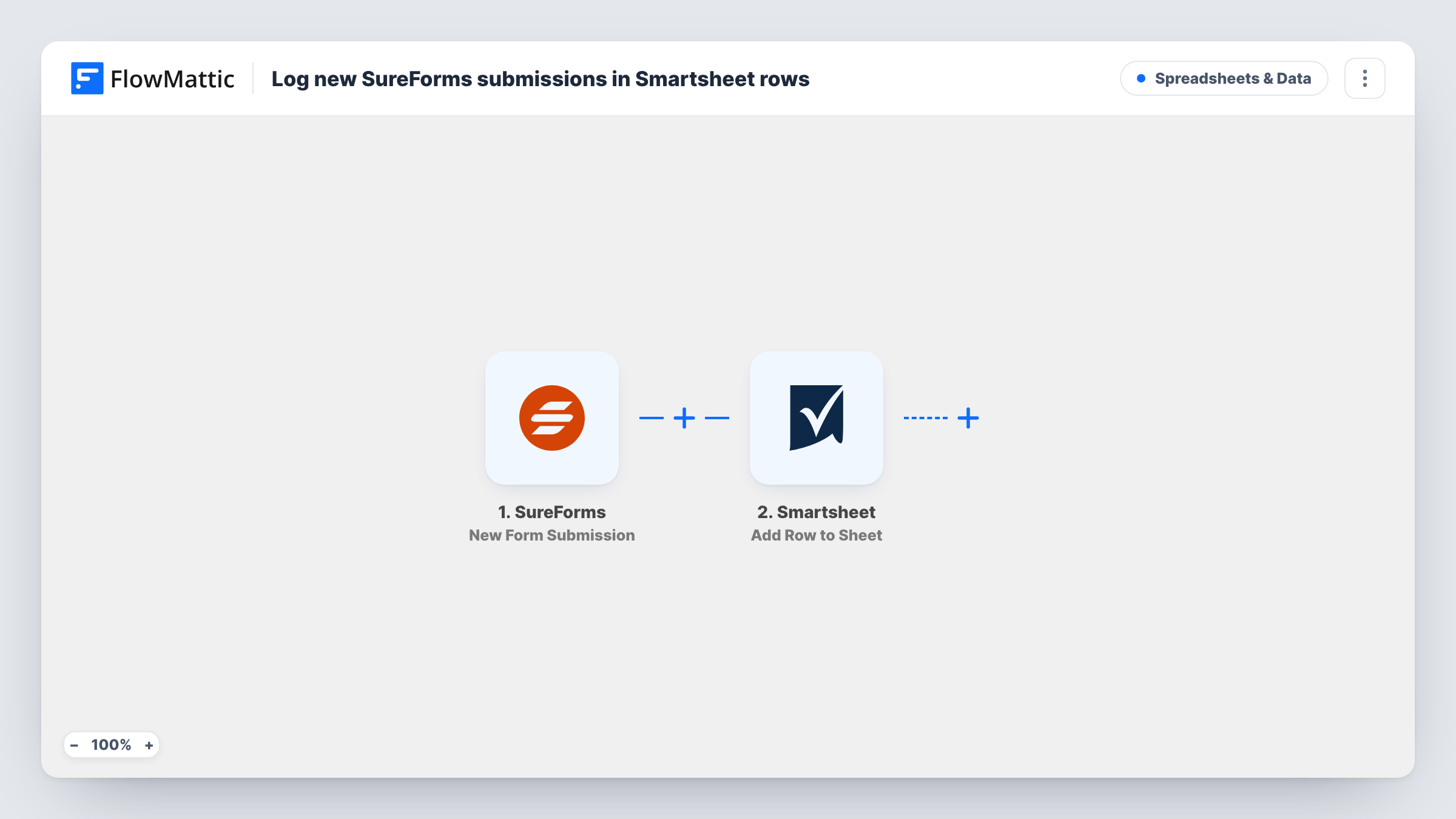
The SureForms trigger fires when a new form submission is received. FlowMattic collects the answers and passes them to Smartsheet, where Add Row to Sheet places them in the sheet you connect. Each answer goes to the column you map it to.
There is no filtering as imported: every SureForms entry adds one row. Once rows arrive, your team can use Smartsheet's own columns, reports and alerts on them. If an entry seems to be missing from the sheet, Task History shows whether the run reached Smartsheet and what came back.
Event registrations tracked by an events team
Attendees sign up through a SureForms form. The events team sees each registration as a Smartsheet row and tracks badges, dietary needs and payments there.
Maintenance requests for a property manager
Tenants report problems on a SureForms page, and each report becomes a row the maintenance crew schedules in Smartsheet.
Grant or award nominations
Nominations come in through the website, and the review committee scores them in a shared Smartsheet.
How this workflow runs
What happens at each step once the workflow is on, and what you need before you import it.
 SureForms New Form Submission
Fires when a SureForms form on your site receives a new submission. Every answer becomes available to map into Smartsheet.
- Smartsheet Add Row to Sheet
Writes the SureForms answers to a new row in your Smartsheet sheet. Connect Smartsheet, map each answer to a column, and send a test entry to confirm the row.
What you need
- FlowMatticCore
- SureForms PluginPlugin
- Smartsheet AccountAccount
After importing, map your own data. To keep the template universal, not every step is pre-filled. Open each step in the builder and connect your accounts and fields (channels, lists, sheets, recipients) before you switch the workflow on.
Make it yours
Changes worth making after you import it.
- Use a Filter on the form ID if the site runs more than one SureForms form, so only the right form adds rows to this sheet.
- Add a column in Smartsheet for the submission date and map it, so you can sort entries by when they arrived.
- Add a Slack or email step after Smartsheet if someone should also hear about each new SureForms entry.
Questions about this workflow
Does this change how SureForms handles the entry?
No. The workflow listens for the submission and leaves SureForms' own settings alone, so anything the form already does still happens.
Will a second SureForms entry from the same person update the earlier Smartsheet row?
No. Each submission is added as a new row. Spot repeats in Smartsheet if that matters.
Can SureForms entries from older submissions be sent?
No. Only entries received after you turn the workflow on reach Smartsheet.
Which accounts does the SureForms to Smartsheet flow need?
SureForms on the same WordPress site as FlowMattic, and a Smartsheet account that can edit the sheet you choose.
More Spreadsheets & Data workflows
Other ready-to-import templates from the same category.




Import this workflow into your WordPress site
Download the JSON, import it from the Workflows screen and connect your accounts. Every run stays on your server, with no per-task fees.
30-day money-back guarantee Unlimited workflows and runs Self-hosted