

Post a Discord message when a new Fourthwall subscription is purchased
Each time a supporter buys a subscription on your Fourthwall shop, this workflow posts a message to the Discord channel you pick, so you and your moderators see new subscribers as they come in.
 Fourthwall
 Discord
2 steps Setup ~5 min Used on 2.4k sites Free to import
What this workflow does
New subscribers on your Fourthwall shop show up in your dashboard, but your community lives in Discord. If you want to thank people or let your mods know someone joined, you have to check Fourthwall and repeat the news yourself. This workflow passes it along for you.
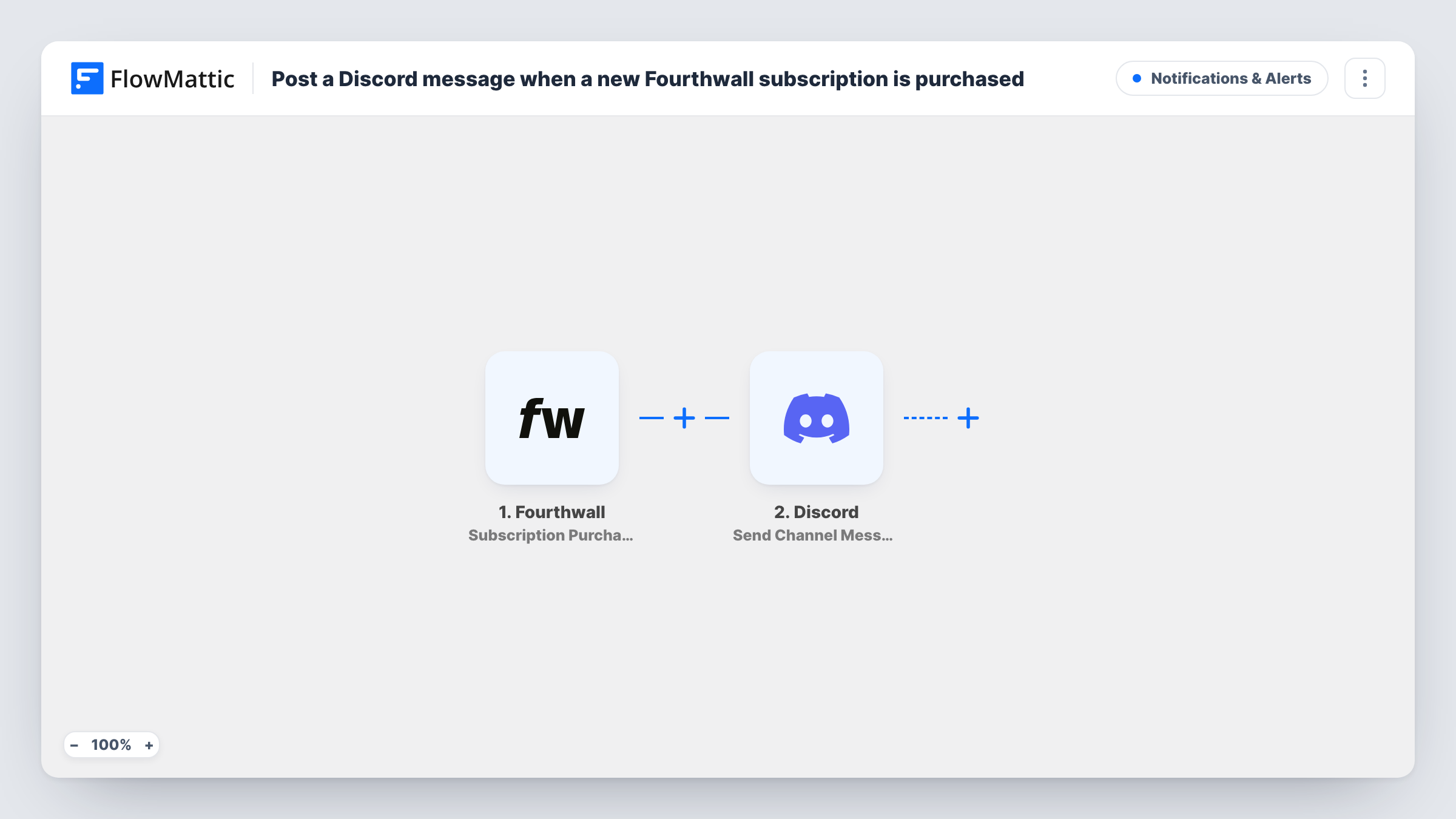
The Fourthwall trigger fires when a subscription is purchased. The purchase details Fourthwall sends become available to map. FlowMattic then runs the Discord Send Channel Message action, which posts a new message to the channel you choose. You write the message and drop in details from the purchase, such as the supporter's name.
Each purchase produces one message. The template does not add Discord roles or message the subscriber directly, because a Fourthwall purchase doesn't tell FlowMattic who the buyer is on Discord. Think about what you show publicly: post only details your supporters would expect to see in a shared channel. Task History stores each run, so you can check what was posted and when.
Thanking new members in a public channel
A streamer posts a short welcome in a #supporters channel whenever someone subscribes on Fourthwall, so the community can greet them.
A private feed for your mod team
Point the message at a staff-only channel. Moderators see each new subscription and can grant perks by hand once the subscriber says hello.
Tracking launch day subscriptions
While you promote a new membership tier, a dedicated channel collects one message per purchase, giving you a running log you can scroll through.
How this workflow runs
What happens at each step once the workflow is on, and what you need before you import it.
 Fourthwall Subscription Purchased
Fires when a supporter purchases a subscription on your Fourthwall shop. The purchase data is passed on so you can map it into the Discord message.
- Discord Send Channel Message
Sends a message into whichever Discord channel you set in this step. Write the text and insert purchase details from Fourthwall. Run a test purchase or sample event to see which details are available.
What you need
- FlowMatticCore
- Fourthwall AccountAccount
- Discord AccountAccount
After importing, map your own data. To keep the template universal, not every step is pre-filled. Open each step in the builder and connect your accounts and fields (channels, lists, sheets, recipients) before you switch the workflow on.
Make it yours
Changes worth making after you import it.
- Want a record outside Discord? Add a Google Sheets Add New Row step after the message to keep a list of every subscription purchase.
- Build a second workflow on Fourthwall's Subscription Expired trigger that posts to a staff channel, so your team also sees who has lapsed.
- If Fourthwall's data includes the membership tier, add a Filter after the trigger so only the tiers you choose produce a Discord post.
Questions about this workflow
Does the Fourthwall subscriber get a Discord role from this workflow?
No. It only posts a channel message. Discord's Add Role action needs the member's Discord identity, and a Fourthwall purchase doesn't carry it, so roles stay a manual step or a separate setup.
Which Discord channel does the message go to?
The one you choose in the Send Channel Message step after import. Connect your Discord account and pick a channel where the connected bot can post.
Will Fourthwall order or donation events post too?
No. The trigger only fires for subscription purchases. Fourthwall has separate triggers, such as Order Placed and Donation, that you could use in other workflows.
Are renewals of a Fourthwall subscription announced?
The trigger fires when Fourthwall reports a subscription purchase. Whether a renewal counts as one depends on what Fourthwall sends, so check Task History after your first renewal cycle.
More Notifications & Alerts workflows
Other ready-to-import templates from the same category.





Import this workflow into your WordPress site
Download the JSON, import it from the Workflows screen and connect your accounts. Every run stays on your server, with no per-task fees.
30-day money-back guarantee Unlimited workflows and runs Self-hosted