

Send a Slack alert to your sales team for every new Olx lead
Every new lead created in OLX is posted to a Slack channel you choose, so your sales team sees each enquiry about your listings where they already talk and can pick it up.
 Olx
 Slack
2 steps Setup ~5 min Used on 668 sites Free to import
What this workflow does
Leads on OLX arrive while your team is busy with other work, and checking the OLX account for new enquiries is one more thing to remember. This workflow brings each lead into Slack, where the sales team can see it and decide who calls back.
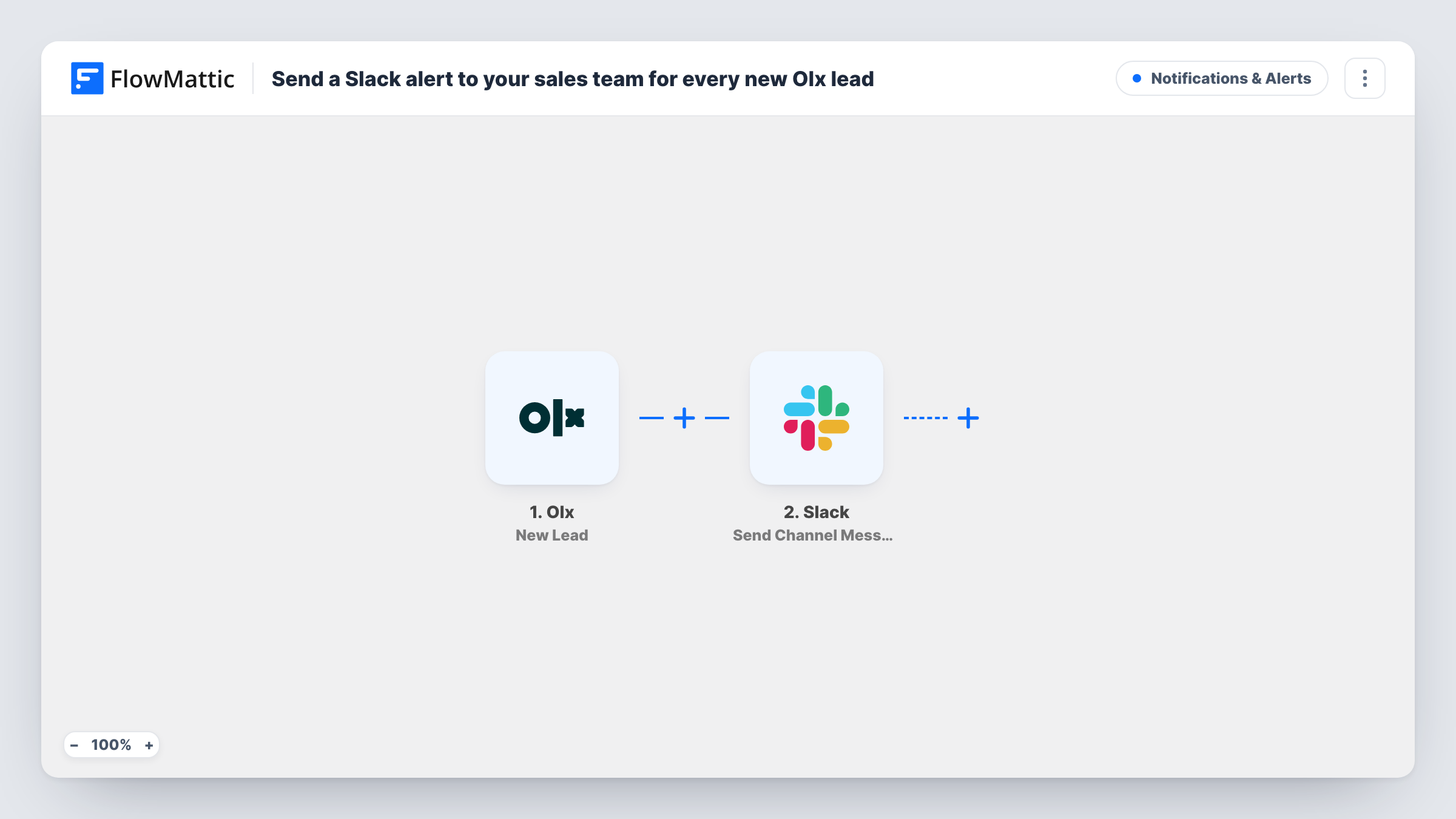
The Olx trigger, New Lead, fires when a new lead is created in OLX. FlowMattic sends the lead to Slack with Send Channel Message, which posts in the channel you pick. You write the message and map lead details into it, for example the buyer's name, contact details and the listing they asked about.
Each lead produces one Slack post, with no Filter, so a busy listing means a busy channel. Send Channel Message is for public channels; if your sales channel is private, use Slack's Send Private Channel Message action. Run a test lead to see which OLX values you can place in the message.
Used car dealers on OLX
Each enquiry about a car listing appears in the #sales channel, and whoever is free replies in a thread to claim it.
Property agents with many listings
Leads for rentals and sales land in one Slack channel, with the listing named in the message so the right agent picks it up.
Small sellers sharing one account
A family business selling on OLX sees every new lead in Slack on their phones instead of logging in to check.
How this workflow runs
What happens at each step once the workflow is on, and what you need before you import it.
 Olx New Lead
Fires when a new lead is created in OLX. The lead details are passed to Slack so you can include them in the message.
- Slack Send Channel Message
Posts a message to the Slack channel you choose with the OLX lead details you map. Connect your Slack workspace on import and write the message text.
What you need
- FlowMatticCore
- Olx AccountAccount
- Slack AccountAccount
After importing, map your own data. To keep the template universal, not every step is pre-filled. Open each step in the builder and connect your accounts and fields (channels, lists, sheets, recipients) before you switch the workflow on.
Make it yours
Changes worth making after you import it.
- Put the listing title first in the Slack message so people can tell at a glance which product or property the lead is about.
- For a private sales channel, switch to Slack Send Private Channel Message. To alert one rep only, use Send Direct Message.
- Add a Google Sheets Add New Row step after Slack if you also want a record of every OLX lead for later follow-up.
Questions about this workflow
Can the OLX lead alert go to a private Slack channel?
Use a different Slack action for that. Send Private Channel Message is the one built for private channels, so replace the imported step with it and choose your sales channel.
Which OLX lead details can I show in Slack?
Whatever the New Lead event carries for your account. After import, create or wait for a test lead and check the captured data before writing the message.
Will every OLX lead be posted, even repeat enquiries?
Yes. Each lead OLX creates starts a run, and nothing checks for earlier leads from the same person.
Does this reply to the buyer on OLX?
No. It only notifies your team in Slack. Replying to the buyer still happens in OLX or by the contact details in the lead.
More Notifications & Alerts workflows
Other ready-to-import templates from the same category.



Import this workflow into your WordPress site
Download the JSON, import it from the Workflows screen and connect your accounts. Every run stays on your server, with no per-task fees.
30-day money-back guarantee Unlimited workflows and runs Self-hosted