

Send a Slack alert when a FullStory segment alert is triggered
When one of your FullStory segment alerts fires, this workflow posts a message to a Slack channel, so the product team sees the alert where they already talk instead of waiting for someone to check FullStory.
 FullStory
 Slack
2 steps Setup ~5 min Used on 2.7k sites Free to import
What this workflow does
FullStory segment alerts tell you when something in a group of sessions crosses a threshold, such as a rise in dead clicks on a page. An alert only helps if the people who can act on it see it. This workflow carries each one into Slack.
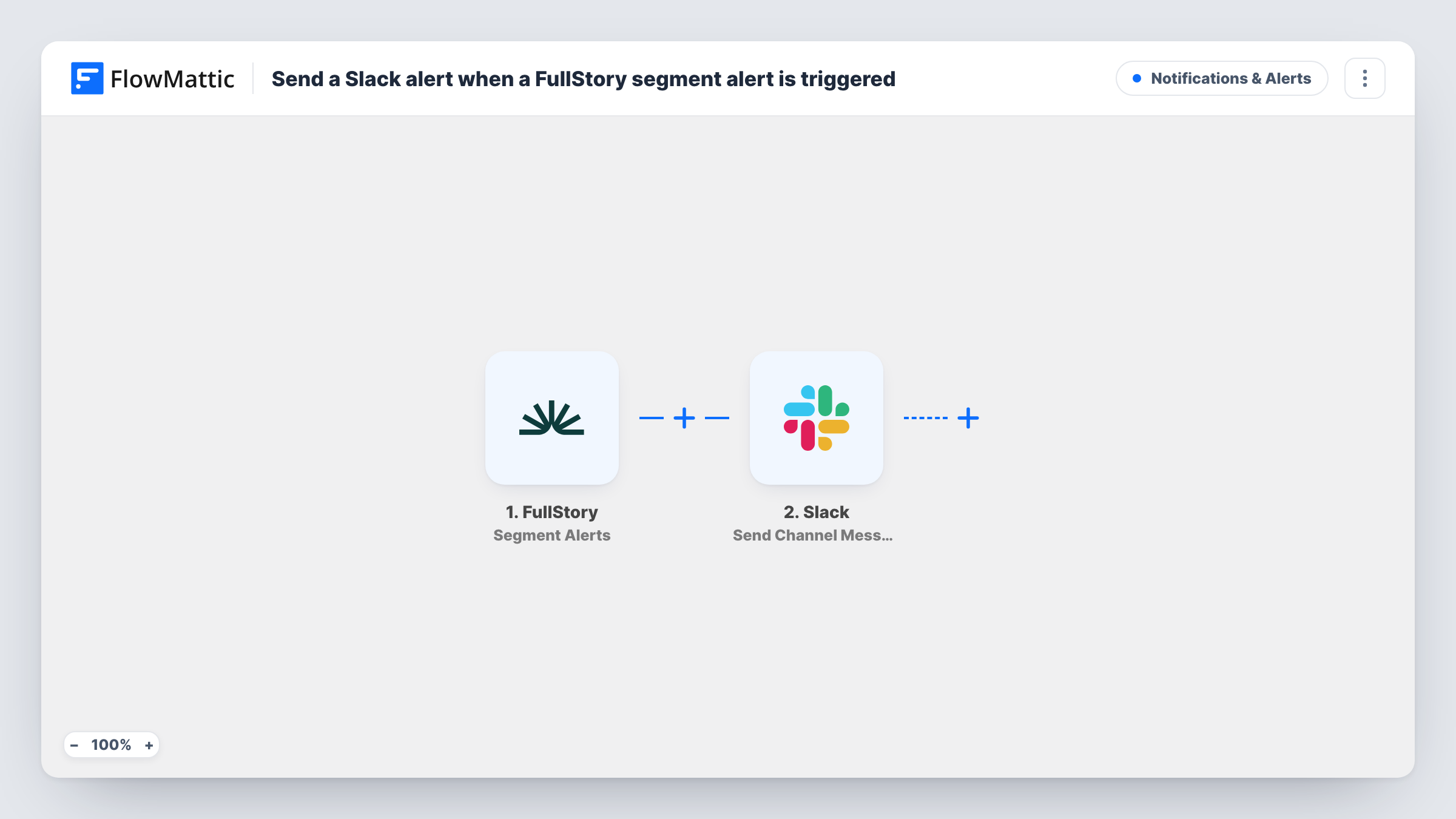
The FullStory trigger fires when a segment alert you have set up in FullStory is triggered. FlowMattic describes this event as a segment exceeding a set threshold, with dead clicks as the example. You choose the segments and thresholds in FullStory itself. The alert data FullStory sends is passed on, and the Slack step posts a message to the channel you choose with whichever alert values you map into it.
Every alert that reaches FlowMattic produces one Slack post. The template does not group, rank or silence alerts, so the volume in the channel follows the alerts you configure in FullStory. Raise or lower thresholds there to change how often posts appear. Task History keeps a record of each alert received and the message sent.
Dead clicks on a checkout page
A segment covers sessions on your checkout. When dead clicks pass your threshold, the post in #product tells the team to look at that page.
Watching a new release
After shipping a redesign, you set an alert on the new page. The engineering channel hears about it in Slack as soon as FullStory flags the segment.
Support team awareness
Your support channel receives the same alerts, so agents who get a question about a broken button can see whether FullStory has already flagged that page.
How this workflow runs
What happens at each step once the workflow is on, and what you need before you import it.
 FullStory Segment Alerts
Fires when a FullStory segment alert is triggered, such as a segment crossing the dead-click threshold you set. The alert data is passed on for mapping.
- Slack Send Channel Message
Posts the alert to a Slack channel you pick. Write the message after import and insert values from the FullStory alert, such as the segment name, so readers know what fired.
What you need
- FlowMatticCore
- FullStory AccountAccount
- Slack AccountAccount
After importing, map your own data. To keep the template universal, not every step is pre-filled. Open each step in the builder and connect your accounts and fields (channels, lists, sheets, recipients) before you switch the workflow on.
Make it yours
Changes worth making after you import it.
- Add a Router with routes that check distinct segment names, each with its own Slack step, so checkout alerts go to one channel and marketing-page alerts to another.
- Add a Google Sheets step after Slack that logs each alert with its time and segment, so you can look back over which segments fired and when.
- Trigger an alert in FullStory with a low test threshold after import, so FlowMattic captures real alert data before you write the Slack message.
Questions about this workflow
Where do I set which FullStory segments raise an alert?
In FullStory. The workflow only receives the alerts FullStory sends. Segment choice and thresholds are set in your FullStory account, not in FlowMattic.
Can the Slack post include a link back to the FullStory segment?
If the alert data includes a link, you can map it into the message. Run a test alert and look at the trigger's captured data to see what FullStory sends.
Will a busy FullStory segment flood the Slack channel?
Each alert creates one post, so the number of posts matches the alerts FullStory sends. Adjust thresholds in FullStory, or add a Filter in FlowMattic, to reduce them.
Can I send FullStory alerts to more than one Slack channel?
Yes. Add another Send Channel Message step after the first and pick a second channel, or use a Router to choose a channel per segment.
More Notifications & Alerts workflows
Other ready-to-import templates from the same category.





Import this workflow into your WordPress site
Download the JSON, import it from the Workflows screen and connect your accounts. Every run stays on your server, with no per-task fees.
30-day money-back guarantee Unlimited workflows and runs Self-hosted