

Send a Slack alert when a Teachfloor course is completed
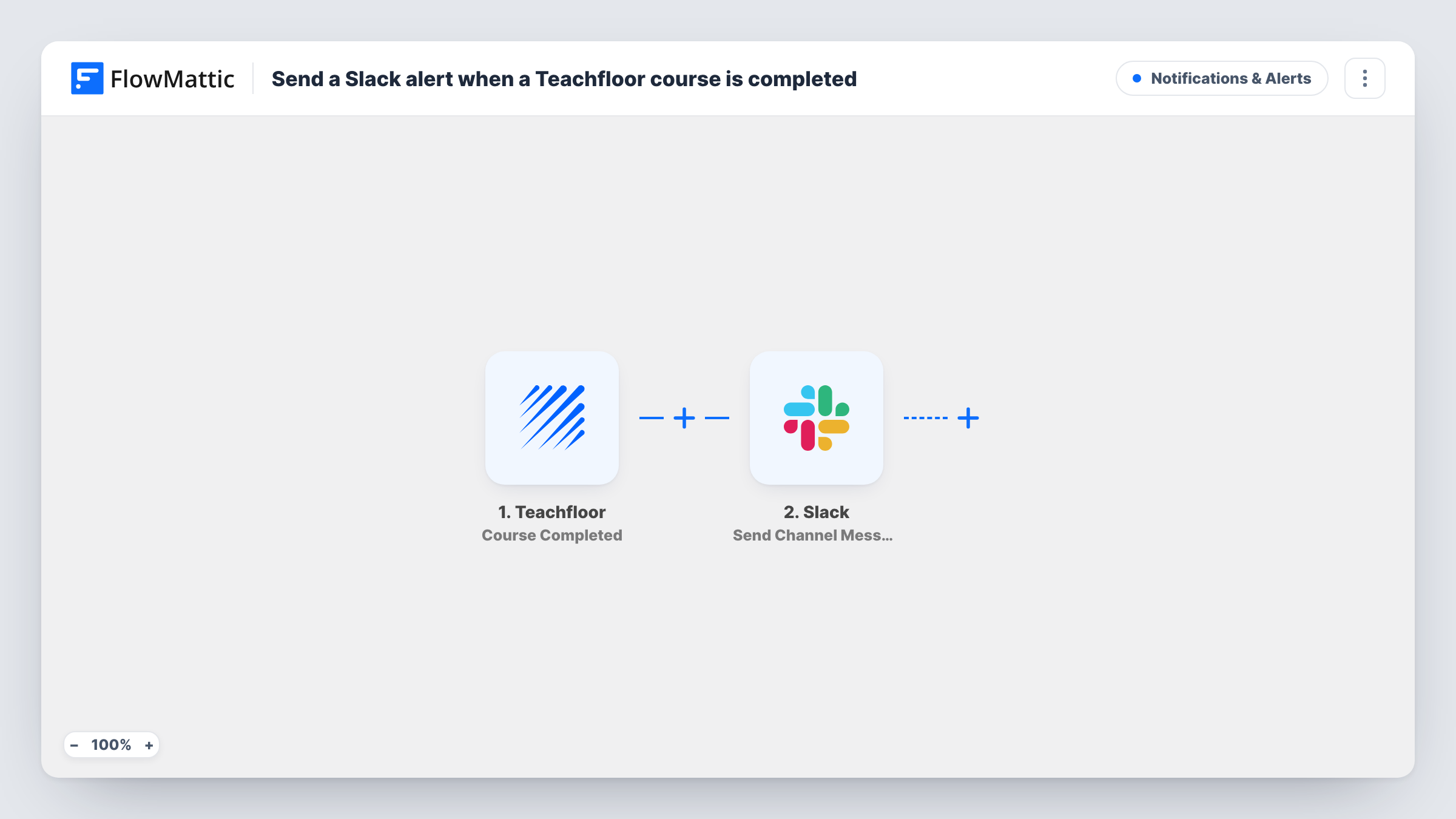
When a learner completes a course in Teachfloor, FlowMattic posts a message in the Slack channel you choose, so your team knows who finished and can follow up.
 Teachfloor
 Slack
Slack2 steps Setup ~5 min Used on 753 sites Free to import
What this workflow does
Course completions are worth knowing about: a certificate to send, a success story to ask for, or a next course to suggest. In Teachfloor that information sits in the platform until someone looks. This workflow puts each completion in front of your team in Slack.
The Teachfloor trigger fires when a course is completed, and the event's data, such as the learner and the course, is passed on where Teachfloor includes it. The Slack step then posts to the channel you pick, using a message you write with those details mapped in.
Every completion produces one message, across all courses, unless you add a Filter. The workflow does not message the learner or change anything in Teachfloor. Task History shows each run, which is useful if a completion you expected didn't appear in Slack.
Certificates for a cohort programme
The programme manager sees each Teachfloor completion in Slack and sends the learner's certificate the same day.
Customer education team
A SaaS company's academy posts completions to the customer success channel, so account managers know which clients finished onboarding training.
Internal training records
HR follows a Slack channel of staff completing compliance courses in Teachfloor and updates training records from it.
How this workflow runs
What happens at each step once the workflow is on, and what you need before you import it.
 Teachfloor Course Completed
Fires when a course is completed in Teachfloor. The completion data is captured so you can name the learner and course in Slack.
- Slack Send Channel Message
Posts the completion notice in a Slack channel you select. Connect your Slack workspace and write the message, mapping the Teachfloor learner and course details into it.
What you need
- FlowMatticCore
- Teachfloor AccountAccount
- Slack AccountAccount
After importing, map your own data. To keep the template universal, not every step is pre-filled. Open each step in the builder and connect your accounts and fields (channels, lists, sheets, recipients) before you switch the workflow on.
Make it yours
Changes worth making after you import it.
- Add a Filter after the trigger to post only completions of a particular Teachfloor course, if you run several courses and one matters most.
- Add an email step after Slack and map the learner's email, if Teachfloor sends it, to congratulate them as well.
- Complete a test course with a dummy learner after import so FlowMattic captures the fields you can use in the message.
Questions about this workflow
Is the learner told about the Slack message?
No. The message goes to your Slack channel only. Add another step, such as an email, if you also want to contact the learner.
Will every Teachfloor course post completions?
Yes, as imported. Add a Filter on the course name or ID to limit which completions reach Slack.
Can the Teachfloor completion go to a private Slack channel?
Yes, as long as the connected Slack account can post there. Run a test completion to check the message lands in the right place.
More Notifications & Alerts workflows
Other ready-to-import templates from the same category.




Import this workflow into your WordPress site
Download the JSON, import it from the Workflows screen and connect your accounts. Every run stays on your server, with no per-task fees.
30-day money-back guarantee Unlimited workflows and runs Self-hosted